KAI: Comic Maker Manga, Manhwa
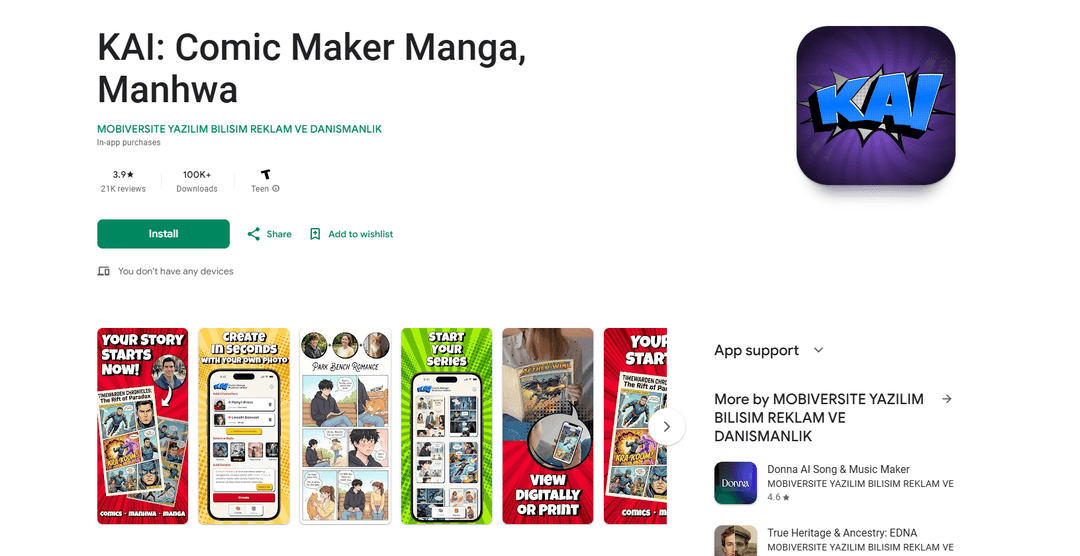
KAI: Comic Maker Manga, Manhwa is an AI-powered comic creation platform that enables users to generate professional-grade digital comics, manga, manhwa, and webtoon-style stories through an intuitive interface.
https://play.google.com/store/apps/details?id=com.ai.comic.book&hl=en
Product Information
Updated:Jan 27, 2026
What is KAI: Comic Maker Manga, Manhwa
KAI: Comic Maker Manga, Manhwa is a mobile application developed by MOBIVERSITE YAZILIM BILISIM that leverages artificial intelligence to help users create their own digital comics. The app offers various comic styles including manga, manhwa, webtoon and graphic novels across different genres like shonen, isekai, shoujo, mecha, sci-fi, fantasy, romance and more. As a subscription-based service, it aims to make comic creation accessible to aspiring artists and writers by handling the artistic elements through AI while allowing users to focus on storytelling.
Key Features of KAI: Comic Maker Manga, Manhwa
KAI: Comic Maker Manga, Manhwa is an AI-powered comic creation application that enables users to generate professional-grade digital comics, manga, manhwa, and webtoon-style stories. The app allows users to create custom characters by uploading photos, choose from various art styles, and automatically generate comic panels and sequences through AI technology. It offers multiple genre options and streamlines the comic creation process by handling the artistic elements while letting users focus on storytelling.
AI-Powered Character Creation: Users can upload photos and customize character details, which the AI transforms into manga, manhwa, or webtoon-style characters
Multiple Art Style Options: Supports various comic styles including manga, manhwa, webtoon, seinen, and superhero genres with appropriate visual aesthetics for each
Automated Panel Generation: AI automatically structures story synopses into sequential panels and scenes, handling layout and visual elements
Multi-Language Support: Available in multiple languages including English, Spanish, French, Portuguese and German for international accessibility
Use Cases of KAI: Comic Maker Manga, Manhwa
Amateur Comic Creation: Aspiring artists and writers can create professional-looking comics without advanced drawing skills
Story Prototyping: Writers can quickly visualize their stories and test different narrative approaches before committing to full production
Fan Fiction Development: Fans can create their own comic versions of existing stories or develop crossover narratives
Educational Content Creation: Teachers and educators can create engaging visual content for learning materials
Pros
User-friendly interface requiring no drawing skills
Wide variety of comic styles and genres available
AI automation speeds up the creation process
Cons
Requires subscription for full access
Limited to 5-6 pages per comic in basic version
No free trial to test the full features before subscribing
Additional charges for credits after initial comics
How to Use KAI: Comic Maker Manga, Manhwa
Download and Install: Download KAI: Comic Maker Manga, Manhwa from Google Play Store and install it on your Android device
Subscribe to Service: Purchase a subscription as the app requires payment to access comic creation features
Add Characters: Add your characters by uploading photos and providing their names/details. The AI will transform them into manga/manhwa style characters
Select Art Style: Choose your preferred art style from options like Comic, Manga, Manhwa, or Seinen to match your story's aesthetic
Write Your Story: Write your story/plot or use the 'Surprise Me' feature for inspiration. You can create across various genres like shonen, isekai, romance, action etc.
Generate Comic: Tap 'Create' button and let the AI generate your comic by automatically structuring your story into panels and sequences
View and Save: View your generated 6-panel comic, save it to your device, and share it with others if desired
Add More Pages: Use the extended story mode to add more pages and create longer, more detailed adventures for your comic
KAI: Comic Maker Manga, Manhwa FAQs
No, while the app can be downloaded for free, it requires a paid subscription to actually create comics. Users encounter a paywall immediately when trying to make their first comic.
Popular Articles

Vosko AI: Localize and Dub Videos for Global Audiences
Oct 15, 2026

Atoms: A Multi-Agent AI Platform That Transforms Ideas into Launch-Ready Products
Oct 13, 2026

Nano Banana SBTI: What It Is, How It Works, and How to Use It in 2026
Apr 15, 2026

Atoms Review — The AI Product Builder Redefining Digital Creation in 2026
Apr 10, 2026
Latest AI Tools Similar to KAI: Comic Maker Manga, Manhwa
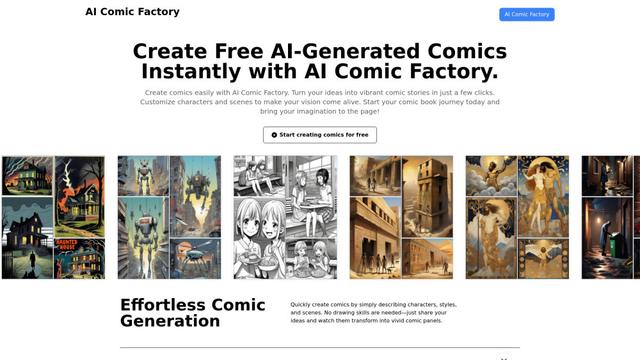
AI Comic Factory
AI Comic Factory is an innovative online platform that allows users to effortlessly create personalized comics using AI-powered tools for generating artwork, characters, and storylines.
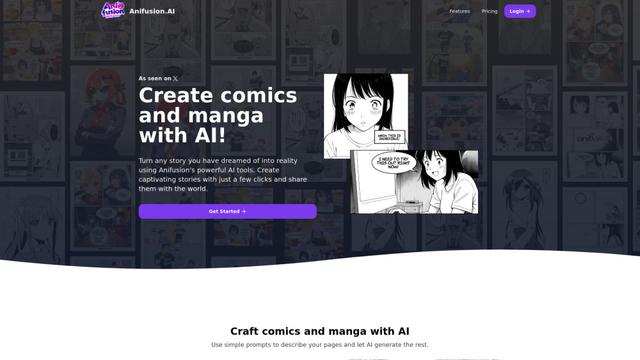
Anifusion
Anifusion is an AI-powered online tool that allows anyone to easily create professional-quality comics and manga using simple text prompts.
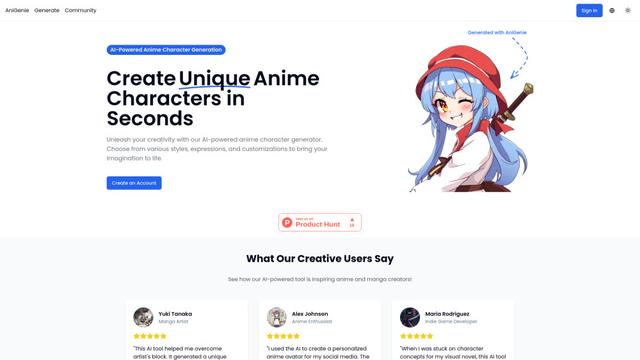
AniGenie
AniGenie is an AI-powered anime character generator that allows users to create unique anime characters in seconds by choosing from various styles, expressions, and customizations.
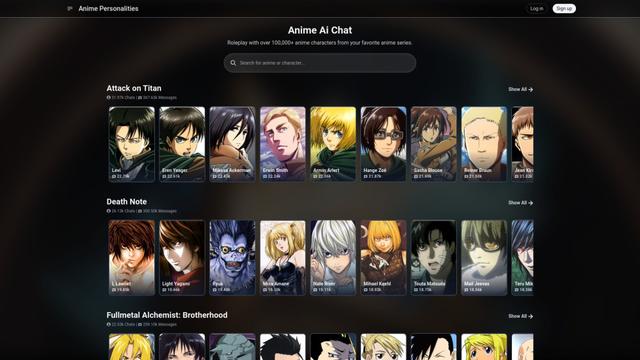
Anime Ai Chat
Anime Ai Chat is an AI-powered platform that allows users to roleplay and chat with over 100,000 anime characters from popular series using advanced language models.
Popular AI Tools Like KAI: Comic Maker Manga, Manhwa

PixAI - AI Art Generator
PixAI is a powerful AI-powered platform that allows users to effortlessly generate high-quality anime and realistic art using advanced AI models and editing tools.

SkyReels
SkyReels is an AI-powered comic creation tool that enables anyone to generate high-quality comics and manga without drawing skills, offering features like character design, scene setting, and one-click comic generation.

Komiko
Komiko is an all-in-one AI-powered platform that enables users to create comics, manga, manhwa, and animations through consistent character design, text-to-image generation, and advanced pose control features.
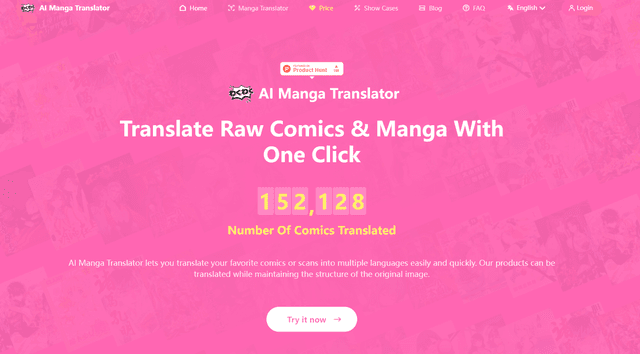
AI Manga Translator
AI Manga Translator is an advanced online tool that uses AI to quickly and accurately translate manga and comics into multiple languages while preserving the original artwork.