Jan AI
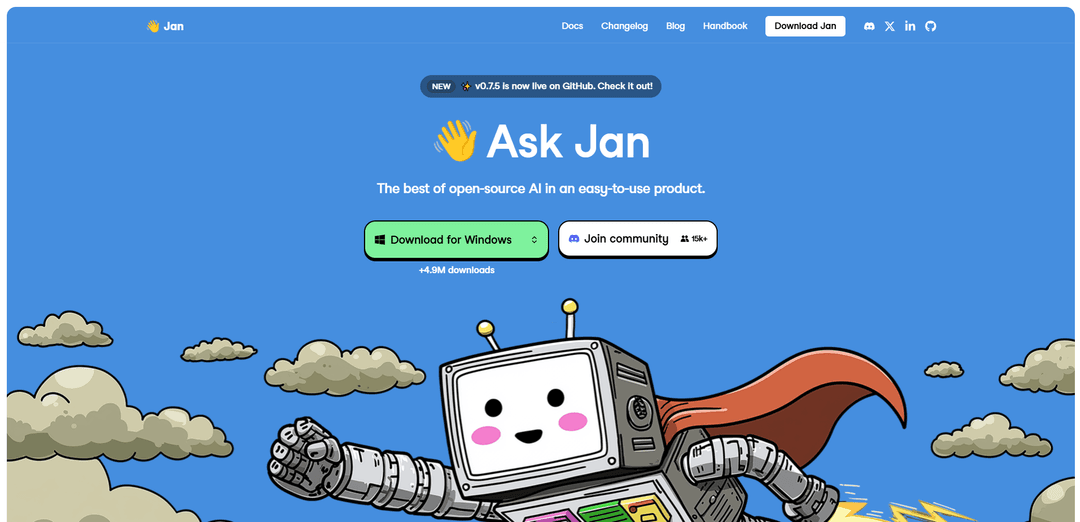
Jan AI is a free, open-source desktop application that runs AI language models locally on your computer, offering ChatGPT-like functionality with complete privacy and offline capabilities.
https://www.jan.ai/?utm_source=aipure
Product Information
Updated:Jan 27, 2026
What is Jan AI
Jan AI is an innovative open-source platform that transforms your standard computer into a powerful AI machine. Developed by a team that believes AI should be open and accessible to everyone, Jan AI serves as a unified interface where users can either run AI models locally or connect to cloud-based services like GPT, Claude, and others. With over 800,000 downloads, it packages the best of open-source AI into an easy-to-use product that prioritizes user privacy and data sovereignty.
Key Features of Jan AI
Jan AI is an open-source ChatGPT alternative that runs locally on your computer, offering a user-friendly interface for accessing various AI models both offline and online. It provides privacy-focused AI interactions, supports multiple language models (like Llama, Gemma, Qwen), enables web search capabilities, and includes features for file attachments and browser integration. The platform emphasizes data sovereignty by storing all information locally while offering the flexibility to connect to cloud AI services when needed.
Local Model Running: Ability to run AI models completely offline on your local machine, supporting various hardware configurations including NVIDIA GPUs, Apple M-series, and Intel processors
Multi-Model Support: Compatibility with both open-source models (Llama, Gemma, Qwen, Mistral) and cloud-based services (GPT, Claude, Groq) through a unified interface
OpenAI-Compatible API: Provides a local API server at localhost:1337 that acts as a drop-in replacement for OpenAI's API, enabling seamless integration with existing applications
Integrated Tools & Extensions: Connects with productivity tools like Gmail, Notion, Figma, and Jira, plus supports browser automation and file attachments for enhanced functionality
Use Cases of Jan AI
Private Enterprise Computing: Ideal for businesses in regulated industries like healthcare and finance that need to process sensitive data with AI while maintaining privacy
Offline Development: Perfect for developers who need to work with AI capabilities in environments without internet access or during travel
Research and Analysis: Enables researchers to conduct deep research and analysis using AI while maintaining data sovereignty and avoiding cloud dependencies
Personal Productivity: Serves as a private AI assistant for daily tasks, document processing, and creative work without relying on cloud services
Pros
Complete privacy and data sovereignty with local processing
No API costs for local model usage
Flexible choice between local and cloud models
User-friendly interface compared to other local AI solutions
Cons
Requires sufficient local hardware resources to run models effectively
Some features like personalized assistants are still in development
May experience bugs due to rapid development cycles
How to Use Jan AI
Download and Install: Download Jan.ai from jan.ai or GitHub releases page and install the .exe (Windows) or .dmg (Mac) file on your computer
Configure Hardware Settings: After installation, go to Settings > Hardware and enable GPU if available by toggling the ON switch
Download AI Model: Navigate to Settings > Models section to download an AI model. For beginners, Mistral is recommended. Look for models with 'GGUF' in their name as only GGUF models are compatible
Start the Model: In the Models section, click the options icon (vertical ellipsis) next to your downloaded model and select 'Start Model'. Wait a few seconds for it to initialize
Begin Chatting: Once model is started, you can begin chatting with the AI through the main interface. Your conversations will be organized into threads
Optional: Connect Cloud Providers: If desired, you can connect to cloud AI services like OpenAI, Claude, or Gemini by adding your API keys in Settings > Providers
Optional: Enable Web Search: To enable real-time web search capabilities, follow the Serper MCP tutorial in settings to get 2,500 free searches
Optional: Use API Server: For developers - Jan provides an OpenAI-compatible API server at localhost:1337 that can be integrated with other applications
Jan AI FAQs
Jan AI is an open-source ChatGPT alternative that allows you to run AI models locally on your computer or connect to cloud models. It focuses on privacy, ease of use, and provides a user-friendly interface for both local and cloud-based AI interactions.
Popular Articles

Vosko AI: Localize and Dub Videos for Global Audiences
Oct 15, 2026

Atoms: A Multi-Agent AI Platform That Transforms Ideas into Launch-Ready Products
Oct 13, 2026

Nano Banana SBTI: What It Is, How It Works, and How to Use It in 2026
Apr 15, 2026

Atoms Review — The AI Product Builder Redefining Digital Creation in 2026
Apr 10, 2026
Latest AI Tools Similar to Jan AI

MultipleWords
MultipleWords is a comprehensive AI platform offering 16 powerful tools for content creation and manipulation across audio, video, and image editing with cross-platform accessibility.
AiTools.Ge
FreemiumMulti-purpose Tools
AiTools.Ge is an all-in-one AI content creation platform offering 70+ templates for generating text, images, voiceovers, code and more across multiple languages.
GiGOS
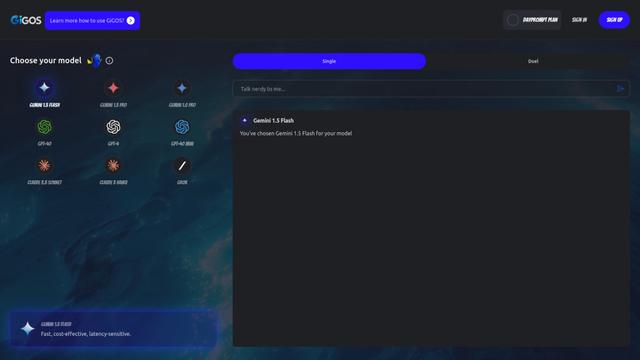
GiGOS is an AI platform that provides access to multiple advanced language models like Gemini, GPT-4, Claude, and Grok with an intuitive interface for users to interact with and compare different AI models.

Lynklet
Lynklet is an all-in-one social tool platform that combines bio link pages, URL shortening, QR code generation, digital business cards, and file hosting capabilities in one comprehensive solution.
Popular AI Tools Like Jan AI

Off-grid LLM over Radio
A platform that integrates Large Language Models (LLMs) with Meshtastic mesh communication networks to enable off-grid AI interactions and automated task execution through radio communication.
Pixelagent
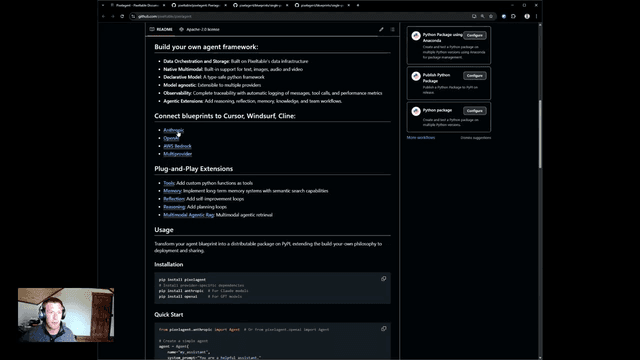
Pixelagent is a declarative Python framework for building custom AI agents that unifies LLM capabilities, storage, and orchestration with build-your-own functionality for memory, tool-calling, and multimodal data handling.

MulmoCast
MulmoCast is an AI-native multi-modal presentation tool that automatically generates videos, podcasts, slides, PDFs, and manga-style content from a single script using various AI technologies.
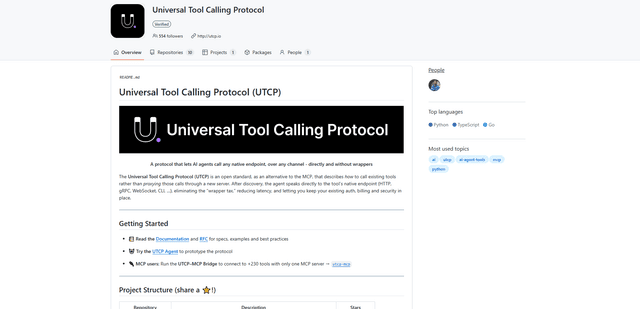
UTCP
UTCP (Universal Tool Calling Protocol) is an open standard protocol that enables AI agents to directly call any native API endpoint across different communication protocols without requiring middleware or wrapper servers.