
InvoProof
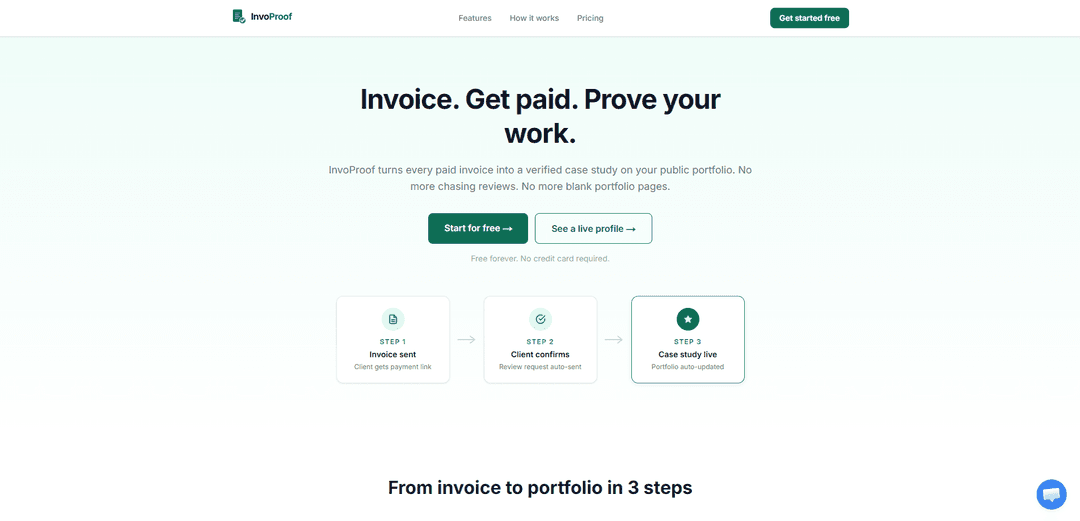
InvoProof turns paid invoices into invoice-verified reviews and auto-published case studies, building a public portfolio that updates itself without chasing clients for testimonials.
https://invoproof.com/?ref=producthunt
Product Information
Updated:Aug 8, 2026
What is InvoProof
InvoProof is an invoice-to-portfolio platform designed for professionals who want credible social proof without the overhead of manual portfolio updates or repeated review requests. It combines a simple invoice builder with a verification layer that ties client feedback to real, paid work, then publishes that proof as case studies on a public profile page (e.g., InvoProof.com/yourname). With a free plan available (no credit card required), InvoProof focuses on lightweight, essential tools—invoice creation, status tracking, and verified portfolio content—so freelancers and solo operators can show trustworthy results faster.
Key Features of InvoProof
InvoProof is an invoicing and portfolio-building tool that turns paid invoices into invoice-verified case studies on a public profile. It combines an invoice builder, real-time invoice status tracking (Draft → Sent → Viewed → Paid → Reviewed), automated review requests after payment confirmation, and auto-generated portfolio/case study pages—helping professionals get paid, collect credible client feedback, and continuously update a public body of proof without manual portfolio maintenance.
Invoice builder: Create clean, professional invoices with line items, due dates, and auto-calculated totals, then send clients a payment link.
Real-time invoice status tracking: Track each invoice through key stages—Draft, Sent, Viewed, Paid, and Reviewed—so you know exactly where every client stands.
Invoice-verified reviews: Collect reviews that are tied to real paid invoices, providing stronger credibility than self-submitted or unverified testimonials.
Automated review request workflow: Once a client confirms payment, InvoProof automatically sends a review request to reduce follow-up effort and increase review collection.
Auto-built public portfolio + case study pages: Every completed project can become a published case study (with your description, budget range, and verified review) on a public profile page that updates itself.
PDF invoice downloads: Download and share professional PDF invoices from any device for easy client sharing and record-keeping.
Use Cases of InvoProof
Freelancers building trust fast: Designers, developers, writers, and consultants can convert completed paid work into verified case studies to win new clients without chasing testimonials.
Agencies showcasing project outcomes: Small agencies can standardize proof across multiple client engagements by publishing invoice-backed case studies and keeping their portfolio continuously updated.
Professional services (legal, accounting, coaching): Service providers can document engagements with invoice-verified social proof, helping prospects evaluate credibility while keeping invoicing and proof in one workflow.
Contractors and local service businesses: Trades and local services (e.g., photographers, videographers, event services) can use paid invoices to generate verified project pages that act as a living gallery of work.
Independent consultants managing repeat clients: Consultants can track invoice progress, reduce payment/review follow-ups, and build a public track record of completed engagements over time.
Pros
Strong credibility signal: reviews are tied to paid invoices, reducing fake or low-trust testimonials.
Automation reduces admin: review requests and portfolio updates happen automatically after payment confirmation.
Clear visibility into cashflow and progress with a simple status tracker from sent to reviewed.
Accessible entry point: free plan available with no credit card required.
Cons
Free plan is limited (e.g., 3 invoices and 3 case studies), which may be restrictive for active professionals.
Paid tiers (Pro and Lifetime) are listed as “coming soon,” so expanded capacity may not be immediately available.
Portfolio and proof are centered on the InvoProof public profile format, which may not fully replace a custom website for some users.
How to Use InvoProof
1) Sign up for InvoProof: Go to https://www.invoproof.com/signup and create your account. The Free plan is available with no credit card required.
2) Access your invoice builder: Open the InvoProof app and navigate to the invoice creation area (Invoice builder) to start a new invoice.
3) Create an invoice: Build a clean, professional invoice by adding line items, setting due dates, and letting InvoProof auto-calculate totals.
4) Send the invoice to your client: Send the invoice so your client receives a payment link. This begins the workflow: Draft → Sent.
5) Track invoice status in real time: Use the real-time status tracker to monitor where the invoice is in the pipeline: Draft → Sent → Viewed → Paid → Reviewed. You can also track when the client opens/views the invoice.
6) Get client payment confirmation: When your client pays/confirms payment, the invoice status updates to Paid, which triggers the next step automatically.
7) Let InvoProof automatically request a review: After payment confirmation, InvoProof auto-sends the client a review request so you don’t have to chase reviews manually.
8) Publish an invoice-verified review: Once the client submits the review, it is tied to the real paid invoice—making it invoice-verified (not self-submitted or fake). The invoice status updates to Reviewed.
9) Watch your portfolio update automatically: Each paid + reviewed project is published as a verified case study on your public profile page (e.g., InvoProof.com/yourname). No manual portfolio updates needed.
10) Add details to the case study page (optional): For each completed project, include your project description and budget range so the case study is more informative alongside the verified client review.
11) Download or share PDF invoices (optional): Generate and download professional PDF invoices from any device for sharing or record-keeping.
12) Stay within Free plan limits (or upgrade when available): On the Free plan, you can create up to 3 invoices and 3 case studies and maintain a public profile page. Paid plans (Pro monthly and Pro Lifetime) are listed as coming soon for unlimited usage.
InvoProof FAQs
InvoProof is an invoice-verified social proof tool that turns every paid invoice into a verified case study on your public portfolio, so your portfolio updates automatically from completed work.
Popular Articles

Vosko AI: Localize and Dub Videos for Global Audiences
Oct 15, 2026

Atoms: A Multi-Agent AI Platform That Transforms Ideas into Launch-Ready Products
Oct 13, 2026

Nano Banana SBTI: What It Is, How It Works, and How to Use It in 2026
Apr 15, 2026

Atoms Review — The AI Product Builder Redefining Digital Creation in 2026
Apr 10, 2026
Latest AI Tools Similar to InvoProof
Accountable
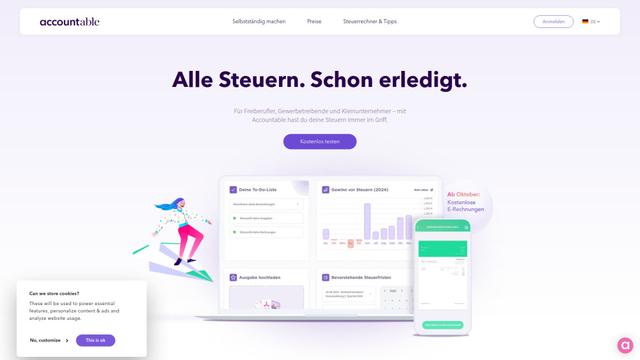
Accountable is an all-in-one tax and accounting solution for freelancers and self-employed professionals in Germany, offering invoice creation, expense tracking, and automated tax filing.
Financial Fusion
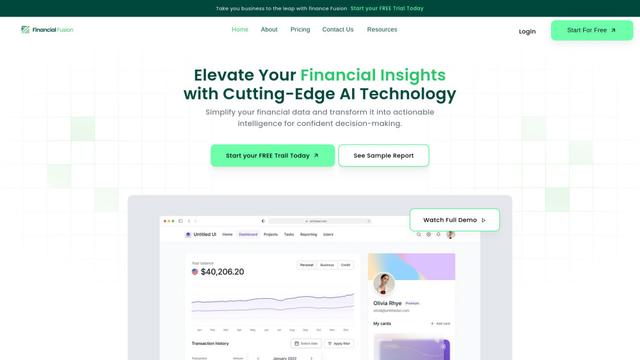
Financial Fusion is an AI-powered financial management platform that provides comprehensive financial analysis, reporting, and strategic insights for businesses.
ARTE - AI Real Estate Tax Expert and Research Assistant
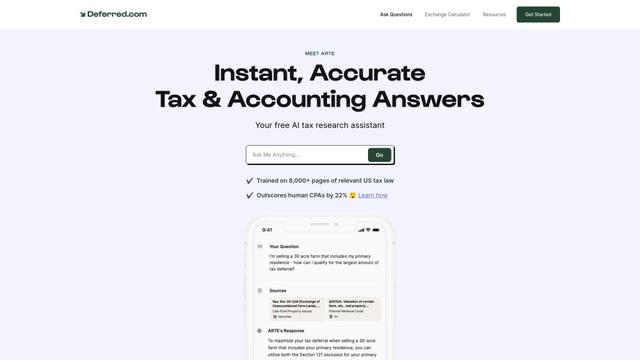
ARTE is a free AI-powered tax research assistant that outperforms human CPAs by 22% on CPA exam benchmarks and provides instant, accurate answers to complex tax and accounting questions.
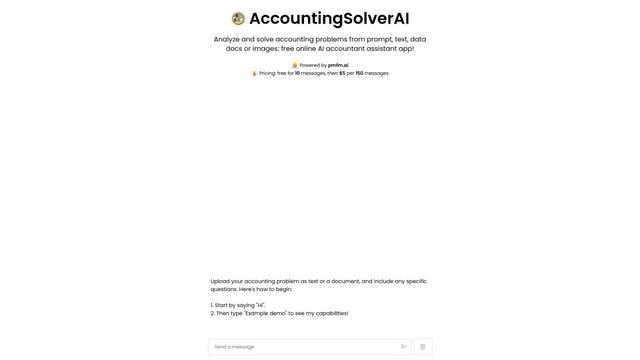
AccountingSolverAI
AccountingSolverAI is an AI-powered online assistant that analyzes and solves accounting problems from prompts, text, data documents or images.
Popular AI Tools Like InvoProof
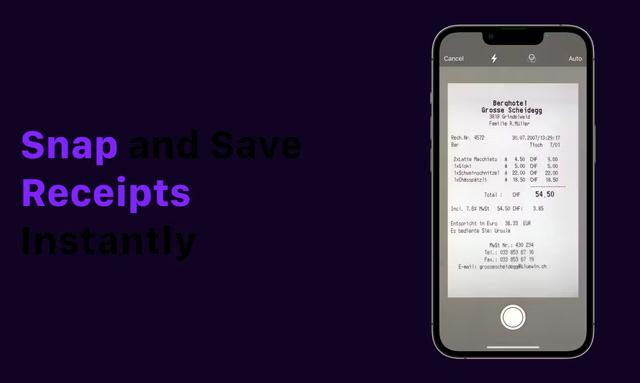
Receipt Snapper And Scanner
Receipt Snapper And Scanner is a mobile app that allows users to instantly capture, categorize, and organize receipts through photo scanning with automatic data extraction and smart organization features.
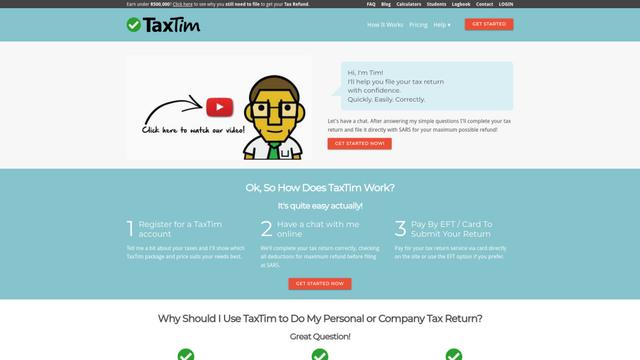
TaxTim SA
TaxTim is an online tax assistant that helps South Africans quickly and easily complete their tax returns for maximum refunds.
Accountable
Accountable is an all-in-one tax and accounting solution for freelancers and self-employed professionals in Germany, offering invoice creation, expense tracking, and automated tax filing.
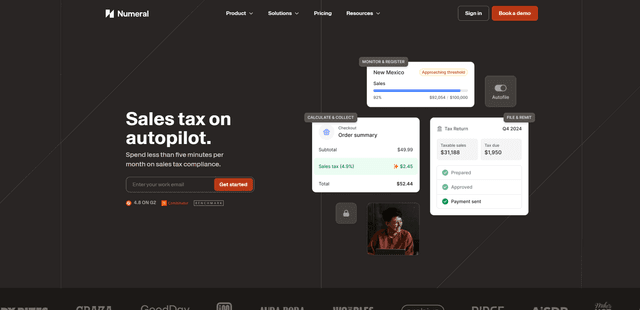
Numeral
Numeral is an automated sales tax compliance platform that helps ecommerce and SaaS businesses manage their sales tax obligations with features like registration, filing, remittance and exemption certificate management.