
Inksightful
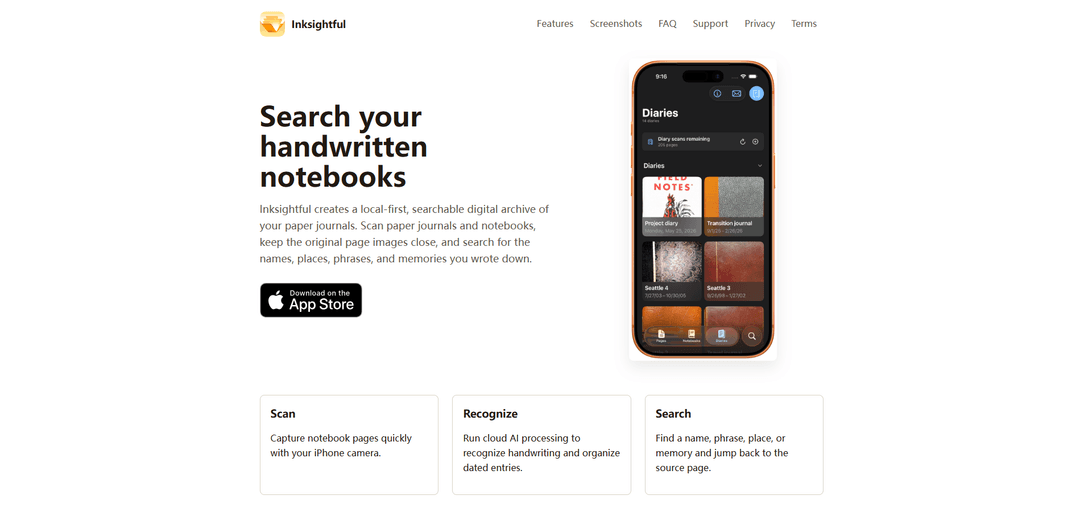
Inksightful is an iOS app that scans handwritten notebook pages, uses cloud AI to recognize handwriting and organize entries, and lets you search your paper journals by names, places, and phrases while keeping the original page images.
https://inksightful.app/?ref=producthunt
Product Information
Updated:Jul 8, 2026
What is Inksightful
Inksightful helps you turn years of handwritten journals and notebooks into a searchable digital archive without replacing your paper workflow. Designed for long-running diaries and notebooks, it captures pages with your iPhone camera, keeps the original page images paired with recognized text, and makes it easy to rediscover specific memories, people, and topics through search. The library is local-first (stored on your device), while handwriting recognition and organization rely on cloud AI processing.
Key Features of Inksightful
Inksightful is an iOS (iPhone/iPad) app that helps you scan paper journals and notebooks into a local-first, searchable archive. It keeps original page images on-device while using cloud AI (and potentially third-party AI providers) to recognize handwriting, organize dated entries, and return searchable text that stays linked to the source page image—making it easy to rediscover names, places, phrases, and memories across years of handwritten notes.
Fast page scanning: Capture notebook pages quickly using the iPhone camera to build a digital archive from existing paper notebooks.
Cloud AI handwriting recognition: Uploads selected page images and related processing data to Inksightful’s backend (and may use third-party AI providers) to recognize handwriting and extract text.
Search across handwritten archives: Search for names, places, phrases, and memories across scanned notebooks and jump back to the exact source page.
Local-first library storage: Your notebook library lives on your device, keeping page images close while still benefiting from cloud processing for recognition.
Text stays paired with page images: Recognized, searchable text remains linked to the original scanned page image for context and verification.
Designed for long-running journals: Built specifically for organizing and searching long-term diaries, journals, and multi-notebook collections.
Use Cases of Inksightful
Personal journaling & memory recall: Digitize years of diaries and quickly find specific people, events, or locations without flipping through physical pages.
Academic study notes archive: Scan handwritten lecture notes and search for key terms to speed up revision and retrieval across semesters.
Creative writing & idea capture: Turn notebooks of story ideas, character notes, and drafts into a searchable repository while keeping original handwriting context.
Research field notebooks: Organize and search handwritten observations and dated entries from fieldwork while preserving original page images for reference.
Professional meeting & project notes: Create a searchable archive of handwritten meeting notes to find decisions, action items, or names across projects.
Pros
Local-first storage: your notebook library (page images) lives on-device for quick access and a personal archive feel.
Searchable handwriting: cloud AI recognition enables fast lookup across large volumes of handwritten pages.
Context preserved: searchable text stays linked to the original page image for verification and recall.
Cons
Requires cloud AI processing: page images, recognized text, and processing data are uploaded to Inksightful’s backend.
Potential third-party sharing: data may be sent to third-party AI providers, making it unsuitable for sensitive or restricted notes.
How to Use Inksightful
1. Install Inksightful: On your iPhone or iPad, install Inksightful from the App Store (Inksightful: Journal Archive).
2. Understand data handling before scanning: Know that your notebook library is stored on your device, but handwriting recognition/organization requires cloud AI processing. When you scan pages, selected page images, recognized text, and related processing data are uploaded to Inksightful’s backend and may be sent to third-party AI providers. Do not use Inksightful for notes you are not allowed to share with third-party processors.
3. Start a local-first notebook library: Open Inksightful and begin building your on-device library of notebooks/journals (the archive you’ll search later).
4. Scan notebook pages: Use the in-app scanning flow to capture pages quickly with your iPhone camera, adding page images to your archive.
5. Run handwriting recognition (cloud AI processing): Trigger processing so Inksightful can recognize handwriting and organize entries (including dated entries where applicable). This step uses cloud AI.
6. Search your notebooks: Use search to look up names, places, phrases, or memories across your scanned notebooks.
7. Jump back to the source page: Open a search result to view the recognized text paired with the original page image, and jump directly to the source page image for verification and context.
8. Continue building your archive over time: Repeat scanning and processing as you add more pages or notebooks, creating a long-running searchable archive of your handwritten journals.
Inksightful FAQs
Inksightful is an iPhone/iPad app that creates a local-first, searchable digital archive of your paper journals by scanning pages, recognizing handwriting via cloud AI processing, and letting you search and jump back to the original page image.
Popular Articles

Vosko AI: Localize and Dub Videos for Global Audiences
Oct 15, 2026

Atoms: A Multi-Agent AI Platform That Transforms Ideas into Launch-Ready Products
Oct 13, 2026

Nano Banana SBTI: What It Is, How It Works, and How to Use It in 2026
Apr 15, 2026

Atoms Review — The AI Product Builder Redefining Digital Creation in 2026
Apr 10, 2026
Latest AI Tools Similar to Inksightful
Sai
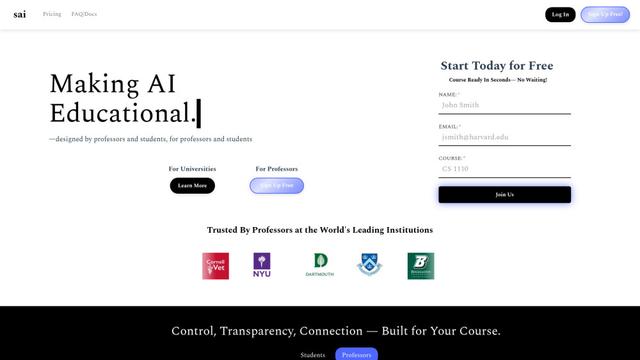
Sai is a specialized AI platform designed by and for professors and students that provides controlled, transparent, and educational AI capabilities for academic courses.
Examful.ai: Free AP, IB, and A-Level Past Papers and Tutoring
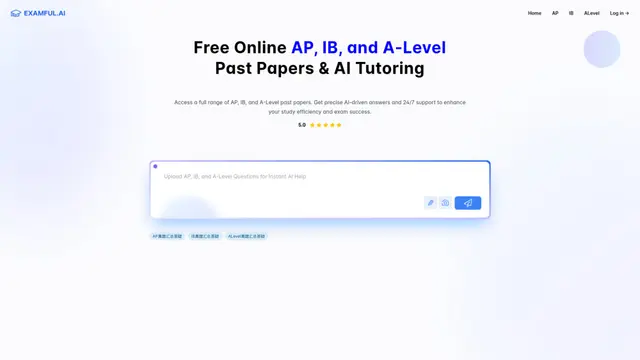
ExamFul.ai is a free online platform offering comprehensive access to AP, IB, and A-Level past papers alongside 24/7 AI-powered tutoring and detailed explanations for exam preparation.
SmartStudi.com
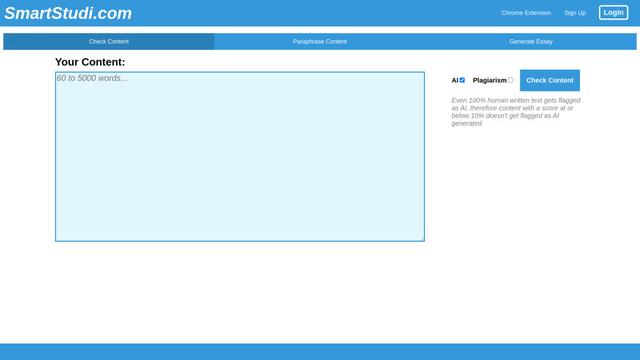
SmartStudi.com is an intelligent learning platform offering AI-powered tools for content checking, paraphrasing, essay generation, and academic assistance.

Yanbi AI
Yanbi AI is a free AI-powered writing tool that generates high-quality content for various writing scenarios with one click.
Popular AI Tools Like Inksightful
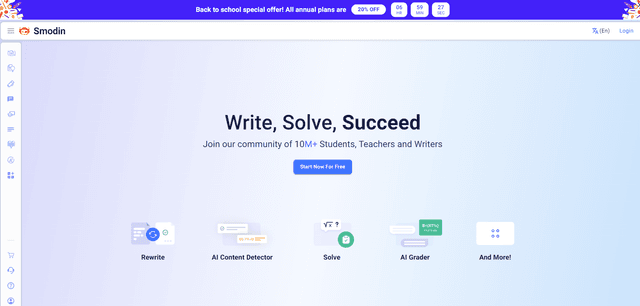
Smodin
Smodin is a comprehensive AI-powered writing assistant platform that offers multiple tools including text rewriting, plagiarism checking, translation, and content generation to help students, writers, and professionals enhance their writing process.
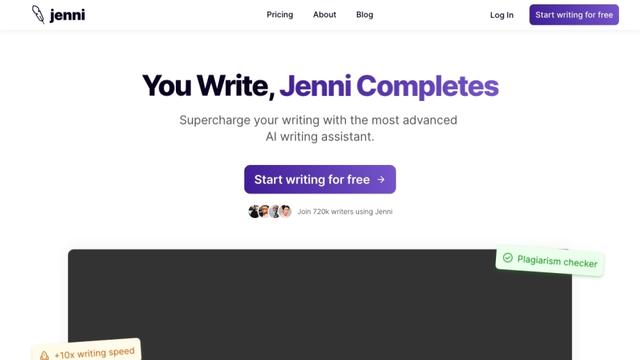
Jenni
Jenni is an AI-powered writing assistant that helps students and researchers write, edit, and cite academic papers more efficiently.
HyperWrite
HyperWrite is an AI-powered writing assistant that uses advanced artificial intelligence to help users generate high-quality content, improve their writing, and boost productivity across various writing tasks.
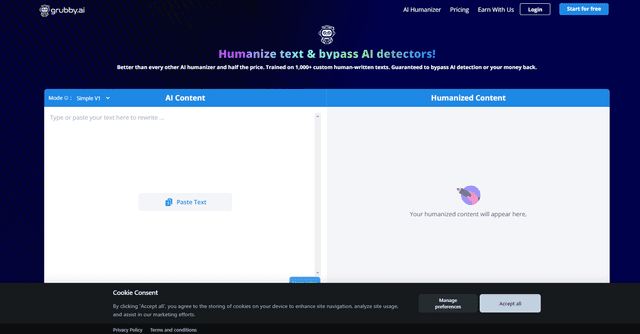
grubby.ai
Grubby.AI is an AI text humanizer tool that transforms AI-generated content into undetectable, human-like text using advanced algorithms while bypassing major AI detection systems.