
ImgEditor
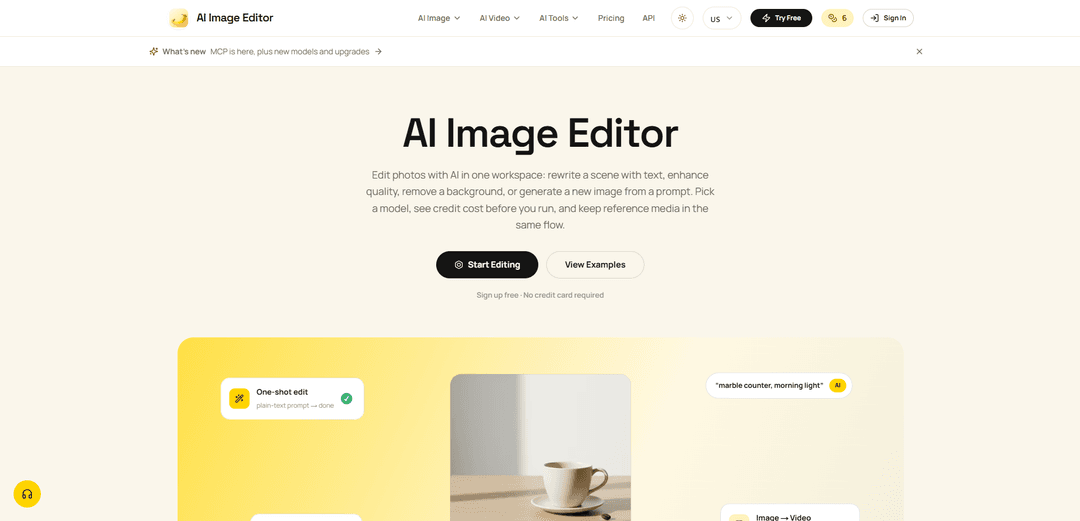
ImgEditor is an AI image editor that lets anyone edit photos with simple text prompts: remove or replace objects, change backgrounds, retouch portraits, restyle images and upscale results in seconds, right in the browser.
https://imgeditor.co/?utm_source=aipure
Product Information
Updated:Oct 23, 2026
What is ImgEditor
ImgEditor, also known as AI Image Editor, is an AI image and video creation platform operated by LOGICTECH PTE. LTD. It enables creators, marketers, designers, and everyday users to edit existing photos, generate new visuals from text, remove backgrounds, enhance image quality, upscale outputs, and create short AI videos from a unified workspace. Users can select from multiple image and video models, upload reference images, review estimated credit costs before generation, and manage their work through a single account and credit balance.
Key Features of ImgEditor
ImgEditor is a browser-based AI image and short-video creation workspace that lets users generate visuals from text, edit uploaded images with natural-language prompts, enhance or upscale photos, remove backgrounds, and combine reference media. It offers multiple image and video models, visible credit-cost estimates before generation, support for high-resolution output up to 4K, and tools aimed at fast creative iteration for individuals, creators, marketers, and teams.
Prompt-based image editing: Upload an image and describe changes in plain language, such as replacing a background, adjusting lighting, changing a scene, removing objects, or applying a new visual style.
Text-to-image generation: Create original images from prompts using a selection of AI models, with controls for subject, setting, style, composition, lighting, and reference imagery.
Multi-reference and character consistency: Use multiple reference images to help preserve character identity, product details, visual style, and composition across a series of generated or edited assets.
Enhancement and 4K upscaling: Improve soft or low-resolution images with enhancement and upscale workflows, supporting output suitable for larger displays, print-oriented work, and polished digital publishing.
Background removal and specialist tools: Access dedicated utilities for cutouts, background removal, image enhancement, and other common photo-editing tasks without requiring traditional design software.
Unified image and video workspace: Generate still images and short AI videos from the same account and credit balance, with model selection, task status, and estimated credit costs shown in the workflow.
Use Cases of ImgEditor
E-commerce product imagery: Create clean product cutouts, replace distracting backgrounds, enhance catalog photos, and generate lifestyle or advertising variants while retaining recognizable packaging and product details.
Social media content production: Produce branded post graphics, campaign visuals, creator thumbnails, and repeatable character-based content series more quickly than manual image-editing workflows.
Marketing and advertising creative: Generate ad concepts, poster designs, promotional graphics, and multiple visual variations for testing, including imagery that requires accurate in-image text rendering.
Concept art and rapid prototyping: Help artists, game teams, and creative studios explore environments, characters, product concepts, lighting treatments, and art directions through fast prompt iterations.
Portrait and professional photo cleanup: Improve portraits by enhancing quality, changing settings or clothing descriptions, removing unwanted visual elements, and creating more polished presentation images.
Image-to-video storytelling: Turn a still image or generated frame into a short cinematic video clip for social campaigns, product promotion, presentations, or creative experiments.
Pros
Combines image generation, natural-language editing, enhancement, background removal, and short-video creation in one browser workspace.
Supports multiple AI models and shows estimated credit costs before a run, improving transparency over usage.
Offers reference-image workflows, multi-image fusion, and character-consistency capabilities for branded or recurring visual content.
Provides high-resolution output options, including 2K and 4K workflows, for more professional-looking assets.
Cons
Credit-based pricing means frequent generation, high-resolution output, or premium models can become costly.
AI results may not follow complex prompts exactly and can require multiple iterations or simpler step-by-step edits.
Output quality depends partly on the source image quality, prompt clarity, selected model, and requested degree of change.
Users must ensure they hold the necessary rights to uploaded references, prompts, and commercially used final assets.
How to Use ImgEditor
Create an account: Visit imgeditor.co and sign up for a free account. No credit card is required to begin, and new accounts may receive free credits.
Open the workspace: Choose “Start Editing,” “Try Free,” or open the AI image/video generator workspace. The same workspace supports image generation, reference-image editing, enhancement, background tools, and short video creation.
Choose a creation mode: Select whether you want to generate a new image from text, edit an uploaded image, enhance an image, remove a background, or create a video.
Select a model: Pick an available AI model suited to your task. Different models emphasize speed, precise reference editing, photorealism, typography, cinematic styling, or high-resolution output.
Upload reference media when needed: For edits or reference-guided generation, upload an image from your device or select one from your asset library. Uploading is free; credits are used when you run generation or editing.
Write a clear prompt: Describe the desired result in plain language. For new images, include the subject, scene, style, composition, and lighting. For edits, use direct instructions such as “change the sky to a starry night” or “replace the background with a marble counter in morning light.”
Configure output settings: Choose applicable options such as aspect ratio, resolution, image count, quality, and output format. Available settings depend on the selected model; some models support 1K, 2K, or 4K output.
Review the credit estimate: Before submitting, check the estimated credit cost displayed by the interface. Make sure your account has enough credits for the selected model and settings.
Generate or apply the edit: Submit the task and monitor its status in the workspace. Recent generation tasks appear as cards, allowing you to track progress and access completed results.
Review and refine the result: Preview the output. If it is not quite right, revise the prompt, make the requested changes more specific, adjust settings, or switch models. For complex edits, use several smaller edits rather than one extreme instruction.
Use specialist tools if appropriate: For focused tasks, use tools such as Background Remover for cutouts or AI Image Enhancer for improving softness, detail, and perceived image quality.
Download or reuse the asset: Download the finished image or video in the available quality and format, or keep it in your library for use as a reference in later generations. Ensure you have the necessary rights for uploaded inputs and intended final use.
ImgEditor FAQs
ImgEditor, also called AI Image Editor, is an independent AI creation workspace operated by LOGICTECH PTE. LTD. It supports AI image editing, text-to-image generation, and short video creation using prompts and reference media.
Popular Articles

Vosko AI: Localize and Dub Videos for Global Audiences
Oct 15, 2026

Atoms: A Multi-Agent AI Platform That Transforms Ideas into Launch-Ready Products
Oct 13, 2026

Nano Banana SBTI: What It Is, How It Works, and How to Use It in 2026
Apr 15, 2026

Atoms Review — The AI Product Builder Redefining Digital Creation in 2026
Apr 10, 2026
Latest AI Tools Similar to ImgEditor
IMG Processing
IMG Processing is a powerful API service that enables fast and reliable image processing capabilities including uploading, transforming, and watermarking through simple integration.
Wink Mody
Wink Mody is a modified version of the Wink video editing app that offers premium features like AI-powered retouching, 4K exports, and watermark-free editing completely free of charge.
Erase BG
Erase BG is a free, AI-powered online tool that automatically removes backgrounds from images with support for up to 4K resolution, requiring no account or special skills.
PicTrix AI
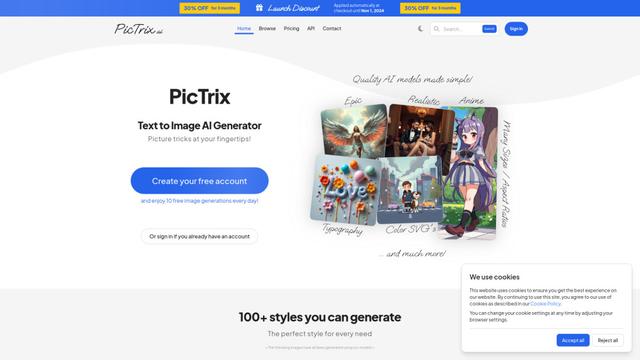
PicTrix AI is an advanced AI-powered platform that transforms text prompts and images into high-quality visuals across multiple styles, formats and sizes while offering features like image restoration, enhancement and SVG generation.
Popular AI Tools Like ImgEditor
Krita
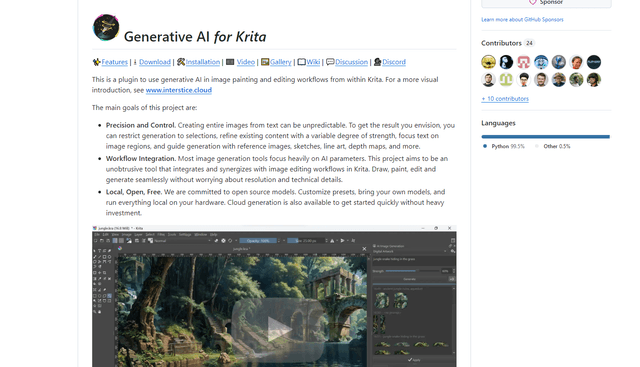
Krita is a free and open-source digital painting and illustration software that offers a wide range of professional-grade tools for artists and designers.
Adobe Photoshop App
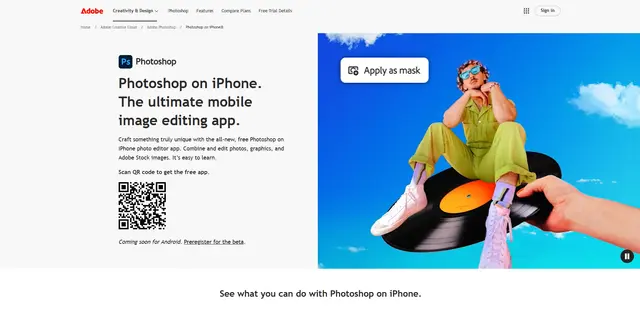
Adobe Photoshop App is a free, powerful mobile photo editor that allows users to combine and edit photos, graphics, and Adobe Stock images with professional-grade tools and AI features optimized for touch devices.
PicWiz AI
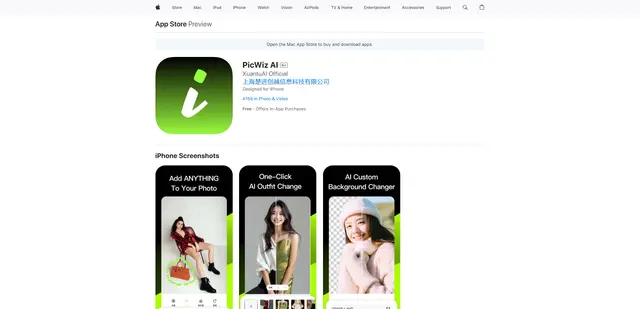
PicWiz AI is a comprehensive AI-powered photo editing and image generation tool that offers over 100 photo styles and multiple AI processing capabilities including object addition, removal, background manipulation, and image enhancement.

Remove Image Background
Remove.bg is an AI-powered online tool that automatically removes image backgrounds in seconds with just one click.