
HirePilot
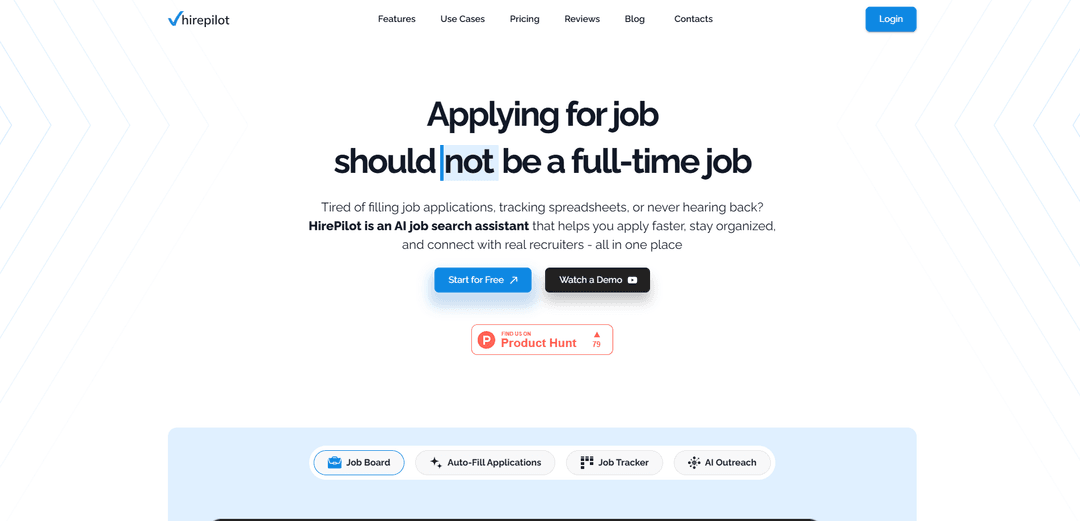
HirePilot is an AI-powered job search assistant that combines 1-click application autofill, a centralized job board and tracking dashboard, and AI-assisted recruiter outreach to help candidates apply faster and get noticed.
https://hirepilot.co/?utm_source=aipure&utm_medium=launch&utm_campaign=july_2026&ref=producthunt
Product Information
Updated:Jul 8, 2026
What is HirePilot
HirePilot is an all-in-one platform designed to reduce the most time-consuming parts of a modern job search—repetitive application forms, scattered tracking across spreadsheets and job boards, and low-response outreach. It brings job discovery, application automation, and application management into a single workflow, helping job seekers stay organized and move faster from finding roles to submitting applications and following up with the right people.
Key Features of HirePilot
HirePilot is an AI-powered job search assistant that helps candidates apply faster, stay organized, and improve response rates by combining a browser extension for 1-click application autofill, a centralized job board and smart dashboard for tracking applications and follow-ups, and AI-assisted recruiter/hiring-manager outreach to start real conversations beyond the ATS. It’s built as an all-in-one SaaS platform with user-controlled data saving and industry-standard encryption, and it can integrate with tools like Apollo (and Zapier support is available) for enriched contact workflows and automation.
1-click AI Autofill (Browser Extension): Automatically fills repetitive job application fields across many job boards and company ATS pages (e.g., LinkedIn Easy Apply, Indeed, Workday), reducing application time from ~20+ minutes to seconds and improving consistency/accuracy via a single saved profile.
Central Job Board + Job Hub: Provides one place to discover, save, and manage opportunities instead of juggling multiple job boards, bookmarks, and notes—helping prevent missed roles and duplicate applications.
Smart Dashboard + Kanban-Style Tracker: Tracks every role, status, notes, and reminders in a visual pipeline so you can manage high-volume searches (often 100–200+ applications) and stay on top of follow-ups.
AI Recruiter / Hiring Manager Outreach: Helps identify relevant contacts and generates short, personalized outreach messages tied to the job description so candidates can bypass the “resume black hole” and increase reply rates.
Integrations & Automations (Apollo, Zapier): Supports adding an Apollo API key for enrichment and lead flow into campaigns, plus Zapier triggers (e.g., reply received, lead converted) and notifications (e.g., Slack/email) to streamline outreach operations.
Security & User-Controlled Data: Uses industry-standard encryption for stored data and lets users control what information is saved or auto-filled (e.g., leaving sensitive fields blank to fill manually).
Use Cases of HirePilot
High-volume job applications (general job seekers): Use autofill to apply quickly across multiple platforms while the dashboard tracks each application and follow-up, reducing burnout and preventing missed deadlines.
Targeted outreach for competitive roles: After applying, use AI-assisted outreach to find and message recruiters or hiring managers with role-specific personalization to improve interview conversion versus “apply-and-wait.”
Career switchers managing multiple role types: Organize different job tracks (e.g., product, operations, analyst) in one pipeline, keep notes on requirements, and maintain consistent application data across varying ATS forms.
Students and new grads running structured searches: Centralize internship/entry-level roles, automate repetitive application fields, and set follow-up reminders to stay consistent during recruiting seasons.
Recruiting teams / sourcers running outreach campaigns: Use outreach tooling plus Apollo enrichment and Zapier workflows to automate parts of sourcing and messaging, track replies, and get notifications when prospects respond.
Pros
Significant time savings via 1-click autofill across many job boards and ATS sites, reducing repetitive typing.
All-in-one workflow (job board, tracker, reminders, outreach) that reduces spreadsheet/CRM chaos and improves follow-through.
AI-assisted recruiter/hiring-manager outreach helps move from application submission to real conversations.
Security and user control focus (encryption, choose what data is stored/auto-filled; can omit sensitive fields).
Cons
Some features may work best in specific regions (noted optimization for US/Canada/UK; other markets may be less consistent).
Browser extension requires broad permissions to read/change page data for autofill, which may concern privacy-sensitive users (even if limited to job sites per product claims).
Not positioned as a resume tailoring tool (resume tailoring noted as not currently offered), so users may need separate tools for keyword optimization and rewriting.
How to Use HirePilot
1) Create your HirePilot account: Go to HirePilot and register. This creates your central hub where your job board, dashboard, tracker, and outreach tools live.
2) Build your profile (your autofill source of truth): Complete your core details (contact info, work history, education, skills). This profile is what HirePilot uses to auto-fill applications accurately.
3) Upload your resume and let HirePilot parse it: Upload your resume right after registration (or from your dashboard). HirePilot parses it to pre-fill your profile fields (experience, education, skills, contact details) so you don’t have to type everything manually.
4) Install the HirePilot browser extension: Install the extension (Chrome extension is referenced in the sources). The extension connects your saved HirePilot profile to online job application forms for 1-click autofill.
5) Use the HirePilot Job Board to find and save roles: Open HirePilot’s built-in Job Board to browse opportunities in one place instead of jumping across multiple job sites. Save roles you want to pursue so they appear in your dashboard.
6) Apply faster with 1-click autofill (when supported): When you open an application on major platforms (e.g., LinkedIn, Indeed, Glassdoor, Workday) or company sites, use the extension to auto-fill the form from your HirePilot profile. This reduces repetitive typing and speeds up submission.
7) Review, adjust, and submit each application: Before submitting, quickly review the pre-filled fields and make any job-specific tweaks (especially for role-specific questions). Then submit the application.
8) Apply manually when a platform isn’t supported (still track it): If autofill isn’t available for a specific platform, complete the application manually. The application can still be captured and tracked in HirePilot so your pipeline stays complete.
9) Confirm every application is logged in your Job Application Tracker: After applying (autofill or manual), ensure the role appears in your tracker. HirePilot’s tracker uses a Kanban-style dashboard so you can see statuses at a glance and avoid losing track of follow-ups.
10) Organize each role with notes, documents, and reminders: For each application card in the dashboard, add notes, attach relevant documents, and track follow-ups so nothing slips through the cracks.
11) Use AI Recruiter Outreach to contact hiring managers/recruiters: For roles you applied to, use HirePilot’s AI outreach tools to identify potential hiring contacts and generate short, personalized messages. Review the message, edit as needed, and send to start real conversations beyond the ATS.
12) Run a consistent daily workflow: A practical routine described in the sources: filter the HirePilot job board for listings posted today, pick 3–5 strong-fit roles, apply quickly via autofill (or manually), confirm they’re logged in the tracker, then message the hiring manager the same day.
13) (Optional) Enable integrations and notifications (recruiting platform features): If you’re using HirePilot’s recruiting automation features, you can add an Apollo API key in Settings → Integrations so leads flow into campaigns with enrichment data, enable Zapier triggers (e.g., reply received), and set Slack/email alerts for replies, credit usage, or campaigns going live.
HirePilot FAQs
HirePilot is an AI-powered job-search platform (SaaS) that helps you discover jobs, automate repetitive application tasks, auto-fill online forms via a browser extension, and manage your entire job search in a centralized dashboard. It also supports AI-assisted, personalized outreach to recruiters/hiring managers.
HirePilot Video
Popular Articles

Proferex: A Cloud-Based Ad Tracking and Campaign Optimization Platform
Nov 4, 2026

How to Create Viral Talking Baby Podcast Videos with AI: Step-by-Step Guide
Nov 2, 2026

Vosko AI: Localize and Dub Videos for Global Audiences
Oct 15, 2026

Atoms: A Multi-Agent AI Platform That Transforms Ideas into Launch-Ready Products
Oct 13, 2026
Latest AI Tools Similar to HirePilot
Jobbie
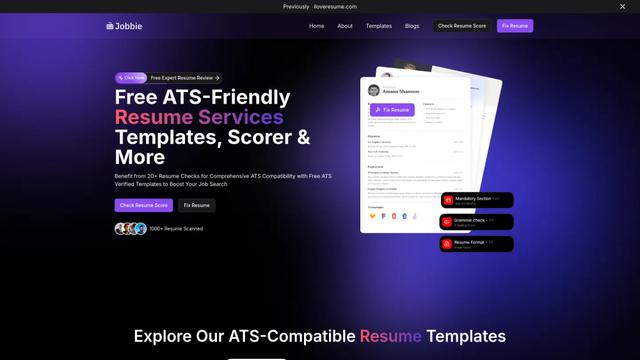
Jobbie is a comprehensive online platform offering free ATS-friendly resume services including resume checking, scoring, templates, and AI-powered optimization tools to help job seekers create professional resumes that pass through Applicant Tracking Systems.

Hiring Studio by Metaview
Hiring Studio by Metaview is a free AI-powered tool that helps recruiting teams generate customized interview questions with follow-up suggestions and detailed answer rubrics.
JOBO
JOBO is an AI-powered career assistant that revolutionizes job hunting by automatically searching and applying for jobs on your behalf while you sleep.
QuickScreen.AI
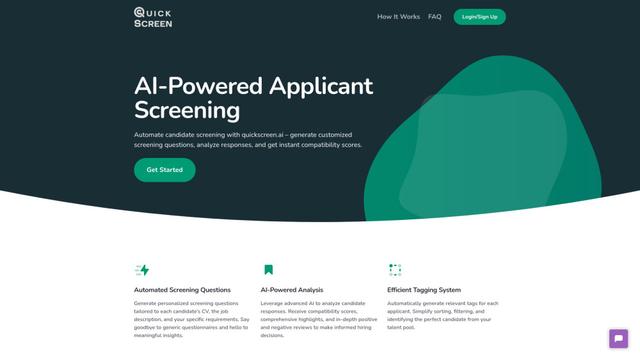
QuickScreen.AI is an automated candidate screening platform that leverages AI to generate customized screening questions, analyze responses, and provide instant compatibility scores for job applicants.
Popular AI Tools Like HirePilot
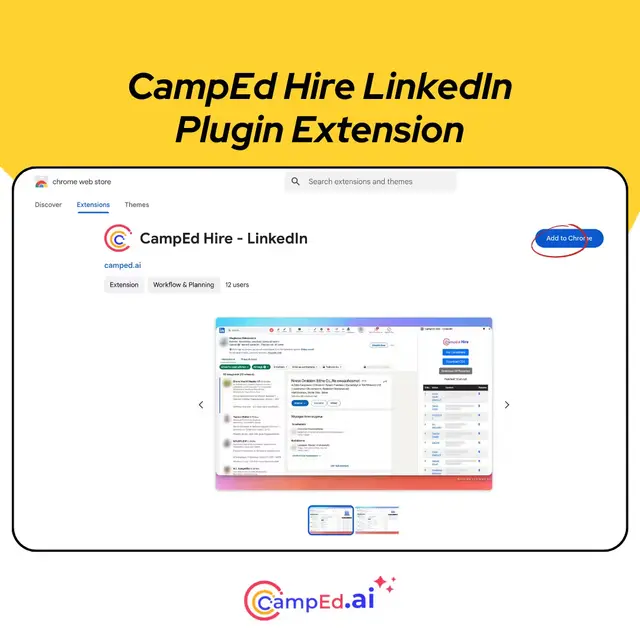
CampEd Hire
CampEd Hire is a powerful Chrome extension that streamlines recruitment by automatically collecting and organizing job applicant data from LinkedIn job posts, with features like automated data collection, CSV export, and batch resume downloads.
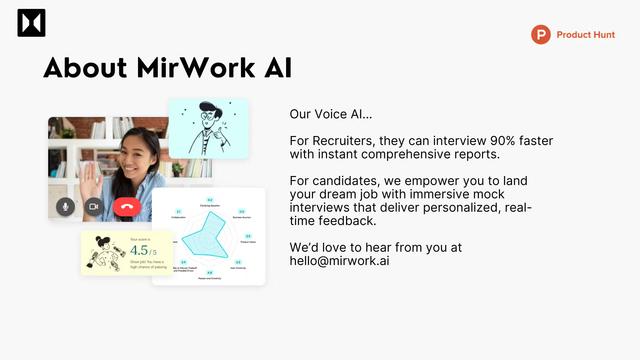
Quick Mock - AI interviewer for Any Job
Quick Mock is an AI-powered interview preparation tool that enables users to extract job descriptions from leading platforms and instantly conduct realistic mock interviews with real-time voice AI technology and comprehensive feedback.
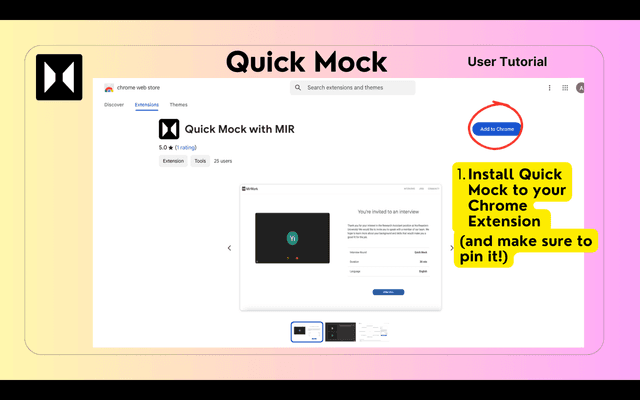
QuickMock 2.0 – AI for Hot Interviews
QuickMock 2.0 is an AI-powered interview preparation tool that instantly converts LinkedIn job descriptions into tailored mock interviews with real-time feedback and a comprehensive question bank from top companies.
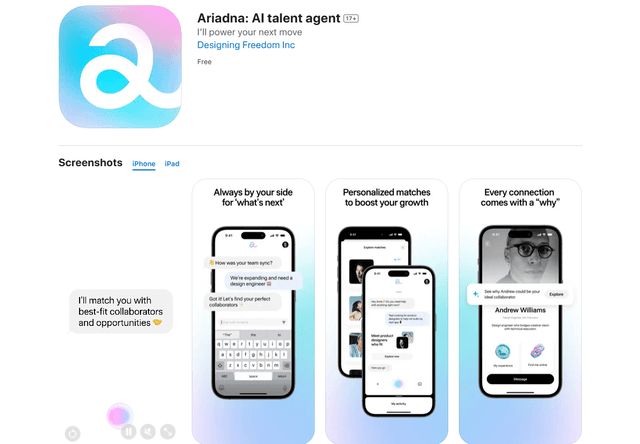
Ariadna
FreeAI Recruiting
Ariadna is the world's first AI talent agent that provides personalized career guidance, connects professionals with perfect-fit collaborators, and offers AI-driven insights to navigate career growth.