
HeyNews
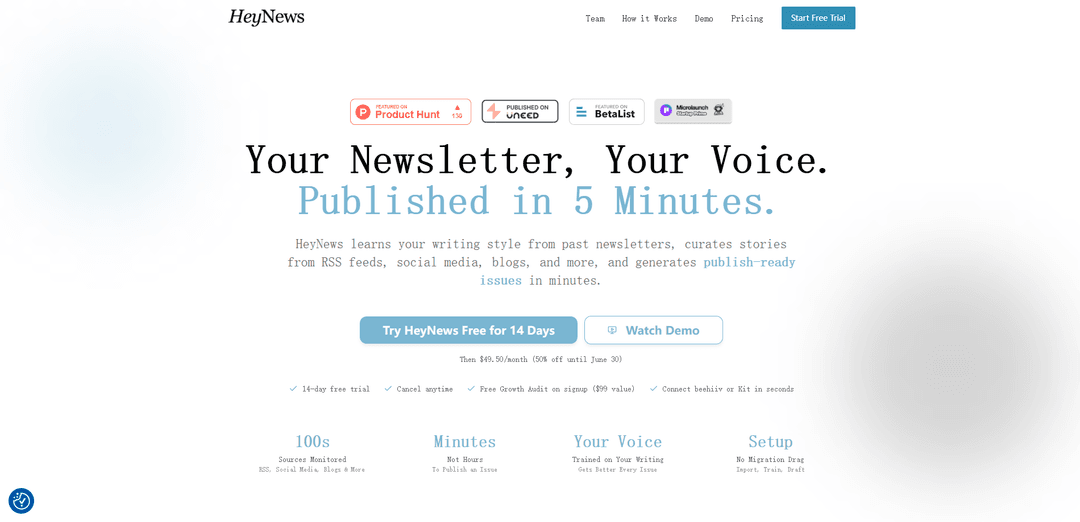
HeyNews is an AI newsletter assistant that learns your voice from past issues, curates stories from sources like RSS and social platforms, and generates publish-ready drafts in minutes with built-in editing and automation tools.
https://heynews.co/?ref=producthunt
Product Information
Updated:May 15, 2026
What is HeyNews
HeyNews is an AI-powered platform built for newsletter publishers—from solo creators to media teams—that reduces the time spent on research, drafting, and editing while keeping the creator’s authentic tone. It trains on your existing newsletter archive to understand your vocabulary, rhythm, and recurring structure, then helps you turn curated stories into a ready-to-send issue inside a single compose workspace. HeyNews supports multiple publications and formats, integrates directly with beehiiv and Kit (and can learn from any public archive URL), and offers a 14-day free trial with optional automations for scheduled drafting.
Key Features of HeyNews
HeyNews is an AI newsletter writing and curation platform that learns a creator’s voice from past issues, continuously monitors and ranks stories from sources like RSS, Reddit, social media, and blogs, and generates publish-ready newsletter drafts in minutes. It provides a single Compose workspace for selecting stories, drafting section-by-section, rewriting and refining tone, adding short “hot take” commentary, generating subject lines/preview text, and finding images. It also supports automations to create scheduled drafts (with fresh-story guardrails), analytics to track performance over time, and integrations with platforms like beehiiv and Kit—while requiring human review before anything is sent.
Voice training from your archive: Ingests your past newsletters to learn vocabulary, sentence rhythm, recurring patterns, and section structure so drafts sound like you rather than generic AI.
Multi-source story curation + scoring: Pulls content from RSS feeds, Reddit, blogs, social profiles, and saved links (including via browser extension), then ranks stories by relevance for faster selection.
Compose workspace with Smart Select: Auto-picks relevant stories for each section and lets you generate full issues or work section-by-section in one editor.
One-click transforms + AI refinement: Instantly shorten/expand, shift tone (formal/casual), simplify, or make copy more persuasive; includes chat-based editing and “Hot Takes” for opinionated blurbs.
Automations with review required: Creates scheduled weekly/biweekly drafts with fresh-story guardrails, but never publishes automatically—creator approval is required before sending.
Newsletter analytics & optimization: Tracks opens, click-through, unsubscribes, bounces, best-send-time heatmaps, and recipient-trend warnings across selectable time windows (e.g., 7/30/90/365 days).
Use Cases of HeyNews
Creator/solo operator weekly roundup: Automate story monitoring and generate a draft that matches your established voice, reducing time spent on research and first-draft writing.
Media company with multiple publications: Run multiple newsletters (separate voices, sources, and formats like deep-dives vs. roundups) under one account without cross-contamination between brands.
B2B industry intelligence (SaaS, fintech, health, etc.): Track niche sources and ship consistent, on-brand updates to customers or prospects while maintaining editorial quality at higher send frequency.
Marketing/growth teams scaling content cadence: Create more issues per week by offloading curation and drafting, then use transforms and subject-line suggestions to iterate quickly.
Community or association newsletters: Aggregate updates from member blogs, relevant social accounts, and RSS feeds, then produce a structured issue with minimal manual compilation.
Sponsored-content workflow support: Use voice-consistent drafting and persuasive rewrites to integrate sponsor placements more naturally (with HeyNews also offering a dedicated ad-rewrite tool, AdApt).
Pros
Produces drafts in the creator’s established voice by training on real newsletter archives, reducing “AI-sounding” output.
End-to-end workflow (curation → drafting → editing → subject lines/images) reduces tool sprawl and time-to-publish.
Automation creates scheduled drafts while still keeping human editorial control (no auto-publishing).
Supports multiple formats/publications with separate writers and integrates with beehiiv/Kit for fast setup.
Cons
Quality depends on having enough past issues (or a public archive) for strong voice training.
Requires creator review before sending, so it’s not a fully hands-off publishing system.
Best experience may rely on supported integrations (beehiiv/Kit) or availability of a public archive for other ESPs.
Ongoing effectiveness is tied to source configuration and relevance scoring, which may need tuning for niche topics.
How to Use HeyNews
1) Start a free trial and create your account: Go to https://heynews.co/ and start the 14-day free trial (no credit card required). Complete signup to access the HeyNews workspace.
2) Connect your newsletter platform (beehiiv or Kit) OR provide your public archive URL: If you use beehiiv or Kit, connect via the native API integration to import past issues quickly. If you use another platform (e.g., Substack, Buttondown, Ghost, Mailchimp, Medium), provide your public archive URL so HeyNews can import and learn from your past newsletters.
3) Import past issues to train your voice: Run the import so HeyNews can read your previous newsletters and learn your tone, phrasing, and structure. This voice training is what makes drafts sound like you.
4) Create an AI Writer for each newsletter edition/format you run: Set up separate AI Writers for different editions (e.g., a Monday deep dive vs. a Friday link roundup). This keeps each edition’s structure and tone consistent and prevents “voice bleed” across formats.
5) Add and configure your content sources: Add the sources you want HeyNews to monitor: RSS feeds, Reddit, social media, blogs, and more. Configure how often HeyNews syncs (HeyNews supports configurable sync frequency) so stories are collected on your schedule.
6) Let HeyNews curate and rank stories automatically: As HeyNews monitors your sources, it scores and ranks stories by relevance so the best items are ready when you sit down to write.
7) Generate a newsletter draft (full issue or section-by-section): In the editor, generate a publish-ready draft in one click, either as a complete issue or by building it section-by-section from the curated stories.
8) Refine the draft by chatting with the AI inside the editor: Ask the AI to tweak tone, rewrite sections, add your “hot takes,” or propose different subject lines—while keeping your trained voice. Iterate until it reads like something you’d send.
9) Add visuals without leaving the workflow: Use the editor’s image search/insert capability to find and drop in images directly while you edit the issue.
10) Finalize the issue in the same workspace (no tool sprawl): Review the curated items, polish copy, adjust subject line, and complete final edits in HeyNews’ editorial workflow so you don’t have to rebuild your process across multiple tools.
11) Publish/send via your ESP integration: If you connected beehiiv or Kit, use that integration to move from draft to sending/publishing. If you used an archive URL workflow, copy the finalized content into your email service provider’s composer to send.
12) Improve future drafts by repeating the loop: As you generate and refine issues, HeyNews ‘gets better every issue’ by learning from your edits and preferences, producing increasingly on-voice drafts over time.
13) (Optional) Manage multiple publications from one account: If you operate multiple newsletters, set each up as its own publication (HeyNews supports up to 10). Configure separate AI Writers, sources, timezone, and language per publication so nothing mixes between brands.
14) (Optional) Save articles from anywhere with the browser extension: Install and use the HeyNews Chrome browser extension to save articles from any webpage into your HeyNews workflow for later drafting.
HeyNews FAQs
HeyNews is an AI newsletter tool that learns your writing style from past issues, curates stories from sources like RSS feeds, Reddit, social media, and blogs, and generates publish-ready newsletter drafts in minutes.
HeyNews Video
Popular Articles

Atoms: A Multi-Agent AI Platform That Transforms Ideas into Launch-Ready Products
May 22, 2026

Nano Banana SBTI: What It Is, How It Works, and How to Use It in 2026
Apr 15, 2026

Atoms Review — The AI Product Builder Redefining Digital Creation in 2026
Apr 10, 2026

Kilo Claw: How to Deploy and Use a True "Do‑It‑For‑You" AI Agent(2026 Update)
Apr 3, 2026
Latest AI Tools Similar to HeyNews
EmailCrafted
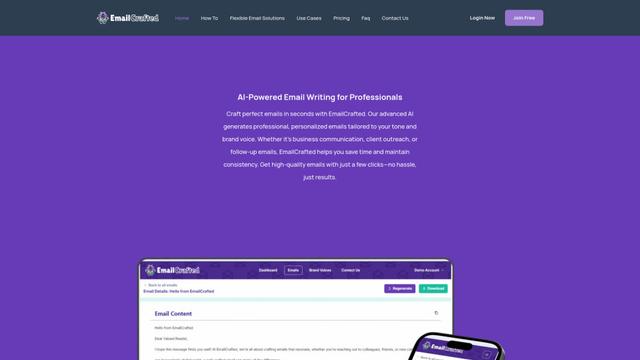
EmailCrafted is an AI-powered email writing assistant that helps users generate personalized, professional emails quickly by leveraging AI technology to match brand voice and communication goals.
MailMonkey.ai
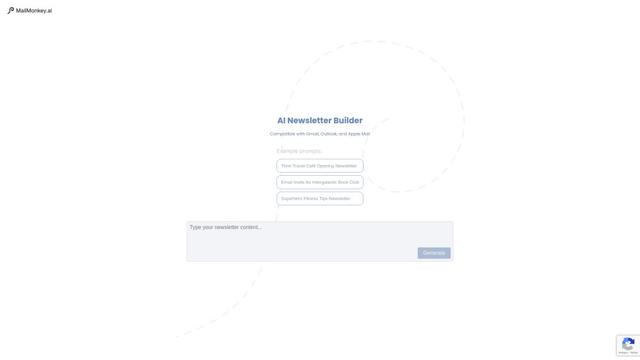
MailMonkey.ai is an AI-powered email and newsletter generation platform that helps businesses create engaging email content quickly and efficiently using advanced AI technology.
EPOKAI
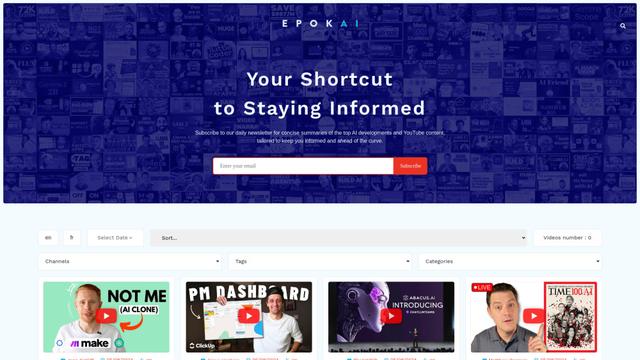
EPOKAI is a daily newsletter service providing concise summaries of the latest AI developments and top YouTube content to keep subscribers informed and ahead of the curve.
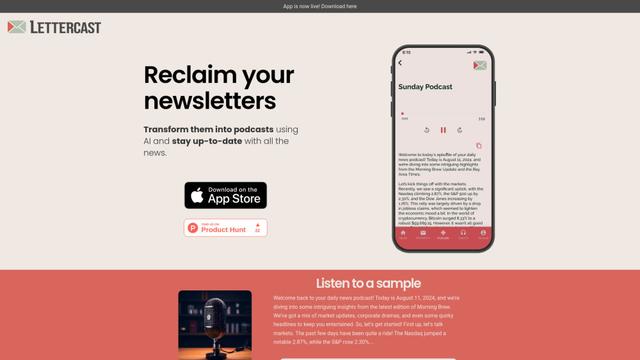
Lettercast
Lettercast is an AI-powered app that transforms your newsletters into engaging audio podcasts and text summaries, allowing you to stay informed on the go.
Popular AI Tools Like HeyNews
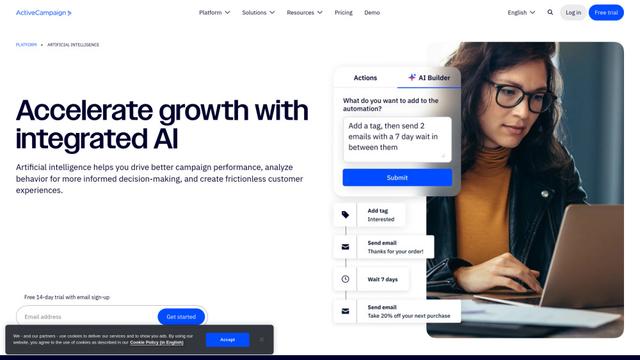
ActiveCampaign AI
ActiveCampaign AI is an integrated artificial intelligence solution that helps businesses drive better campaign performance, analyze customer behavior, and create personalized experiences across marketing automation, email marketing, and CRM.

Mailmodo
Mailmodo is an interactive email marketing platform that allows businesses to create and send AMP-powered emails with in-email actions to boost conversions.
PushOwl
PushOwl is a powerful Shopify app that helps e-commerce stores boost sales and engagement through web push notifications, email marketing, and AI-powered campaign creation.
Artificial Ignorance
Artificial Ignorance is a Substack publication providing nuanced, accessible analysis and insights on artificial intelligence for tens of thousands of subscribers.