
HAQQ Legal AI on Mobile
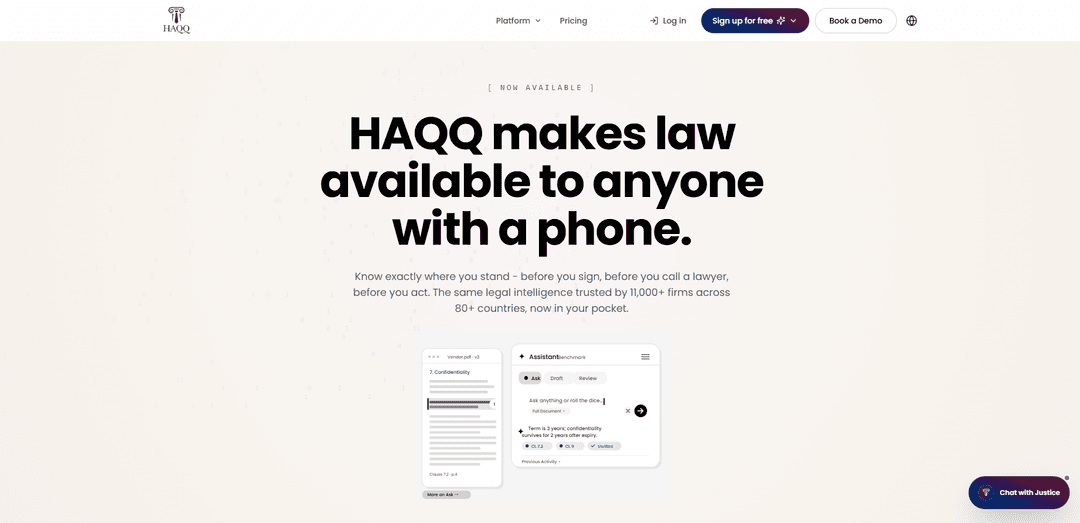
HAQQ Legal AI on Mobile is a mobile-first Legal AI Twin and practice management app that lets lawyers draft and research, manage matters, track time, and handle billing from one secure, one-handed workflow on the go.
https://haqq.ai/mobile-app?ref=producthunt
Product Information
Updated:Jul 8, 2026
What is HAQQ Legal AI on Mobile
HAQQ Legal AI on Mobile brings HAQQ’s all-in-one legal AI platform to iPhone and Android, combining AI-assisted legal drafting and research with day-to-day practice operations in a single app. Designed for lawyers and law firms across MENA and emerging markets, it functions as a “Legal AI Twin” alongside an eFirm workspace—helping users draft documents, organize client work, and run billing and time tracking without juggling multiple tools. HAQQ emphasizes that it is not a law firm and does not provide legal advice or representation; it is an informational and document-assistance tool, and users should consult a qualified lawyer for jurisdiction- and fact-specific legal decisions.
Key Features of HAQQ Legal AI on Mobile
HAQQ Legal AI on Mobile is a mobile-first legal AI and practice management app for iPhone and Android designed for on-the-go legal work. It combines AI-assisted drafting and research with matter tracking, time tracking, and (on higher tiers) billing and team workflows—aiming to give lawyers a single, unified system and “AI twin” that helps produce structured, client-ready legal documents while keeping the practice organized from a phone, optimized for one-handed use.
Mobile-first, one-handed UX: Designed specifically for fast, on-the-go usage with simplified navigation to reduce “tabs and toggles” and keep core legal workflows accessible from a phone.
Legal AI chat for drafting & research: AI-powered assistance to draft and refine legal documents and perform legal research-style queries, positioned as document and information assistance (not legal advice).
Matter and client management (eFirm): Centralized organization of matters and clients in a single system to keep work traceable and ready under deadlines; includes firm workflow structure on business plans.
Time tracking and billing: Track time and (depending on plan) generate billing workflows to support solo and firm operations without additional admin overhead.
Plan-based scaling (Individual → Solo → Firm): Free-forever access for individuals, Pro features for solo lawyers (drafting, research, matter tracking), and Business features for firms (eFirm, billing, team support).
Compliance and documentation workflows (positioned for regulated work): Supports structured documentation and workflow management for compliance-oriented tasks (e.g., KYC documentation tracking) within a secure, unified system.
Use Cases of HAQQ Legal AI on Mobile
Solo lawyer: draft and manage matters on the go: Use mobile AI chat to draft clauses or letters between meetings, then log the work to a matter, track time, and keep client activity organized from a phone.
Law firm teams: matter tracking + billing in one system: Coordinate work across matters, standardize outputs, and keep time and billing connected to matter activity to improve traceability and operational control.
In-house legal: accelerate contract cycles: Draft and review contract language faster and reduce sales-cycle bottlenecks by producing structured drafts and coordinating approvals via a unified mobile workflow.
Financial services: regulatory and loan-document workflows: Navigate complex financial regulations and draft loan documentation while maintaining organized compliance records and matter context accessible on mobile.
Compliance/KYC operations: documentation tracking: Maintain KYC workflows and compliance documentation in one place, improving audit readiness and reducing fragmented record-keeping across tools.
Public sector/legal departments: modern legal workflow infrastructure: Support government or institutional legal teams with structured, traceable workflows (including Arabic support as positioned) and centralized documentation access on mobile.
Pros
Mobile-first design optimized for quick, one-handed use in real-world legal work
Combines AI drafting/research with practice management (matters, time, billing) in a unified system
Scales from individuals to firms with tiered plans, including a free-forever option for individuals
Cons
Explicitly not a law firm and not a substitute for legal advice—outputs may contain mistakes and require lawyer review
Some core capabilities (e.g., eFirm, billing, team features) depend on higher-tier plans rather than the free tier
Jurisdiction-specific accuracy and defensibility may vary and still requires careful validation for filings or high-stakes decisions
How to Use HAQQ Legal AI on Mobile
1) Install HAQQ Legal AI on your phone: Download and install the HAQQ Legal AI mobile app on iPhone or Android, then open the app.
2) Create an account or sign in: Register a new account (or log in) so HAQQ can save your chats, drafts, matters, and billing activity across sessions.
3) Choose the right plan for your workflow: Pick a plan based on your needs: Free (individuals), Pro (solo lawyers—drafting + research + matter tracking), or Business (firms—eFirm + billing + team).
4) Start a Legal AI Chat for drafting or research: Open the Legal AI chat and enter a prompt describing what you need (e.g., contract clause, memo outline, issue spotting). Provide jurisdiction and key facts for more relevant output.
5) Iterate with follow-up prompts to refine the output: Ask HAQQ to adjust tone, structure, clause options, risk level, or formatting. Continue iterating until the draft matches your preferred style and requirements.
6) Save the result as a reusable draft or template: When you get a good output, save it so you can reuse it later and keep your drafting consistent.
7) Create or open a matter (eFirm / matter tracking): Go to matter management and create a new matter (or open an existing one) to keep documents, tasks, and work organized by client/file.
8) Attach drafts and notes to the matter: Link your AI-generated drafts, research notes, and related information to the correct matter so everything stays traceable and easy to find.
9) Track time while you work: Use the built-in time tracking to log work as you draft, review, or research—so billing is accurate and captured in real time.
10) Generate bills/invoices (Business plan / billing features): If your plan includes billing, convert tracked time and matter activity into invoices and manage billing from within HAQQ.
11) Use HAQQ on the go (mobile-first workflow): Take advantage of the mobile-first design to draft, review, and manage matters quickly from your phone—especially for quick edits, client updates, and time capture.
12) Apply the built-in legal-use disclaimer in your workflow: Treat HAQQ as an informational and drafting-assistance tool only. It is not a law firm, does not provide legal advice or representation, and does not create an attorney-client relationship. For jurisdiction-specific decisions, filings, or legal advice, consult a qualified lawyer.
HAQQ Legal AI on Mobile FAQs
HAQQ is an all-in-one legal AI software that includes a mobile app experience, combining an AI legal chat for drafting and research with practice-management features (eFirm) such as matter tracking, billing, and client management.
HAQQ Legal AI on Mobile Video
Popular Articles

Vosko AI: Localize and Dub Videos for Global Audiences
Oct 15, 2026

Atoms: A Multi-Agent AI Platform That Transforms Ideas into Launch-Ready Products
Oct 13, 2026

Nano Banana SBTI: What It Is, How It Works, and How to Use It in 2026
Apr 15, 2026

Atoms Review — The AI Product Builder Redefining Digital Creation in 2026
Apr 10, 2026
Latest AI Tools Similar to HAQQ Legal AI on Mobile
Sweet Justice AI
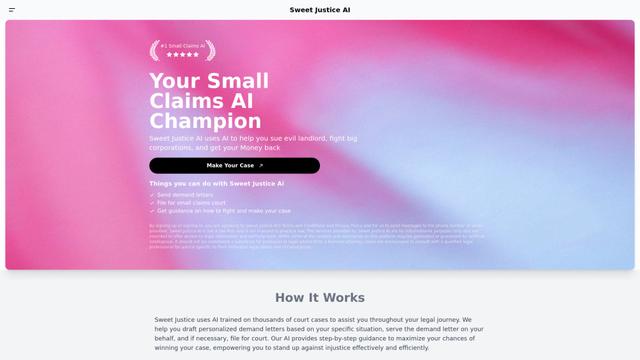
Sweet Justice AI is an AI-powered legal assistance platform that helps individuals fight against landlords, corporations, and unfair practices through automated demand letters, small claims court filings, and step-by-step legal guidance at an affordable price.
Appeal Parking Ticket
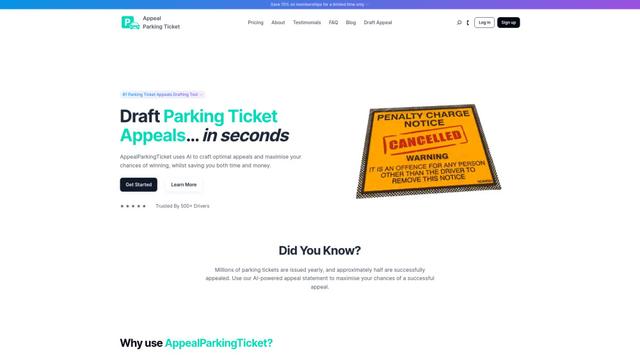
AppealParkingTicket is a specialized online service that helps drivers efficiently contest unfair parking tickets by providing expert guidance and automated appeal letter generation.

LegalTechUp
LegalTechUp is an AI-powered online legal advisor platform from Turkey that provides accessible consumer law consultation services through advanced technologies.

ActionHOA
ActionHOA is an AI-powered platform that provides property owners with tools, education, and expert guidance to defend against HOA overreach and promote transparency in community governance.
Popular AI Tools Like HAQQ Legal AI on Mobile
Casetext
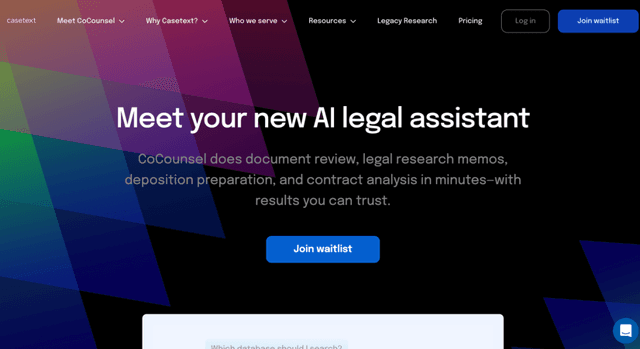
Casetext is an AI-powered legal research and technology platform that helps attorneys find relevant cases faster and automate legal tasks.
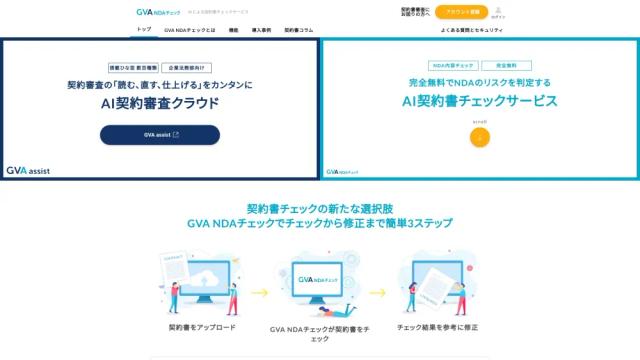
GVA NDAチェック
GVA NDA Check is a contract review support service where AI supervised by lawyers checks NDAs (Non-Disclosure Agreements) for free, and performs risk assessment and proposes revisions.
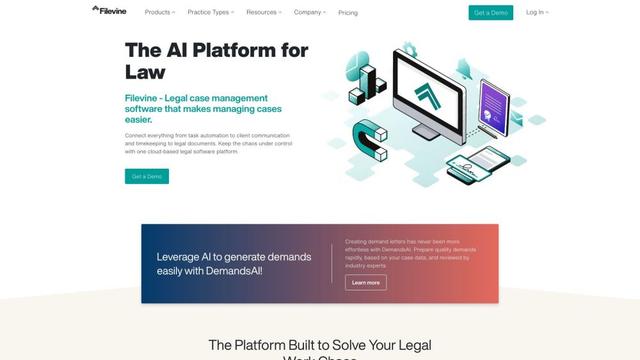
Filevine
Filevine is an AI-powered legal case management software that provides a complete tech stack for law firms, including case management, document management, billing, and client communication tools.

Harvey
Harvey is a professional-class AI platform built specifically for legal professionals and law firms that combines deep industry knowledge with cutting-edge AI technology to help lawyers work more efficiently across all practice areas and workflows.