
Gamelabs Studio
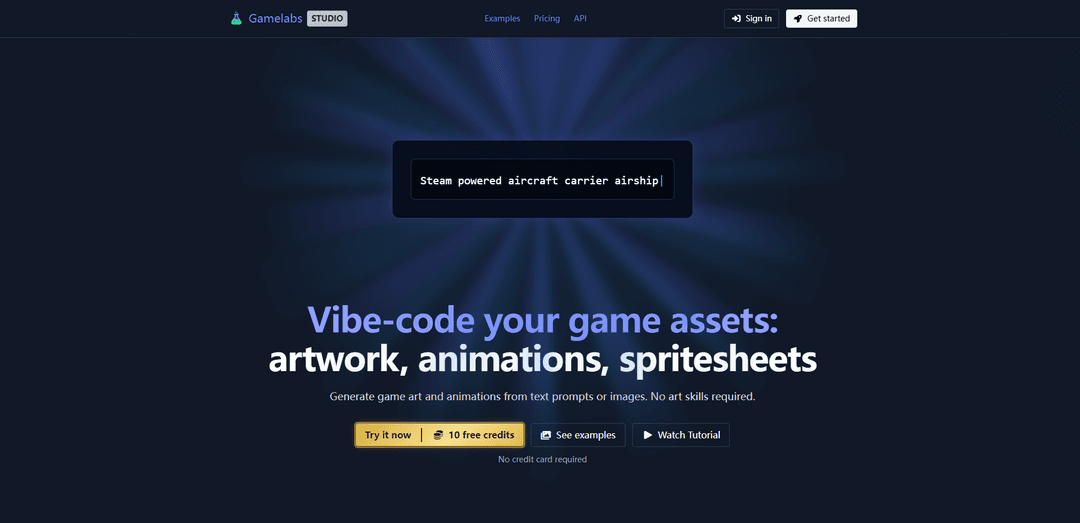
Gamelabs Studio is a text-to-asset platform that enables game developers to generate game art, animations, and spritesheets through AI-powered tools and APIs.
https://gamelabstudio.co/?ref=producthunt
Product Information
Updated:Dec 8, 2025
What is Gamelabs Studio
Gamelabs Studio is an innovative game asset generation platform designed specifically for game developers who need consistent, multi-angle assets for their 2D and isometric games. The platform provides a streamlined workflow for creating game artwork, animations, and spritesheets without requiring advanced art skills. It integrates with modern development environments through MCP compatibility and API access, making it accessible for both solo developers and game studios.
Key Features of Gamelabs Studio
Gamelabs Studio is a text-to-asset platform that helps game developers create images, animations, and spritesheets through AI-powered generation. It offers an integrated workflow where developers can generate game assets from text descriptions or reference images, animate them, and export to spritesheets - all without requiring artistic skills. The platform integrates with modern IDEs and MCP-compatible tools, allowing developers to create and iterate on assets without leaving their development environment.
Text-to-Asset Generation: Generate game artwork and animations directly from text descriptions or reference images, with options for different camera angles and styles
Animation Creation: Create coherent, loopable animations from either custom images or text descriptions with consistent multi-angle views
Spritesheet Export: Convert animations into game-ready spritesheets with customizable FPS, grid layout, padding, and transparency settings
IDE Integration: Seamless integration with development environments through API keys and MCP-compatible tools like Visual Studio Code
Use Cases of Gamelabs Studio
Solo Game Development: Independent developers can create professional-quality game assets without hiring artists
Rapid Prototyping: Game studios can quickly generate prototype assets for testing game concepts and mechanics
2D Game Production: Development teams can create consistent assets for 2D and isometric games with multiple character angles and actions
Pros
No artistic skills required
Integrated workflow within development environment
Fast iteration and prototyping capabilities
Cons
Limited to 2D asset creation
Requires credits for usage
How to Use Gamelabs Studio
Sign up for an account: Create a free account to get started with 10 initial credits. No credit card required.
Choose your workflow: Select whether you want to start with text prompts or reference images to generate game assets
Generate base artwork: Describe the image you want or attach reference images, and specify the camera angle/orientation needed. Generate the base artwork with options like chroma key backgrounds.
Create animations: Use your generated base image as a reference and describe the actions you want to animate. The system will generate coherent, loopable animations.
Export to spritesheet: Configure export settings including transparency, grid layout, FPS (frames per second), and padding to match your game engine requirements
MCP Integration (Optional): For advanced users, integrate Gamelabs into your IDE using API keys to generate and iterate on assets directly within your development environment
Gamelabs Studio FAQs
Gamelabs Studio is a text-to-asset platform for game developers that allows users to create images, animations, and spritesheets through an API. It enables developers to generate game art and animations from text prompts or images without requiring art skills.
Gamelabs Studio Video
Popular Articles

Vosko AI: Localize and Dub Videos for Global Audiences
Oct 15, 2026

Atoms: A Multi-Agent AI Platform That Transforms Ideas into Launch-Ready Products
Oct 13, 2026

Nano Banana SBTI: What It Is, How It Works, and How to Use It in 2026
Apr 15, 2026

Atoms Review — The AI Product Builder Redefining Digital Creation in 2026
Apr 10, 2026
Latest AI Tools Similar to Gamelabs Studio

Colorjoy
Colorjoy is an AI-powered coloring page generator that transforms text prompts into customizable, high-quality coloring designs suitable for both personal and commercial use.

AiSource
AiSource is a unified platform that allows users to generate and compare images using multiple leading AI text-to-image generators in one place without requiring separate subscriptions.
FLORA
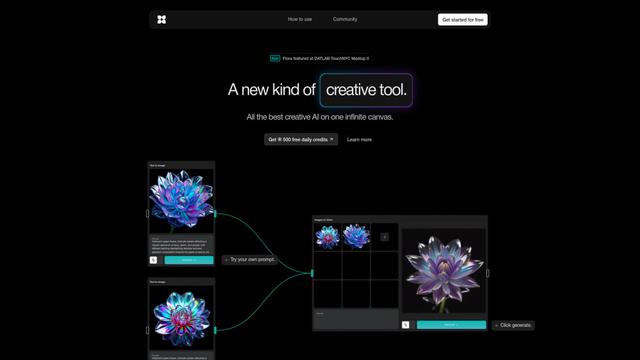
FLORA is an innovative AI-powered creative tool that combines multiple AI capabilities on an infinite canvas to enable personalized plant identification, creative design, and interactive botanical assistance.
Sketcho
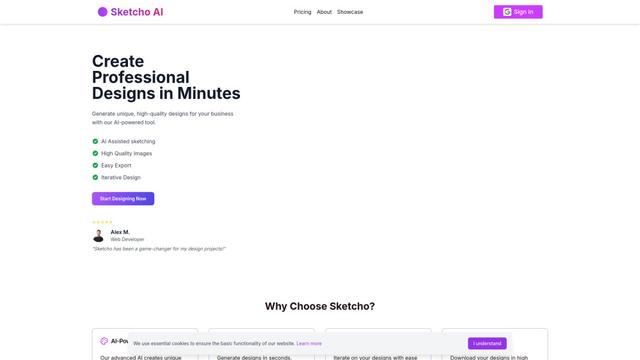
Sketcho is an AI-powered design tool that transforms sketches and ideas into high-quality professional designs through an intuitive interface.
Popular AI Tools Like Gamelabs Studio
Krita
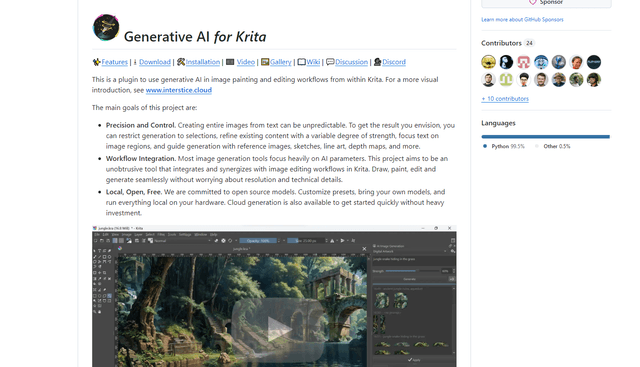
Krita is a free and open-source digital painting and illustration software that offers a wide range of professional-grade tools for artists and designers.
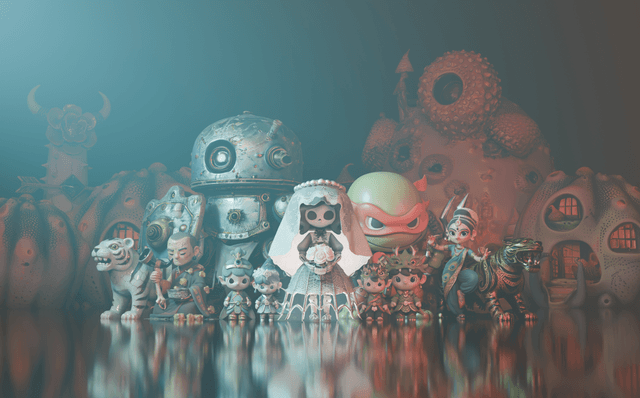
Hunyuan3D-2.1
Hunyuan3D-2.1 is Tencent's first production-ready 3D asset generation system that combines fully open-source framework with physically-based rendering (PBR) texture synthesis to create high-fidelity 3D models from images or text descriptions.
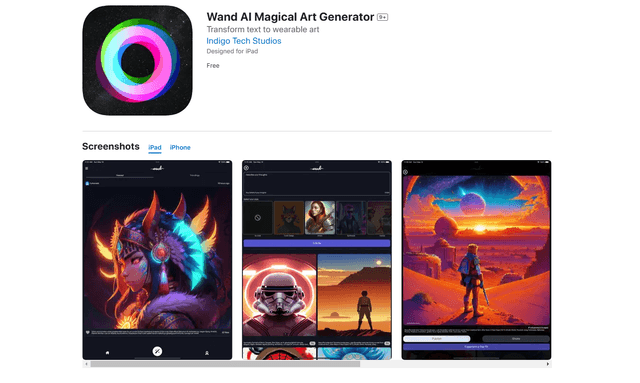
Wand AI
Wand AI is an innovative AI-powered creative tool that transforms text prompts and sketches into customizable digital artworks, designed specifically for artists and creative professionals on iPhone and iPad.
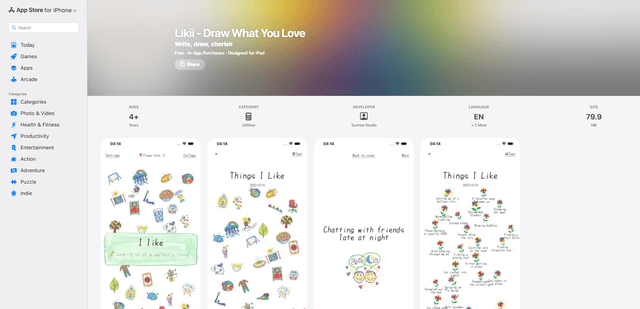
Likii
Likii is a creative journaling app that transforms written memories into beautiful crayon-style illustrations automatically.