
Forgeon
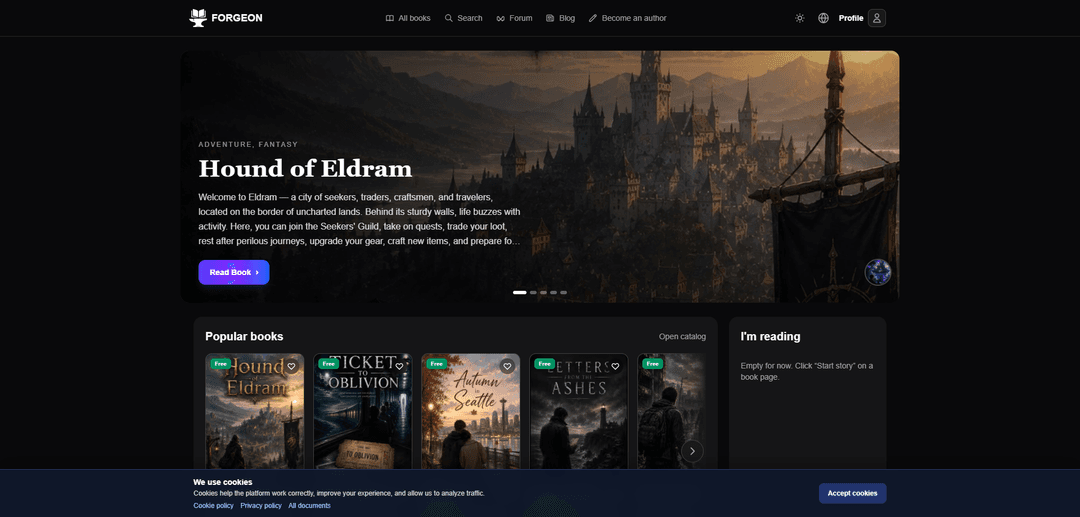
Forgeon is an all-in-one platform to read, create, and publish interactive “game books” using a professional visual editor with branching choices, variables, RPG mechanics, and built-in support for illustrations, music, and sound effects.
https://forgeon.art/?ref=producthunt
Product Information
Updated:Aug 8, 2026
What is Forgeon
Forgeon is a digital platform focused on modern interactive storytelling—often called game books—where readers can play through stories shaped by choices, and creators can build and publish those stories in a dedicated store. It combines a reading catalog (with popular and newly updated books), community features like a forum and blog, and a creator workflow designed for authors, studios, and educational projects. The core idea is to make interactive fiction richer than simple branching text by supporting game-like systems (stats, events, inventory-style mechanics) alongside multimedia elements such as images and audio.
Key Features of Forgeon
Forgeon is a platform for reading, creating, and publishing interactive “game books.” It combines a professional, visual story editor with branching choices, variables, events, and RPG mechanics (e.g., character development, equipment, crafting, trading, battles), and supports multimedia like illustrations, music, and sound effects. Authors can build and manage complex interactive narratives without programming, then publish them to Forgeon’s store/catalog, while readers can discover and play through books in the marketplace and community ecosystem (catalog, forum, blog).
Visual branching story editor: Create pages and story branches in a visual interface designed to keep interactive narratives understandable as they grow.
Choices, variables, and events: Add decision points and stateful logic (variables/events) to drive consequences, unlock paths, and personalize outcomes without writing code.
Built-in RPG mechanics: Support game-like systems such as character progression, equipment, crafting, trading, resource gathering, random events, and even turn-based battles.
Multimedia integration: Enhance immersion by attaching illustrations, music, and sound effects directly into interactive book experiences.
Publishing and storefront distribution: Publish finished works to the Forgeon catalog/store so readers can discover, read, and rate titles in one place.
Community and learning resources: Forum and blog content provide guidance on structuring long branching stories, testing, pricing decisions, and improving immersion.
Use Cases of Forgeon
Indie interactive fiction publishing: Solo authors can produce choice-driven novels with RPG elements and publish them to a built-in catalog for discovery and readership.
Game narrative prototyping: Studios can prototype branching quests, dialogue trees, and progression systems in a visual tool before implementing them in a full game engine.
Educational simulations and training: Create scenario-based learning modules (decision-making, ethics, safety, customer service) where choices and variables track learner outcomes.
Marketing and branded storytelling: Brands can launch interactive campaigns (choose-your-own-adventure experiences) with sound and visuals to increase engagement and time-on-content.
Tabletop/RPG companion content: Creators can publish solo adventures or interactive lore books with inventory, encounters, and turn-based battles as a digital companion format.
Pros
No-code approach lowers the barrier to building branching stories with RPG logic.
All-in-one workflow (editor + multimedia + publishing) reduces tool fragmentation.
Supports richer interactivity than basic branching (variables, systems, battles).
Cons
Complex branching narratives can still become difficult to manage at scale despite visual tools.
Ecosystem and distribution are tied to Forgeon’s platform/store, which may limit portability.
Quality and consistency of reader experience may vary widely across user-generated books.
How to Use Forgeon
1) Open Forgeon and choose what you want to do (Read or Create): Go to https://forgeon.art/ and use the top navigation to either browse the Catalog/All books to read, or choose the author/editor entry points (e.g., “Become an author” / “Try the editor”) to start creating.
2) Read a game book from the catalog: Click “Catalog” or “All books,” pick a title (for example, “Hound of Eldram”), then open its page and press “Read Book.” Use the on-page choices to progress through branches as you read.
3) Access the professional gamebook editor: From the main site navigation, enter the author/editor area (e.g., “Become an author” or “Try the editor”). This opens Forgeon’s editor designed for interactive books.
4) Create a new book project: In the editor/dashboard, start a new book project. Forgeon is positioned as an all-in-one tool for creating interactive books with branching choices and RPG mechanics without writing code.
5) Build your story structure with the visual page-and-branch editor: Use the visual editor to create Pages and connect them with Choices (branches). The editor UI is organized around pages and story branches (e.g., a “Start” branch leading to forks and endings).
6) Add choices that lead to different outcomes: On a page, add multiple choices (e.g., “Into the forest” vs “To the city”) and link each choice to a different next page/branch. This is how you create forks, alternate routes, and endings.
7) Organize content into chapters and transitions: Use Chapters to keep longer stories manageable. Create chapter transitions (e.g., a “Transition to ch. 2” page) so the reader can complete one chapter and continue to the next.
8) Add variables, events, and RPG mechanics (no code): Use Forgeon’s built-in systems for “Choices, variables, RPG mechanics, and events” to track state (inventory, flags, stats) and to trigger outcomes based on reader decisions.
9) Add illustrations, music, and sound effects: Enhance immersion by attaching media to pages/scenes using Forgeon’s support for “Illustrations, music, and sound effects.” (Forgeon is presented as supporting these directly in the editor.)
10) (Optional) Add turn-based RPG battles: If your book needs combat, use Forgeon’s turn-based battle system described in its blog: create battles, add enemies (mobs), customize attacks and hero abilities, define loot, and integrate battles into your story flow without programming.
11) Test your branching story: Play through your book in reading mode to verify that choices route correctly, variables/events behave as expected, and chapter transitions work. Iterate by adjusting pages and links in the visual editor.
12) Prepare for publishing: Review your book’s structure, media, and mechanics, then use Forgeon’s publishing flow (“How publishing works”) to get it ready for the Forgeon store.
13) Publish your book in the Forgeon store: Publish directly to the Forgeon platform so readers can find it in the catalog. Forgeon positions this as an end-to-end workflow: create in the editor, then publish in the Forgeon store.
14) Maintain and update your book over time: Forgeon supports ongoing development—books can be updated (the site highlights “Recently updated”). Continue adding new pages, branches, chapters, locations, items, quests, or mechanics and republish updates as needed.
Forgeon FAQs
Forgeon is a platform for reading, creating, and publishing game books (interactive books).
Forgeon Video
Popular Articles

Proferex: A Cloud-Based Ad Tracking and Campaign Optimization Platform
Nov 4, 2026

How to Create Viral Talking Baby Podcast Videos with AI: Step-by-Step Guide
Nov 2, 2026

Vosko AI: Localize and Dub Videos for Global Audiences
Oct 15, 2026

Atoms: A Multi-Agent AI Platform That Transforms Ideas into Launch-Ready Products
Oct 13, 2026
Latest AI Tools Similar to Forgeon
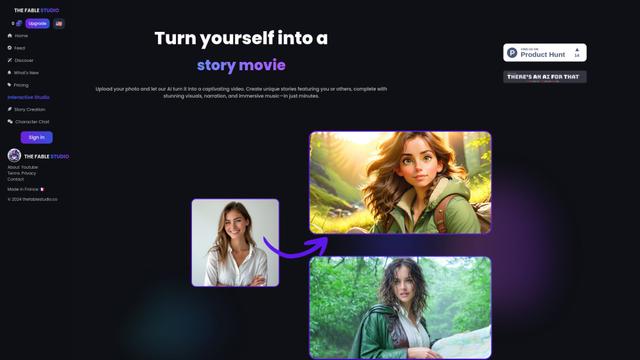
THE FABLE STUDIO
THE FABLE STUDIO is an AI-powered platform that enables users to create, direct, and interact with animated stories using generative AI technology.
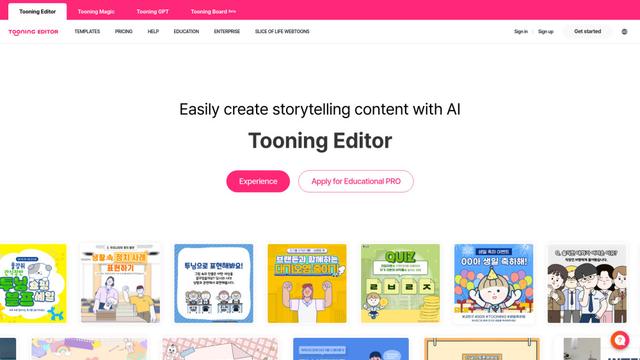
Tooning
Tooning is an AI-powered content creation platform that allows anyone to easily create webtoon-style content and educational materials without artistic skills through its intuitive interface and AI features.
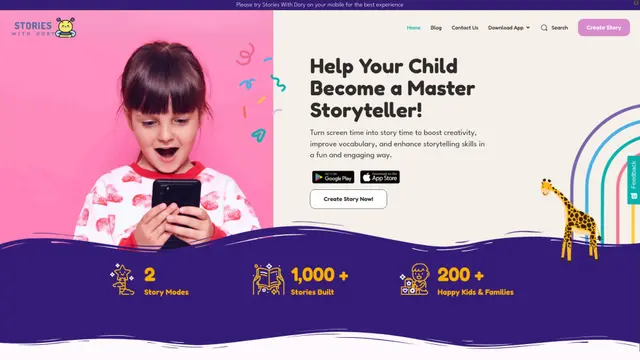
Stories With Dory
Stories With Dory is an interactive storytelling app that helps children develop creativity and language skills by turning their voice inputs into engaging stories through AI-powered conversation.
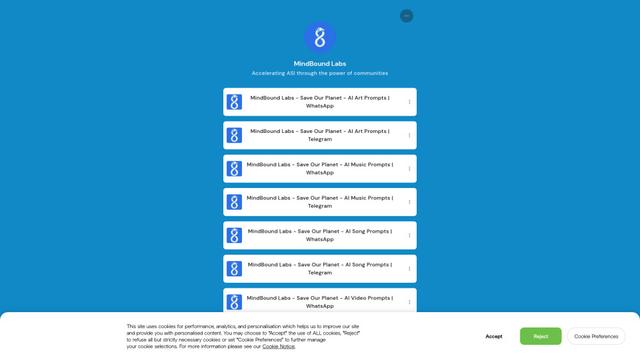
MindBound Labs
MindBound Labs is an innovative platform focused on accelerating Artificial Super Intelligence (ASI) through community engagement, combining NFC cards, AI prompts, and personalization across multiple creative domains.
Popular AI Tools Like Forgeon
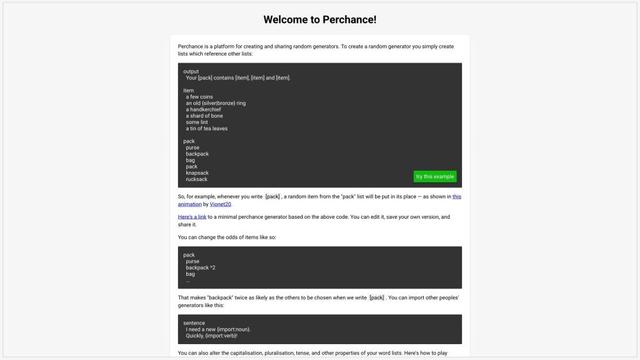
Perchance AI
Perchance AI is a free online platform that uses artificial intelligence to generate creative content like images, stories, characters, and more through simple text prompts.
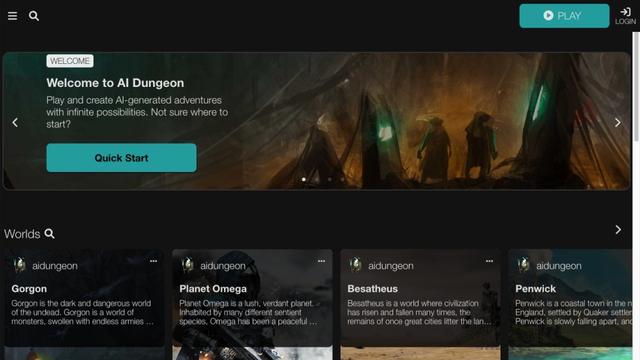
AI Dungeon
AI Dungeon is an AI-powered text adventure game that allows players to create and experience infinite interactive stories across any genre.
NovelAI - The AI Storyteller
NovelAI is a subscription-based AI-powered platform for creative writing, storytelling, and image generation with customizable models and no censorship.
Caveduck
Caveduck is an AI-powered tool that converts text articles into visual stories and AI summaries, offering interactive AI story generation and live character chat.