Flowing
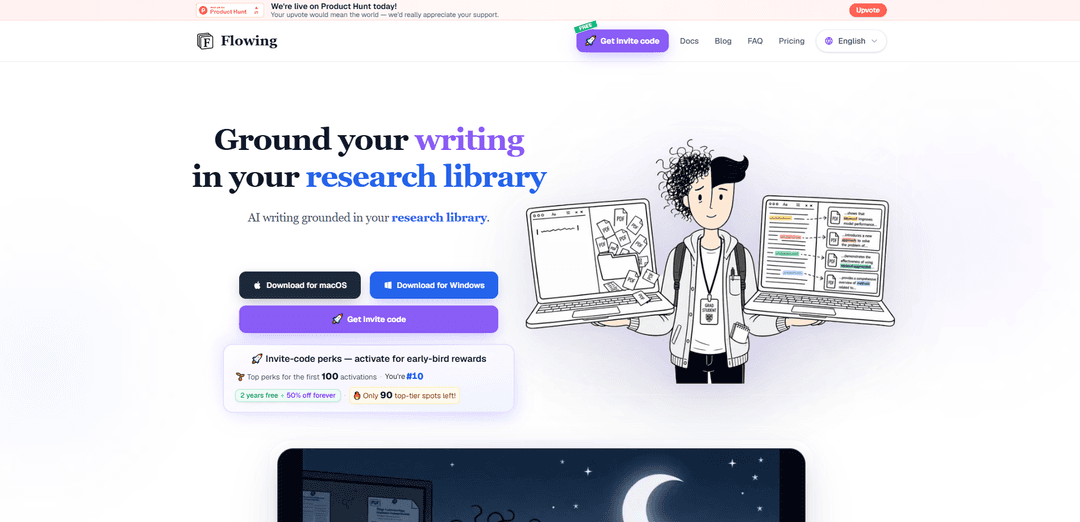
Flowing is an AI academic writing tool grounded in your own PDF library, offering context-aware paper snippets, rich text/LaTeX/PDF sync, and library-backed polish and continuation to improve accuracy and coherence.
https://flowing.works/?ref=producthunt
Product Information
Updated:Jul 15, 2026
What is Flowing
Flowing is an academic writing environment designed to keep your drafting and revision tightly connected to the research you actually use. Instead of generating text from the open web, it grounds writing assistance in the PDFs you import, turning your reference library into a searchable, actionable knowledge base. The product combines a writing editor with real-time LaTeX and compiled PDF preview, plus tools that surface relevant passages from your papers while you write—so your claims, citations, and wording stay aligned with your sources.
Key Features of Flowing
Flowing is an AI academic writing tool that grounds drafting, continuation, and polishing in your own PDF reference library. You import papers to build a searchable library, write in a rich editor with synced LaTeX and live PDF preview, and use context-aware snippet recall to surface highly relevant passages from your sources as you draft. It also lets you chat with the AI using selected passages as explicit context, and provides library-backed polishing and continuation aimed at improving argument structure, claim calibration, and accuracy—rather than generic paraphrasing or web-based hallucinated citations.
PDF library grounding: Import your reference PDFs and use them as the primary knowledge base so writing, revision, and continuation are anchored to your own sources instead of the open web.
Fast passage retrieval (precise + fuzzy search): Search across dozens to thousands of PDFs to find relevant passages quickly, supporting both exact matches and approximate queries to locate ideas even when wording differs.
Context-aware paper snippet recall: Automatically detects key terms in your draft and surfaces matching reference passages as cards with text and PDF thumbnails, with one-click jump-back to the source location.
Multi-view writing with LaTeX + PDF preview: Edit in rich text and LaTeX that stay synchronized in real time, while viewing a compiled PDF preview as you write for academic-ready formatting.
Ask with context (selectable chat grounding): Choose any passage from your draft or references as the chat context to make AI interactions faster and more relevant to the exact section and evidence you’re working with.
Library-backed polish and continuation: Polishing focuses on discourse function, claim calibration, and accuracy using evidence cards from your library; continuation generates the next needed sentence/paragraph without drifting into an unfocused mini-survey.
Use Cases of Flowing
Academic paper drafting and revision: Write and refine journal or conference manuscripts with snippet recall and grounded continuation to keep claims aligned with your cited evidence.
Thesis/dissertation writing: Manage a large PDF corpus, retrieve supporting passages per chapter, and use context-grounded polishing to improve structure and reduce scope drift over long documents.
Systematic literature review support: Rapidly locate and compare passages across many PDFs via search and recall cards, helping synthesize themes while staying anchored to the original texts.
Research group knowledge base + writing workflow: Teams can maintain a shared reference library and use consistent, source-grounded drafting/polishing to produce aligned internal reports and publications.
Technical and scientific documentation: Create accurate, evidence-backed technical notes or methods documentation by grounding explanations in internal PDFs (papers, specs, protocols) and using LaTeX/PDF output.
Pros
Grounded in your own PDF library, reducing reliance on open-web generation and improving evidence alignment
Strong academic workflow support: snippet recall, context selection for chat, and argument-focused polishing (not just paraphrasing)
Integrated writing environment with synced rich text/LaTeX and live PDF preview for publication-style output
Cons
Requires you to curate and import PDFs first; quality depends on the completeness and relevance of your library
Primarily optimized for academic/LaTeX-centric writing, which may be less compelling for non-research writing needs
How to Use Flowing
1) Prepare your PDF library: Import your reference PDFs into Flowing. This builds a searchable paper library that supports precise and fuzzy search so you can find relevant passages quickly, whether you have dozens or thousands of PDFs.
2) Search and inspect sources as you write: Use the library sidebar to search for papers and specific passages. Open PDFs and use thumbnails/snippet results to jump directly to the source locations you need for your draft.
3) Start a new document and choose your writing view: Create/open a draft in the editor. Use the three synchronized views: Rich Text for prose editing, LaTeX for equation/structured writing, and PDF Preview to see the compiled output while you write.
4) Draft your section normally (keep structure visible): Write your content in the editor (Rich Text or LaTeX). Keep headings/sections clear so Flowing can better match your draft’s concepts to relevant reference passages during recall and polishing.
5) Use Recall to ground your draft in your library: Run Recall to detect high-quality keywords and domain terms in your draft and automatically match them to relevant passages in your PDF library. Review the resulting cards (text + thumbnails) and click to jump back to the original source.
6) Ask with context (context-aware chat): Select any passage from your draft or from a reference PDF and set it as context for the AI chat. Ask questions or request help (e.g., clarifying a claim, summarizing a cited method) with the selected text as grounding to keep answers aligned with your sources.
7) Polish with library-grounded revision: Use Polish to improve the draft with evidence support from your library. Flowing’s goal is not simple paraphrasing: it aims to improve discourse function, calibrate claims, and increase accuracy using evidence cards drawn from relevant snippets.
8) Continue writing without scope drift: Use Continue to generate the next sentence/paragraph your section needs. Flowing anchors continuation to local passages from your library to produce tight synthesis and representative evidence rather than an unfocused mini-survey.
9) Iterate: recall → ask → polish → continue: Repeat the loop as you expand or refine sections: run Recall to surface evidence, Ask with context to resolve uncertainties, Polish to tighten argumentation and accuracy, and Continue to extend the draft while staying grounded in your references.
10) Validate citations and finalize output: Use the surfaced snippet cards and PDF jump-backs to verify that key claims match the original sources. Review the PDF Preview for formatting and coherence, then export/share your final document as needed.
Flowing FAQs
Flowing is an AI academic writing tool that grounds writing in your own research library (your imported PDFs), using context-aware paper snippets to support drafting, continuation, and polishing.
Flowing Video
Popular Articles

Vosko AI: Localize and Dub Videos for Global Audiences
Oct 15, 2026

Atoms: A Multi-Agent AI Platform That Transforms Ideas into Launch-Ready Products
Oct 13, 2026

Nano Banana SBTI: What It Is, How It Works, and How to Use It in 2026
Apr 15, 2026

Atoms Review — The AI Product Builder Redefining Digital Creation in 2026
Apr 10, 2026
Latest AI Tools Similar to Flowing

Sai
Sai is a specialized AI platform designed by and for professors and students that provides controlled, transparent, and educational AI capabilities for academic courses.
Examful.ai: Free AP, IB, and A-Level Past Papers and Tutoring
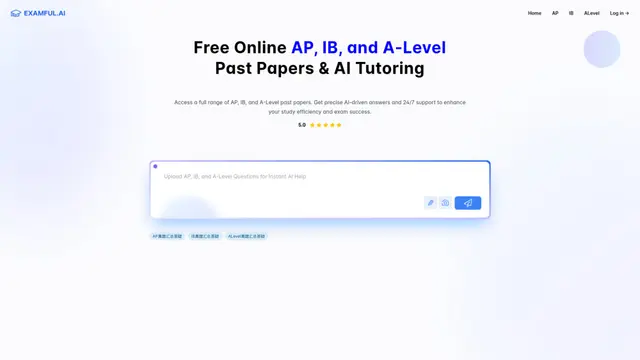
ExamFul.ai is a free online platform offering comprehensive access to AP, IB, and A-Level past papers alongside 24/7 AI-powered tutoring and detailed explanations for exam preparation.
SmartStudi.com
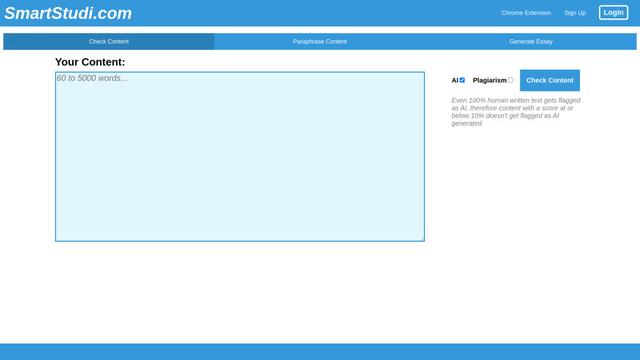
SmartStudi.com is an intelligent learning platform offering AI-powered tools for content checking, paraphrasing, essay generation, and academic assistance.

Yanbi AI
Yanbi AI is a free AI-powered writing tool that generates high-quality content for various writing scenarios with one click.
Popular AI Tools Like Flowing
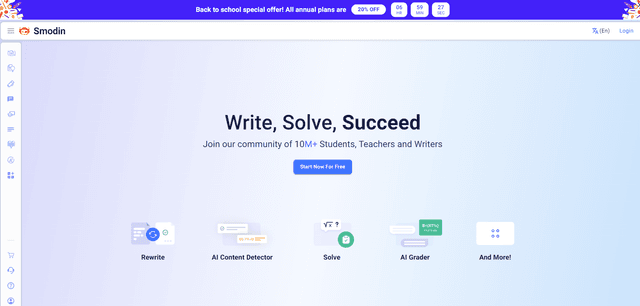
Smodin
Smodin is a comprehensive AI-powered writing assistant platform that offers multiple tools including text rewriting, plagiarism checking, translation, and content generation to help students, writers, and professionals enhance their writing process.
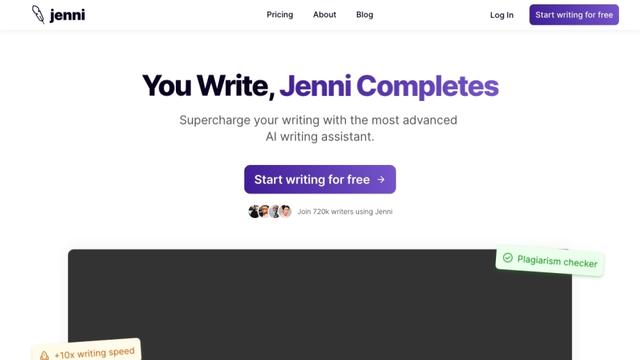
Jenni
Jenni is an AI-powered writing assistant that helps students and researchers write, edit, and cite academic papers more efficiently.
HyperWrite
HyperWrite is an AI-powered writing assistant that uses advanced artificial intelligence to help users generate high-quality content, improve their writing, and boost productivity across various writing tasks.
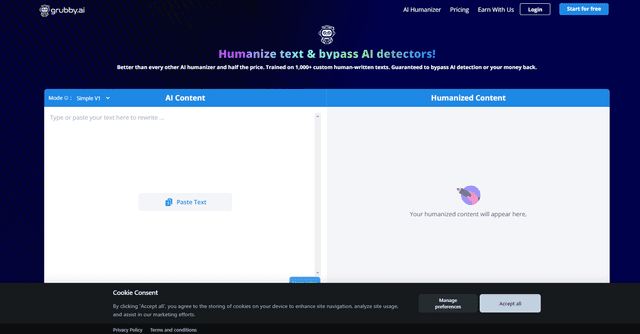
grubby.ai
Grubby.AI is an AI text humanizer tool that transforms AI-generated content into undetectable, human-like text using advanced algorithms while bypassing major AI detection systems.