
Flare
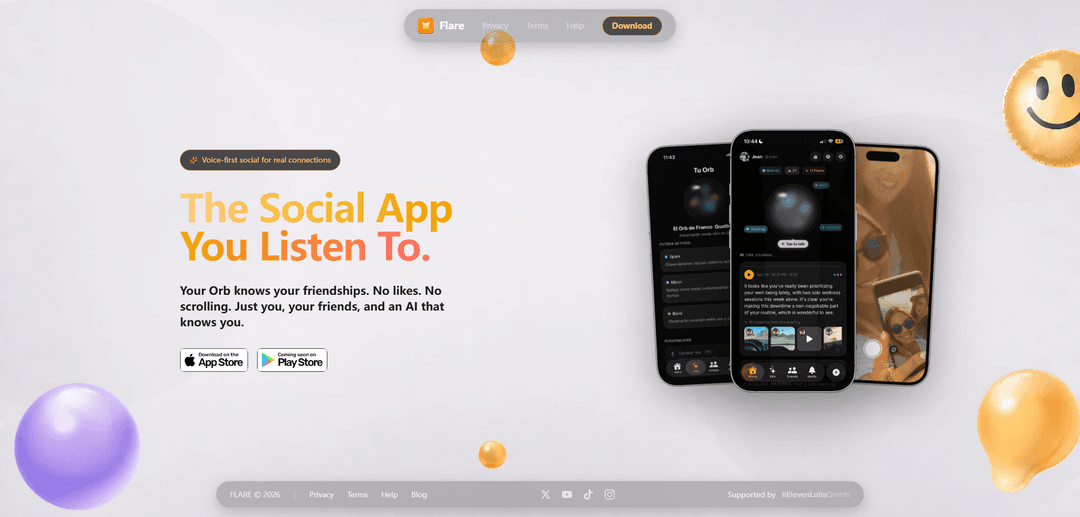
Flare is a voice-first social network where you capture real-time moments and an AI “Orb” with three agents (Spark, Mirror, Bond) proactively briefs you on your life and friendships—without likes, follower counts, or endless scrolling.
https://heyflare.app/?ref=producthunt
Product Information
Updated:May 18, 2026
What is Flare
Flare is a new kind of social app designed to help people connect more naturally by focusing on real moments rather than performative feeds. Instead of building a profile around bios, likes, or follower counts, Flare evolves from the moments you capture—called “flares”—which can be video, photos, voice notes, or moods. At the center of the experience is your AI-powered “Orb,” which learns your patterns and friendships and helps you stay in sync with what matters, making the app feel more like a companion than a content platform.
Key Features of Flare
Flare is a voice-first, anti-performative social network where you capture real-time “flares” (video, photo, voice note, or mood) and an AI “Orb” (powered by three agents) learns your patterns to proactively surface what matters about your life and friendships. Instead of scrolling feeds, likes, or follower counts, you tap the Orb for a short, bidirectional voice briefing that helps you stay connected and recognize meaningful moments—designed to reduce pressure and make social connection feel more human.
Real-time flare capture: Capture video, photos, voice notes, or moods in the moment (not a curated camera-roll workflow), with optional location.
AI Orb with three agents: Spark, Mirror, and Bond observe your activity patterns to surface insights, highlight what matters, and help you keep up with friends.
Voice-first briefings (no scrolling): Tap the Aura Orb for a ~90-second, two-way voice briefing about your life and friendships—designed to replace reactive feed consumption.
Anti-performative social design: No likes, no follower counts, and no engagement-driven feed—reducing social pressure and shifting focus to authentic connection.
Proactive connection surfacing: Instead of waiting for you to search or scroll, Flare’s AI proactively surfaces connections, patterns, and friend updates.
Use Cases of Flare
Close-friends social journaling: Log small daily moments via voice/photo/video and let the Orb summarize patterns and prompt meaningful check-ins with friends.
Long-distance friendship maintenance: Use briefings to stay in the loop on friends’ lives without constant messaging or feed scrolling, helping relationships stay warm.
Campus and young-adult communities: Support authentic, low-pressure social connection for students or friend groups by emphasizing real moments over performance metrics.
Creator/audience burnout avoidance: For people who dislike performative posting, Flare offers sharing without public metrics, enabling more candid updates.
Personal reflection and habit awareness: Use captured moments and AI pattern-spotting to reflect on mood, routines, and social energy—then act on the Orb’s prompts.
Pros
No likes/follower counts reduces performative pressure and social comparison.
Voice-first briefings minimize mindless scrolling and make staying connected lightweight.
Proactive AI agents can surface insights and friend updates you might otherwise miss.
Cons
AI-driven profiling may raise privacy/sensitivity concerns depending on data handling and user comfort.
Voice-first interaction may not fit all users or contexts (quiet environments, accessibility preferences).
Real-time capture and “no camera roll” style may feel limiting for users who want editing/curation.
How to Use Flare
1) Install Flare: Download Flare from the iOS App Store. If you’re on Android, join the Android waitlist from Flare’s website.
2) Create your account and set up your profile: Open the app and follow the in-app prompts to create an account and complete basic profile setup.
3) Add and connect with friends: Find and add friends so Flare can build your network around real relationships (not follower counts).
4) Capture a “flare” (a real moment): Create a flare in real time—choose video, photo, voice note, or mood. (No curated scrolling feed; flares are meant to be captured as they happen.) Location sharing is optional.
5) Let the AI agents learn your patterns: As you share flares, Flare’s AI agents (Spark, Mirror, and Bond) observe patterns across what you share to surface what matters and help you stay connected.
6) Use the Aura Orb for a voice briefing: Tap your Aura Orb to hear a short (~90 seconds) voice briefing about your life and friendships. The experience is bidirectional—listen and respond.
7) Use Flare for group communication (if you’re using the group features): Create or join groups to centralize communication. Use group chats for messaging, and use the built-in calendar/events to organize meetups and track what’s coming up.
8) Create an event (group feature): In your group, use the event/calendar tools to create an event, invite members, and manage RSVPs. You can keep event details and coordination in one place.
9) Share event photos via albums (group feature): Upload photos to the event so everyone in the group can access them later (albums support high-quality images).
10) Share files with your group (group feature): Use the file-sharing feature to upload important documents so all group members can view and access them in one place.
11) Configure privacy and admin controls (group feature): If you’re an admin/host, optionally enable controls like message approval (per chat) and highlight approval (per event). Note: events are private and not searchable in-app.
12) Use attendance and coordination tools (group feature): For organized groups, use attendance options (e.g., QR, passcode, geolocation, or ticketing), plus polls, announcements, and reminders to keep members aligned.
Flare FAQs
Flare is a voice-first social network where you capture “flares” (video, photo, voice note, or mood). An AI “Orb” learns your patterns and gives you short voice briefings about your life and friendships—without likes, follower counts, or scrolling.
Flare Video
Popular Articles

Atoms: A Multi-Agent AI Platform That Transforms Ideas into Launch-Ready Products
May 22, 2026

Nano Banana SBTI: What It Is, How It Works, and How to Use It in 2026
Apr 15, 2026

Atoms Review — The AI Product Builder Redefining Digital Creation in 2026
Apr 10, 2026

Kilo Claw: How to Deploy and Use a True "Do‑It‑For‑You" AI Agent(2026 Update)
Apr 3, 2026
Latest AI Tools Similar to Flare
AIFluencerPro
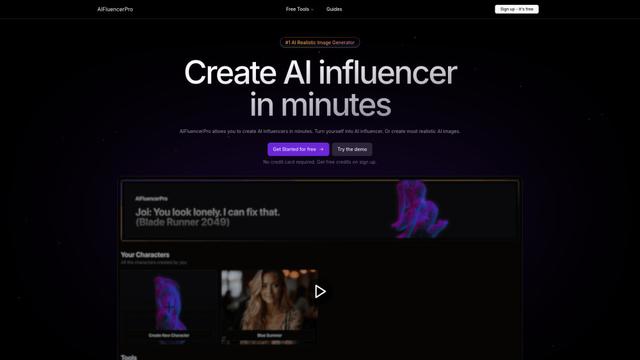
AIFluencerPro is an AI-powered platform that allows users to create photorealistic AI influencers and generate high-quality AI images in minutes using advanced generative AI technology.
Lynklet
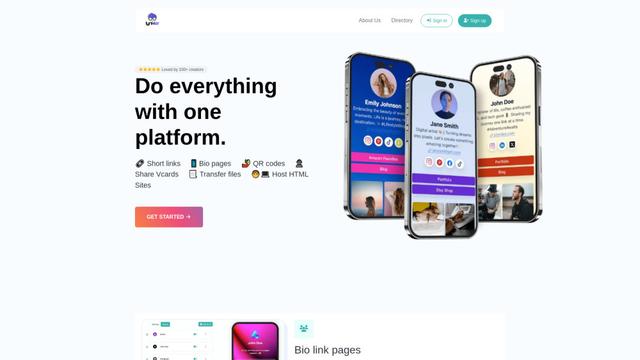
Lynklet is an all-in-one social tool platform that combines bio link pages, URL shortening, QR code generation, digital business cards, and file hosting capabilities in one comprehensive solution.
Re-Engage
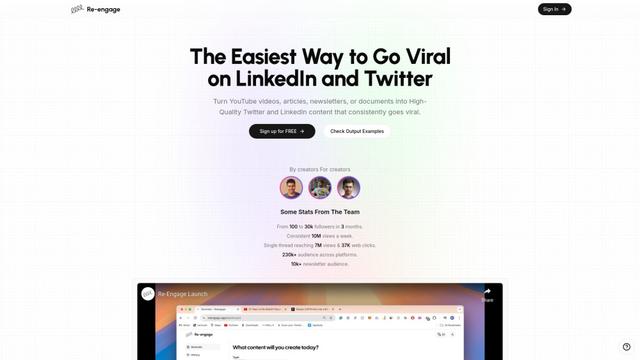
Re-Engage is an innovative content repurposing tool that transforms YouTube videos, articles, newsletters, and documents into high-performing social media content optimized for Twitter and LinkedIn virality.

Trump Donald
Trump Donald is a unique political fundraising platform that lets users send physical letters to Mar-a-Lago while making donations to organizations working to defeat Donald Trump.
Popular AI Tools Like Flare
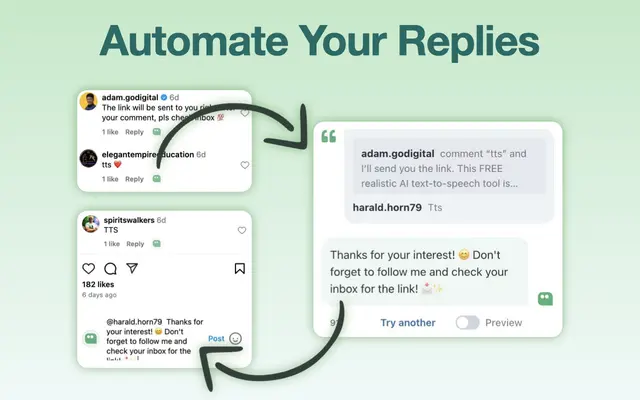
AI Reply Generator - social24
AI Reply Generator - Social24 is a browser extension that helps users generate smart, personalized AI replies for multiple social media platforms including Instagram, Facebook, TikTok, YouTube, and LinkedIn with custom prompt templates and seamless integration.
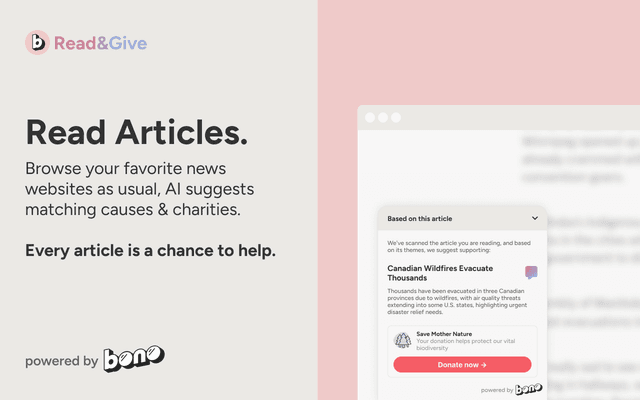
Read & Give by Bono
Read & Give by Bono is a Chrome extension that uses AI to analyze news content and suggests relevant charitable donation opportunities based on the articles you read.
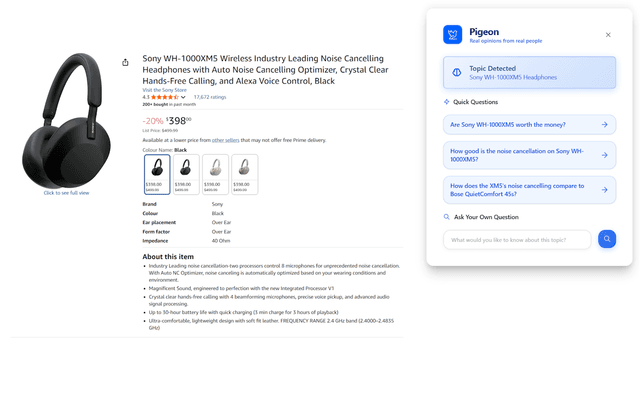
Pigeon
Pigeon is a lightweight Chrome extension that helps users discover and analyze real user opinions from Reddit discussions about any webpage they're browsing.
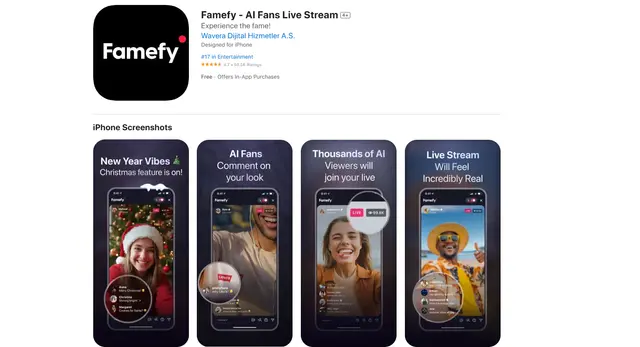
Famefy
Famefy is an AI-powered live streaming platform that lets users experience virtual stardom by interacting with AI-generated fans who provide real-time engagement and feedback.