
Flakes · Your next browser
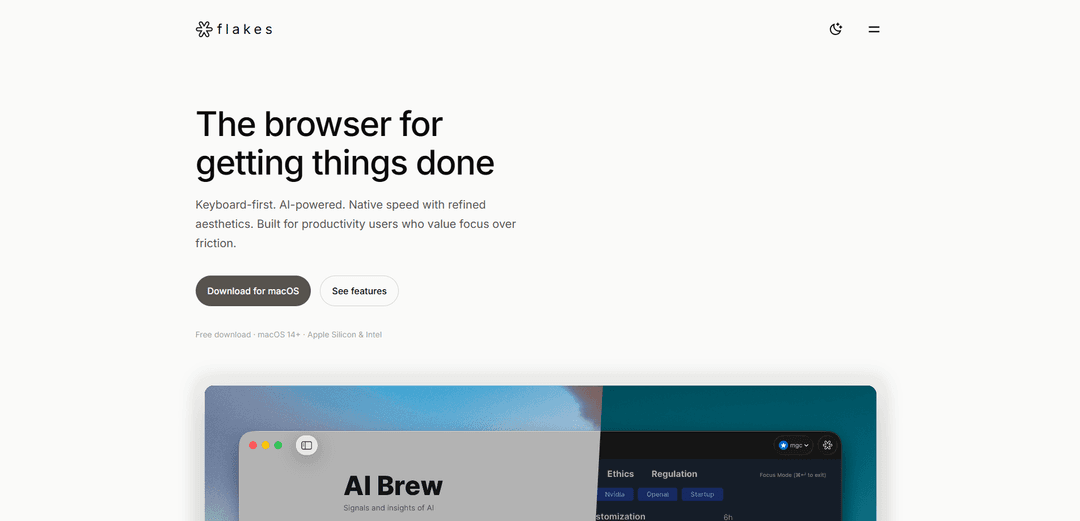
Flakesは、Vimスタイルのナビゲーション、組み込みのAIアシスタンス、邪魔のないインターフェースなどの機能を備えた、生産性に焦点を当てたmacOS用のAIネイティブなキーボード優先ブラウザです。
https://flakes.ai/?ref=producthunt&utm_source=aipure
製品情報
更新日:2026年01月09日
Flakes · Your next browserとは
Flakesは、生産性重視のユーザーのためにWebブラウジングを再構築した、macOS(Apple SiliconおよびIntelの両方で14以降)専用に構築された最新のブラウザです。タブやツールバーで散らかった従来のブラウザとは異なり、FlakesはAIとキーボード中心のコントロールによって強化された、ミニマリストで邪魔のないエクスペリエンスを提供します。ネイティブパフォーマンスと洗練された美学を組み合わせ、ローカルブラウジングやオプションのAI統合などの機能を通じてプライバシーを念頭に置いています。
Flakes · Your next browserの主な機能
Flakesは、キーボード操作を重視し、AIを活用したmacOS向けのブラウザで、生産性と集中できるブラウジングに重点を置いています。Vimスタイルのナビゲーション、コマンドパレット、組み込みの広告ブロック、コンテキストを認識したアシスタンスを提供するDrift AI統合を特徴としています。このブラウザは、最小限のデザイン、ネイティブパフォーマンス、プライバシーを重視し、リアルタイム翻訳や集中モードなどの機能を提供します。
キーボード優先ナビゲーション: h/j/k/lキーによるVimスタイルのナビゲーション、コマンドパレット(⌘K)、およびマウスを使わないブラウジング体験のための「f」キーによるリンクヒント
Drift AI統合: 開いているタブを理解し、直接的な回答を提供し、リアルタイム翻訳を可能にし、コンテンツベースの会話を促進するコンテキスト認識AI
集中できるインターフェース: 集中モード(⌘Enter)、組み込みの広告ブロック、および最大限の集中を可能にするアドレスバーの乱雑さがないクリーンなインターフェース
ネイティブパフォーマンス: 高速なコールドスタート、スムーズなスクロール、およびmacOS上での最小限のメモリフットプリントのために、SwiftUIとWebKitで構築
Flakes · Your next browserのユースケース
プロフェッショナルリサーチ: 研究者は複数のソースを効率的にナビゲートし、AIを使用して開いているタブ全体の情報を統合できます
コンテンツ作成: ライターやクリエイターは、集中モードで集中力を維持しながら、翻訳やコンテンツ理解のためのAIアシスタンスにアクセスできます
ソフトウェア開発: 開発者は、キーボードショートカットとクリーンなインターフェースを使用して、ドキュメントや技術コンテンツをすばやくナビゲートできます
メリット
生産性と集中できるブラウジングに重点を置いている
オプションのAI機能を備えたプライバシーを意識した設計
スムーズなmacOS統合によるネイティブパフォーマンス
デメリット
macOSでのみ利用可能
まだ初期の開発段階
新しいキーボードショートカットとコマンドを習得する必要があるかもしれません
Flakes · Your next browserの使い方
ダウンロードとインストール: macOS用のFlakesブラウザをダウンロードします(macOS 14以降が必要で、Apple SiliconおよびIntelの両方で動作します)
基本的なキーボードナビゲーションを学ぶ: Vimスタイルのナビゲーションを使用します:h(左)、j(下)、k(上)、l(右)でページを移動します
コマンドパレットにアクセスする: ⌘Kを押して、検索履歴、コマンド、URL、およびAI機能へのアクセスを提供するコマンドパレットを開きます
リンクをナビゲートする: fを押して、マウスを使用せずにリンクをクリックできるリンクヒントを表示します
フォーカスモードを有効にする: ⌘Enterを押して、コンテンツ以外のすべてを非表示にし、邪魔のないブラウジングのためにツールバーとアドレスバーを削除します
AI機能を使用する: Drift AIにアクセスして、開いているタブから回答を得たり、ページをリアルタイムで翻訳したり、表示しているコンテンツについて会話したりできます
タブを管理する: キーボードショートカットを使用して、キーボードから離れることなくタブを切り替えたり、ウィンドウを管理したりします
プライバシー機能を有効にする: プライバシーを強化するために、組み込みの広告ブロックとプライベートモードを使用します。プライベートモードは履歴を残さず、メモリ内で隔離されます
Flakes · Your next browserのよくある質問
Flakesは、生産性向上を目指すmacOSユーザー向けの、AIネイティブなキーボード優先ブラウザです。ネイティブの速度、洗練された美しさ、そして最小限のインターフェースの煩雑さで、気が散らないブラウジングに焦点を当てています。




Flakes · Your next browserに類似した最新のAIツール

Cursor Search
Cursor Searchは、カーソルから直接世界の知識と情報を瞬時に取得できるAI駆動のブラウザ拡張機能です
PixieBrix
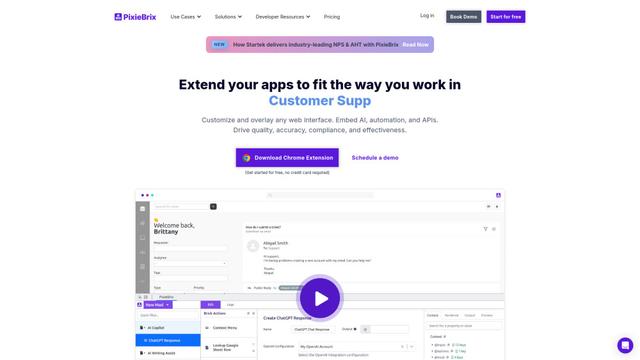
PixieBrixは、ユーザーがAI、統合、コラボレーション機能を使用してウェブアプリケーションをカスタマイズ、自動化、強化できるローコードブラウザ拡張プラットフォームです。
AI Form Fill
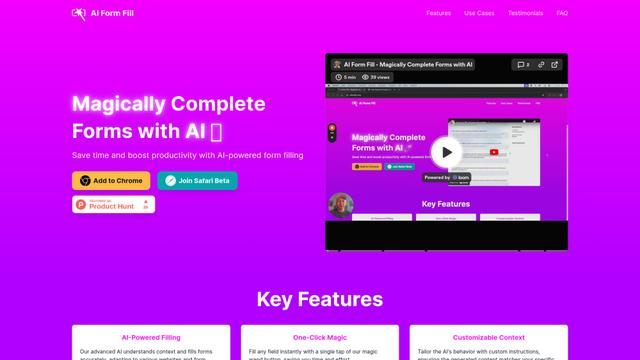
AI Form Fillは、ワンクリックでオンラインフォームを自動的に記入するAI駆動のブラウザ拡張機能で、時間を節約し、生産性を向上させます。
Duang AI Tab
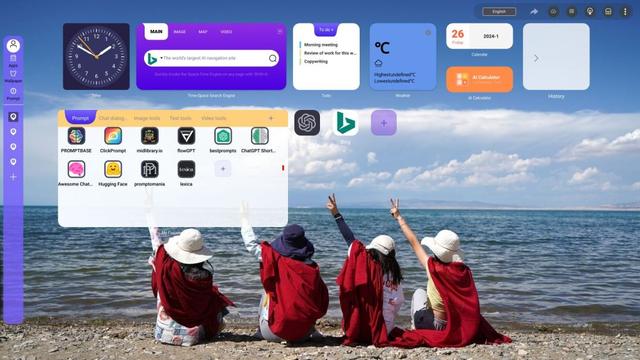
Duang AI Tabは、ホームページを美しくし、生産性を向上させ、どこでもAIツールにワンクリックでアクセスできる人気のブラウザ拡張機能です
Flakes · Your next browserに似た人気のAIツール
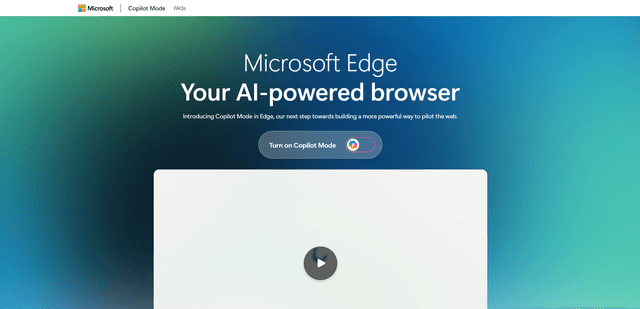
Edge Copilot Mode
Edge Copilot モードは、Microsoft の実験的な AI 搭載ブラウザ機能であり、検索、チャット、ウェブナビゲーションを単一のインターフェイスに統合し、ユーザーがプライバシーと制御を維持しながら、AI の支援を受けてよりスマートに閲覧できるようにします。

BrowserAI
BrowserAI is an open-source library that enables running local Large Language Models (LLMs) directly in web browsers with WebGPU acceleration, offering privacy-focused AI capabilities without requiring server infrastructure.

iBrowsy
iBrowsyは、インテリジェントな機能、プライバシーを重視した設計、および組み込みのGPT-4アシスタンスによるシームレスなユーザーエクスペリエンスを組み合わせた、macOS用の最新のAI搭載Webブラウザです。
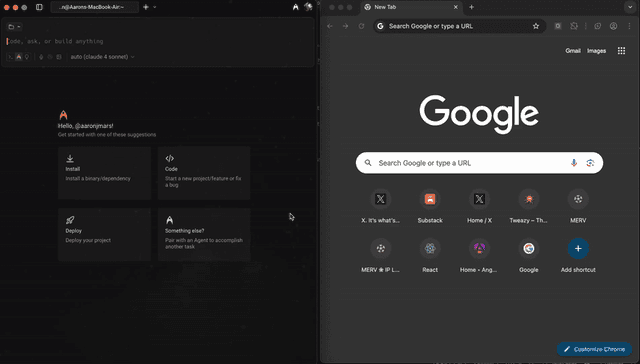
OpenDia
OpenDiaは、AIモデルがログイン済みアカウント、Cookie、閲覧履歴などの既存のデジタル資産を活用しながら、ブラウザをシームレスに制御できるオープンソースのブラウザ自動化ツールです。