Crustimate
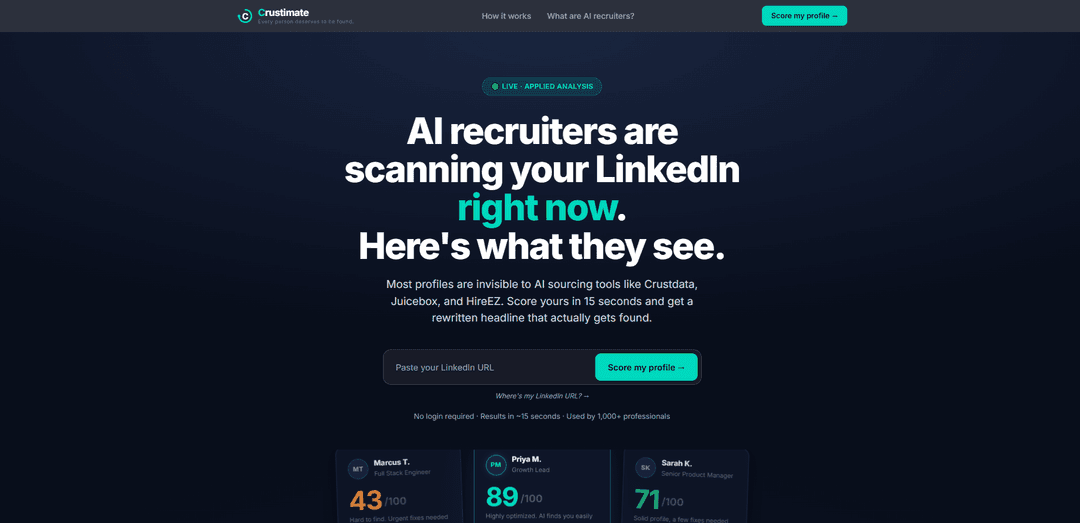
Crustimate is a free, no-login tool that scores your LinkedIn “AI recruiter visibility” in seconds and gives actionable fixes plus a rewritten headline designed to be found by AI sourcing tools.
https://tools.crustdata.com/crustimate?ref=producthunt
Product Information
Updated:May 18, 2026
What is Crustimate
Crustimate (by Crustdata) is a lightweight LinkedIn profile analyzer built for the reality that AI recruiting and sourcing systems increasingly filter and surface candidates before any human review. In about 15 seconds, it shows how “findable” your profile is to AI recruiter tools (e.g., Crustdata, Juicebox, HireEZ) and provides concrete, LinkedIn-ready improvements—especially around your headline and keyword signals—so qualified candidates don’t stay invisible due to generic positioning or missing specifics. It’s positioned as useful not only for job seekers, but also for recruiters, talent acquisition leaders, and educators who want to prep candidates and improve submissions.
Key Features of Crustimate
Crustimate is a free, no-login LinkedIn profile analyzer that scores how “findable” you are to AI recruiting and sourcing tools. In ~15 seconds, it evaluates your profile against key AI retrieval signals, shows what’s reducing your visibility, and generates actionable fixes—most notably a rewritten, AI-optimized headline. It also supports a “refresh with latest” re-score using Crustdata’s realtime API and includes a guided interview flow to help users turn their real work into LinkedIn-ready language.
AI recruiter visibility score: Generates a 0–100 score indicating how likely your profile is to surface in AI recruiter searches, helping you understand your current discoverability.
7 AI retrieval signals analysis: Analyzes multiple machine-readable signals (e.g., role clarity, domain keywords, quantified outcomes, employer signals) to pinpoint why your profile is or isn’t being retrieved.
Actionable feedback with specific fixes: Breaks down issues like generic titles or missing metrics and provides concrete recommendations to improve search visibility.
Auto-generated, AI-optimized headline rewrite: Produces a rewritten headline designed to match how AI sourcing tools query and rank candidates (canonical role + keywords + credibility signals).
Realtime re-score (“Refresh with latest”): If your profile changed recently, triggers a fresh pull via Crustdata’s realtime API to update the analysis and score (typically 30–60 seconds).
Guided interview for people who hate self-promotion: Asks structured questions about your work and turns answers into LinkedIn-ready wording—useful for senior, technical, or introverted candidates.
Use Cases of Crustimate
Job seeker profile optimization: Individuals can quickly diagnose why they’re “invisible” to AI sourcing and iterate on their headline and keywords to get discovered faster.
Recruiting candidate prep before submissions: Recruiters and staffing teams can send Crustimate to candidates pre-interview to improve profile clarity and increase match rates in AI-driven sourcing pipelines.
University career services and student readiness: Career centers can use it as a scalable workshop tool to teach students how AI systems interpret profiles and how to write machine-readable positioning.
Talent acquisition enablement and training: TA leaders can use it to align hiring teams on what AI sourcing tools “see,” improving internal standards for candidate profiles and outreach targeting.
Career coaching and outplacement programs: Coaches can baseline a client’s visibility, apply recommended changes, and re-score to show measurable improvement over multiple iterations.
Pros
Free and frictionless (no login required) with fast results (~15 seconds).
Highly actionable output (clear issues + headline rewrite) designed for AI sourcing realities.
Supports iteration with a realtime refresh and re-score after profile updates.
Cons
Accuracy can depend on data freshness; the default pull may be a few days behind unless you use the realtime refresh.
Primarily focused on LinkedIn visibility signals, not a full resume/portfolio evaluation.
Optimization guidance may encourage more standardized phrasing, which some users may feel reduces personal voice.
How to Use Crustimate
1) Open Crustimate: Go to https://tools.crustdata.com/crustimate?ref=producthunt (or use the main Crustimate entry link shown on the page). No login is required.
2) Copy your LinkedIn profile URL: From LinkedIn, copy the URL of the profile you want to score (your own or a candidate’s).
3) Paste the LinkedIn URL into Crustimate: Paste the LinkedIn URL into the input field (the page links to a scoring flow at https://www.crustimate.com/#linkedin-url).
4) Run the analysis: Submit the URL and wait for results (typically ~15 seconds). Crustimate analyzes AI retrieval/visibility signals and returns a score.
5) Review your score and what’s hurting visibility: Read the breakdown of issues (e.g., overly generic title, missing domain keywords, lack of quantified outcomes) and how often you surface in recruiter-style queries.
6) Use the rewritten headline suggestion: Apply the recommended, AI-findable headline format (clear canonical role + domain keywords + credible signals like notable employers + measurable outcomes where relevant).
7) Update your LinkedIn profile: Edit your LinkedIn headline (and any other suggested fields) to incorporate the recommended keywords, specificity, and quantified outcomes.
8) Re-score after changes: Return to Crustimate and run the analysis again to see if your score improves; iterate until you’re satisfied.
9) Refresh with latest data if your changes don’t show up: If you recently updated LinkedIn and the score reflects older data, click the “Refresh with latest” link shown below your score to trigger a fresh pull via Crustdata’s realtime API (takes ~30–60 seconds).
10) (Optional) Use the guided interview if you struggle to write about yourself: After scoring, find the “Hate writing about yourself?” card and start the interview (~5 minutes). Answer prompts about your work; Crustimate turns them into LinkedIn-ready content.
11) (Optional) Use it for recruiting/education workflows: Recruiters/TA leaders/educators can send Crustimate to candidates before interviews or client submissions to improve candidate visibility and alignment with AI sourcing tools.
Crustimate FAQs
Crustimate is a free, no-login tool from Crustdata that scores how “findable” your LinkedIn profile is to AI recruiting/sourcing tools and provides actionable fixes, including a rewritten headline.
Popular Articles

Atoms: A Multi-Agent AI Platform That Transforms Ideas into Launch-Ready Products
May 22, 2026

Nano Banana SBTI: What It Is, How It Works, and How to Use It in 2026
Apr 15, 2026

Atoms Review — The AI Product Builder Redefining Digital Creation in 2026
Apr 10, 2026

Kilo Claw: How to Deploy and Use a True "Do‑It‑For‑You" AI Agent(2026 Update)
Apr 3, 2026
Latest AI Tools Similar to Crustimate
Jobbie
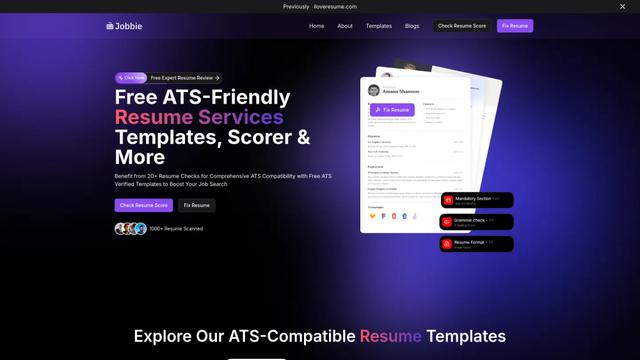
Jobbie is a comprehensive online platform offering free ATS-friendly resume services including resume checking, scoring, templates, and AI-powered optimization tools to help job seekers create professional resumes that pass through Applicant Tracking Systems.

Hiring Studio by Metaview
Hiring Studio by Metaview is a free AI-powered tool that helps recruiting teams generate customized interview questions with follow-up suggestions and detailed answer rubrics.
JOBO
JOBO is an AI-powered career assistant that revolutionizes job hunting by automatically searching and applying for jobs on your behalf while you sleep.
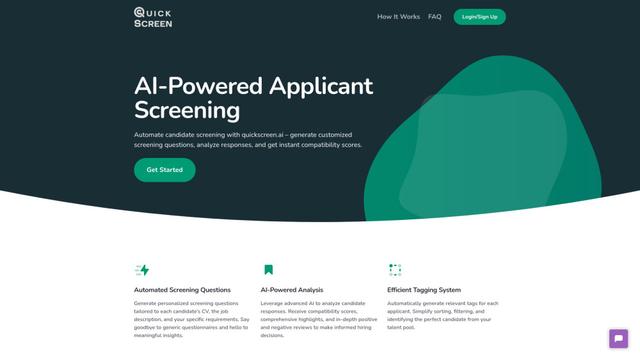
QuickScreen.AI
QuickScreen.AI is an automated candidate screening platform that leverages AI to generate customized screening questions, analyze responses, and provide instant compatibility scores for job applicants.
Popular AI Tools Like Crustimate

CampEd Hire
CampEd Hire is a powerful Chrome extension that streamlines recruitment by automatically collecting and organizing job applicant data from LinkedIn job posts, with features like automated data collection, CSV export, and batch resume downloads.
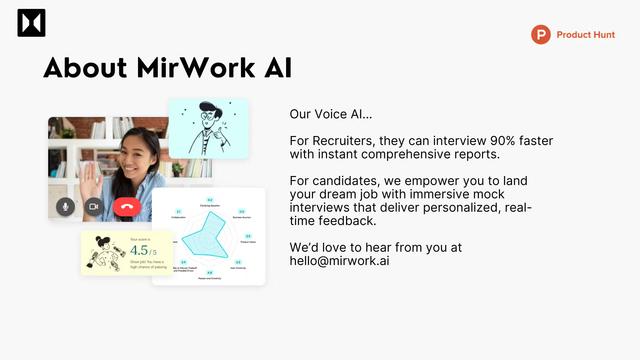
Quick Mock - AI interviewer for Any Job
Quick Mock is an AI-powered interview preparation tool that enables users to extract job descriptions from leading platforms and instantly conduct realistic mock interviews with real-time voice AI technology and comprehensive feedback.
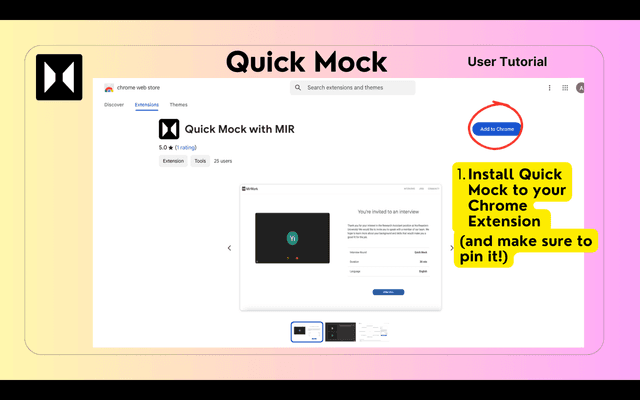
QuickMock 2.0 – AI for Hot Interviews
QuickMock 2.0 is an AI-powered interview preparation tool that instantly converts LinkedIn job descriptions into tailored mock interviews with real-time feedback and a comprehensive question bank from top companies.
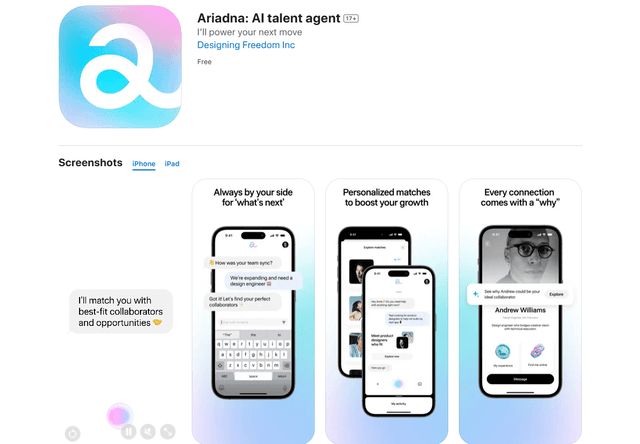
Ariadna
FreeAI Recruiting
Ariadna is the world's first AI talent agent that provides personalized career guidance, connects professionals with perfect-fit collaborators, and offers AI-driven insights to navigate career growth.