
DodoForm
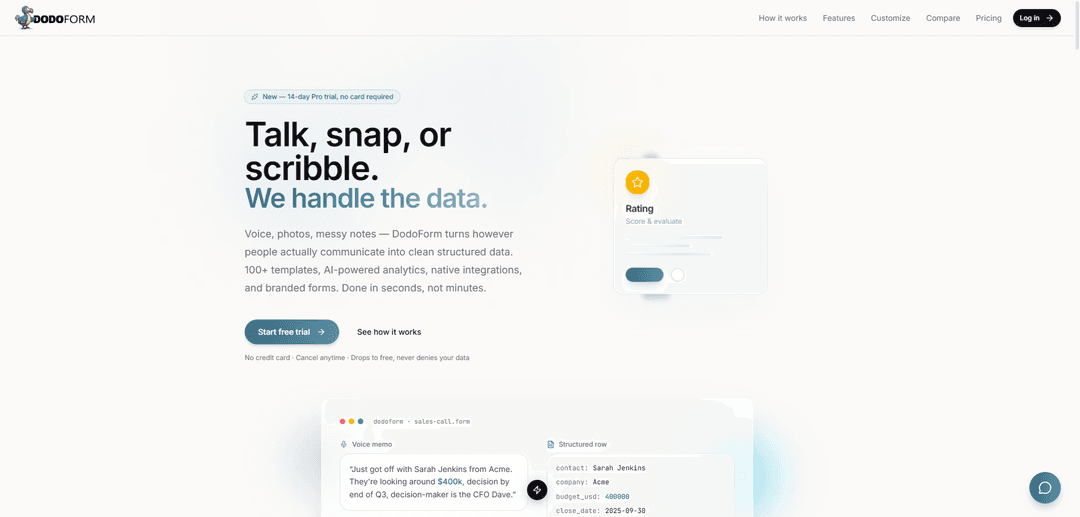
DodoForm ist ein KI-nativer Formular-Builder, der Sprache, Fotos und unordentliche Notizen in saubere strukturierte Daten umwandelt, mit über 100 Vorlagen, Markenanpassung, Analysen, nativen Integrationen und signierten Webhooks.
https://www.dodoform.com/?ref=producthunt&utm_source=aipure
Produktinformationen
Aktualisiert:Jun 8, 2026
Was ist DodoForm
DodoForm („Formulare, die sich selbst ausfüllen“) ist ein modernes Formular- und Workflow-Tool, das entwickelt wurde, um Informationen so zu erfassen, wie Menschen tatsächlich kommunizieren – durch Sprechen, Fotografieren oder Notieren unstrukturierter Notizen – und diese automatisch in strukturierte, nutzbare Daten umzuwandeln. Über die traditionelle Formularerstellung hinaus kombiniert es einen flexiblen Builder (über 25 Feldtypen und Layoutblöcke) mit KI-gestützten Extraktions-, Berichts- und Integrationsoptionen, sodass Teams alles erstellen können, von Lead-Generierungsformularen und Umfragen bis hin zu Zahlungen, Verträgen und Aufnahme-Workflows, und die Einreichungen dann in ihre bestehenden Systeme leiten können.
Hauptfunktionen von DodoForm
DodoForm ist ein KI-nativer Formularersteller, der reale Eingaben – Sprachmemos, Fotos und unordentliche Notizen – in saubere, strukturierte Daten umwandelt. Es bietet über 100 Vorlagen, einen flexiblen Builder mit über 25 Feldtypen (einschließlich Zahlungen, Signaturen, Terminplanung, Uploads und bedingter Logik) sowie starke Anpassungs-/Branding-Möglichkeiten (einschließlich KI-generierter Themen). Über die Formularerstellung hinaus liegt der Schwerpunkt auf den Ergebnissen: Analyse-Dashboards, konversationelle BI für exakte Antworten, Schema-Versionierung bei der Weiterentwicklung von Formularen und robuste Datenanbindung über native Integrationen, Exporte und signierte ausgehende Webhooks mit Lieferprotokollen.
Unstrukturierte Eingabe zu strukturierten Daten: Akzeptieren Sie Sprache, Bilder und unstrukturierte Notizen in öffentlichen Formularen und extrahieren und normalisieren Sie diese dann automatisch in strukturierte Felder/Zeilen für nachgelagerte Systeme.
Flexibler Formularersteller (über 25 Feldtypen): Erstellen Sie alles von Lead-Formularen bis hin zu bezahlten Quizzen mit Text-/Auswahlfeldern, Terminplanung, Dateiuploads, Signaturen, Zahlungen, Matrizen (Likert), Ranglisten und Layout-Blöcken wie Überschriften, Medien und Seitenumbrüchen.
Native Integrationen + zuverlässige Automatisierungshooks: Verbinden Sie sich mit Tools wie Zapier, Google Sheets und Notion und pushen Sie jede Einreichung über HMAC-signierte Webhooks mit Wiederholungen, Backoff, rotierbaren Geheimnissen und Lieferprüfprotokollen an Ihr CRM/Backend.
Branding & KI-Themengenerierung: Passen Sie Logo, Banner/Hintergrund, Schriftarten, Abstände, Radien, Schatten und Farben an – oder beschreiben Sie eine Stimmung/ein Brand Kit und lassen Sie DodoAI ein vollständiges Thema mit Live-Vorschau und benutzerdefinierten Dankesseiten generieren.
Analysen + konversationelle BI: Gehen Sie über Diagramme hinaus mit einem Analyse-Dashboard und einer konversationellen BI-Ebene, die darauf ausgelegt ist, exakte Antworten (über eine eingeschränkte Abfrage-Engine) zur Formularleistung und zu den Einreichungen zu liefern.
Schema-Versionierung & iterative Verbesserung: Jede Speicherung kann das Schema versionieren, sodass Sie Formulare im Laufe der Zeit weiterentwickeln können, während die Einreichungen an die korrekte Struktur gebunden bleiben.
Anwendungsfälle von DodoForm
Erfassung von Vertriebsleads aus Anrufen und Feldnotizen: Wandeln Sie Sprachmemos oder unordentliche Vertriebsnotizen in strukturierte, CRM-fähige Felder (Kontakt, Unternehmen, Budget, Abschlussdatum, Entscheidungsträger) um und leiten Sie diese über signierte Webhooks an HubSpot/Salesforce/Zapier weiter.
Kundenfeedback, Umfragen und NPS: Führen Sie gebrandete Umfragen mit Likert-Matrizen, Bewertungsskalen und bedingter Logik durch; akzeptieren Sie Sprachantworten und strukturieren Sie diese automatisch für Analyse und Nachverfolgung.
Bezahlte Quizze und Lead-Scoring für das Marketing: Erstellen Sie mehrstufige Quizze mit Verzweigungslogik und KI-Lead-Scoring, erfassen Sie Leads mit hoher Absicht und synchronisieren Sie die Ergebnisse mit Tabellenkalkulationen, Notion oder Automatisierungsworkflows.
Bestellungen, Zahlungen und einfacher Checkout: Sammeln Sie Zahlungen bei der Einreichung (Betrag/Währung/Checkout wird abgewickelt) für digitale Produkte, Veranstaltungsgebühren, Anzahlungen oder bezahlte Aufnahmeabläufe.
Verträge, Genehmigungen und Freigabeworkflows: Verwenden Sie Unterschriftenpads mit versionierten Schema-Snapshots, die zusammen mit jeder Einreichung gespeichert werden, für auditierbare Genehmigungen und interne/externe Freigaben.
Einstellungs- und Aufnahme-Workflows: Erstellen Sie Bewerbungs- oder Kundenaufnahme-Assistenten mit Lebenslauf-Uploads und mehrseitigen Abläufen; extrahieren Sie strukturierte Profile aus unstrukturierten Bewerber-/Kundennotizen.
Vorteile
KI-gesteuerte Datenerfassung (Sprache/Bild/Notizen → strukturierte Ausgabe) reduziert manuelles Tippen und Bereinigen.
Starke Automatisierung und Datenportabilität: signierte Webhooks, Wiederholungen, Lieferprotokolle sowie Integrationen und CSV-/Excel-Export.
Hohe Anpassbarkeit mit KI-gestützter Themenfindung und gebrandeten Formularerlebnissen.
Keine Pro-Sitz-Preise und eine 14-tägige Pro-Testversion ohne Kreditkarte erforderlich.
Nachteile
Einige erweiterte Funktionen (z. B. Sprach-/Bildextraktion, Analysen/konversationelle BI, Entfernen des Brandings) sind an höherwertige Pläne (Pro/Max) gebunden.
Die Produktbotschaft suggeriert einen modernen, KI-zentrierten Workflow; Teams, die rein traditionelle Formularwerkzeuge wünschen, könnten die KI-Funktionen als unnötig empfinden oder Prozessänderungen erfordern.
Wie verwendet man DodoForm
1) Starten Sie eine Pro-Testversion (optional): Gehen Sie zu https://www.dodoform.com/login und starten Sie die 14-tägige Pro-Testversion (keine Karte erforderlich). Sie können auch mit dem kostenlosen Plan beginnen und später upgraden.
2) Erstellen Sie ein neues Formular aus einer Vorlage (schnellster Weg): Wählen Sie eine der über 100 Vorlagen, um nicht bei Null anfangen zu müssen. Vorlagen helfen Ihnen, mit einer vorgefertigten Struktur zu beginnen, die Sie bearbeiten können.
3) Erstellen oder bearbeiten Sie Ihre Formularfelder: Verwenden Sie den Formular-Builder, um die benötigten Eingaben hinzuzufügen (z. B. Text, Auswahl, Terminplanung, Dateiupload, Signaturen, Zahlungen, Matrixskalen, Rankings). Verwenden Sie Layoutblöcke wie Überschriften, Bilder/Videos und Seitenumbrüche, um längere Formulare einfach ausfüllbar zu halten.
4) Fügen Sie Logik für intelligentere Abläufe hinzu (bei Bedarf): Konfigurieren Sie bedingte Logik/Verzweigungen, damit die Befragten nur relevante Fragen sehen (nützlich für Umfragen, Quizze und Aufnahmeformulare).
5) Aktivieren Sie die Erfassung unordentlicher Eingaben (Sprache/Fotos/Notizen) und lassen Sie die KI diese strukturieren: Konfigurieren Sie Ihr Formular so, dass es reale Eingaben wie Sprachmemos, Fotos oder unordentliche Notizen akzeptiert. DodoForm extrahiert und konvertiert diese Eingaben in saubere strukturierte Felder (z. B. Umwandlung einer Verkaufsgesprächsnotiz in Unternehmen, Kontakt, Budget, Abschlussdatum, Entscheidungsträger).
6) Branding und Thema anpassen: Laden Sie Ihr Logo/Banner/Hintergrund hoch und passen Sie Farben (über 14), Schriftarten, Abstände, Eckenradius, Schatten und Layout an. Alternativ können Sie DodoAI Ihren gewünschten Stil beschreiben (oder ein Brand Kit hochladen), um ein Thema mit einem Klick zu generieren. Optional können Sie eine benutzerdefinierte Dankesseite festlegen.
7) Analysen konfigurieren (Pro und höher): Verwenden Sie das Analyse-Dashboard, um Einreichungen und Diagramme zu überprüfen. Wenn in Ihrem Plan verfügbar, verwenden Sie konversationelle BI, um Fragen zu stellen und genaue Antworten aus Ihren strukturierten Daten zu erhalten.
8) Teilen Sie Ihr Formular: Veröffentlichen und verteilen Sie es über einen öffentlichen Link oder QR-Code, damit die Befragten von überall aus einreichen können.
9) Exportieren Sie Ihre Daten (CSV/Excel): Laden Sie Einreichungen als CSV/Excel für die Offline-Analyse oder den Import in andere Systeme herunter.
10) Integrationen verbinden (Zapier, Google Sheets, Notion usw.): Aktivieren Sie native Integrationen, um strukturierte Einreichungen automatisch in Ihre bestehenden Tools und Workflows zu senden.
11) Senden Sie Einreichungen über signierte Webhooks an Ihr eigenes Backend: Konfigurieren Sie einen ausgehenden Webhook-Endpunkt, um Ereignisse wie submission.created zu empfangen. DodoForm signiert Payloads mit HMAC-SHA256 und beinhaltet Zustellwiederholungen mit Backoff und ein Audit-Log. Ihr Server sollte den Signatur-Header überprüfen, bevor er dem Payload vertraut.
12) Iterieren Sie sicher, während sich Ihr Formular entwickelt: Aktualisieren Sie Ihr Formular, wenn sich die Anforderungen ändern. DodoForm unterstützt die Schemaversionierung, sodass Änderungen zusammen mit den Einreichungen verfolgt werden, was Ihnen hilft, Felder weiterzuentwickeln, ohne die Nachvollziehbarkeit zu verlieren.
DodoForm FAQs
DodoForm ist ein Formular-Builder, der Sprache, Fotos und unordentliche Notizen in saubere, strukturierte Daten umwandelt. Es bietet über 100 Vorlagen, KI-gestützte Analysen, native Integrationen und gebrandete Formulare.
DodoForm Video
Beliebte Artikel

Wie Sie virale sprechende Baby-Podcast-Videos mit KI erstellen: Schritt-für-Schritt-Anleitung
Nov 2, 2026

Proferex: Eine cloudbasierte Plattform für Werbetracking und Kampagnenoptimierung
Nov 2, 2026

Vosko AI: Videos für ein globales Publikum lokalisieren und synchronisieren
Oct 15, 2026

Atoms: Eine Multi-Agenten-KI-Plattform, die Ideen in startbereite Produkte verwandelt
May 22, 2026
Neueste KI-Tools ähnlich wie DodoForm
Appeal Parking Ticket
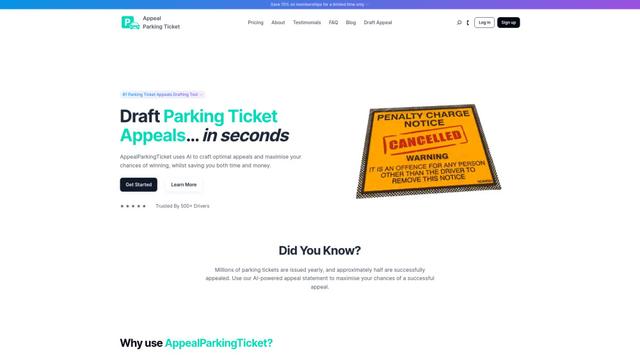
AppealParkingTicket ist ein spezialisierter Online-Service, der Fahrern hilft, unfairen Parktickets effizient zu widersprechen, indem er fachkundige Anleitung und automatisierte Erstellung von Einspruchsschreiben bereitstellt.
Formaloo
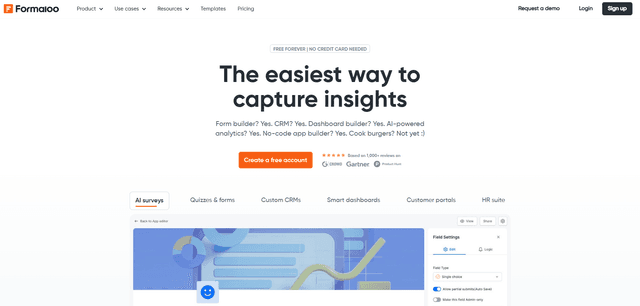
Formaloo ist eine No-Code-Kundenbindungsplattform, die es Unternehmen ermöglicht, benutzerdefinierte Formulare, Umfragen, CRMs, Dashboards, Kundenportale und Geschäftsanwendungen zu erstellen, ohne eine einzige Zeile Code zu schreiben.
MagicLoop
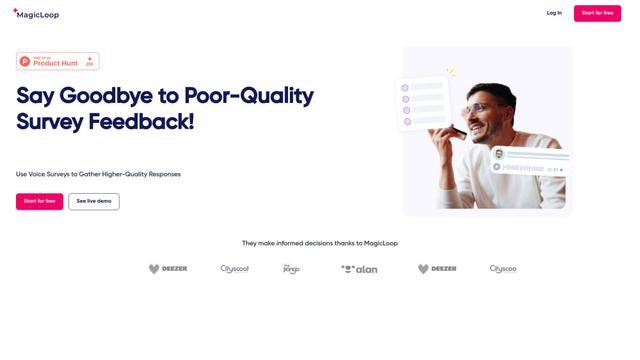
MagicLoop ist ein Sprachumfragetool, das es Unternehmen ermöglicht, qualitativ hochwertigeres Kundenfeedback durch gesprochene Antworten zu sammeln.
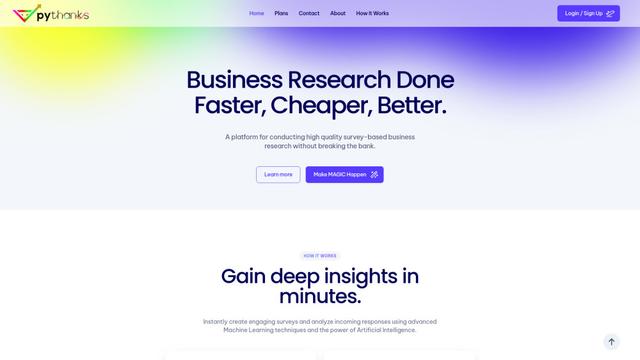
pythanks
Pythanks ist eine KI-gestützte Plattform zur schnellen und kostengünstigen Erstellung und Analyse hochwertiger Umfragen zum Kundenerlebnis.
Beliebte KI-Tools wie DodoForm
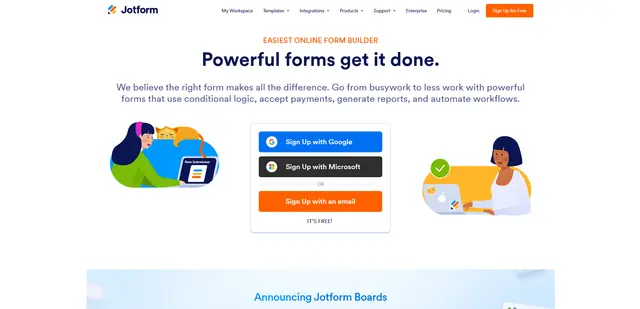
Jotform
Jotform ist eine leistungsstarke Online-Formular-Builder-Plattform, mit der Benutzer anpassbare Formulare, Umfragen und Anwendungen ohne Programmierung erstellen k\u00f6nnen und gleichzeitig Funktionen wie Zahlungsabwicklung, Workflow-Automatisierung und Integrationsfunktionen bietet.
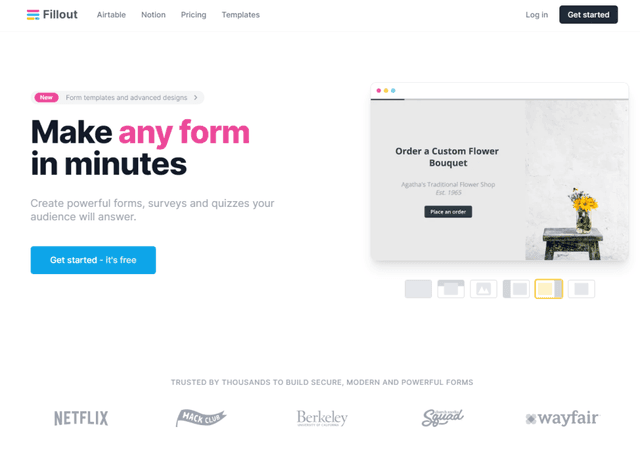
Fillout.com
Fillout ist ein leistungsstarker, No-Code-Formularersteller, der es Benutzern ermöglicht, anpassbare Formulare, Umfragen und Quizze mit fortschrittlichen Funktionen und Integrationen zu erstellen.
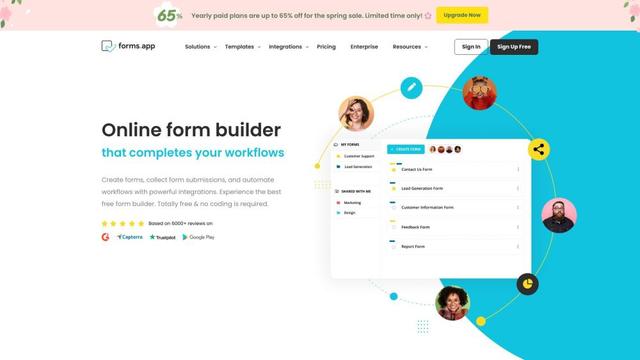
forms app
forms.app ist ein Online-Formularerstellungstool, das es Nutzern ermöglicht, schöne Formulare, Umfragen und Quizze mit leistungsstarken Funktionen wie bedingter Logik, Zahlungsintegration und Workflow-Automatisierung zu erstellen.

BlockSurvey
BlockSurvey ist ein Web3-Tool für Formulare und Umfragen, das End-to-End-Verschlüsselung, KI-gesteuerte Umfrageerstellung und Datenanalyse mit einem Fokus auf Datenschutz und Sicherheit bietet.