
Cuddler
Cuddler is an AI interactive-storytelling platform where users can chat with AI characters, create branching dramas and cinematic scenes, and share stories enhanced with expressive voices, images, and video.
https://cuddler.ai/?utm_source=aipure
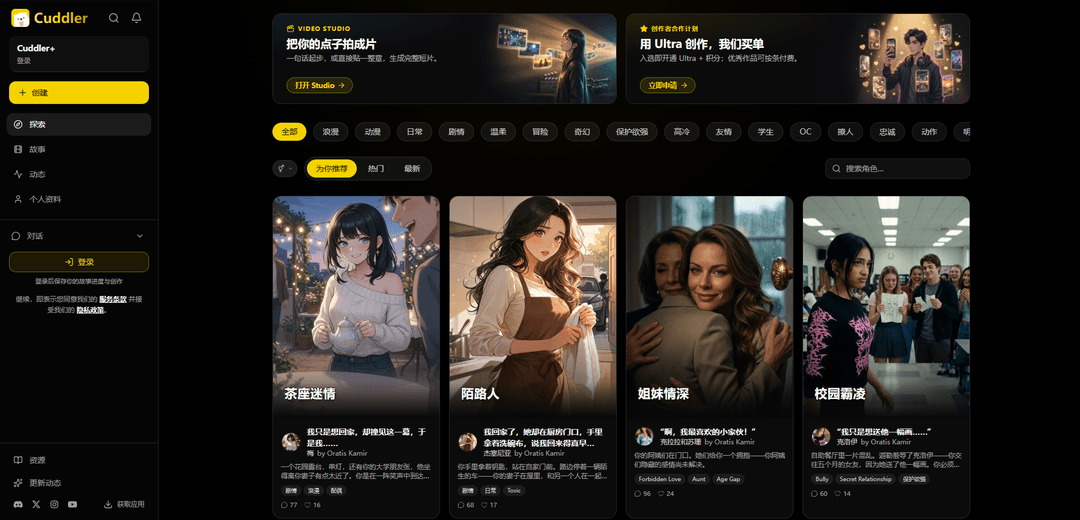
Product Information
Updated:Oct 26, 2026
What is Cuddler
Cuddler is an AI-powered interactive storytelling platform built around Living Stories. Users can talk with characters,make choices that shape branching stories, watch AI-generated story episodes and short dramas and turn conversations into cinematic scenes. Cuddler also offers affordable API access for developers.The experience moves from video to conversation and from conversation back to video. Cuddler also supports serialized webtoons and tools for creating characters, scenes, and story series.
Key Features of Cuddler
Cuddler is an AI-powered interactive storytelling and creative-media platform for discovering, playing, and making cinematic stories. Users can chat with AI characters, influence branching drama outcomes, read serialized webtoons, create original characters and scenarios, and turn written ideas or story moments into shareable AI-generated videos.
Interactive AI character chats: Users can converse with AI characters in roleplay-style scenarios, steering dialogue, relationships, and plot developments through their choices.
Branching interactive dramas: Cuddler offers choice-driven stories in which users make decisions that affect the direction and ending of the narrative.
AI Video Studio: Creators can start with a prompt or longer written material and generate short cinematic films, scenes, or visual story content.
Character creation tools: Users can create original AI characters with details such as names, personalities, greetings, tags, visual assets, and optional voices.
Webtoons and serialized stories: The platform supports chapter-based webtoons and ongoing story series that readers can follow as new installments are released.
Community discovery and sharing: Users can explore creator content, follow series and creators, engage with community posts, and share their stories or generated scenes.
Use Cases of Cuddler
Interactive entertainment: Readers and roleplay fans can participate in romance, fantasy, mystery, slice-of-life, and other narrative genres by talking to characters and choosing story paths.
Independent film concepting: Writers and aspiring filmmakers can rapidly turn a scene, logline, or chapter into a short visual concept for pitching, experimentation, or social sharing.
Character and world building: Fiction writers, tabletop RPG players, and fan-fiction creators can develop characters, dialogue styles, settings, and ongoing story worlds.
Social-media storytelling: Creators can produce short AI-generated dramatic or cinematic clips designed for sharing with audiences across social platforms.
Community-driven serial fiction: Storytellers can publish episodic narratives or webtoons, build a following, and encourage audience participation through recurring characters and stories.
Pros
Combines AI roleplay, interactive branching fiction, webtoons, and AI video creation in one platform.
Supports both content discovery and creation, serving casual readers as well as storytellers.
Provides a visual, cinematic way to develop and share written story ideas.
Community and follow features can help creators build audiences for serialized content.
Cons
AI-generated dialogue and media may be inconsistent in quality or may not fully match a creator's intended tone.
The content catalog includes mature and relationship-focused themes that may not suit every audience.
Advanced creation features, higher usage limits, or premium models may depend on paid membership or credits.
Generated visuals and story outputs can require editing and review before professional publication.
How to Use Cuddler
1. Open Cuddler and sign in: Go to https://cuddler.ai/ or install the Cuddler app through the Get App link. Sign in or create an account to save your stories, chats, creations, and profile activity.
2. Explore available content: Open Explore to browse AI characters, interactive stories, video scenes, dramas, and webtoons. Use category tags such as Romance, Fantasy, Drama, Adventure, Anime, Mystery, or Slice of Life to narrow what you want to see.
3. Start an interactive character story: Select a character card or story that interests you. Read its setup, including the setting, premise, and character traits, then begin chatting. Your messages guide the character’s replies and influence the direction of the story.
4. Advance and steer the plot: Reply naturally in the chat, make choices, or use story prompts when available to add action, emotion, or a twist. Use the Go On or continuation option to have Cuddler move the narrative forward when you want the next story beat.
5. Read or play other story formats: Use Stories to watch AI-created scenes and short dramas. Open interactive dramas to make choices that can affect the ending. Open webtoons to read serialized chapters and follow continuing series.
6. Create an AI character: Choose Create and make a character by providing a name, personality, greeting, tags, and optional voice. Cuddler can generate a hero image and avatar. The personality helps keep the character’s responses consistent during chats.
7. Create a film in Video Studio: Open Video Studio from Explore or Create. Start with a one-line idea or paste a longer chapter or scene. Provide the desired story, setting, characters, and visual direction, then generate a short AI film.
8. Customize generated media: Where available, use images, character references, prompt edits, or video references to guide scenes and characters. You can generate cinematic clips, revise prompts, and remix a result into a new version.
9. Use voice and language features: Enable text-to-speech if you want AI replies read aloud. Preview or choose voices when creating characters. Set your preferred language in Language Settings; Cuddler supports multiple languages and adapts characters, feeds, and replies to the selected language.
10. Manage chats and account settings: Use Chats or Inbox to revisit active conversations. Open Profile to view your public activity and creations. Use Settings for preferences, language controls, membership options, help resources, and account management.
11. Share and participate in the community: Publish or share eligible creations, browse the community feed, comment on posts, follow creators or series, and join rooms or challenges when available. Check Activity for updates from content and creators you follow.
12. Get help if needed: Open Support & Help Center from the site menu for common questions and account assistance. You can also use Cuddler’s Discord community for feedback and help from other users and the team.
Cuddler FAQs
Cuddler is an AI interactive storytelling platform where people can explore AI characters, chat-based stories, branching dramas, webtoons, scenes, and short videos.
Official Posts
Loading...Popular Articles

Vosko AI: Localize and Dub Videos for Global Audiences
Oct 15, 2026

Atoms: A Multi-Agent AI Platform That Transforms Ideas into Launch-Ready Products
Oct 13, 2026

Nano Banana SBTI: What It Is, How It Works, and How to Use It in 2026
Apr 15, 2026

Atoms Review — The AI Product Builder Redefining Digital Creation in 2026
Apr 10, 2026
Latest AI Tools Similar to Cuddler
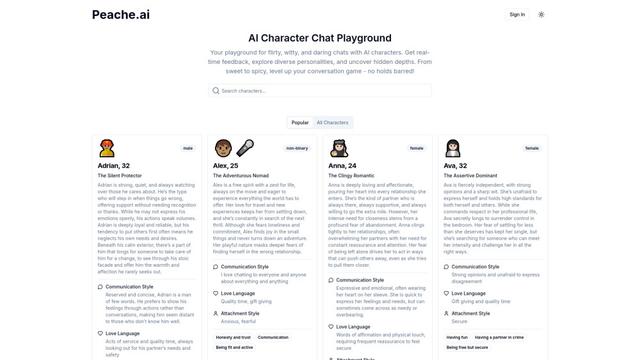
Peache.ai
Peache.ai is an AI character chat playground that enables users to engage in flirty, witty, and daring conversations with diverse AI personalities through real-time interactions.

Simba
Simba is an iconic animated lion character and protagonist of Disney's The Lion King, who grows from a carefree cub to the rightful king of Pride Rock after overcoming challenges and embracing his responsibilities.
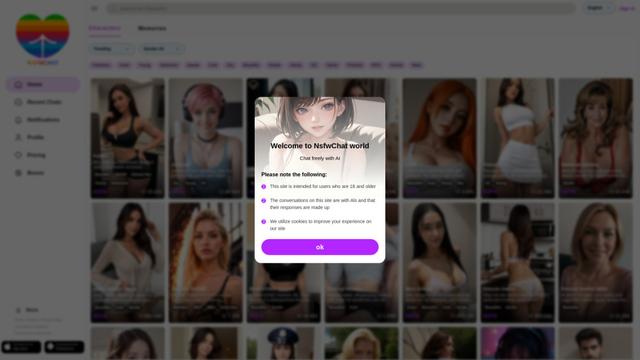
NSFWChatAI
NSFWChatAI is an uncensored AI chat platform that enables users to engage in immersive, unrestricted conversations with diverse NSFW characters.
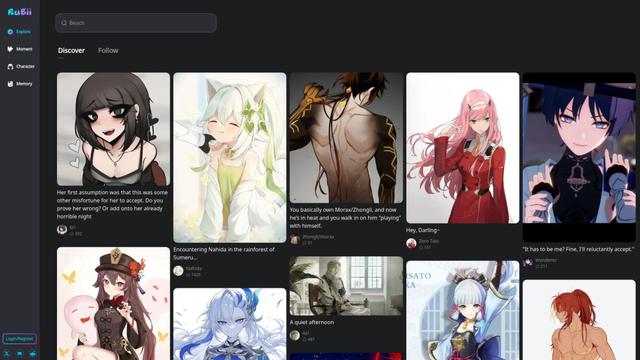
Rubii
Rubii is an AI-powered platform for creating and interacting with virtual characters, generating content, and exploring fan-made stories and artwork.
Popular AI Tools Like Cuddler
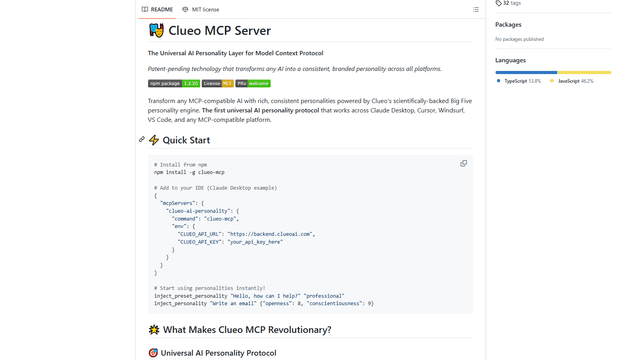
ClueoMCP
ClueoMCP is a universal AI personality layer that transforms any AI into a consistent, branded personality across all platforms using patent-pending technology and scientifically-backed Big Five personality traits.
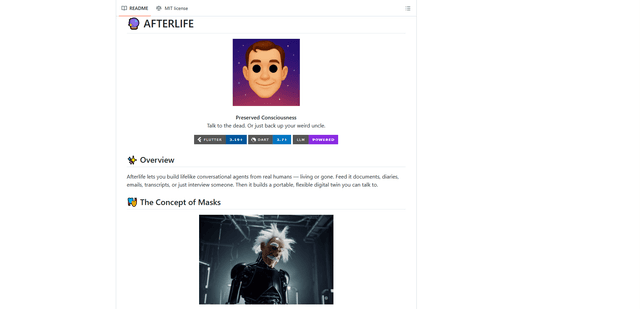
Afterlife AI
Afterlife is an open-source platform that creates personalized AI avatars through an interview process, allowing users to chat with digital twins of historical figures or preserve the communication patterns of loved ones through an ethical and transparent approach.
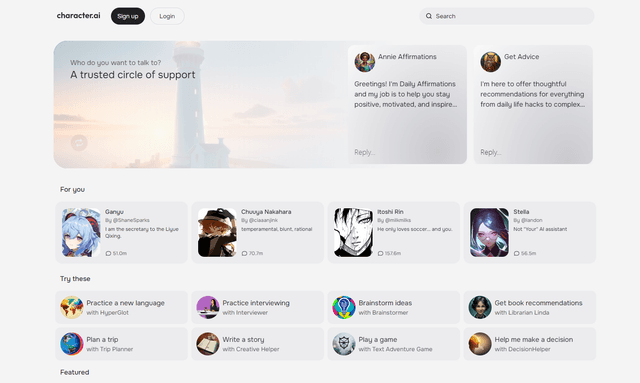
Character.ai
Character.ai is an innovative AI chatbot platform that allows users to create, customize, and interact with a wide variety of AI characters for entertainment, learning, and creative purposes.
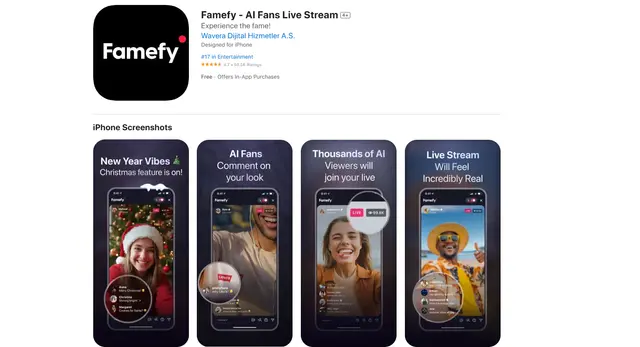
Famefy
Famefy is an AI-powered live streaming platform that lets users experience virtual stardom by interacting with AI-generated fans who provide real-time engagement and feedback.