CrabTalk
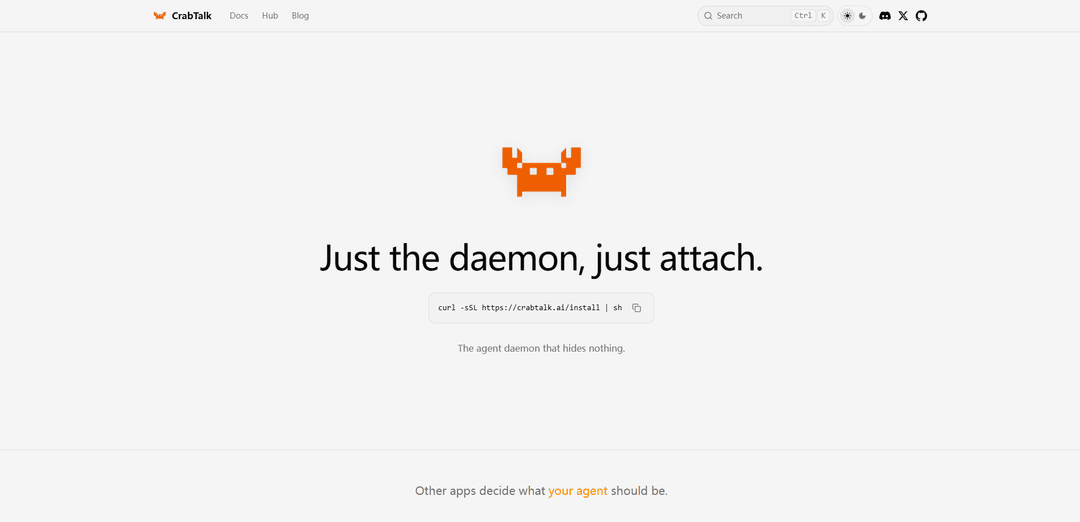
CrabTalk is a lightweight 8MB agent daemon that provides graph-based memory and relational knowledge management for AI systems through episode replay and graph traversal.
https://crabtalk.ai/?ref=producthunt
Product Information
Updated:Apr 8, 2026
What is CrabTalk
CrabTalk is a minimalist AI agent daemon that focuses on memory management and relational knowledge through a graph-based approach. Unlike other AI frameworks that bundle many tools and features, CrabTalk provides just the core daemon functionality for managing AI agent sessions, dispatching commands, and streaming events. It utilizes LanceDB and lance-graph to create a network of Agent, User, and Episode nodes that enable AI systems to maintain context and 'remember' previous interactions.
Key Features of CrabTalk
CrabTalk is a lightweight agent daemon system that focuses on minimalism and flexibility, providing core functionality for session management, command dispatching, and event streaming in just 8MB. It's designed to be a bare-bones solution that allows users to build their own stack without unnecessary bloat or vendor lock-in.
Minimal Core Daemon: An 8MB lightweight daemon that handles essential functions like sessions, dispatch, and events streaming
Customizable Command System: Allows users to swap, remove, or write their own commands and integrate any binary from their PATH
External Connectivity: Supports connections to various external tools and services including Telegram, Gateway, and MCP server
Simple Installation: One-line curl installation command for quick setup and deployment
Use Cases of CrabTalk
Custom Development Environments: Developers can build their own specialized development stacks without unnecessary components
System Integration: Organizations can integrate their existing tools and binaries with the minimal agent daemon
Lightweight Automation: Teams can implement automated processes without the overhead of full-featured automation platforms
Pros
Extremely lightweight (only 8MB)
No vendor lock-in
Highly customizable
No unnecessary features or bloat
Cons
Requires more setup and configuration compared to full-featured solutions
May need technical expertise to build custom integrations
How to Use CrabTalk
Install CrabTalk: Run the installation command in terminal: curl -sSL https://crabtalk.ai/install | sh
Attach to daemon: After installation, simply attach to the CrabTalk daemon which runs in the background managing sessions and commands
Configure your tools: Add any binary tools or commands you want to use with CrabTalk by ensuring they are in your system PATH
Set up connections: Configure connections to external services you want to use like MCP server, Telegram gateway, or search functionality
Start using commands: Begin using CrabTalk by running commands through the daemon - you can swap, remove or write your own custom commands
Manage sessions: Use the daemon to manage sessions and handle event streaming between your tools and services
Customize your stack: Build and modify your own tool stack by adding or removing binaries and services as needed - CrabTalk acts as the lightweight (8MB) coordination layer
CrabTalk FAQs
CrabTalk is an 8 MB agent daemon that manages sessions, dispatches commands, and streams events. It's designed to be minimal and transparent, without unnecessary bundled tools.
CrabTalk Video
Popular Articles

Vosko AI: Localize and Dub Videos for Global Audiences
Oct 15, 2026

Atoms: A Multi-Agent AI Platform That Transforms Ideas into Launch-Ready Products
Oct 13, 2026

Nano Banana SBTI: What It Is, How It Works, and How to Use It in 2026
Apr 15, 2026

Atoms Review — The AI Product Builder Redefining Digital Creation in 2026
Apr 10, 2026
Latest AI Tools Similar to CrabTalk
AskWiki
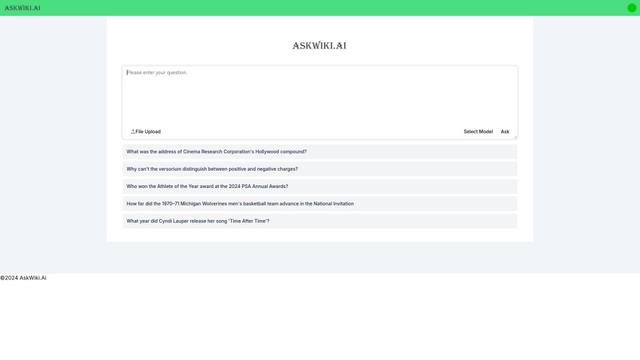
AskWiki is a semantic intelligence software and natural language search engine that enables users to query Wikipedia content through simple questions and receive specific, accurate answers.
AskLeaf
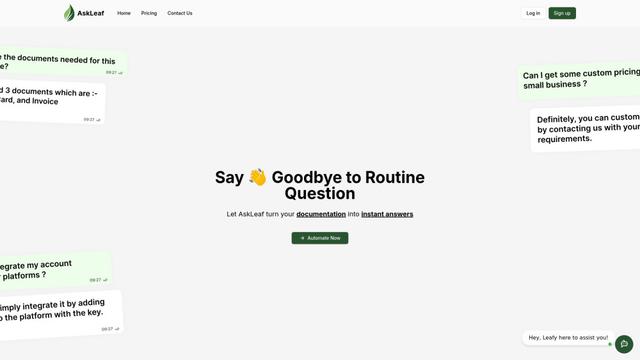
AskLeaf is an AI-powered digital assistant that transforms your documentation into instant answers for customers through an intelligent chatbot interface.
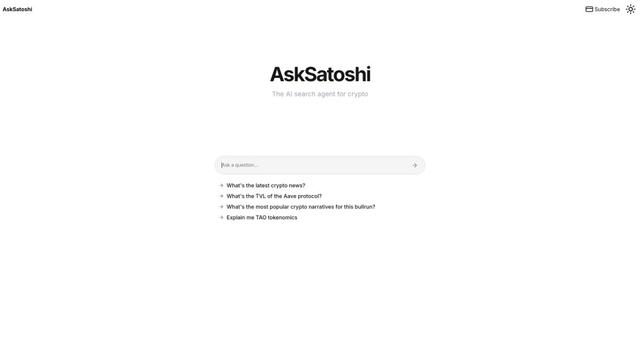
AskSatoshi
AskSatoshi is an AI-powered search and analysis tool specifically designed to provide insights into Bitcoin and cryptocurrency by interpreting Satoshi Nakamoto's writings and philosophies.
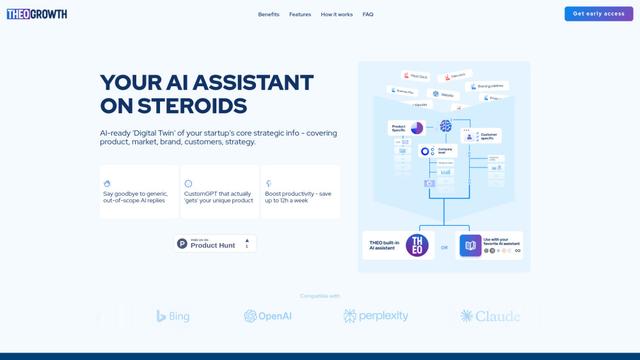
THEO
THEO is an AI-ready knowledge management platform that structures and organizes startups' strategic information to enable more accurate and context-aware AI interactions across various AI assistants.
Popular AI Tools Like CrabTalk
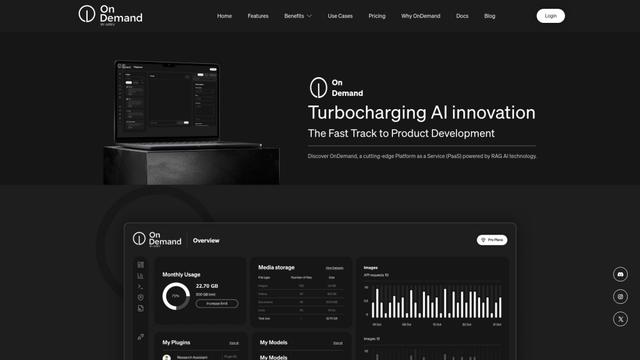
OnDemand
OnDemand is a cutting-edge Platform as a Service (PaaS) powered by RAG AI technology that seamlessly integrates AI into existing systems, offering predefined models, BYOI/BYOM capabilities, dynamic APIs, and smart data handling.
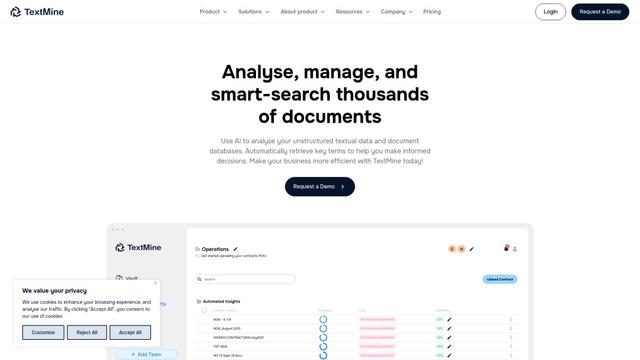
TextMine: AI Powered Knowledge Base
TextMine is an end-to-end AI-powered knowledge base that transforms business-critical documents into structured, searchable datasets for proactive decision-making.
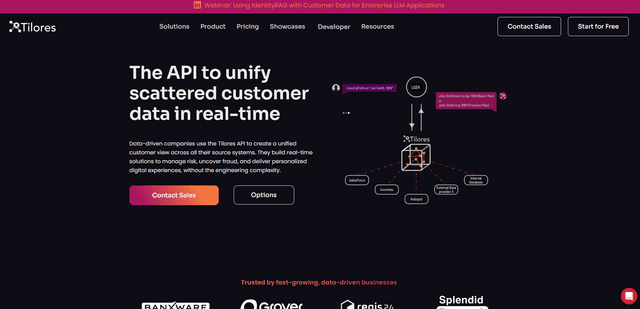
Tilores
Tilores is a Berlin-based entity-resolution-as-a-service platform that helps data-driven companies unify, deduplicate, and connect scattered customer data across multiple systems in real-time through its highly scalable API.
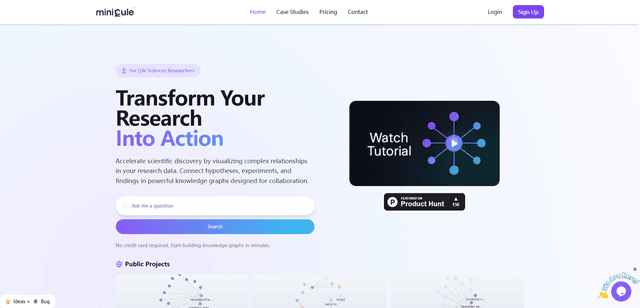
Minicule
Minicule is an AI-powered research platform that connects to scientific databases like PubMed, OpenAlex, and USPTO to create transparent knowledge graphs and dendrograms for efficient research visualization and validation.