CodingPrep
CodePrep is an AI-powered local coding interview practice platform that provides realistic mock interviews with voice support, detailed feedback, and 132+ real-world engineering problems across multiple categories.
https://github.com/amrutha97/codingprep?ref=producthunt
Product Information
Updated:Mar 31, 2026
What is CodingPrep
CodePrep is a comprehensive coding interview preparation tool that runs entirely on your local machine. It differentiates itself from traditional coding platforms by simulating realistic interview experiences rather than just providing puzzle problems. The platform requires Python 3.8+ and a paid OpenAI API key to function, as it leverages GPT-4 to power its interactive interviewer. CodePrep contains a library of over 132 problems spanning 18+ categories including data structures, algorithms, system design, and real engineering scenarios.
Key Features of CodingPrep
CodePrep is a comprehensive coding interview preparation platform that offers 132+ real-world engineering problems across 18+ categories. It provides an interactive mock interview experience with an AI interviewer powered by GPT-4, featuring both text and voice modes, real-time code execution, detailed feedback, and progress tracking. The platform simulates realistic interview scenarios with back-and-forth discussions, follow-up questions, and structured evaluations while keeping all data locally stored.
AI-Powered Interactive Interviews: Conducts realistic mock interviews with an AI interviewer that provides dynamic feedback, asks follow-up questions, and adds constraints mid-session
Voice Interview Mode: Supports voice-based interactions using WebRTC technology, allowing users to practice verbal communication skills just like in real interviews
Comprehensive Problem Library: Offers 132+ problems across 18 categories including stateful, parsing, scheduling, search, streaming, and infrastructure challenges, each with real-world scenarios
Detailed Performance Analytics: Provides structured feedback with hire/no-hire ratings, specific scores across different dimensions, and concrete areas for improvement
Use Cases of CodingPrep
Technical Interview Preparation: Software engineers can practice coding interviews with realistic scenarios and immediate feedback before actual job interviews
Skill Assessment: Companies can use it to evaluate candidates' coding abilities and problem-solving skills in a structured manner
Programming Education: Students and self-learners can use it to practice and improve their coding skills with real-world engineering problems
Professional Development: Working developers can enhance their problem-solving abilities and stay sharp with ongoing practice
Pros
Provides realistic interview experience with dynamic AI interaction
Comprehensive problem set with real-world scenarios
Local data storage ensures privacy
Detailed and actionable feedback system
Cons
Requires paid OpenAI API key for operation
Currently limited to Python programming language only
Voice sessions can be more expensive due to additional API costs
How to Use CodingPrep
Installation: 1. Clone the repository with 'git clone <repo-url>'
2. Navigate to directory with 'cd codingprep'
3. Create and activate virtual environment: 'python3 -m venv venv && source venv/bin/activate'
4. Install requirements: 'pip install -r requirements.txt'
5. Create .env file with your OpenAI API key: 'OPENAI_API_KEY=sk-your-key-here'
6. Run the application: 'python app.py'
7. Open http://localhost:5000 in your browser
Select a Problem: 1. Browse the problem library of 132+ problems
2. Use filters on the left to narrow by category, difficulty, or attempt status
3. Use search (Cmd+K/Ctrl+K) to find specific problems
4. Click 'Surprise Me' for a random problem
5. Problems show status dots: green (hire), yellow (mixed), red (no hire)
Study Mode (Optional): 1. Click 'Study' on a problem card to enter study mode
2. Read full problem details in left panel
3. Use AI tutor chat in right panel to ask questions
4. Discuss approaches and concepts before attempting the interview
5. Return to main screen when ready to practice
Practice Interview: 1. Click 'Practice' to start the interview
2. Clarify the problem requirements with the interviewer
3. Discuss your approach before coding
4. Write your solution in the code editor
5. Click 'Submit Code' to run against test cases
6. Respond to interviewer feedback and follow-up questions
7. Receive detailed performance evaluation at the end
Voice Interview (Optional): 1. Toggle to 'Voice' mode before starting
2. Allow microphone access when prompted
3. Speak your responses naturally
4. Write and submit code as normal
5. Hear interviewer responses through speakers
Track Progress: 1. Click 'History' to view past sessions
2. Resume any previous session by clicking on it
3. Check completion progress with 'X/Y done' chip
4. View performance by category in progress drawer
5. Monitor status dots on problems to track improvement
CodingPrep FAQs
Yes. The interviewer uses GPT-4o, which requires a paid API key. Voice mode additionally uses the Realtime API.
Popular Articles

OpenAI Shuts Down Sora App: What the Future Holds for AI Video Generation in 2026
Mar 25, 2026

Top 5 AI Agents in 2026: How to Choose the Right One
Mar 18, 2026
OpenClaw Deployment Guide: How to Self Host a Real AI Agent(2026 Update)
Mar 10, 2026
Atoms Tutorial 2026: Build a Full SaaS Dashboard in 20 Minutes (AIPURE Hands-On)
Mar 2, 2026
Latest AI Tools Similar to CodingPrep
Lingogo
Lingogo is an AI-powered English learning app designed specifically for working professionals that offers real-world workplace scenario practice through conversational AI tutoring.
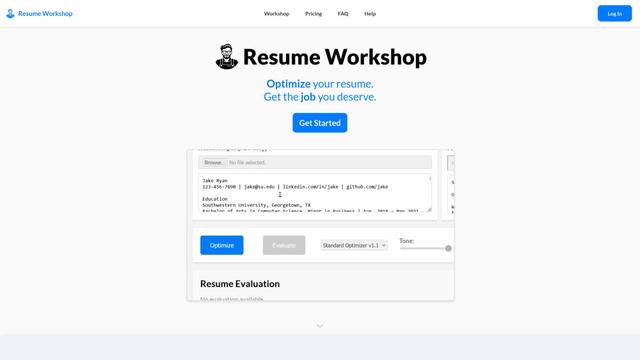
Resume Workshop
Resume Workshop is an AI-powered resume optimization platform that helps job seekers tailor their resumes with relevant keywords and phrases to match specific job postings.
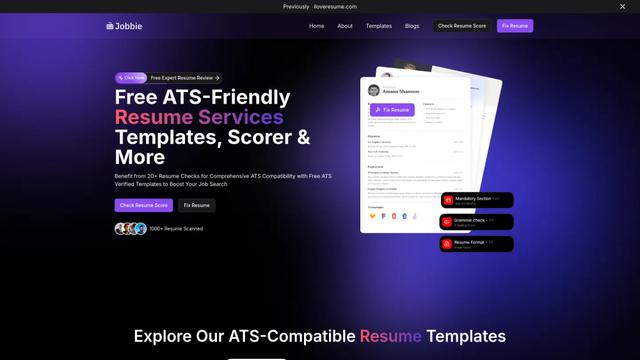
Jobbie
Jobbie is a comprehensive online platform offering free ATS-friendly resume services including resume checking, scoring, templates, and AI-powered optimization tools to help job seekers create professional resumes that pass through Applicant Tracking Systems.

Hiring Studio by Metaview
Hiring Studio by Metaview is a free AI-powered tool that helps recruiting teams generate customized interview questions with follow-up suggestions and detailed answer rubrics.
Popular AI Tools Like CodingPrep
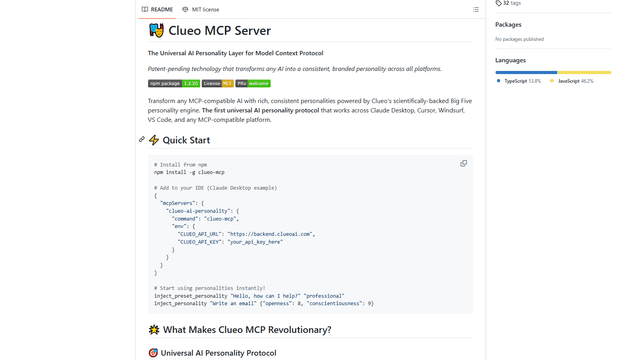
ClueoMCP
ClueoMCP is a universal AI personality layer that transforms any AI into a consistent, branded personality across all platforms using patent-pending technology and scientifically-backed Big Five personality traits.
Quick Mock - AI interviewer for Any Job
Quick Mock is an AI-powered interview preparation tool that enables users to extract job descriptions from leading platforms and instantly conduct realistic mock interviews with real-time voice AI technology and comprehensive feedback.
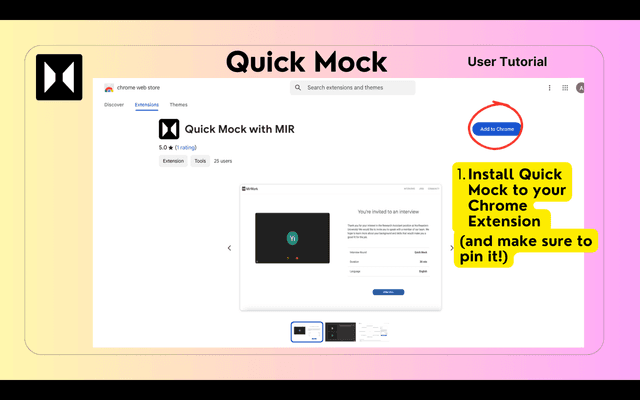
QuickMock 2.0 – AI for Hot Interviews
QuickMock 2.0 is an AI-powered interview preparation tool that instantly converts LinkedIn job descriptions into tailored mock interviews with real-time feedback and a comprehensive question bank from top companies.

Mercor
Mercor is an AI-powered hiring platform that sources, vets, and pays global talent for companies.