
ClientJam
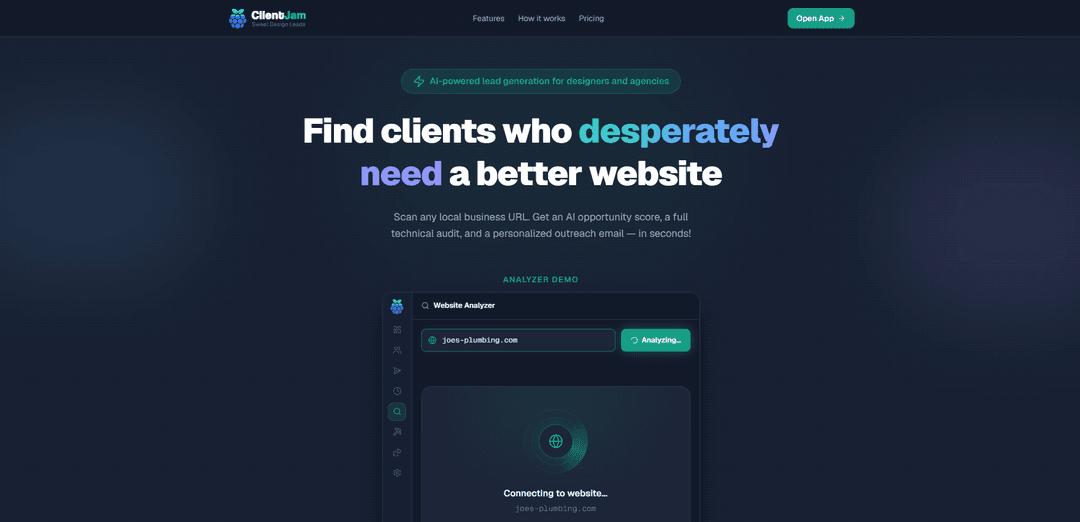
ClientJam is an AI-powered lead generation tool for web designers and agencies that scans business websites to produce an opportunity score, technical audit, and personalized outreach emails in seconds.
https://clientjam.app/?ref=producthunt
Product Information
Updated:Jul 8, 2026
What is ClientJam
ClientJam helps web designers and agencies find and win new clients by turning a simple website URL into actionable prospecting assets. Built for identifying businesses that “desperately need a better website,” it combines automated site checks, AI scoring, and ready-to-send cold email drafts in a single workflow. It also includes a pipeline dashboard for tracking prospects, notes, activity, and exports, with a free plan available and no credit card required to start.
Key Features of ClientJam
ClientJam is an AI-powered lead generation and prospecting tool for web designers and agencies that turns any local business URL into an opportunity score, a technical website audit, and personalized cold outreach emails in seconds. It combines lead discovery, scanning/auditing, pipeline tracking, and exportable outputs (like CSV and proposal PDFs) to help users quickly identify high-potential prospects and contact them with pitches grounded in what’s actually broken on the prospect’s site.
URL-based lead scanning: Scan any business website URL to quickly generate actionable prospect insights, reducing manual research and auditing time.
AI opportunity scoring: Automatically scores how much a business may benefit from a better website, helping prioritize outreach toward higher-value leads.
Technical website audit: Produces a technical audit with multiple checks per scan to identify issues and improvement opportunities that can be referenced in proposals.
Personalized outreach email generation: Generates multiple outreach email styles per lead, tailored to the site’s specific issues to make cold emails more relevant.
Pipeline & status tracking dashboard: Provides a live dashboard for managing prospects, filtering/sorting leads, tracking statuses, and viewing pipeline metrics like win rate and pipeline value.
Exports and proposal-ready outputs: Includes CSV export plus proposal PDF support to move from prospecting to a shareable pitch/proposal workflow.
Use Cases of ClientJam
Freelance web designers prospecting local businesses: Quickly find businesses with weak websites, generate an audit-backed pitch, and send tailored outreach without spending hours on manual reviews.
Web design agencies building a repeatable outbound pipeline: Standardize lead qualification with opportunity scoring, manage prospects in a pipeline view, and track progress across multiple team members or campaigns.
Marketing consultants offering website optimization services: Use technical audits to identify site issues, package findings into a proposal PDF, and position services around measurable improvements.
B2B sales outreach for digital services: Enrich outbound messaging with concrete website findings (from the audit) to improve reply rates and reduce generic cold email copy.
Niche prospecting via randomized discovery (Pro): Use the “Lead Slot Machine” to discover fresh prospects by randomly selecting a category and city, useful for exploring new markets or niches.
Pros
End-to-end workflow: discovery → audit → scoring → outreach emails → pipeline tracking in one tool
Fast time-to-value (seconds per scan) compared to manual Google Maps + hand-auditing
Free plan available with no credit card required, useful for trying the workflow before upgrading
Cons
Some lead discovery functionality (e.g., Lead Slot Machine) is gated behind the Pro plan
Free plan limits storage and usage (e.g., up to 5 saved leads and 50 scans/month)
Best fit is web designers/agencies; may be less relevant for teams not selling website improvements
How to Use ClientJam
1. Create an account and open the dashboard: Go to https://clientjam.app and click “Start for free” to sign up/log in, then land on the ClientJam dashboard where your pipeline is managed.
2. Add a prospect by URL: Paste a local business website URL into ClientJam to start a scan (ClientJam is designed to go from “URL to outreach email” quickly).
3. Run the scan and review the results: Let ClientJam analyze the site; it returns an AI opportunity score plus a technical audit highlighting what’s broken or improvable.
4. Generate outreach emails: Use the scan results to generate ready-to-send cold outreach emails (the free plan includes 3 email styles per lead) grounded in the issues found in the audit.
5. Save the lead to your pipeline: Save the scanned business as a lead so it appears in your Leads Pipeline for tracking and follow-up.
6. Track and update lead status: In the Leads Pipeline, sort/filter leads by opportunity score, and move prospects through stages/statuses as you contact them and progress the deal.
7. Use notes and activity logging: Add notes and review the activity log for each lead to keep your outreach history and next steps organized.
8. Export your leads when needed: Export leads to CSV for use in other tools (available on the free plan).
9. Create a proposal PDF (optional): Generate a proposal PDF for a lead using ClientJam’s proposal feature (included in the free plan).
10. Stay within free plan limits or upgrade: On the free plan, keep up to 5 saved leads and run up to 50 scans per month; upgrade when you need more capacity or Pro features.
11. Find new prospects faster with Lead Slot Machine (Pro): If you’re on Pro, use the Lead Slot Machine to pick a random category + city and pull a fresh batch of businesses you haven’t seen before.
ClientJam FAQs
ClientJam is an AI-powered lead generation tool for web designers and agencies. It helps you find businesses that need a better website by scanning a business URL and returning an AI opportunity score, a technical audit, and personalized outreach emails.
Popular Articles

Vosko AI: Localize and Dub Videos for Global Audiences
Oct 15, 2026

Atoms: A Multi-Agent AI Platform That Transforms Ideas into Launch-Ready Products
Oct 13, 2026

Nano Banana SBTI: What It Is, How It Works, and How to Use It in 2026
Apr 15, 2026

Atoms Review — The AI Product Builder Redefining Digital Creation in 2026
Apr 10, 2026
Latest AI Tools Similar to ClientJam
Growth-Leads.co
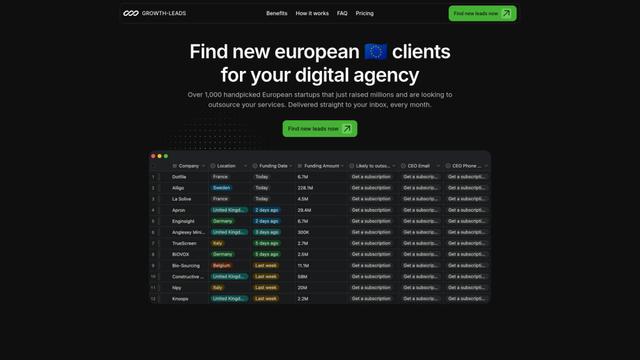
Growth-Leads.co is a lead generation service that provides handpicked lists of newly funded European startups looking to outsource digital services, delivered monthly with verified contact information to help agencies expand into the European market.
Leadsmrt
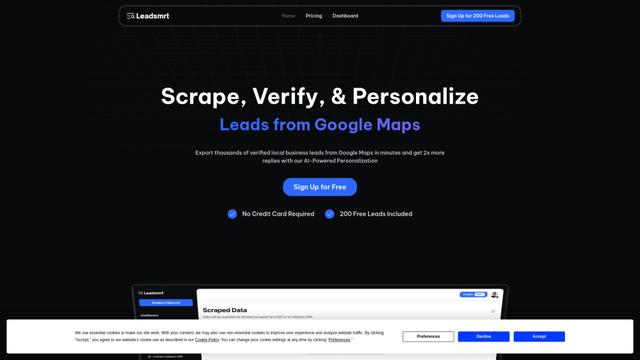
Leadsmrt is a lead generation tool that helps businesses scrape, verify and personalize targeted business leads from Google Maps with AI-powered personalization capabilities.
Beyond AIO
Beyond AIO is an all-in-one AI-powered marketing platform that delivers smart, data-driven insights and solutions through predictive analytics, cross-channel integration, and real-time optimization capabilities.
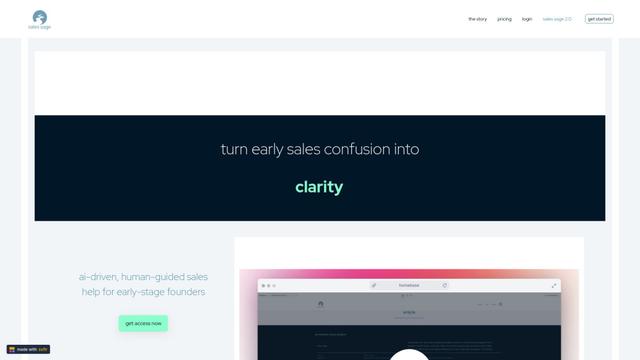
Sales Sage
Sales Sage is an AI-driven CRM and sales management platform that helps businesses optimize their sales processes, track performance, and make data-driven decisions through integrated tools for managing customer relationships, sales pipelines, and business intelligence.
Popular AI Tools Like ClientJam
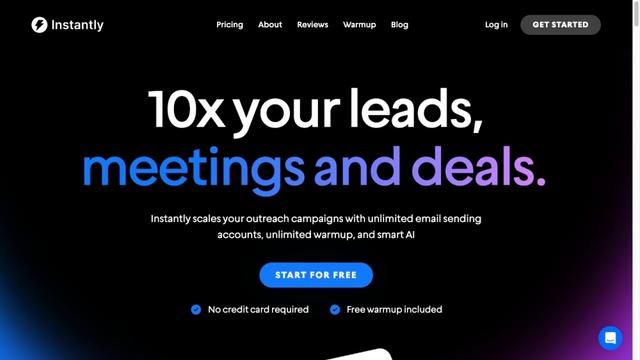
Instantly.ai
Instantly.ai is a comprehensive sales engagement and lead intelligence platform that offers unlimited email accounts, automated outreach, deliverability optimization, and AI-powered features to scale cold email campaigns.
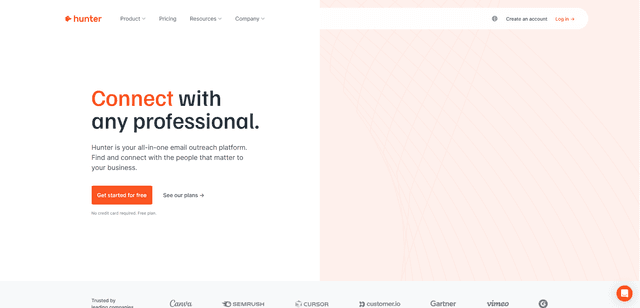
Hunter
Hunter is an all-in-one email outreach platform that helps businesses find verified email addresses, identify relevant prospects, and run cold email campaigns at scale.
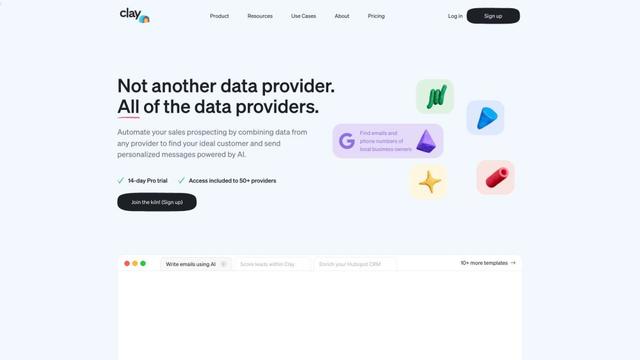
Clay
Clay is a data enrichment and personalized outreach platform that helps go-to-market teams scale their campaigns with AI-powered research and messaging.
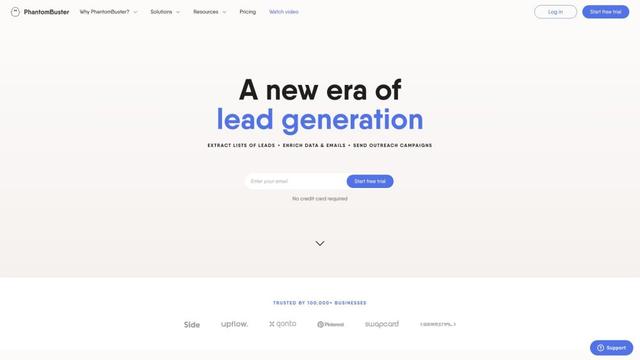
PhantomBuster
PhantomBuster is a powerful cloud-based automation platform that provides over 100 ready-made tools to extract data, enrich leads, and automate outreach campaigns across multiple online platforms.