
Cleva.io
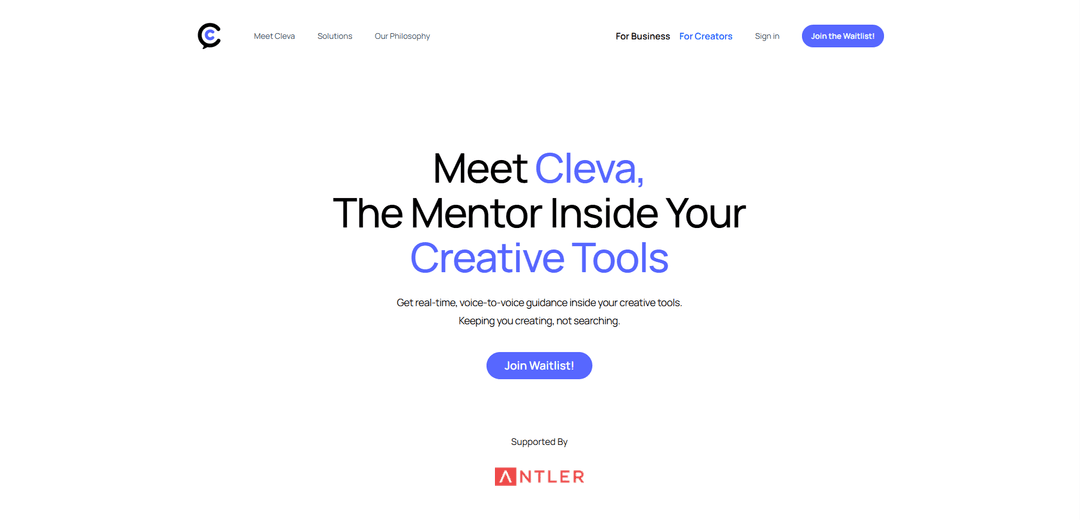
Cleva is a voice-based AI coaching platform that provides real-time guidance inside creative tools like Figma, Photoshop, After Effects, and Blender, helping users learn and master creative software while they work.
https://www.cleva.io/for-creators?ref=producthunt
Product Information
Updated:Dec 8, 2025
What is Cleva.io
Cleva.io is an innovative AI-powered learning assistant designed specifically for creative professionals, designers, motion artists, editors, students, and content creators. Unlike other AI tools that create content for users, Cleva focuses on teaching and empowering users to create their own work by acting as an in-app mentor. The platform combines deep software intelligence with a creator-first philosophy to provide a natural learning experience within popular creative software applications.
Key Features of Cleva.io
Cleva.io is an AI-powered voice-based coaching platform that helps users learn creative tools like Figma, Photoshop, After Effects, and Blender while working. It provides real-time, contextual guidance by understanding the user's screen and offering step-by-step instructions, interactive learning modules, and voice-based assistance without disrupting the creative workflow.
Voice-Based Interactive Coach: Provides real-time voice guidance and responds to user questions while they work in their creative tools
Context-Aware Assistance: Understands the user's screen, canvas, timeline, and layers to provide relevant guidance specific to their current task
Interactive Learning Paths: Offers step-by-step interactive modules for learning new tools and techniques, replacing traditional long-form tutorials
Multi-Tool Support: Compatible with various creative software including Figma, Photoshop, After Effects, Blender, and more
Use Cases of Cleva.io
Design Student Training: Helps students learn new design tools faster and more effectively through hands-on guidance
Professional Designer Workflow: Assists professional designers in learning advanced features and improving their efficiency without breaking their creative flow
Creative Team Onboarding: Facilitates quick onboarding of new team members to different creative tools and workflows
Pros
Learns while working - no need to pause or switch between tutorials
Voice-based interaction keeps hands free for creative work
Supports multiple popular creative tools in one platform
Cons
Currently in early access with limited availability
Requires separate application installation
May not cover all features of supported software
How to Use Cleva.io
Download the Cleva App: Download the lightweight Cleva application, which is available on both Android and iOS platforms. No complex setup or plugins required.
Create an Account: Sign up for a Cleva account by downloading the app and completing the initial registration process, including email verification.
Complete KYC Verification: For first-time users, upload your ID to complete the Know Your Customer (KYC) verification process. Set a 4-digit PIN to secure your account.
Choose Your Creative Tools: Select which creative tools you want to use Cleva with (options include Figma, Photoshop, Illustrator, Blender, Premiere Pro, After Effects, etc.)
Enable Voice Interaction: Set up the voice-based coaching feature that allows you to ask questions and receive guidance while working in your chosen creative tool.
Start Creating: Begin working in your creative tool with Cleva running alongside. Ask questions at any time and receive real-time, step-by-step guidance through voice and visual cues.
Access Learning Paths: Use Cleva's interactive, in-tool learning paths for specific tasks and skills you want to develop within your chosen creative software.
Cleva.io FAQs
Cleva is an in-app, voice-based AI coach that helps users learn creative tools like Figma, Photoshop, After Effects, Blender and more while they work. It acts as a personal tutor that understands your screen and provides real-time guidance.
Cleva.io Video
Popular Articles

Vosko AI: Localize and Dub Videos for Global Audiences
Oct 15, 2026

Atoms: A Multi-Agent AI Platform That Transforms Ideas into Launch-Ready Products
Oct 13, 2026

Nano Banana SBTI: What It Is, How It Works, and How to Use It in 2026
Apr 15, 2026

Atoms Review — The AI Product Builder Redefining Digital Creation in 2026
Apr 10, 2026
Latest AI Tools Similar to Cleva.io

NextCareer.app
Free TrialAI Coaching
NextCareer.app is an AI-powered career coaching platform that helps mid-career and executive-level professionals find their next ideal roles through personalized guidance, community support, and AI-resistant career path recommendations.
The Garden Journal
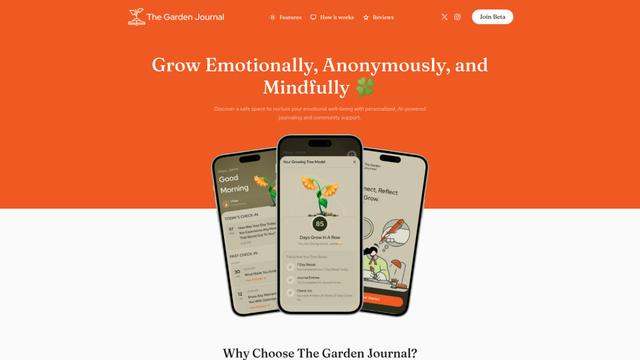
The Garden Journal is an AI-powered emotional wellness app that combines personal journaling, mindfulness practices, and anonymous community support while visualizing users' emotional growth through a virtual tree metaphor.
MindPeace - AI Therapist
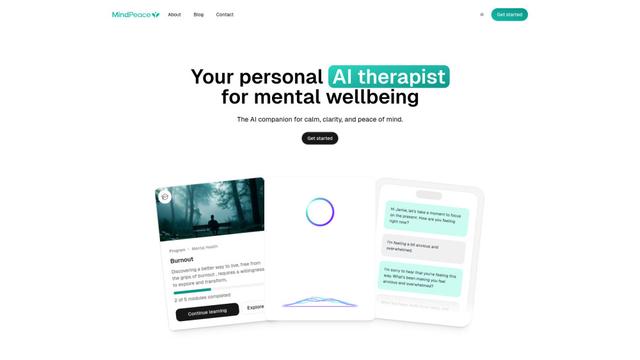
MindPeace AI is a 24/7 accessible AI therapy companion that offers personalized mental health support, self-care guidance, and emotional wellbeing tools through AI-powered conversations.
Dream Interpretation AI
Dream Interpretation AI is an advanced artificial intelligence tool that provides instant, personalized dream analysis by combining traditional interpretation methods with modern AI technology to help users understand their subconscious mind.
Popular AI Tools Like Cleva.io

Futudo
Futudo is an innovative AI life assistant that combines advanced AI technology with personal planning to help users shape their destiny by defining goals, breaking bad habits, and unlocking their potential.

Remy AI
Remy AI is a science-backed sleep and wellness app that combines AI technology with behavioral science to help users optimize their sleep patterns, energy levels, and daily routines.
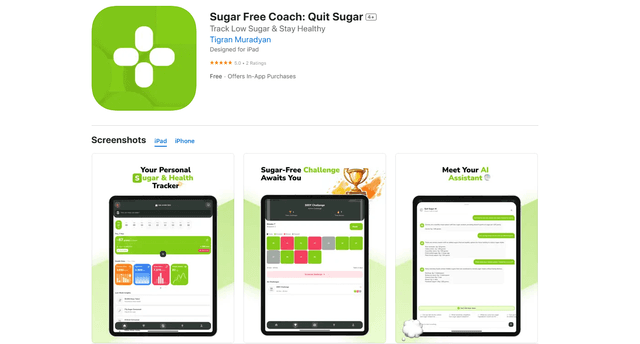
QuitSugar: Track & Cut Sugar
QuitSugar is a comprehensive health app that helps users track and reduce sugar intake through AI-powered meal scanning, personalized challenges, progress tracking, and collaborative features.
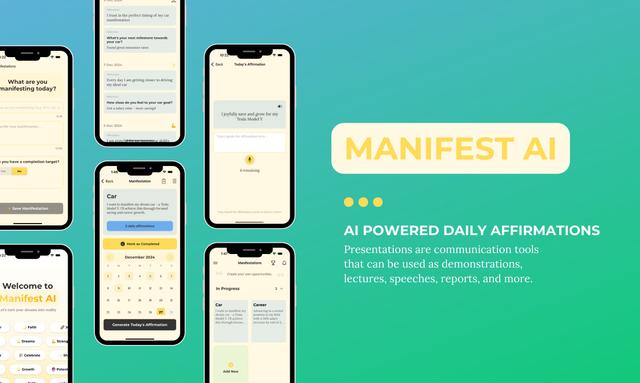
Manifest AI
Manifest AI is a personal AI-powered manifestation app that helps users transform their mindset and achieve their goals through customized affirmations, goal tracking, and various manifestation techniques.