
Claude Import Memory
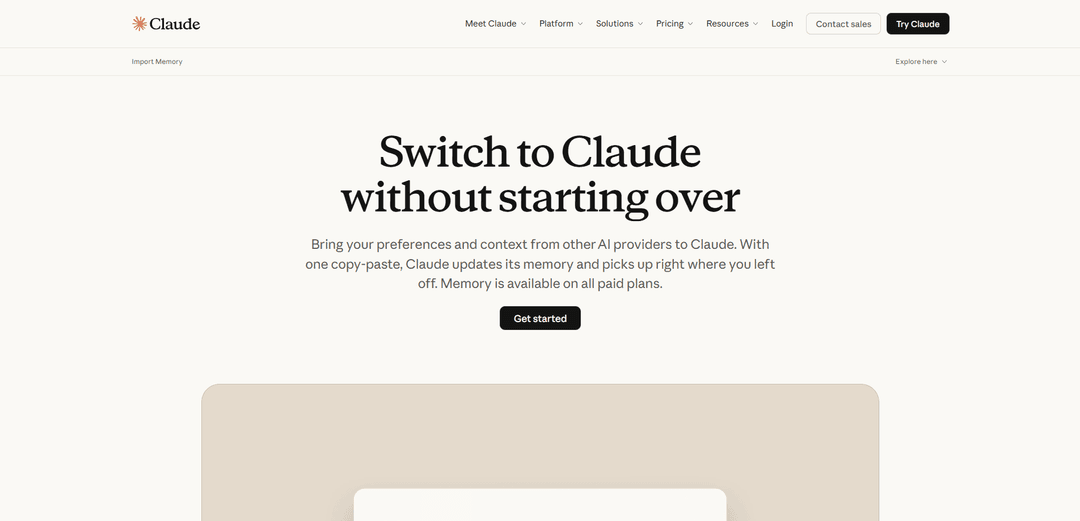
Claude Import Memory is a feature that allows users to transfer their context, preferences, and memory from other AI providers to Claude through a simple copy-paste process, enabling seamless transitions without starting over.
https://claude.com/import-memory?ref=producthunt
Product Information
Updated:Mar 8, 2026
What is Claude Import Memory
Claude Import Memory is Anthropic's solution for users switching from other AI assistants like ChatGPT or Gemini to Claude. It's designed to eliminate the need to rebuild context and preferences from scratch when changing AI providers. Available on all Claude paid plans (Pro, Max, Team, and Enterprise), this feature lets users bring over their accumulated knowledge, project context, and interaction patterns so they can immediately pick up where they left off with their previous AI assistant.
Key Features of Claude Import Memory
Claude Import Memory is a feature that allows users to transfer their context, preferences, and accumulated knowledge from other AI providers (like ChatGPT or Gemini) into Claude without starting over. Through a simple copy-paste process, users can import their entire memory in under a minute, enabling Claude to understand their working style and project context immediately. The feature is available on all paid Claude plans and includes capabilities for both importing and exporting memory data.
One-Step Memory Transfer: Simple copy-paste process that allows users to transfer their entire context from other AI providers to Claude in under a minute
Project Context Isolation: Keeps different project contexts separate to prevent information bleed between workflows, with automatic organization of imported memories
Memory Management Controls: Users can view, edit, and export their memory data at any time, with controls for what information gets stored
Cross-Platform Compatibility: Works with multiple AI providers including ChatGPT and Gemini, with specialized prompts designed for each platform
Use Cases of Claude Import Memory
Professional Transition: Professionals switching AI platforms can transfer months of accumulated work context and preferences without losing productivity
Development Projects: Software developers can import project-specific coding conventions, architectural decisions, and debugging insights from previous AI interactions
Academic Research: Researchers can transfer complex research context and methodology preferences when switching between AI assistants
Business Operations: Organizations can maintain continuity of AI assistance across different teams by sharing standardized memory imports
Pros
Eliminates the need to retrain AI from scratch when switching platforms
Maintains project context separation for better organization
Provides full control over memory data with export/import capabilities
Cons
Feature is still experimental and in active development
Limited to first 200 lines of context for automatic loading
May not always successfully incorporate all imported memories
How to Use Claude Import Memory
1. Go to claude.com/import-memory: Visit the official Claude Import Memory page to begin the process
2. Copy the provided prompt: Copy the standardized prompt template that Claude provides, which is designed to extract your context and preferences from other AI providers
3. Paste prompt to your current AI: Paste the prompt into a chat with your current AI provider (ChatGPT, Gemini, etc.) to get them to output your stored context and preferences in a Claude-compatible format
4. Copy AI's response: Copy the complete response from your AI provider containing your exported memory data
5. Access Claude's memory settings: Go to Settings > Capabilities in Claude and click 'View and edit your memory' or navigate directly to claude.ai/settings/capabilities
6. Import the memory: Paste the copied text from your previous AI into Claude's memory settings text box and click 'Add to memory' button
7. Wait for processing: Allow up to 24 hours for Claude to fully process and incorporate the imported memories, as it handles memory updates in daily synthesis cycles
8. Verify import: You can verify the imported memories by asking Claude what it knows about you or checking the memory section in settings
Claude Import Memory FAQs
Import Memory is a feature that allows users to transfer their preferences and context from other AI providers to Claude. It enables users to bring over their existing AI interactions and context so they don't have to start from scratch when switching to Claude.
Claude Import Memory Video
Popular Articles

Atoms: A Multi-Agent AI Platform That Transforms Ideas into Launch-Ready Products
May 22, 2026

Nano Banana SBTI: What It Is, How It Works, and How to Use It in 2026
Apr 15, 2026

Atoms Review — The AI Product Builder Redefining Digital Creation in 2026
Apr 10, 2026

Kilo Claw: How to Deploy and Use a True "Do‑It‑For‑You" AI Agent(2026 Update)
Apr 3, 2026
Latest AI Tools Similar to Claude Import Memory

Folderr
Folderr is a comprehensive AI platform that enables users to create custom AI assistants by uploading unlimited files, integrating with multiple language models, and automating workflows through a user-friendly interface.

Peache.ai
Peache.ai is an AI character chat playground that enables users to engage in flirty, witty, and daring conversations with diverse AI personalities through real-time interactions.

TalkPersona
TalkPersona is an AI-powered video chatbot that provides real-time human-like conversation through a virtual talking face with natural voice and lip-sync capabilities.

Thaly AI
Thaly AI is an AI-powered sales assistant that automates customer conversations and lead qualification to help businesses scale their sales operations while saving time.
Popular AI Tools Like Claude Import Memory

GPT‑5.5 | ChatGPT Official
GPT‑5.5 in ChatGPT is OpenAI’s latest work-focused model designed to understand complex goals, use tools effectively, check its work, and carry multi-step tasks (coding, research, documents, spreadsheets) through to completion with stronger safeguards.

DuckDuckGo AI Chat
DuckDuckGo AI Chat is a free, anonymous way to access popular AI chatbots like GPT-3.5, Claude, and others while preserving user privacy.

Arch
Arch is an intelligent Layer 7 gateway built on Envoy Proxy that provides secure handling, robust observability, and seamless integration of prompts with APIs for building fast, robust, and personalized AI agents.

Off-grid LLM over Radio
A platform that integrates Large Language Models (LLMs) with Meshtastic mesh communication networks to enable off-grid AI interactions and automated task execution through radio communication.