
Claude Dispatch
Claude Dispatch is a new feature in Claude Cowork that enables users to control their desktop Claude instance remotely through their phone, maintaining one persistent conversation while executing tasks on their computer.
https://claude.com/download?ref=producthunt
Product Information
Updated:Apr 8, 2026
What is Claude Dispatch
Claude Dispatch is a research preview feature introduced by Anthropic within Claude Cowork that creates a bridge between mobile and desktop experiences. It allows users to maintain one persistent conversation with Claude that runs on their computer while enabling them to message and assign tasks to Claude from their phone anywhere. The feature is currently available to Max subscribers and is rolling out to Pro subscribers, requiring both the Claude Desktop app and mobile app to be installed and paired.
Key Features of Claude Dispatch
Claude Dispatch is a new feature in Claude Cowork that enables users to manage a persistent conversation with Claude running on their desktop computer while controlling it remotely from their mobile devices. It allows users to assign tasks to Claude that can be executed on their desktop machine, with the ability to access local files and tools, all while maintaining end-to-end synchronization across devices. The feature runs in a secure sandboxed environment and requires user permission before accessing files or performing actions.
Persistent Cross-device Conversation: Maintains one continuous conversation between desktop and mobile devices, allowing users to start tasks on one device and continue on another
Local File Access and Security: Runs in a sandboxed environment on the desktop with secure access to local files, requiring explicit user permission before any actions
Remote Task Management: Enables users to assign and monitor tasks running on their desktop computer from their mobile devices
Real-time Status Updates: Provides updates and status feeds as Claude works through assigned tasks, keeping users informed of progress
Use Cases of Claude Dispatch
Document Processing: Create reports from documents in local folders or transform receipt screenshots into expense spreadsheets
File Organization: Organize local files and downloads by type and date while away from the desktop
Research Synthesis: Analyze and synthesize multiple articles or documents into comprehensive briefing documents
Remote Work Management: Monitor and manage desktop-based tasks while on the go, perfect for professionals who need to stay productive away from their desk
Pros
Enables remote access to desktop capabilities
Maintains data privacy by keeping files local
Provides seamless cross-device experience
Cons
Requires desktop computer to be awake and running
Currently limited to Max subscribers (with Pro access coming later)
Some features reported to be slow and unreliable (50/50 success rate)
How to Use Claude Dispatch
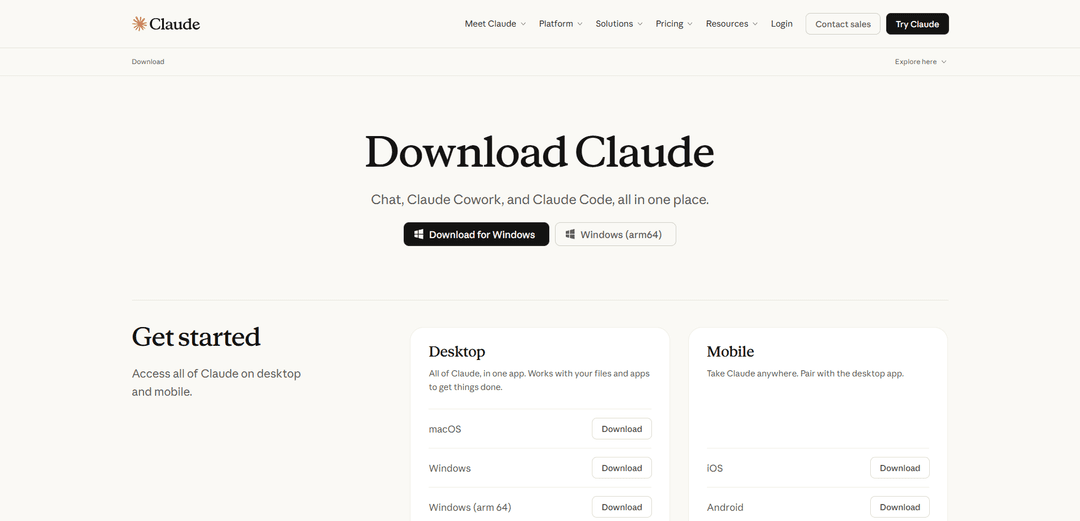
Download and install Claude Desktop: Go to claude.com/download and download the Claude Desktop app for your operating system (Windows or macOS). Install the application on your computer.
Download Claude mobile app: Download and install the Claude mobile app from the Apple App Store (iOS) or Google Play Store (Android). Make sure you have the latest version.
Open Claude Desktop: Launch the Claude Desktop application on your computer. Your computer must remain awake and the app must stay open for Dispatch to work.
Enable Dispatch: In the Claude Desktop app, go to the Cowork tab. Look for 'Dispatch' option in the left side panel. You may need to enable it first under Settings -> Cowork.
Pair your phone: In the Dispatch section, you'll see a QR code. Use your mobile device to scan this QR code to pair your phone with the desktop app.
Start messaging in Dispatch: Once paired, you can start messaging Claude within the Dispatch section. Your conversation will sync across both your desktop and mobile device.
Assign tasks from mobile: From your phone, you can now assign tasks to Claude that utilize everything on your desktop, including files and applications you can't access on mobile. Claude will execute these tasks on your desktop computer.
Review and approve actions: Claude will show you what it plans to do and ask for permission before acting on your files. You can monitor progress and get updates as it works through tasks.
Claude Dispatch FAQs
Claude Dispatch is a feature in Claude Cowork that allows users to manage desktop AI tasks remotely via smartphones, enabling a single, continuous conversation with Claude across desktop and mobile devices.
Claude Dispatch Video
Popular Articles

Atoms: A Multi-Agent AI Platform That Transforms Ideas into Launch-Ready Products
May 22, 2026

Nano Banana SBTI: What It Is, How It Works, and How to Use It in 2026
Apr 15, 2026

Atoms Review — The AI Product Builder Redefining Digital Creation in 2026
Apr 10, 2026

Kilo Claw: How to Deploy and Use a True "Do‑It‑For‑You" AI Agent(2026 Update)
Apr 3, 2026
Latest AI Tools Similar to Claude Dispatch

Folderr
Folderr is a comprehensive AI platform that enables users to create custom AI assistants by uploading unlimited files, integrating with multiple language models, and automating workflows through a user-friendly interface.

Peache.ai
Peache.ai is an AI character chat playground that enables users to engage in flirty, witty, and daring conversations with diverse AI personalities through real-time interactions.

TalkPersona
TalkPersona is an AI-powered video chatbot that provides real-time human-like conversation through a virtual talking face with natural voice and lip-sync capabilities.

Thaly AI
Thaly AI is an AI-powered sales assistant that automates customer conversations and lead qualification to help businesses scale their sales operations while saving time.
Popular AI Tools Like Claude Dispatch

GPT‑5.5 | ChatGPT Official
GPT‑5.5 in ChatGPT is OpenAI’s latest work-focused model designed to understand complex goals, use tools effectively, check its work, and carry multi-step tasks (coding, research, documents, spreadsheets) through to completion with stronger safeguards.

DuckDuckGo AI Chat
DuckDuckGo AI Chat is a free, anonymous way to access popular AI chatbots like GPT-3.5, Claude, and others while preserving user privacy.

Arch
Arch is an intelligent Layer 7 gateway built on Envoy Proxy that provides secure handling, robust observability, and seamless integration of prompts with APIs for building fast, robust, and personalized AI agents.

Off-grid LLM over Radio
A platform that integrates Large Language Models (LLMs) with Meshtastic mesh communication networks to enable off-grid AI interactions and automated task execution through radio communication.