CircadiaOS
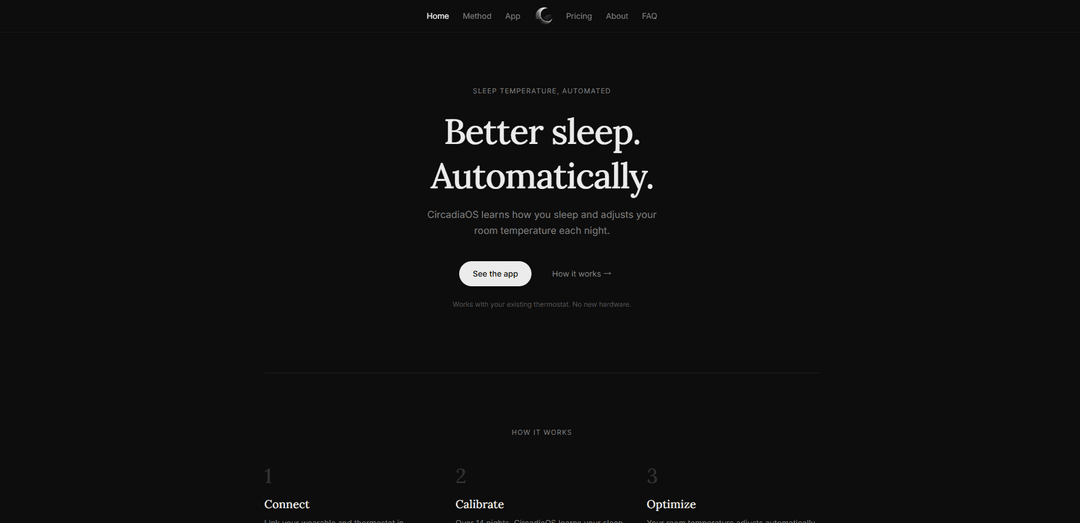
CircadiaOS is an app that learns your sleep patterns from a wearable and automatically adjusts your existing thermostat overnight to optimize bedroom temperature for better sleep—no new hardware required.
https://circadiaos.com/?ref=producthunt
Product Information
Updated:Jun 8, 2026
What is CircadiaOS
CircadiaOS is a sleep-temperature automation platform designed to improve sleep by managing your room temperature for you. Instead of relying on manual thermostat changes, it connects to compatible wearables and smart thermostats, then uses your sleep data to tailor nightly temperature adjustments. The product is built to work with what many people already own, supporting popular thermostat brands (Nest, Ecobee, Honeywell) and wearables (Whoop, Oura Ring, Apple Watch, Garmin, Fitbit).
Key Features of CircadiaOS
CircadiaOS is an app-based sleep optimization system that learns your sleep patterns over time and automatically adjusts your bedroom temperature each night to match the body’s natural temperature curve during sleep. It connects to existing smart thermostats and popular wearables, requires no new hardware, and aims to improve sleep quality by aligning ambient room temperature with your sleep stages—from falling asleep through deep sleep to waking.
Wearable + thermostat integration: Links supported wearables (e.g., Whoop, Oura Ring, Apple Watch, Garmin, Fitbit) with compatible thermostats (e.g., Nest, Ecobee, Honeywell) to coordinate sleep data with temperature control.
14-night calibration learning period: Uses an initial calibration window (over roughly 14 nights) to learn individual sleep patterns before applying automated optimization.
Automated nightly temperature optimization: Adjusts room temperature automatically every night without manual changes, aiming to keep the environment aligned with your sleep needs.
Circadian-inspired temperature curve method: Targets the typical sleep physiology pattern where core body temperature drops after sleep onset, bottoms out during deep sleep, and rises approaching wake time.
No new hardware required: Works with devices many users already own, reducing setup cost and friction compared with dedicated sleep-climate hardware.
Use Cases of CircadiaOS
Personal sleep improvement at home: Individuals can automate bedroom temperature changes to reduce wake-ups due to overheating/overcooling and maintain a more consistent sleep environment.
Athlete recovery optimization: Athletes using wearables can pair recovery-focused sleep tracking with automated temperature control to support deeper, more restorative sleep.
Smart home energy + comfort automation: Households can balance nighttime comfort with automation, potentially minimizing unnecessary heating/cooling by tailoring temperature changes to actual sleep patterns.
Couples/household sleep scheduling: Homes with different sleep schedules can use data-driven automation to better match temperature behavior to real sleep timing rather than fixed thermostat schedules.
Wellness programs and coaching add-on: Sleep coaches or wellness programs can recommend automated temperature alignment as a practical intervention alongside sleep hygiene and wearable-based monitoring.
Pros
No new hardware needed—leverages existing thermostats and wearables.
Automated temperature changes reduce manual effort and nightly guesswork.
Broad compatibility with common thermostat and wearable ecosystems.
Cons
Requires compatible thermostat and wearable to get full functionality.
Needs a multi-night calibration period before delivering optimized automation.
Effectiveness may vary by home HVAC responsiveness, insulation, and personal temperature preference.
How to Use CircadiaOS
1. Confirm compatibility: Make sure you have a supported thermostat (Nest, Ecobee, or Honeywell) and a supported wearable (Whoop, Oura Ring, Apple Watch, Garmin, or Fitbit).
2. Install CircadiaOS: Download and install the CircadiaOS app from the App Store.
3. Open the app and start setup: Launch CircadiaOS and begin the onboarding flow to connect your accounts/devices.
4. Connect your wearable: Link your wearable in the app so CircadiaOS can learn your sleep patterns from your sleep data.
5. Connect your thermostat: Link your Nest/Ecobee/Honeywell thermostat in the app so CircadiaOS can control your room temperature automatically (no new hardware required).
6. Verify both connections are active: Confirm in the app that both the wearable and thermostat are successfully linked and communicating.
7. Run the calibration period: Use CircadiaOS nightly for about 14 nights while it calibrates and learns your sleep patterns.
8. Let CircadiaOS optimize automatically: After calibration, allow CircadiaOS to adjust your room temperature each night to align with your body’s natural temperature curve (cooling as you fall asleep, lowest during deep sleep, warming toward wake).
9. Keep using it nightly: Continue sleeping with your wearable and keeping your thermostat connected so CircadiaOS can keep making automatic, nightly temperature adjustments without manual changes.
CircadiaOS FAQs
CircadiaOS is an app that learns how you sleep and automatically adjusts your room temperature each night to help you sleep better.
CircadiaOS Video
Popular Articles

Vosko AI: Localize and Dub Videos for Global Audiences
Oct 15, 2026

Atoms: A Multi-Agent AI Platform That Transforms Ideas into Launch-Ready Products
Oct 13, 2026

Nano Banana SBTI: What It Is, How It Works, and How to Use It in 2026
Apr 15, 2026

Atoms Review — The AI Product Builder Redefining Digital Creation in 2026
Apr 10, 2026
Latest AI Tools Similar to CircadiaOS
DocAI
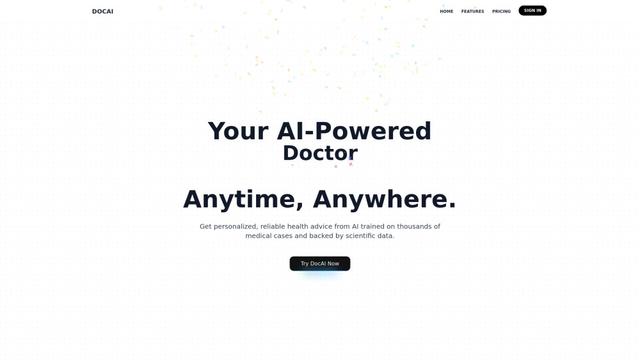
DocAI is an AI-powered platform that offers intelligent document processing, medical consultation analysis, and personalized healthcare solutions through advanced machine learning technologies.
Nutrecity
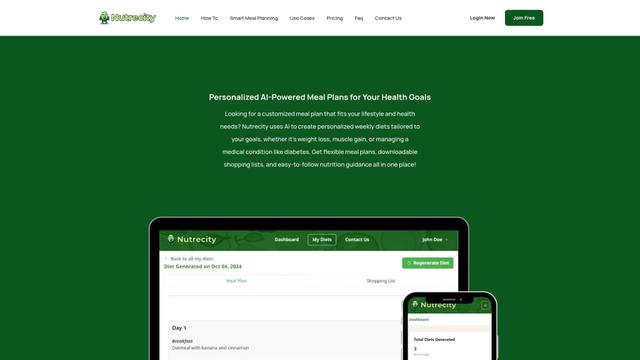
Nutrecity is an AI-powered meal planning platform that creates personalized nutrition plans tailored to individual health goals, dietary preferences, and restrictions while providing comprehensive nutritional tracking and reporting.
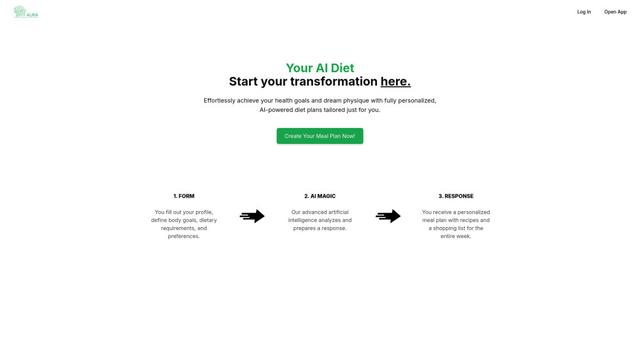
Fit Aura
Fit Aura is an AI-powered diet and nutrition platform that creates personalized meal plans, generates recipes, and helps track fitness progress for achieving health goals.
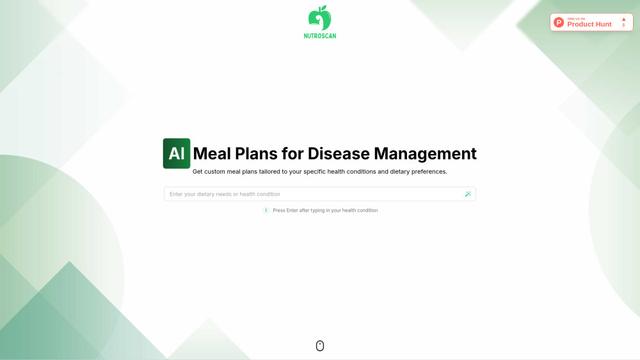
Nutroscan
Nutroscan is an AI-powered meal planning platform that generates personalized nutrition plans based on individual health conditions, dietary preferences, and nutritional needs.
Popular AI Tools Like CircadiaOS
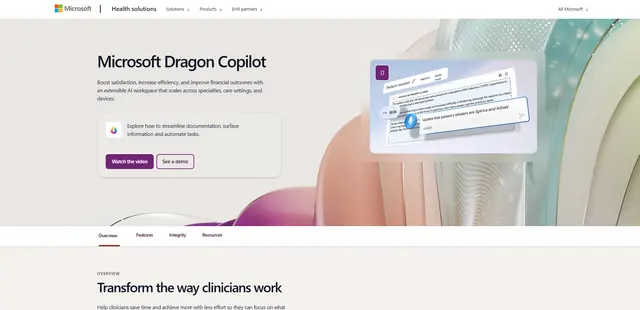
Microsoft Dragon Copilot
Microsoft Dragon Copilot is an AI-powered clinical workflow assistant that combines natural language voice dictation, ambient listening capabilities, and generative AI to streamline documentation, surface information, and automate tasks across healthcare settings.
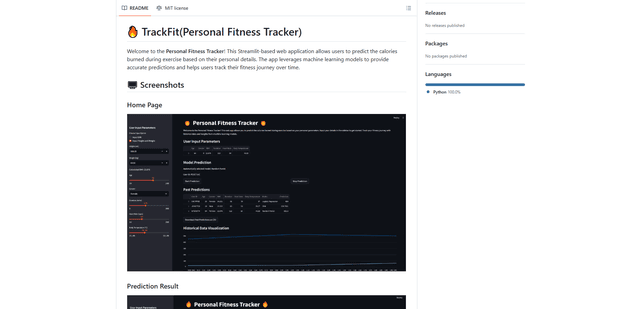
TrackFit
TrackFit is a comprehensive AI-powered fitness tracking system that combines smartwatch sensor data, machine learning models, and personalized analytics to help users monitor workouts, track progress, and improve exercise form in real-time.
HealthyAI - Nutrition Scanner
FreemiumHealthcare
HealthyAI is an AI-powered nutrition scanner app that helps users make healthier food choices by providing instant ingredient analysis, nutritional breakdowns, and personalized recommendations through barcode scanning and photo recognition technology.
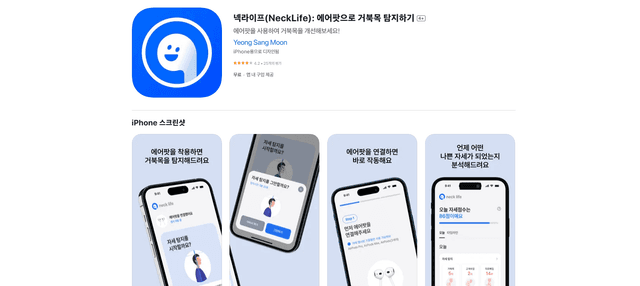
Neck-Life
FreemiumHealthcare
Neck-Life is an innovative app that uses AirPods sensors to monitor neck posture in real-time and helps prevent 'tech neck' through timely alerts and personalized settings.