ChikitAI
ChikitAI is a multilingual, multi-specialty healthcare AI platform that delivers AI-guided symptom assessment, triage, and care automation for patients and healthcare providers with enterprise-grade security and EHR integration.
https://chikit.ai/?ref=producthunt
Product Information
Updated:Aug 8, 2026
What is ChikitAI
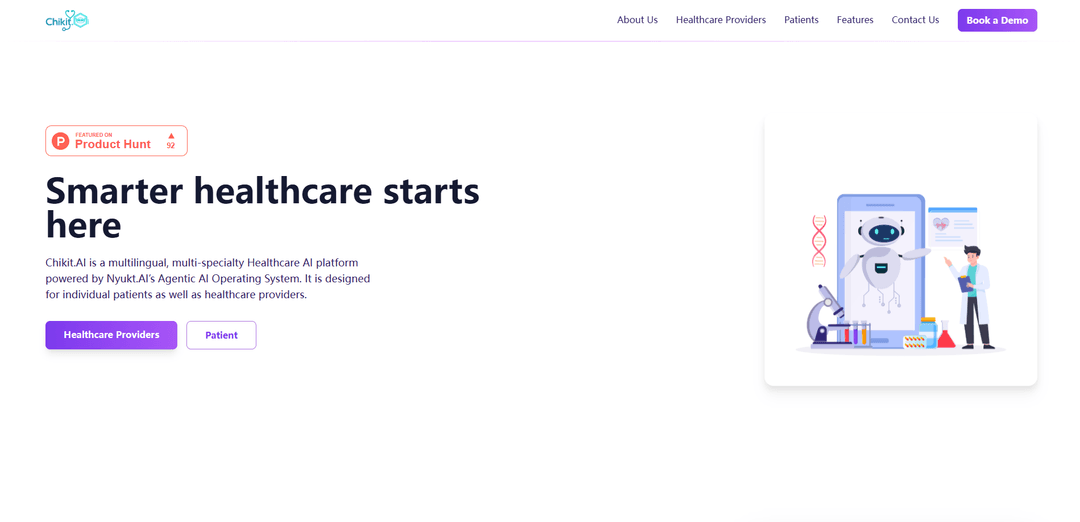
ChikitAI (Chikit.ai) is a healthcare-focused AI platform powered by Nyukt.AI’s Agentic AI Operating System, built to support both individual patients and healthcare organizations. It provides multilingual, clinically informed symptom assessment and pre-triage to reduce intake friction and improve routing to the right level of care. The product includes a patient-facing experience (including a mobile app in beta) and enterprise offerings for hospitals, insurers, and telehealth platforms, emphasizing high reliability (99.9% uptime) and strong data protection practices.
Key Features of ChikitAI
ChikitAI is a multilingual, multi-specialty healthcare AI platform for symptom assessment, triage, and care automation, built on Nyukt.AI’s Agentic AI Operating System. It supports patient self-assessments from home (via text, voice, and visuals), generates shareable pre-visit reports with personalized next-step recommendations, and helps providers (hospitals, insurers, telehealth) streamline intake and routing through AI-driven pre-triage. The product emphasizes enterprise readiness with high availability claims, security-focused design, and integration capabilities with EHR and telehealth systems.
Multilingual symptom assessment: Guides users through clinically informed evaluations in multiple languages to reduce communication barriers and improve accessibility.
Multi-modal input (text, voice, visuals): Lets patients describe symptoms through typing, speaking, or visual mapping for more flexible and user-friendly data capture.
AI-driven pre-triage and routing: Provides instant assessment insights and recommended next steps to help reduce unnecessary visits and route patients more efficiently.
Shareable assessment reports: Generates reports patients can securely share with clinics or telehealth providers to speed up intake and improve visit preparedness.
Enterprise integration readiness: Designed to integrate with Electronic Health Record (EHR) and telehealth systems to optimize workflows and reduce intake friction.
Enterprise-grade security posture: Positions itself as security- and compliance-oriented, claiming strong uptime and advanced data-protection approaches for patient information.
Use Cases of ChikitAI
Patient self-assessment at home: Individuals use the mobile/beta experience to evaluate symptoms before seeking care, receiving guidance on likely causes and next steps.
Hospital intake and triage optimization: Hospitals deploy AI pre-triage to reduce waiting times, standardize intake, and route patients to the right department or clinician faster.
Telehealth pre-visit data collection: Telehealth platforms collect structured symptom histories in advance, improving clinician efficiency and shortening appointment time.
Insurance and care navigation: Insurers use multilingual assessments to guide members to appropriate levels of care, potentially lowering avoidable ER/clinic utilization.
Clinics serving multilingual communities: Primary care and community clinics use multilingual workflows to improve access, reduce miscommunication, and support faster onboarding.
Pros
Multilingual and multi-modal symptom capture improves accessibility and user experience.
Designed for both patients and enterprises, with workflow and integration focus (EHR/telehealth).
Shareable reports and pre-triage can reduce intake friction and unnecessary visits.
Cons
Consumer mobile app is described as beta/waitlist, so availability may be limited for individuals.
Some claims (e.g., 'quantum-secure' / 'quantum-enhanced' protection and top-rated positioning) are hard to verify from the provided sources alone.
Clinical accuracy, regulatory posture, and real-world validation details are not fully specified in the provided snippet.
How to Use ChikitAI
1. Choose how you want to use ChikitAI (individual vs. organization): Chikit.ai supports both individual patients (mobile app in beta) and healthcare providers/enterprises (web platform + integrations). Decide which path fits your needs before you start.
2. Start with the Symptom Checker (fastest way to try it): Open the Symptom Checker from the Chikit.ai site (the link labeled “Symptom Checker”). This is the quickest entry point to run a self-assessment.
3. Enter symptoms using your preferred input method: Describe symptoms via text, voice, or visual mapping (as supported in the experience). Provide clear details such as what you feel, where it hurts, when it started, and severity to improve the assessment quality.
4. Run the AI-driven assessment: Submit your symptoms to receive an instant, multilingual, clinically-informed analysis. The platform is designed to guide you through questions to refine the assessment.
5. Review the insights and next-step recommendations: Read the likely causes and the recommended next steps (e.g., self-care guidance, monitoring, or seeking clinical care). Use this as pre-visit context rather than a final diagnosis.
6. Generate and share an assessment report (if needed): Create a shareable assessment report and securely share it with a clinic or telehealth provider to reduce intake friction and provide pre-visit insights.
7. Connect with providers for follow-up care: Use the platform’s workflow to route the assessment to a provider/clinic/telehealth service where applicable, enabling faster triage and appropriate care routing.
8. (Individuals) Join the mobile app beta waitlist: If you want the patient mobile app experience, join the waitlist from Chikit.ai to get early access and updates (the mobile app is currently in beta per the site).
9. (Enterprises) Try the enterprise platform: Use the “Try Now” link to access the enterprise experience intended for hospitals, insurers, and telehealth platforms to optimize intake, triage, and routing workflows.
10. (Enterprises) Plan integrations with EHR/telehealth systems: If you’re deploying in a healthcare organization, prepare your integration requirements (EHR and telehealth workflows). Chikit.ai is designed for seamless integration to streamline triage and routing.
11. Request a demo/pilot and discuss pricing: For organizational rollout, submit the site form to request a demo or pilot. The enterprise team will follow up to discuss implementation, integrations, and pricing.
12. Use multilingual support for broader patient access: Enable multilingual symptom assessment to support diverse patient populations and reduce language barriers during intake and triage.
ChikitAI FAQs
Chikit.ai is a multilingual, multi-specialty healthcare AI platform powered by Nyukt.AI’s Agentic AI Operating System, designed for both individual patients and healthcare providers.
ChikitAI Video
Popular Articles

Vosko AI: Localize and Dub Videos for Global Audiences
Oct 15, 2026

Atoms: A Multi-Agent AI Platform That Transforms Ideas into Launch-Ready Products
Oct 13, 2026

Nano Banana SBTI: What It Is, How It Works, and How to Use It in 2026
Apr 15, 2026

Atoms Review — The AI Product Builder Redefining Digital Creation in 2026
Apr 10, 2026
Latest AI Tools Similar to ChikitAI
DocAI
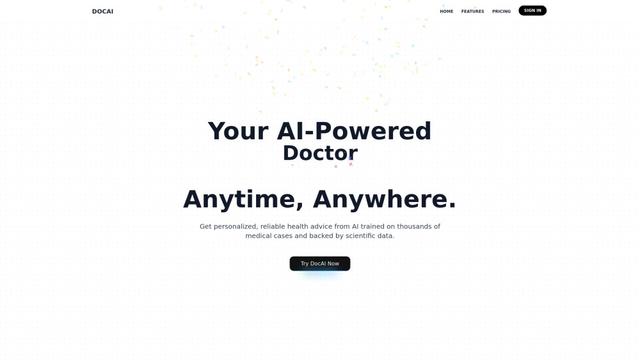
DocAI is an AI-powered platform that offers intelligent document processing, medical consultation analysis, and personalized healthcare solutions through advanced machine learning technologies.
Nutrecity
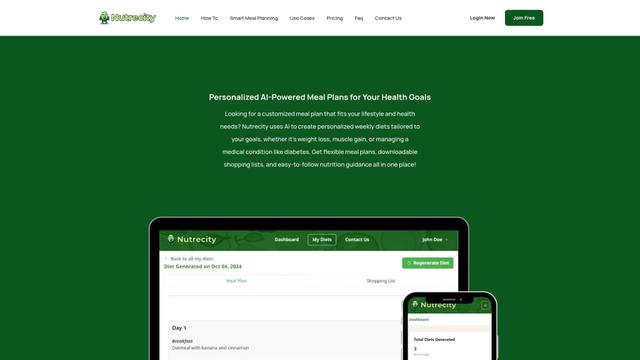
Nutrecity is an AI-powered meal planning platform that creates personalized nutrition plans tailored to individual health goals, dietary preferences, and restrictions while providing comprehensive nutritional tracking and reporting.
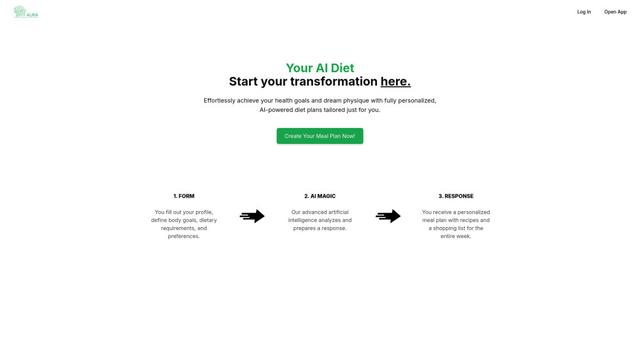
Fit Aura
Fit Aura is an AI-powered diet and nutrition platform that creates personalized meal plans, generates recipes, and helps track fitness progress for achieving health goals.
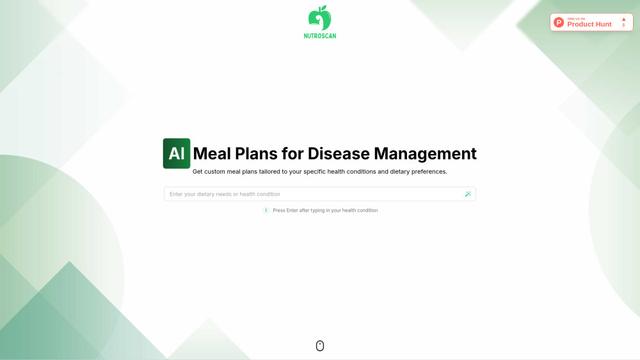
Nutroscan
Nutroscan is an AI-powered meal planning platform that generates personalized nutrition plans based on individual health conditions, dietary preferences, and nutritional needs.
Popular AI Tools Like ChikitAI
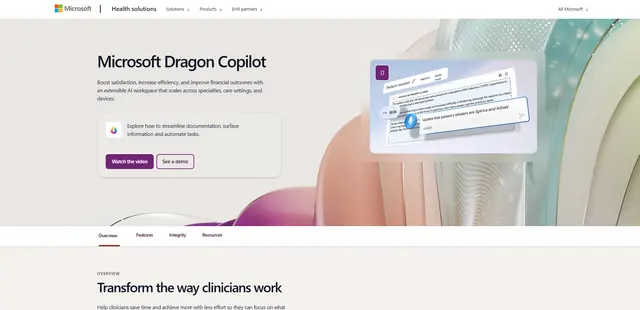
Microsoft Dragon Copilot
Microsoft Dragon Copilot is an AI-powered clinical workflow assistant that combines natural language voice dictation, ambient listening capabilities, and generative AI to streamline documentation, surface information, and automate tasks across healthcare settings.
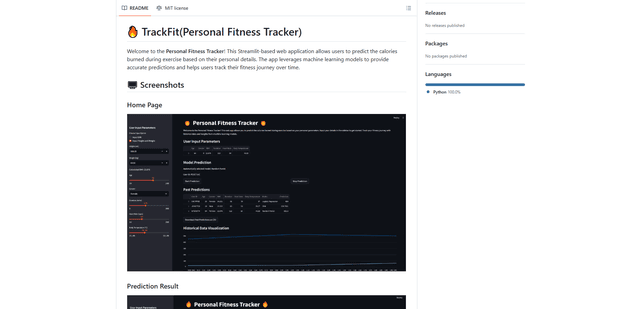
TrackFit
TrackFit is a comprehensive AI-powered fitness tracking system that combines smartwatch sensor data, machine learning models, and personalized analytics to help users monitor workouts, track progress, and improve exercise form in real-time.
HealthyAI - Nutrition Scanner
FreemiumHealthcare
HealthyAI is an AI-powered nutrition scanner app that helps users make healthier food choices by providing instant ingredient analysis, nutritional breakdowns, and personalized recommendations through barcode scanning and photo recognition technology.
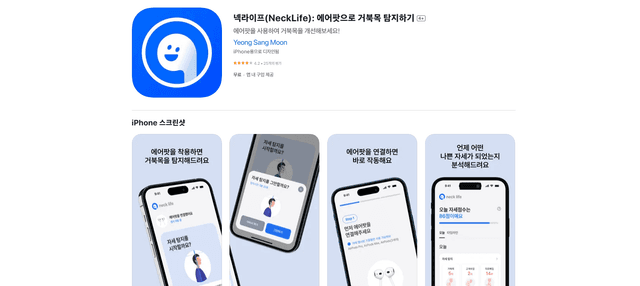
Neck-Life
FreemiumHealthcare
Neck-Life is an innovative app that uses AirPods sensors to monitor neck posture in real-time and helps prevent 'tech neck' through timely alerts and personalized settings.