
Buzzy
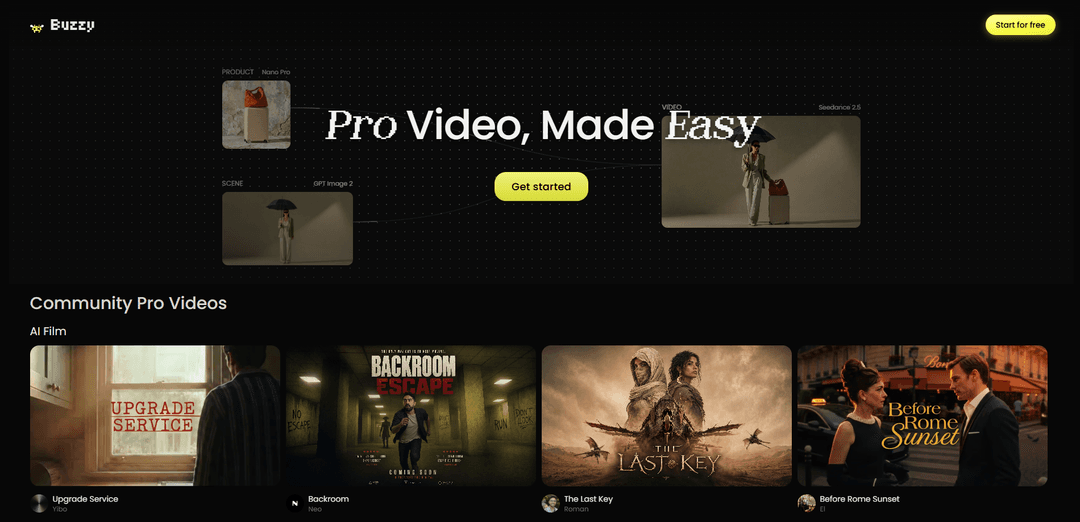
Buzzy is a browser-based, AI-powered video engine and conversational editor that helps creators generate and refine long-form AI films and commercials with consistent characters and detailed control using an agentic canvas and trend-driven inspiration.
https://www.buzzy.now/?ref=producthunt
Product Information
Updated:Aug 8, 2026
What is Buzzy
Buzzy (buzzy.now) is an AI video creation and editing platform positioned as a “Pro Video Engine for Everyone,” designed to make high-quality video production accessible without traditional tools like After Effects or Premiere. It combines prompt-to-video generation, a chat-based editing workflow, and an agentic “infinite canvas” that keeps story elements—such as characters, objects, and locations—consistent across multiple scenes. Alongside creation tools, Buzzy also surfaces inspiration from trending formats across platforms like TikTok and Instagram, helping users quickly move from concept to ready-to-post content.
Key Features of Buzzy
Buzzy (Buzzy Now) is a browser-based, conversational AI video creation and editing platform positioned as a “Vibe Video Photoshop” and an agentic canvas for making pro-looking videos with high consistency and fine-grained control. It helps creators generate storylines and storyboards, build moodboards, and produce or refine clips via plain-English chat commands—covering tasks like object/product replacement, relighting, removing unwanted background elements, and adjusting camera movement or angles. It also includes inspiration and trend discovery (e.g., ready-to-recreate viral formats across TikTok/Instagram/Pinterest/YouTube) and workflows designed for long-form AI films, AI commercials, and scalable marketing variations.
Chat-based video editing (“Video Photoshop”): Edit and refine video by describing changes in natural language—useful for fixing flaws without traditional timelines/keyframing (e.g., remove background people, tweak lighting, improve eye contact, adjust scene details).
Agentic infinite canvas for consistent, controlled storytelling: An “agentic canvas” that helps keep characters, objects, locations, and other elements consistent across scenes while giving users control over detailed creative decisions.
AI storyboard + moodboard generation: Automatically drafts detailed storyboards and moodboards to guide multi-scene productions and maintain continuity for films, commercials, and branded series.
Relight & multi-angle / camera changes: Supports relighting and multi-angle/camera movement style changes to reimagine or upgrade existing footage and AI-generated clips without reshoots.
Trend + template inspiration library: Surfaces trending formats and community workflows with “recreate” style starting points across major social platforms, helping creators quickly adapt proven patterns.
Rapid variant generation for marketing: Enables producing multiple versions from a single base video (e.g., swapping products, generating A/B variants) to scale creative testing and localization.
Use Cases of Buzzy
Performance marketing & A/B ad testing: Create many ad variants from one shoot or base clip (different hooks, product versions, lighting/style tweaks) to test performance without reshooting or complex editing.
Branding commercials and product launches: Generate polished brand ads with consistent visual identity; quickly replace products/models in-video while preserving the original performance for new releases.
AI short films and long-form narrative videos: Use the agentic canvas, storyboard, and consistency controls to build multi-scene AI films with recurring characters/locations and coherent art direction.
Creator economy content (Reels/TikTok/Shorts): Turn trend insights and “recreate” templates into ready-to-post short videos; iterate on hooks, pacing, and visuals using chat-based edits.
UGC-style ad production for ecommerce: Produce UGC-like ads at scale by refining clips conversationally (clean backgrounds, adjust lighting, swap products/packaging) while keeping an authentic vibe.
Explainers, music videos, and motion content: Create stylized explainer/MV content using storyboard-driven workflows and visual transformations (relight, angle changes, scene consistency) for fast creative output.
Pros
Natural-language workflow reduces reliance on traditional keyframing and complex editing tools for many common fixes and iterations.
Strong focus on consistency across scenes (characters/objects/locations) supports more coherent multi-shot storytelling than ad-hoc clip generation.
Good for scaling marketing output via quick variations (e.g., product swaps, A/B versions) without reshoots.
Cons
Credits can be consumed quickly when experimenting with multiple videos/models/edits; meaningful project use may require paid plans.
Often works best as a first step in a broader workflow rather than a complete replacement for traditional end-to-end editing in all cases.
How to Use Buzzy
1. Freeze the Ice Wings: Place Buzzy’s reusable ice wings in a freezer until they are frozen solid. For best pain relief, the wings must be fully frozen so they don’t absorb the vibration. Once removed from the freezer, wings stay frozen for about 10 minutes at room temperature.
2. Attach the Ice Wings to the Buzzy unit: Attach the frozen wings to the vibration unit using your model’s attachment method: either place the hole in the ice wings over the hook on the back of Buzzy, or slide the ice wings through the elastic strap on the back. (For the Mini, place the hole in the ice wings over the hook on the back of Buzzy.)
3. Position Buzzy correctly for the procedure type: Choose placement based on what you’re doing: (A) Subcutaneous injections: place Buzzy directly on the intended needle site first. (B) IV access, blood draw, or fingerstick: place Buzzy proximally (up the limb, between the site and the brain) immediately prior to and during the procedure.
4. Pre-treat the injection site (subcutaneous injections): For injections, hold Buzzy directly on the injection site for 30–60 seconds before the needle. This helps desensitize nerves using cold + vibration.
5. Move Buzzy proximally during the injection (subcutaneous injections): After the 30–60 second pre-treatment, move Buzzy proximally (up the limb) during the procedure, keeping it between the pain and the brain. Guidance from the source notes repositioning so the motor is directly above the shot area as needed.
6. Keep Buzzy running during the procedure: Once Buzzy is held in place (by hand, strap, tourniquet, or other secure method), turn it on using the button or switch on the top of the unit and keep it on during the needle procedure.
7. Note the Mini’s auto shut-off (if using Buzzy Mini): If you are using the Buzzy Mini, be aware it has an automatic shut-off after about 3 minutes; restart if the procedure takes longer.
8. Remove and refreeze wings as needed: After use, remove the wings and refreeze them for next time. If you need longer than ~10 minutes of cold time at room temperature, swap to a freshly frozen set.
9. Clean Buzzy after use (do not autoclave or submerge): Clean the Buzzy vibration unit with alcohol-based or chlorhexidine cleaning wipes. Do not autoclave and do not submerge the unit in liquid.
10. Avoid harsh disinfectants that can damage the unit: Avoid disinfectant wipes that contain chemicals reported to make Buzzy prone to cracking after extensive use (e.g., many Sani-cloths). The sources list examples including: hydroxides, dimethyl benzyl compounds, ethyl ammonium chloride, and ethylenediamines.
11. Follow intended-use guidance for personal units: Personal products are intended for use by a single user. If you need multi-patient/high-volume use, use the appropriate healthcare-grade product line rather than a personal unit.
Buzzy FAQs
Buzzy is an AI video creation tool positioned as a “Pro Video Engine for Everyone,” designed to help people make pro-quality videos more easily.
Buzzy Video
Popular Articles

Vosko AI: Localize and Dub Videos for Global Audiences
Oct 15, 2026

Atoms: A Multi-Agent AI Platform That Transforms Ideas into Launch-Ready Products
Oct 13, 2026

Nano Banana SBTI: What It Is, How It Works, and How to Use It in 2026
Apr 15, 2026

Atoms Review — The AI Product Builder Redefining Digital Creation in 2026
Apr 10, 2026
Latest AI Tools Similar to Buzzy
Loud Fame
Loud Fame is an AI-powered video transformation tool that allows users to convert regular videos into anime-style animations and create AI-generated celebrity talking videos.
BizBoom.ai
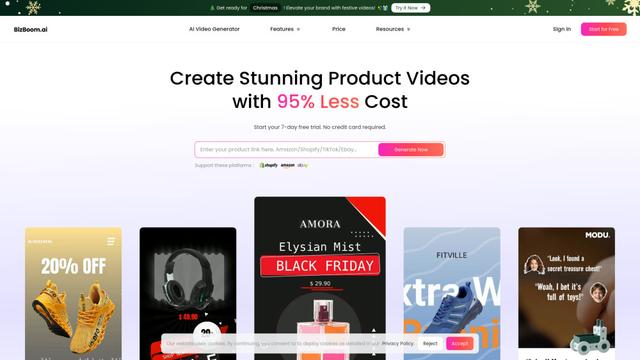
BizBoom.ai is an AI-powered platform that automatically generates professional product videos from product links and images with 95% less cost.

EzVideos
EzVideos is an all-in-one video creation tool that helps users generate viral videos for social media platforms like Instagram, TikTok, and YouTube with automated editing features and built-in resources.
Illuminix
Illuminix is an AI-powered platform that empowers businesses with autonomous hyper-experts and specialized tools for automated business processes, data management, and video content creation.
Popular AI Tools Like Buzzy
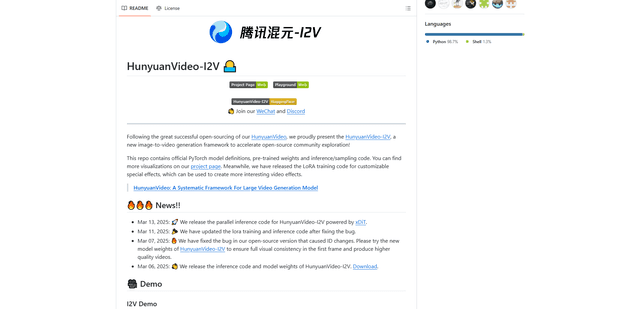
HunyuanVideo-I2V
HunyuanVideo-I2V is an open-source AI framework developed by Tencent that transforms static images into high-quality, dynamic videos with customizable motion effects and exceptional visual consistency.
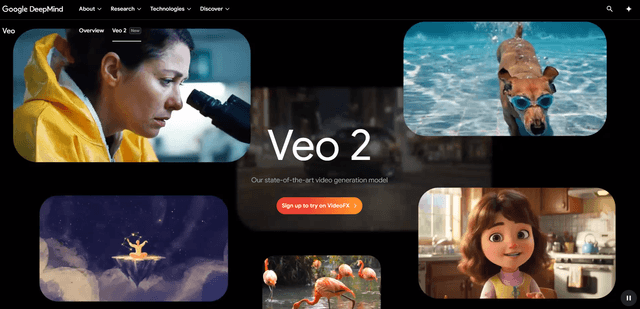
Google Veo 2
Veo 2 is Google DeepMind's state-of-the-art AI video generation model that can create high-quality videos up to 4K resolution with realistic motion, extensive camera controls, and improved physics simulation from text prompts.

Vibing
Vibing is an AI-powered dating app that helps users share authentic moments through video stories and make genuine connections based on personality matching and interactive features.
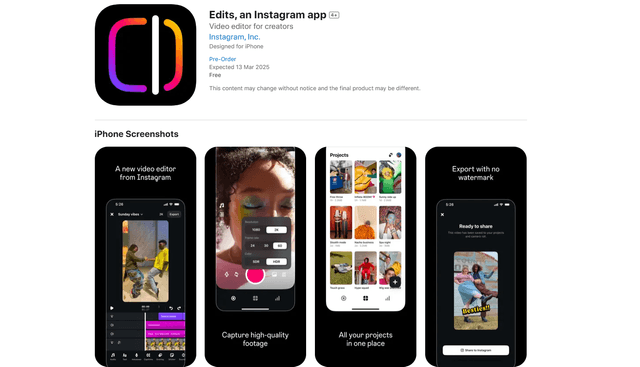
Edits, an Instagram app
Edits is Instagram's free video creation app that provides creators with professional editing tools, AI features, and analytics capabilities to create high-quality videos directly from their phones.