Branda
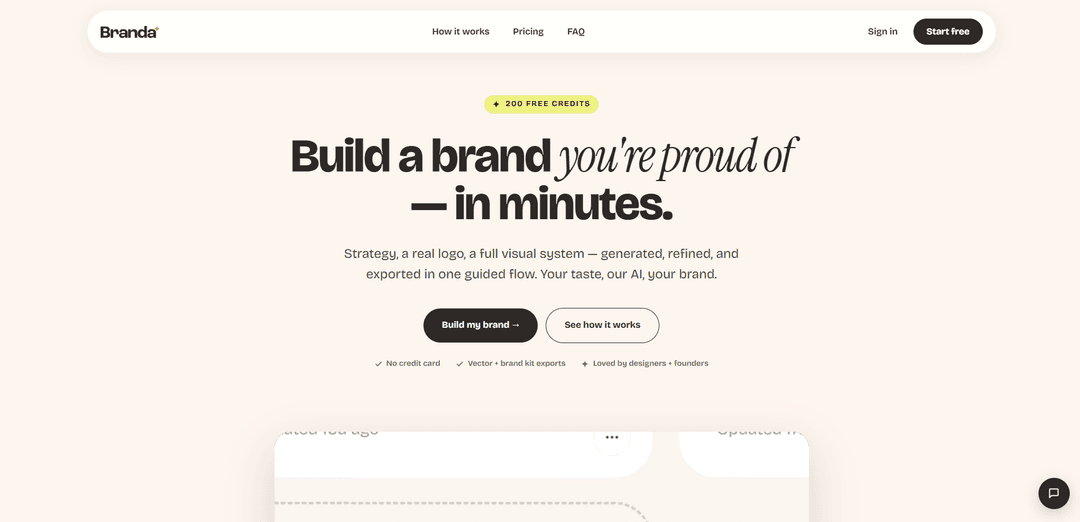
Branda is an AI-guided branding platform that turns a one-sentence idea (or your existing site/assets) into a complete brand system—strategy, real SVG logos, colors, type, mockups, and a downloadable brand kit—in minutes.
https://branda.co/?ref=producthunt
Product Information
Updated:Jun 8, 2026
What is Branda
Branda is a self-serve, guided tool for generating and refining a full visual identity without the typical agency timeline or cost. It helps founders, small teams, and designers create brand strategy and a cohesive visual system—logo directions, palettes, typography, and ready-to-use assets—then export everything as organized files (including vector logos). Branda also supports “starting from what you already have” by importing a website URL or uploading existing brand materials, so iterations feel like a continuation rather than rebuilding from scratch.
Key Features of Branda
Branda is an AI-guided branding tool that turns a simple prompt (or an existing website/brand assets) into a complete, exportable brand system—covering strategy and tone, logo directions and variants, color palette, typography, mockups, and a downloadable brand kit. It supports iterative refinement so each round feels like a continuation, can “import” a brand by scraping a URL to extract colors/type/tone, and produces real vector (SVG) logos plus organized exports (including a one-click zip and optional Figma handoff).
Guided brand strategy (“Strategy Sage”): Sets a clear creative direction by tuning brand attributes (e.g., warm vs. cool, playful vs. serious, modern vs. classic) so the visual outputs align with the intended feel.
Stylescape + reference-driven generation: Starts from curated mood boards or user-provided references and keeps subsequent iterations consistent with your taste instead of resetting the style each time.
Real vector logo generation with variants: Generates crisp, scalable SVG logos and provides practical versions (primary, stacked, symbol, dark/light, thumbnail) on appropriate backgrounds for immediate use.
Brand import from URL or existing assets: Scrapes an existing website to pull colors, typography, tone, and logos—or ingests uploaded assets (PNG/SVG/PDF)—to continue building from what already exists.
Asset extraction + vectorization from mockups: Pulls usable assets (logos/marks/patterns/product shots) out of mockups and can vectorize simple shapes, reducing manual cropping and re-export work.
One-click brand kit exports + multi-brand dashboard: Packages logos, palette, fonts, imagery, and mockups into an organized download (zip) and lets users manage unlimited brand projects in a single workspace.
Use Cases of Branda
Startup or indie product launch branding: Founders can go from a one-sentence idea to a cohesive logo, palette, type, and basic marketing assets in an afternoon without agency timelines.
Agency rapid concepting for client pitches: Designers can generate multiple logo/brand directions quickly, iterate via prompts, and export polished kits for presentations and handoff.
Rebrand or refresh for SMBs with an existing site: Teams can paste their current URL to import brand cues, then evolve the identity while maintaining continuity with what customers already recognize.
E-commerce and DTC packaging + social assets: Brands can produce consistent visual systems and extract/vectorize elements from packaging mockups to reuse across labels, ads, and storefront visuals.
Multi-project branding for creators and freelancers: Freelancers managing many side projects can keep each brand’s assets organized, revisit and iterate later, and export deliverables when needed.
Pros
End-to-end flow: combines strategy, visual identity, and exports in one guided process.
Continuity features: URL/asset import and reference-based iteration reduce “start over” cycles.
Practical deliverables: real SVG logos, multiple variants, and organized brand-kit downloads.
Cons
Credit/subscription model may limit heavy iteration for high-volume users without upgrading.
Outputs are guided by references and prompts; teams with strict brand governance may still need manual review and refinement.
How to Use Branda
1) Create an account and start a new brand: Go to https://branda.co/login, sign up (you’ll receive 200 free credits), then create a new brand project from the brand manager/dashboard.
2) Choose your starting point (blank slate, import, or references): Decide how you want to begin: (a) start from a one-sentence idea, (b) import an existing brand from your website URL, or (c) upload assets/references (logo, moodboard, style guide).
3) (Optional) Import your existing brand from a website URL: Use the “Import your brand” flow and paste your current website URL. Branda will scrape and pull your colors, type, and tone, then seed the next steps so iterations feel like a continuation rather than a reset.
4) (Optional) Upload existing assets to anchor the direction: Upload what you already have (PNG, SVG, PDF up to 25MB). Branda can read an existing logo, moodboard, or partial style guide and use it as the starting point instead of rebuilding from zero.
5) Define how the brand should feel in Strategy Sage: In the strategy step, set the “feel” dials (e.g., warm vs cool, playful vs serious, energetic vs calm, modern vs classic). Branda converts these inputs into a strategic direction and language you can build from.
6) Build a visual direction with Stylescape: Pick a curated mood board or upload your own references. Branda uses your taste to guide the visual system that follows (look/feel, imagery cues, and overall direction).
7) Generate logo directions and iterate: Generate multiple logo directions quickly, then refine by prompting/tweaking until one matches your strategy and stylescape. Branda is designed for rapid iteration (many directions per hour).
8) Confirm you’re getting real vector output (SVG): Review the logo output knowing Branda ships “real SVGs” intended to stay crisp at any size (from favicon to large-format use).
9) Create and review logo variants + palette: Produce the standard set of variants (primary, stacked, symbol, dark, light, and thumbnail), each on the correct background, along with the full color palette.
10) (Optional) Extract assets from mockups: If you have mockups, use Branda’s extraction feature to pull individual assets (logos, marks, product shots, packaging) without manually cropping/re-exporting. You can also vectorize simple shapes/patterns into clean scalable files.
11) Organize multiple brands in the brand manager: Use the dashboard to manage unlimited brand projects (side projects, client work, multiple concepts). Reopen any brand to continue from where you left off (strategy, stylescape, logos).
12) Export your full brand kit: Export logos, palette, fonts, imagery, and web mockups. Use “Download All” to get a single .zip organized into practical folders for handoff and production use.
Branda FAQs
Branda is an AI-powered branding tool that generates and refines brand strategy, logos, and a full visual system in a guided flow, then exports a complete brand kit.
Branda Video
Popular Articles

Vosko AI: Localize and Dub Videos for Global Audiences
Oct 15, 2026

Atoms: A Multi-Agent AI Platform That Transforms Ideas into Launch-Ready Products
Oct 13, 2026

Nano Banana SBTI: What It Is, How It Works, and How to Use It in 2026
Apr 15, 2026

Atoms Review — The AI Product Builder Redefining Digital Creation in 2026
Apr 10, 2026
Latest AI Tools Similar to Branda
StatAI
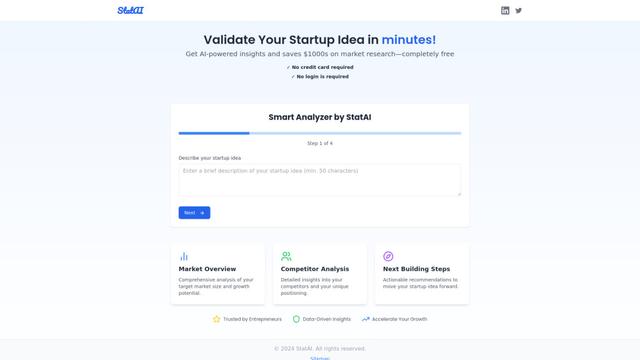
StatAI is an AI-powered platform that helps entrepreneurs validate startup ideas quickly by providing instant market research and analysis.
MyHustleAI
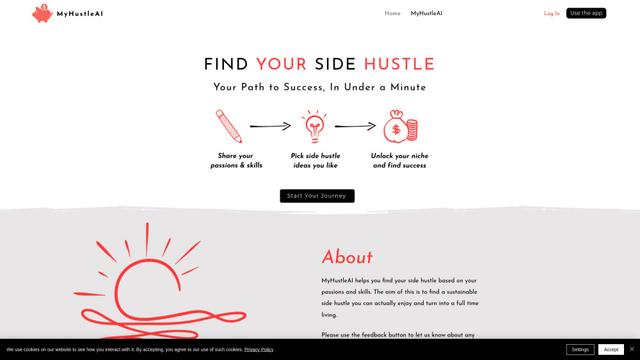
MyHustleAI is an AI-powered platform that helps users discover personalized side hustle opportunities by analyzing their passions and skills in seconds.
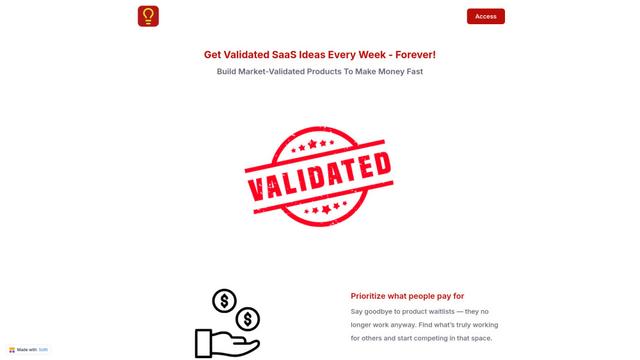
Micro SaaS Ideas
Micro SaaS Ideas are small-scale, niche-focused software solutions that target specific problems or markets, offering entrepreneurs a way to build profitable businesses with minimal resources and complexity.
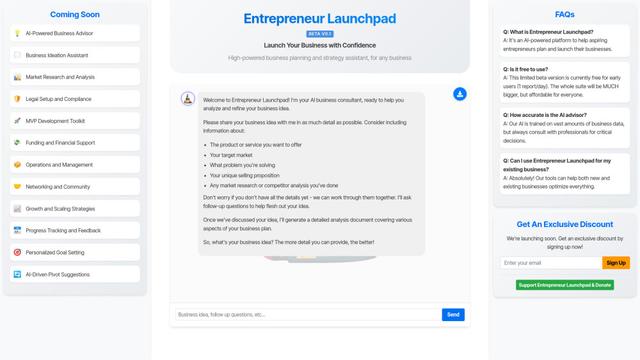
Entrepreneur Launchpad
Entrepreneur Launchpad is a comprehensive business support platform that provides free resources, mentorship, and community to help entrepreneurs start, grow and scale their businesses through training, consulting and networking opportunities.
Popular AI Tools Like Branda
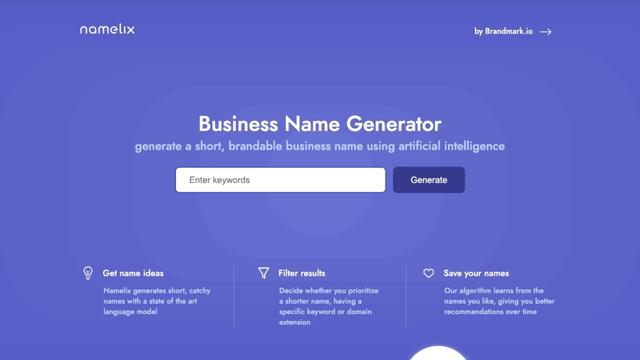
Namelix
Namelix is an AI-powered business name generator that creates short, catchy, and brandable names using advanced language models and machine learning.
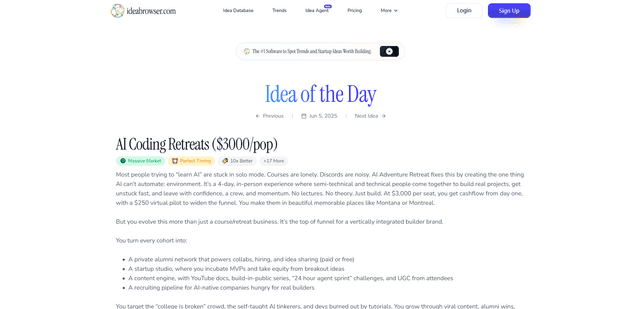
Ideabrowser.com
Ideabrowser.com is a data-driven SaaS platform that helps entrepreneurs discover profitable startup ideas, analyze market trends, and develop go-to-market strategies through AI-powered insights and comprehensive business idea validation tools.
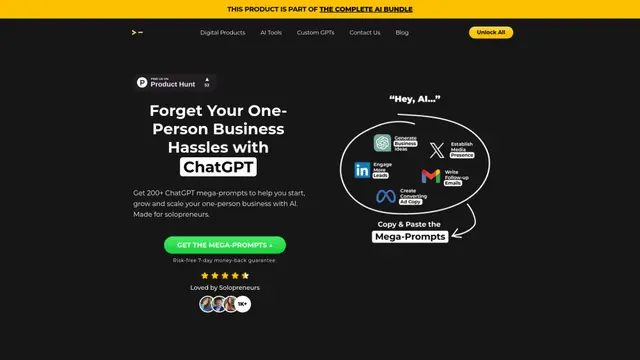
200+ ChatGPT Mega-Prompts for Solopreneurs
A curated collection of 200+ powerful ChatGPT mega-prompts designed to help solopreneurs streamline their business operations, boost productivity, and scale their ventures efficiently.
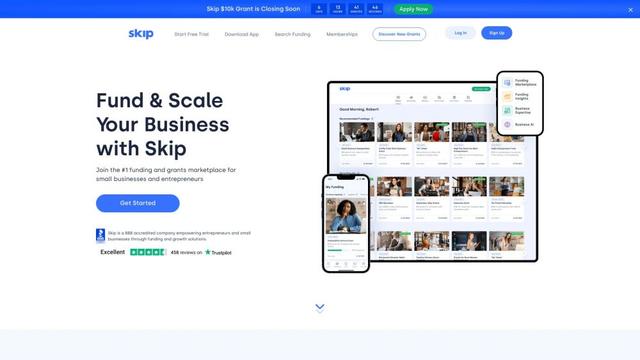
Skip
FreemiumBusiness Ideas Generator
Skip is the #1 platform in the US helping entrepreneurs and small business owners discover funding opportunities, apply for grants and financing, and grow their businesses.