
Blinked
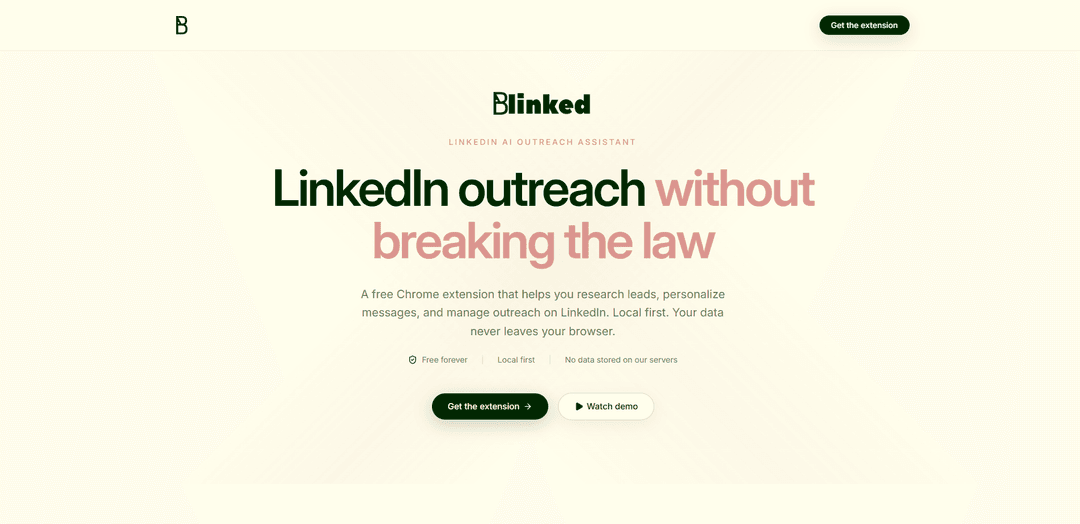
Blinked is a free, local-first Chrome extension for LinkedIn that helps you research leads, generate editable personalized outreach and follow-ups, and organize prospects into exportable lists—without sending your data to external servers.
https://linkedin.blinked.dev/?ref=producthunt
Product Information
Updated:Jul 8, 2026
What is Blinked
Blinked is a LinkedIn AI outreach assistant designed for founders, sales teams, and anyone doing manual LinkedIn prospecting. Delivered as a Chrome extension, it streamlines the core parts of outreach—understanding a prospect, writing a strong first message, and staying organized—while keeping you in control of what gets sent. Blinked emphasizes privacy and simplicity: it’s free forever, requires no account, and stores your lists, notes, and settings locally in your browser rather than on Blinked’s servers.
Key Features of Blinked
Blinked is a free, local-first Chrome extension that helps people do smarter manual LinkedIn outreach by researching leads, generating personalized messages you can review and edit, organizing prospects into lists, and managing follow-ups—without acting like an automation bot. It works directly inside LinkedIn, requires no account, and keeps your outreach data in your browser so it never gets stored on Blinked’s servers.
Local-first privacy: Prospect lists, notes, and settings stay in your browser—Blinked emphasizes that your data never leaves your device and nothing is stored on their servers.
Lead research Q&A on profiles: Ask questions about a lead to quickly understand their role, company context, and potential angles—reducing tab-switching and manual research.
One-click personalized outreach drafts: Generate tailored connection/outreach messages that you can review and edit; you approve every message before sending.
Prospect list management + export: Create and manage lead lists, track lead status, and export your data for backup, reporting, or handoff to a teammate/CRM.
Follow-up templates and sequences: Configure follow-up messages and lightweight sequences so you can stay consistent and avoid dropping conversations after the first touch.
Lead rating + ICP discovery: Score and prioritize leads and use LinkedIn signals to help surface ideal customer profiles (ICP) so you can focus on higher-likelihood prospects.
Use Cases of Blinked
B2B SaaS founder outbound: Founders can build targeted lists, quickly research decision-makers, draft personalized messages, and manage follow-ups while keeping full manual control to avoid spammy automation.
Recruiting and talent sourcing: Recruiters can evaluate candidate fit faster from profile context, prioritize outreach with lead scoring, and keep pipelines organized via lists and follow-up templates.
Agencies and consultants prospecting: Service businesses can identify ideal buyer profiles, personalize cold outreach at scale (still manually reviewed), and track outreach stages across multiple niches or campaigns.
Sales teams doing compliant manual outreach: Teams that avoid bots can standardize messaging and follow-ups, keep prospect notes organized, and export lists for reporting or CRM updates.
Partnerships and business development: BD teams can research potential partners, craft context-aware introductions, and run lightweight follow-up sequences to move conversations forward.
Pros
Free forever with no subscription, credit card, or expiring trial mentioned
Local-first approach: outreach data stays in the browser and is not stored on Blinked servers
Designed for manual outreach (not a spam bot), with user approval before sending
Works directly inside LinkedIn, reducing context switching and research overhead
Cons
Chrome extension format may limit usage for non-Chrome browsers or mobile workflows
Local-only storage can be a drawback for teams needing shared, cloud-synced collaboration across devices
Because it’s manual-first (not automation), high-volume outbound may still require significant human effort
How to Use Blinked
1) Install Blinked (Chrome extension): In Chrome, install the Blinked extension in one click. No account is required.
2) Open LinkedIn and browse normally: Go to LinkedIn and use your usual workflow—search for prospects, open profiles, and navigate around LinkedIn as you normally would.
3) Ask questions about a lead (quick research): While viewing a prospect’s LinkedIn profile, use Blinked’s “Ask questions about the lead” feature to get instant context (their role, company, and possible angles) without opening many extra tabs.
4) Generate a one-click personalized outreach message: Use the one-click personalized message feature to draft a tailored message for that specific profile. Review and edit the draft as needed—Blinked is designed so you approve every message before it goes out.
5) Send your message manually: After reviewing the message, send it yourself on LinkedIn when you’re ready. Blinked is not a spam bot; it supports manual outreach rather than automating sending.
6) Create and manage prospect lists: As you find prospects, add them to lists inside Blinked to stay organized. Track where each lead stands so you can manage outreach without losing context.
7) Rate and prioritize leads: Use the lead rating feature to score prospects and prioritize who to contact first, focusing time on leads most likely to become customers.
8) Configure follow-up messages and sequences: Set up follow-up templates and sequences so you have a consistent process after the first touch and nothing falls through the cracks.
9) Use LinkedIn data to refine your ICP: Use Blinked’s ICP discovery feature to surface ideal customer profiles from LinkedIn data, helping you decide who to reach out to next without extensive manual research.
10) Export your lists when needed: Export your prospect lists for backup, reporting, or handoff to a teammate. Blinked is local-first, so your lists, notes, and settings live in your browser and are not stored on Blinked’s servers.
Blinked FAQs
Blinked is a free Chrome extension that acts as a LinkedIn AI outreach assistant, helping you research leads, personalize messages, and manage outreach while working directly inside LinkedIn.
Popular Articles

Atoms: A Multi-Agent AI Platform That Transforms Ideas into Launch-Ready Products
May 22, 2026

Nano Banana SBTI: What It Is, How It Works, and How to Use It in 2026
Apr 15, 2026

Atoms Review — The AI Product Builder Redefining Digital Creation in 2026
Apr 10, 2026

Kilo Claw: How to Deploy and Use a True "Do‑It‑For‑You" AI Agent(2026 Update)
Apr 3, 2026
Latest AI Tools Similar to Blinked
10xBeast
10xBeast is an AI-powered sales platform that helps businesses automate and personalize cold email outreach to convert leads into customers in just a few clicks.

Thaly AI
Thaly AI is an AI-powered sales assistant that automates customer conversations and lead qualification to help businesses scale their sales operations while saving time.
Coldreach
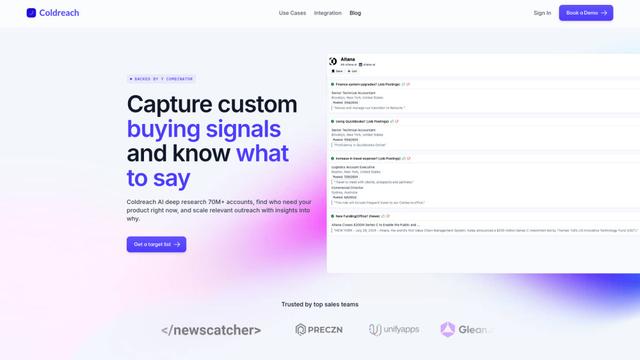
Coldreach is an AI-powered platform that finds ready-to-buy leads by monitoring custom buying signals and generates hyper-personalized outreach messages to boost sales effectiveness.
Grain
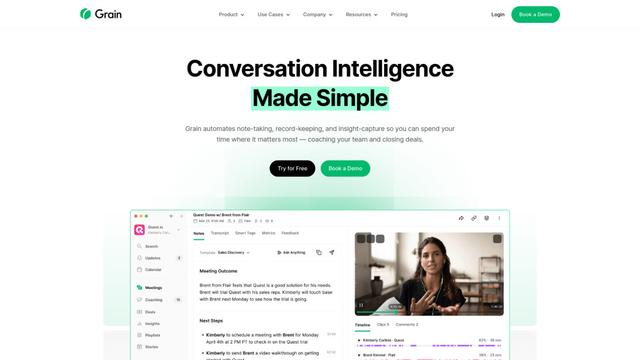
Grain is an AI-powered conversation intelligence platform that automates note-taking, transcription, and insight capture from video meetings to help teams coach reps and close more deals.
Popular AI Tools Like Blinked

Amazon Project Amelia
Project Amelia is Amazon's new generative AI-powered personal assistant that helps third-party sellers manage their businesses by providing real-time insights, answering questions, and offering personalized recommendations through natural conversation.
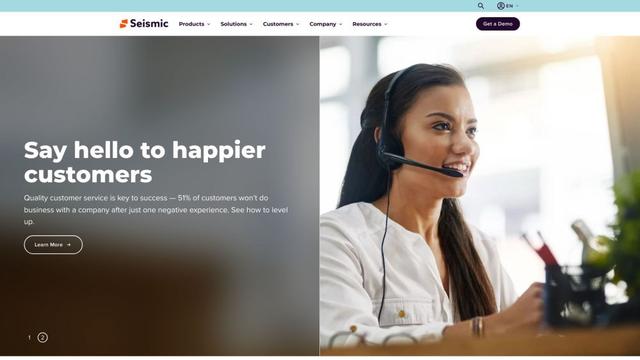
Seismic
Seismic is the #1 global sales enablement platform that empowers customer-facing teams with skills, content, tools, and insights to grow business.
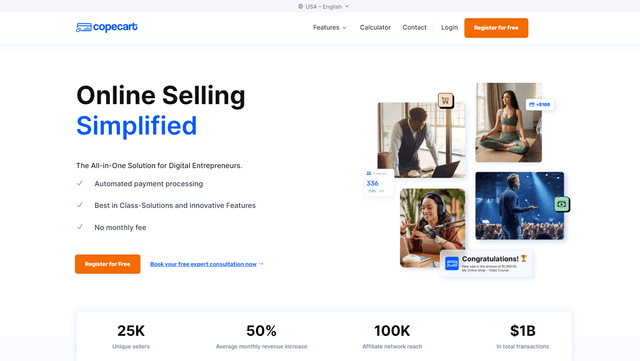
copecart
CopeCart is an all-in-one digital sales platform that provides automated payment processing, optimized checkouts, and comprehensive analytics for online entrepreneurs selling digital and physical products.
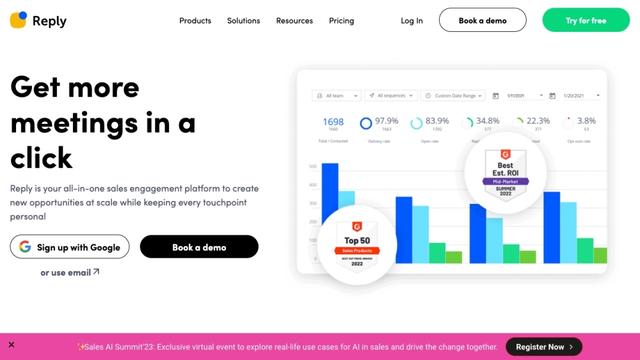
Reply.io
Reply.io is an AI-powered sales engagement platform that helps businesses automate outreach, find qualified leads, and book more meetings across multiple channels.