Banana AI
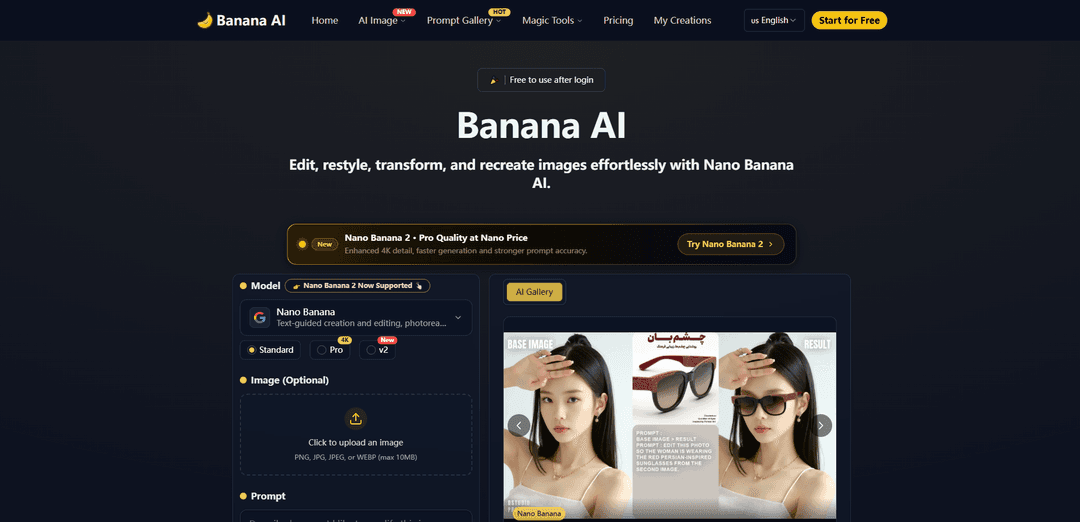
Banana AI is a free AI photo editor powered by Google's Nano Banana technology that allows users to edit, transform and generate images through simple text prompts with consistent, high-quality results in seconds.
https://banana-ai.org/?utm_source=aipure
Product Information
Updated:Feb 27, 2026
What is Banana AI
Banana AI is an advanced AI photo editing and image generation platform that leverages Google's Nano Banana technology (specifically Gemini 2.5 Flash Image). It provides users with a simple yet powerful way to edit photos and create images using natural language text prompts rather than complex editing tools. The platform offers both free and premium features, allowing users to perform various image transformations from basic edits to creative style transfers, background replacements, and even 3D figurine generation.
Key Features of Banana AI
Banana AI is a free AI photo editor powered by Google's Nano Banana technology (Gemini 2.5 Flash Image) that allows users to edit and transform images using simple text prompts. It offers features like background replacement, style conversion, lighting adjustment, and batch editing, delivering results in 1-2 seconds while maintaining identity consistency across edits. The platform combines advanced AI capabilities with an intuitive interface, making professional-grade photo editing accessible to both beginners and experts.
Text-Guided Editing: Users can edit photos by simply describing desired changes through natural language prompts, similar to conversing with GPT
Identity Consistency: Maintains consistent facial features and key characteristics across multiple edits and style transformations
Fast Processing Speed: Processes edits in just 1-2 seconds using Google's Nano Banana technology
Batch Processing: Ability to edit multiple photos simultaneously while maintaining consistent results across all images
Use Cases of Banana AI
Social Media Content Creation: Create consistent AI influencer content and transform multiple images quickly for social media campaigns
Product Photography: Edit product photos with background replacement and lighting adjustments for e-commerce and marketing materials
Personal Photo Enhancement: Transform personal photos with various artistic styles and effects for profile pictures or creative expression
Professional Design Work: Support creative agencies and designers with high-quality image editing and style transformations for client projects
Pros
User-friendly interface requiring no technical expertise
Fast processing speed (1-2 seconds per edit)
Maintains consistent identity across multiple edits
Free basic version available
Cons
Advanced features require paid subscription or credits
Limited to 10MB file size for uploads
Some features may require higher resolution processing at additional cost
How to Use Banana AI
Upload Photo: Start by uploading any photo you'd like to edit. The platform accepts PNG, JPG, JPEG, or WEBP files up to 10MB in size.
Select Model: Choose between Nano Banana (standard), Pro, or 4K models depending on your needs. The standard version is free while Pro offers higher quality and resolution.
Enter Text Prompt: Type a natural language prompt describing how you want to transform your image. Be as specific as possible about the desired changes.
Choose Style (Optional): Optionally select from pre-built style profiles like anime, Pixar, watercolor etc. to apply specific artistic effects.
Select Aspect Ratio: Choose your preferred output aspect ratio (1:1, 9:16, 16:9, 3:2, 2:3) for the final image.
Click Generate: Click the 'Generate' button to process your edit. The AI will transform your image in 1-2 seconds using Google's Gemini technology.
Preview Results: Review the generated image to ensure it meets your requirements. You can make additional edits if needed.
Download or Share: Once satisfied with the results, download your edited image or share it directly to social media platforms.
Banana AI FAQs
Banana AI is a free AI photo editor powered by Google's Nano Banana technology (Gemini 2.5 Flash Image). It allows users to edit photos using text prompts for tasks like removing objects, replacing backgrounds, and applying creative styles, delivering results in 1-2 seconds.
Popular Articles

Atoms: A Multi-Agent AI Platform That Transforms Ideas into Launch-Ready Products
May 22, 2026

Nano Banana SBTI: What It Is, How It Works, and How to Use It in 2026
Apr 15, 2026

Atoms Review — The AI Product Builder Redefining Digital Creation in 2026
Apr 10, 2026

Kilo Claw: How to Deploy and Use a True "Do‑It‑For‑You" AI Agent(2026 Update)
Apr 3, 2026
Latest AI Tools Similar to Banana AI
IMG Processing
IMG Processing is a powerful API service that enables fast and reliable image processing capabilities including uploading, transforming, and watermarking through simple integration.

Wink Mody
Wink Mody is a modified version of the Wink video editing app that offers premium features like AI-powered retouching, 4K exports, and watermark-free editing completely free of charge.
Erase BG
Erase BG is a free, AI-powered online tool that automatically removes backgrounds from images with support for up to 4K resolution, requiring no account or special skills.
PicTrix AI
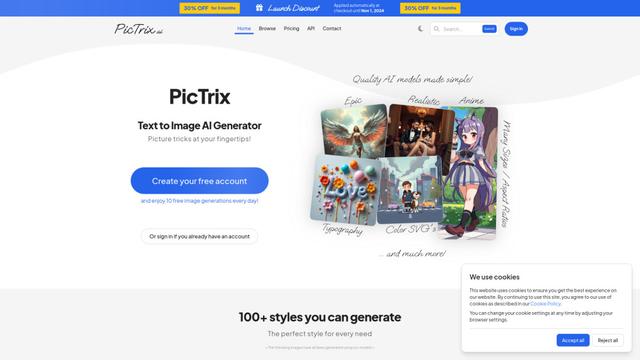
PicTrix AI is an advanced AI-powered platform that transforms text prompts and images into high-quality visuals across multiple styles, formats and sizes while offering features like image restoration, enhancement and SVG generation.
Popular AI Tools Like Banana AI
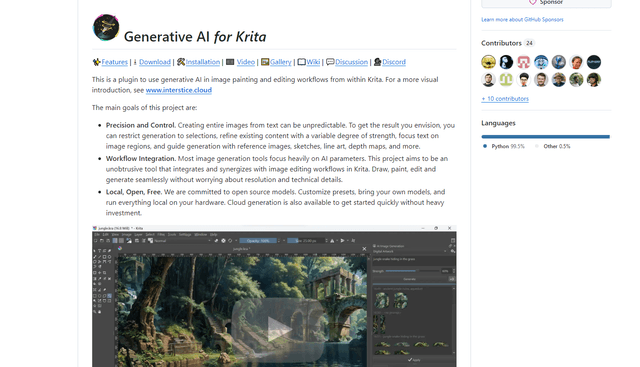
Krita
Krita is a free and open-source digital painting and illustration software that offers a wide range of professional-grade tools for artists and designers.
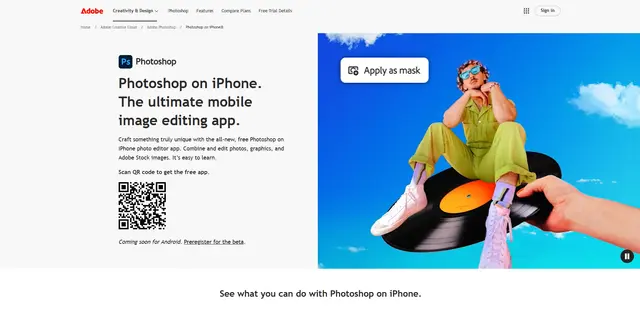
Adobe Photoshop App
Adobe Photoshop App is a free, powerful mobile photo editor that allows users to combine and edit photos, graphics, and Adobe Stock images with professional-grade tools and AI features optimized for touch devices.
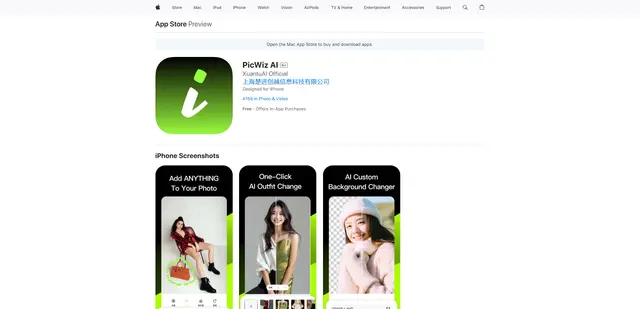
PicWiz AI
PicWiz AI is a comprehensive AI-powered photo editing and image generation tool that offers over 100 photo styles and multiple AI processing capabilities including object addition, removal, background manipulation, and image enhancement.

Remove Image Background
Remove.bg is an AI-powered online tool that automatically removes image backgrounds in seconds with just one click.