
Atomic Bot
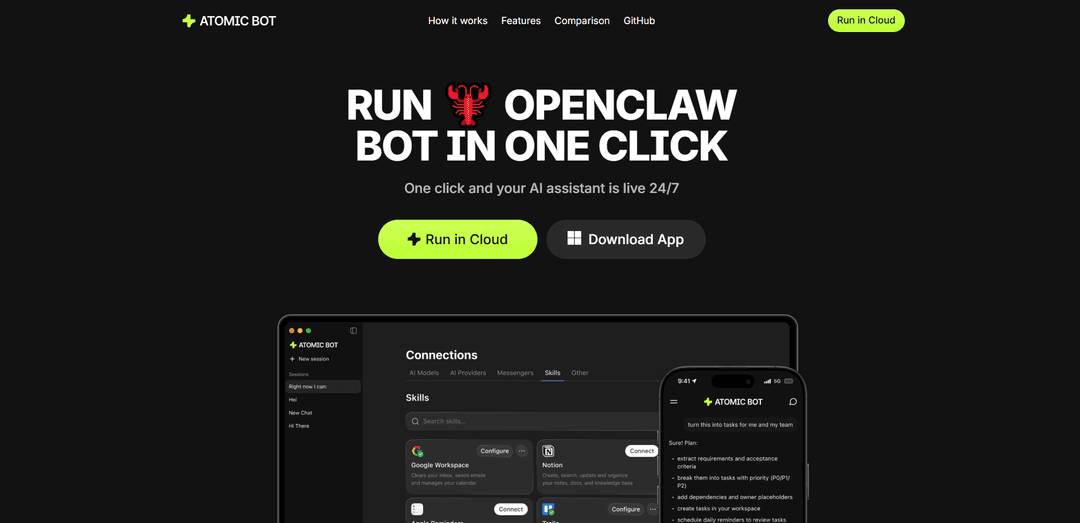
Atomic Bot is a user-friendly AI assistant that brings OpenClaw capabilities to everyday users, allowing them to automate web tasks, manage emails, handle calendars, and process documents through a simple one-click setup interface.
https://atomicbot.ai/?ref=producthunt
Product Information
Updated:Feb 28, 2026
What is Atomic Bot
Atomic Bot is a native application that simplifies the powerful OpenClaw/Clawdbot experience through an intuitive interface. It serves as a personal AI assistant that can be installed locally on your device or run in the cloud, offering a privacy-first approach to task automation. The platform integrates multiple AI models including Claude, GPT, and Gemini, allowing users to choose the AI engine that best fits their workflow while maintaining full OpenClaw functionality without requiring complex technical setup.
Key Features of Atomic Bot
Atomic Bot is a user-friendly AI assistant that provides OpenClaw capabilities through a native app interface. It can perform various automated tasks across different platforms including email management, calendar organization, document processing, and web automation. The bot offers both local device and cloud deployment options, features persistent memory to learn user preferences, and integrates with multiple AI models while maintaining privacy-first design.
One-Click Setup: Simple installer with guided setup process that allows users to install, connect services, and start using the assistant within minutes without technical knowledge
Browser Control: Ability to automate web tasks by opening websites, clicking through flows, filling forms, and collecting information directly from chat interface
Multiple AI Model Integration: Flexibility to choose and switch between different AI engines including Claude, GPT, and Gemini to match specific workflow needs
Persistent Memory System: Maintains memory of user preferences, ongoing tasks, and important details to improve understanding of user work patterns over time
Use Cases of Atomic Bot
Email Management: Handles Gmail tasks including cleaning up threads, drafting replies, and sending follow-ups in the user's tone
Document Processing: Converts long PDFs and documents into summaries, action items, and key takeaways for efficient information processing
Business Intelligence: Monitors trends, competitors, and mentions while providing daily digests for strategic decision making
File Organization: Manages digital assets by finding, renaming, and sorting downloads while maintaining organized folder structures
Pros
User-friendly interface with no technical expertise required
Privacy-focused with option for local device operation
Flexible deployment options (local or cloud)
Pre-installed skills and easy integration with daily tools
Cons
Requires API keys setup for free version
Limited to MacOS platform based on available information
May require paid plan for advanced features
How to Use Atomic Bot
Download and Install: Download Atomic Bot as a regular app and install it on your computer (available for macOS) or choose to run it in the cloud
Initial Setup: Follow the guided setup process to configure basic settings. You can use one-click Google sign-in for easy authentication
Connect Skills and Services: Connect the core pre-installed skills like Gmail, Calendar, Browser control, etc. Additional skills can be added from the marketplace based on your needs
Choose AI Model: Select your preferred AI engine from options like Claude, GPT, or Gemini that best fits your workflow
Start Using Assistant: Begin interacting with your 24/7 AI assistant through the user-friendly chat interface to handle tasks across your connected tools and services
Customize Workflows: As you use it more, the bot learns your preferences and working style. You can set up recurring tasks, schedules, and monitoring
Manage Privacy Settings: Choose where you want your data stored - either on your local device or encrypted in the cloud for maximum privacy control
Atomic Bot FAQs
Atomic Bot is a user-friendly native app that provides OpenClaw capabilities through a simple interface. It functions as a personal AI assistant that can handle tasks across email, calendars, documents, browser actions, and workflows without requiring complex setup.
Popular Articles

Atoms: A Multi-Agent AI Platform That Transforms Ideas into Launch-Ready Products
May 22, 2026

Nano Banana SBTI: What It Is, How It Works, and How to Use It in 2026
Apr 15, 2026

Atoms Review — The AI Product Builder Redefining Digital Creation in 2026
Apr 10, 2026

Kilo Claw: How to Deploy and Use a True "Do‑It‑For‑You" AI Agent(2026 Update)
Apr 3, 2026
Latest AI Tools Similar to Atomic Bot

MultipleWords
MultipleWords is a comprehensive AI platform offering 16 powerful tools for content creation and manipulation across audio, video, and image editing with cross-platform accessibility.
AiTools.Ge
FreemiumMulti-purpose Tools
AiTools.Ge is an all-in-one AI content creation platform offering 70+ templates for generating text, images, voiceovers, code and more across multiple languages.
GiGOS
GiGOS is an AI platform that provides access to multiple advanced language models like Gemini, GPT-4, Claude, and Grok with an intuitive interface for users to interact with and compare different AI models.
Lynklet
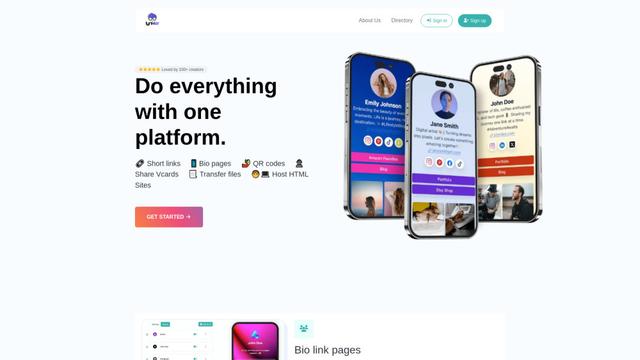
Lynklet is an all-in-one social tool platform that combines bio link pages, URL shortening, QR code generation, digital business cards, and file hosting capabilities in one comprehensive solution.
Popular AI Tools Like Atomic Bot

Off-grid LLM over Radio
A platform that integrates Large Language Models (LLMs) with Meshtastic mesh communication networks to enable off-grid AI interactions and automated task execution through radio communication.
Pixelagent
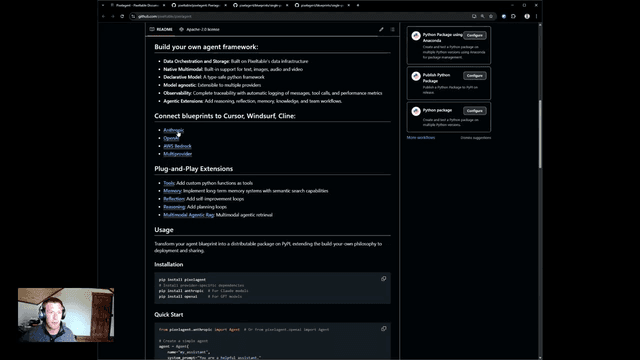
Pixelagent is a declarative Python framework for building custom AI agents that unifies LLM capabilities, storage, and orchestration with build-your-own functionality for memory, tool-calling, and multimodal data handling.

MulmoCast
MulmoCast is an AI-native multi-modal presentation tool that automatically generates videos, podcasts, slides, PDFs, and manga-style content from a single script using various AI technologies.
UTCP
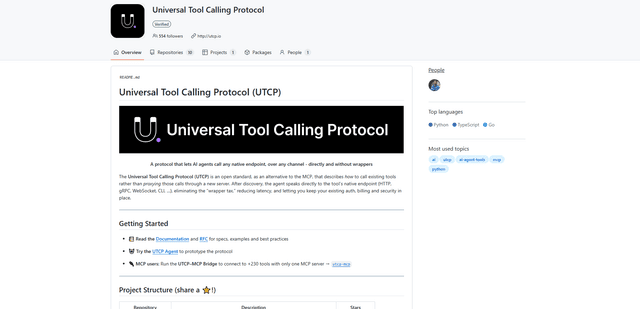
UTCP (Universal Tool Calling Protocol) is an open standard protocol that enables AI agents to directly call any native API endpoint across different communication protocols without requiring middleware or wrapper servers.