
Athenic AI
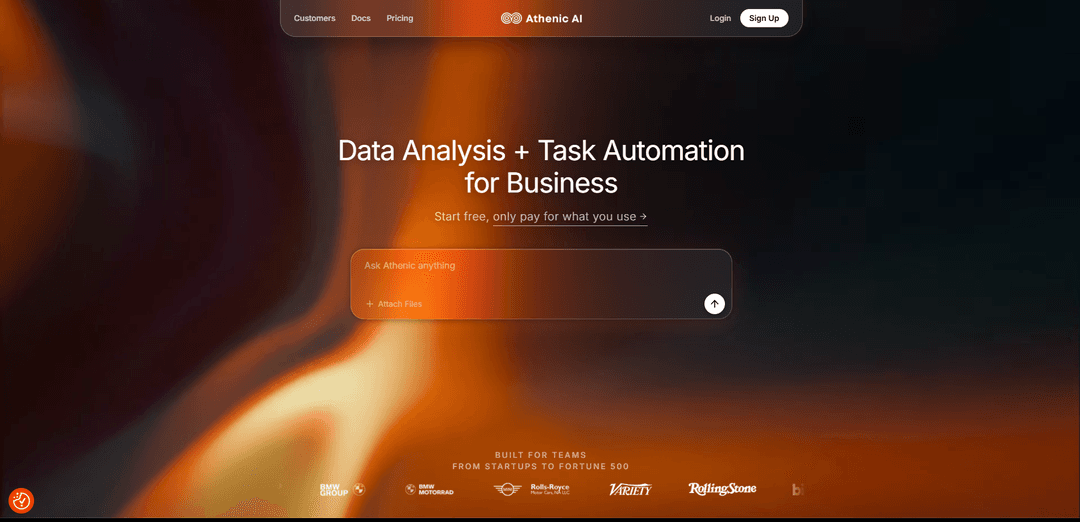
Athenic AI is an AI-powered analytics and automation platform that connects to your data sources and lets you ask questions in plain English to generate instant insights, charts, dashboards, reports, and automated workflows.
https://www.athenic.com/?ref=producthunt
Product Information
Updated:Jun 16, 2026
What is Athenic AI
Athenic AI is a business intelligence and data analysis platform designed to make analytics accessible to anyone in an organization—without needing SQL, dashboards built by analysts, or heavy IT support. It connects to common data sources such as SQL databases/warehouses and tools like Google Sheets, then enables teams (e.g., marketing, sales, product, finance, and operations) to explore metrics and performance by simply chatting with their data. Positioned for companies ranging from startups to Fortune 500 enterprises, Athenic also supports tailoring definitions of KPIs and internal terminology so results align with company-specific context.
Key Features of Athenic AI
Athenic AI is an AI-powered analytics and automation platform that connects to company data (e.g., SQL databases, data warehouses, CSVs, Google Sheets, and business apps) and lets users ask questions in plain English to generate insights, charts, dashboards, and reports without needing SQL or a dedicated analyst. It emphasizes fast self-serve BI for technical and non-technical teams, supports organization-specific context (KPIs/terminology) to improve relevance, and includes transparency features like explanations and audit trails to build trust in outputs.
Natural-language analytics (no SQL): Users query structured business data in plain English; Athenic translates questions into SQL and returns understandable answers, visualizations, and summaries.
Dashboards, charts, and reports from prompts: Create and share BI-style dashboards and graphs by asking questions, enabling quick ad-hoc analysis and ongoing reporting without heavy setup.
Broad data-source connectivity: Connect common sources such as SQL databases, CSVs, Google Sheets, and major warehouses (e.g., Snowflake, BigQuery, Athena), plus business systems like CRMs/ERPs.
Context-aware, customizable metrics and terminology: Tailor metrics/dimensions and teach the system company “tribal knowledge,” KPIs, and internal definitions so insights align with how the business actually measures performance.
Guided analysis with follow-up suggestions: The AI can propose follow-up questions and help uncover patterns behind trends, supporting deeper exploration beyond a single query.
Trust and governance features: Provides explanations of interpretations and complete audit trails of actions; also noted as SOC 2 Type II for security-minded teams.
Use Cases of Athenic AI
Marketing performance optimization: Unify campaign and customer data to monitor trends, build dashboards, and quickly identify opportunities to optimize spend and messaging in near real time.
E-commerce / retail customer behavior analysis: Analyze cohorts, repeat purchase behavior, and funnel conversion using natural-language questions to predict or explain customer behavior and retention drivers.
Finance & FP&A self-serve reporting: Answer budget vs. actuals, revenue, margin, and variance questions quickly; generate recurring reports and executive-ready dashboards without analyst bottlenecks.
Fraud detection and quality management: Explore operational and transaction data to spot anomalies, monitor quality metrics, and investigate drivers behind spikes or outliers.
Operations and planning analytics: Track operational KPIs across systems, diagnose why performance changes, and share dashboards across stakeholders for faster decisions.
Startup BI replacement / analyst augmentation: Replace or reduce reliance on traditional BI tools and dedicated analysts by enabling the whole team to query data and ship dashboards quickly.
Pros
Easy for non-technical users to get fast insights with natural-language queries
Connects to multiple common data sources and warehouses for centralized analysis
Transparency features (explanations/audit trails) and strong security posture (SOC 2 Type II noted)
Cons
Some users report occasional loading delays/slow performance, especially with larger workloads
Customization depth may be limited for power users compared to fully manual BI/SQL workflows
Potential for occasional data inaccuracies or connection issues reported in reviews
How to Use Athenic AI
1. Create an account and log in: Go to https://www.athenic.com and click “Login” to create your account and sign in (Athenic uses Auth0 for authentication).
2. Create a new AI Analyst: From the Home page, click “New AI Analyst” to start setting up an AI Analyst workspace for your data.
3. Add and connect a data source: In the AI Analyst setup flow, click “Select a Data Source” and choose “+ Add Data Source.” Connect a supported source (e.g., Google Sheets, SQL database) or use sample data to get started quickly.
4. Upload a CSV (optional quick start): If using files, open the Sample Data menu, select “CSV,” then drag-and-drop your CSV or click “Browse Files” to upload.
5. Connect a database (optional): If using a database, select the database type, fill in the required connection fields, and if your database is behind a firewall, whitelist Athenic’s IP address: 20.245.72.56.
6. Prepare datasets (recommended): Create datasets (similar to SQL views) by selecting tables/columns and shaping data. You can create a Basic Dataset (single table + selected columns) for quick sharing, or use SQL-based datasets if you want more control/optimization.
7. Build business context with the Knowledge Graph: Use Athenic’s Knowledge Graph (semantic layer) to organize datasets, joins, and business logic so the AI can interpret your terms and relationships accurately.
8. Configure datasets, fields, and joins: Refine the AI Analyst’s scope by selecting relevant tables/fields, adjusting data types, and managing joins to improve accuracy and performance.
9. Edit AI Analyst setup later (optional): Go to the AI Analysts page, click the three-dots menu next to your AI Analyst, and select “AI Setup” to edit datasets and data source configurations.
10. Ask questions in plain English: Start chatting with your AI Analyst using natural language questions. Athenic translates your question into SQL, runs it on your connected data, and returns results.
11. Use Suggested Questions (optional): Try “Suggested Questions,” which leverage your Knowledge Graph to propose relevant prompts based on KPIs, dimensions, and business terms.
12. Review results and charts: After Athenic returns results, view the interactive chart/visualization generated from your query output.
13. Modify visualizations with AI (optional): Use “Modify Chart with AI” to adjust chart type, grouping, filters, or presentation using natural language.
14. Save to a dashboard: Click “Add to Dashboard” on a generated chart to save it, customize it, and track it over time with up-to-date results.
15. Share and operationalize (optional): Use saved dashboards/reports to monitor key metrics and support recurring reporting and workflow automation for your team.
16. Build custom integrations (optional advanced): If you need to integrate Athenic into your own systems, use Athenic’s REST API or Python SDK to build custom integrations.
Athenic AI FAQs
Athenic is a platform to analyze and automate data and work.
Athenic AI Video
Popular Articles

Vosko AI: Localize and Dub Videos for Global Audiences
Oct 15, 2026

Atoms: A Multi-Agent AI Platform That Transforms Ideas into Launch-Ready Products
Oct 13, 2026

Nano Banana SBTI: What It Is, How It Works, and How to Use It in 2026
Apr 15, 2026

Atoms Review — The AI Product Builder Redefining Digital Creation in 2026
Apr 10, 2026
Latest AI Tools Similar to Athenic AI
Data Nuts
DataNuts is a comprehensive data management and analytics solutions provider that specializes in healthcare solutions, cloud migration, and AI-powered database querying capabilities.
CogniKeep AI
CogniKeep AI is a private, enterprise-grade AI solution that enables organizations to deploy secure, customizable AI capabilities within their own infrastructure while maintaining complete data privacy and security.
Solaracloud.ai
Solaracloud.ai is an AI-powered data empowerment platform that enables organizations to analyze, interpret and interact with their corporate data through natural language conversations while maintaining enterprise-grade security.

Chat2DB
Chat2DB is an AI-powered database management and analysis tool that enables users to interact with multiple databases using natural language, perform SQL operations, and generate visual reports through an intelligent interface.
Popular AI Tools Like Athenic AI
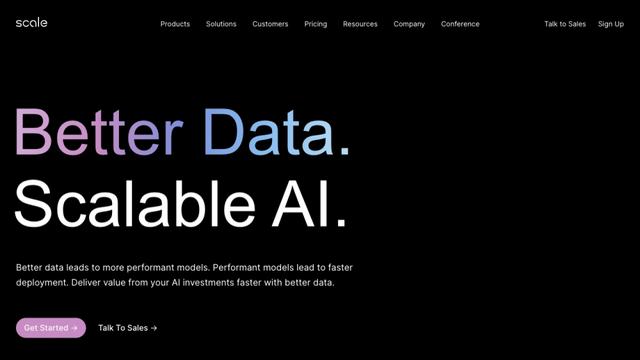
Scale AI
Scale AI is a data platform that accelerates the development of AI applications by providing high-quality training data and tools for machine learning teams.
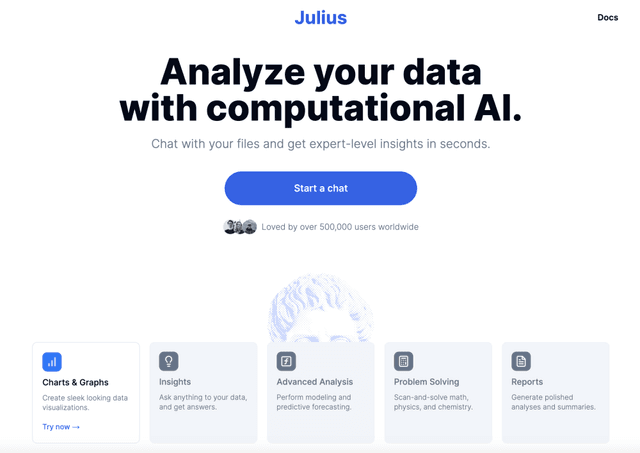
Julius AI | Your AI Data Analyst
Julius AI is a powerful AI-powered data analyst that helps users analyze, visualize, and transform data through natural language conversations, creating graphs, building forecasting models, and more.
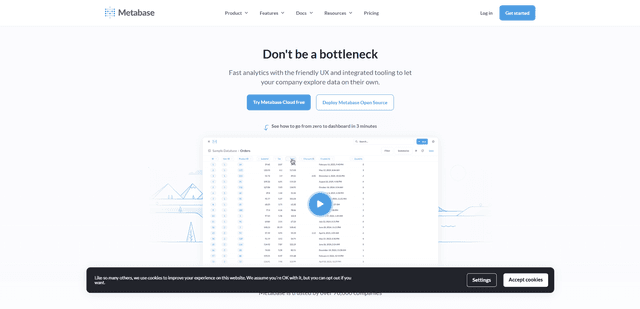
Metabase
Metabase is an open-source business intelligence and data visualization platform that enables users to query, analyze and share data insights through an intuitive interface without requiring SQL knowledge.
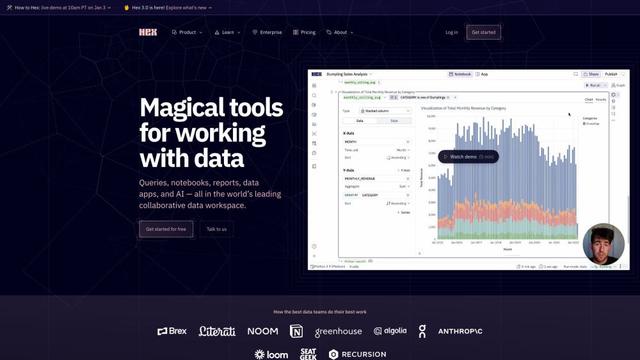
Hex
Hex is a modern, collaborative data workspace that combines SQL, Python, and no-code tools for end-to-end data analysis and app creation.