
Ask Bar: AI Answers on Every Page
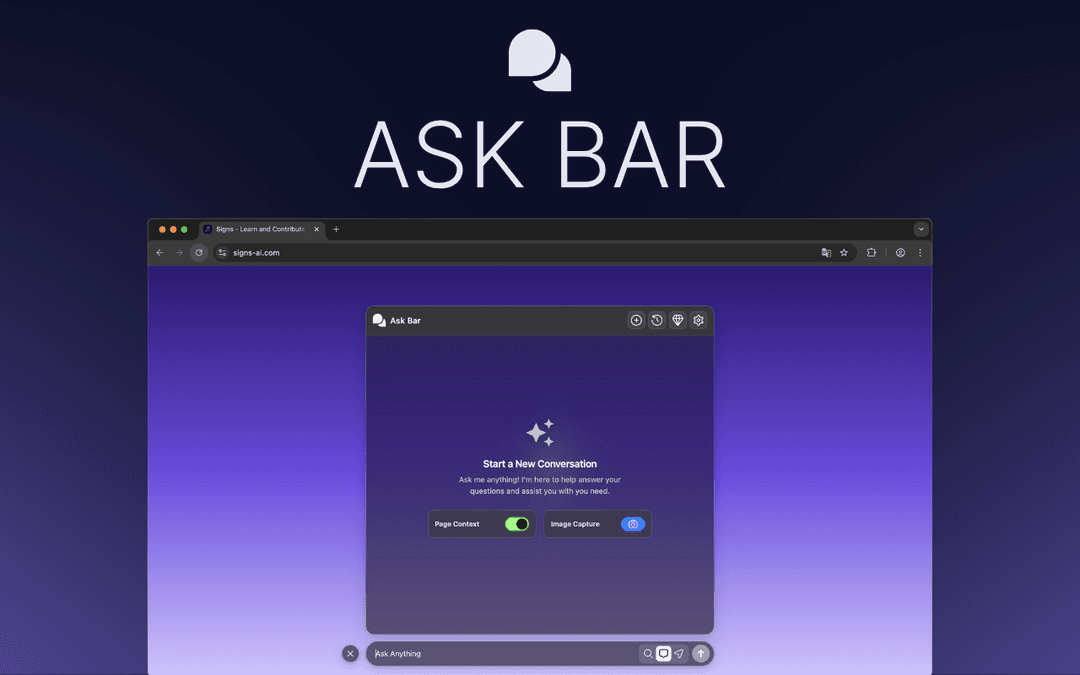
Ask Bar is a browser extension that transforms your browser into an AI-powered assistant that reads web pages, understands visuals, and delivers instant context-aware answers without leaving the current page.
https://chromewebstore.google.com/detail/ekacddadpicanignekoimbognnbajmhf?utm_source=item-share-cb&ref=producthunt
Product Information
Updated:Dec 8, 2025
What is Ask Bar: AI Answers on Every Page
Ask Bar is an innovative browser extension that serves as an intelligent AI companion while browsing the web. It eliminates the need to copy and paste content into separate AI tabs by directly understanding and analyzing the content on your current page. This tool integrates multiple AI models including Gemini, Claude, ChatGPT, Grok, and DeepSeek to provide comprehensive assistance for various tasks like summarizing articles, analyzing code, interpreting data, and answering questions based on page context.
Key Features of Ask Bar: AI Answers on Every Page
Ask Bar is a browser extension that transforms your browsing experience by providing an AI assistant that can understand and analyze webpage content, images, PDFs, and code in real-time. It offers context-aware answers without requiring users to switch tabs, supports multiple AI models (including Gemini, Claude, ChatGPT, and Grok), and provides live web research capabilities with source citations.
Context-Aware Page Analysis: Reads and understands the entire webpage content, including headings and structure, to provide relevant answers without requiring copy-pasting
Multi-Model AI Support: Allows users to switch between different AI models (Gemini, Claude, ChatGPT, Grok, DeepSeek) to find the best solution for specific tasks
Visual Intelligence: Analyzes screenshots, charts, graphs, and design elements to provide instant visual data interpretation
Live Web Research: Accesses current internet information to provide up-to-date answers with cited sources for verification
Use Cases of Ask Bar: AI Answers on Every Page
Software Development: Developers can debug code directly on GitHub or StackOverflow by highlighting code snippets for instant explanation or bug fixing
Academic Research: Students and researchers can quickly summarize PDFs, papers, and verify facts with cited sources for assignments and thesis work
Content Creation: Writers can transform web articles into various content formats like Twitter threads, LinkedIn posts, or email summaries
E-commerce Analysis: Shoppers can analyze product reviews, compare specifications, and make informed purchasing decisions on shopping platforms
Pros
Strong privacy focus with zero data logging and local API key storage
Seamless integration with browser workflow
Versatile functionality across different types of content (text, code, images, PDFs)
Cons
Requires users to provide their own API keys
Limited to English language support
Requires in-app purchases for some features
How to Use Ask Bar: AI Answers on Every Page
Install the extension: Go to Chrome Web Store and install the Ask Bar extension in your Chrome browser
Set up API key: Enter your own API key from OpenAI, Anthropic, or Google to enable the AI functionality. The keys are stored securely in chrome.storage.local
Browse to any webpage: Navigate to any webpage where you want to use Ask Bar's AI assistance
Access Ask Bar: The Ask Bar interface will appear on the page, allowing you to interact with the AI assistant directly without leaving the page
Ask questions about the page: Type your questions in the Ask Bar to get AI-powered answers about the content you're viewing. The AI understands the full context of the page
Use visual analysis: Take screenshots of charts, graphs or design elements and let the AI analyze the visual content
Research mode: Enable research mode to get answers with cited sources from live web research
Switch AI models: Switch between different AI models (Gemini, Claude, ChatGPT, Grok, DeepSeek) based on your specific needs
PDF analysis: Upload PDFs to get instant insights and analysis without reading through the entire document
Continue conversations: Your chat history follows you across tabs and sites, allowing for continuous conversations while multitasking
Ask Bar: AI Answers on Every Page FAQs
Ask Bar is an AI assistant Chrome extension that reads web pages, understands visuals, and delivers instant, context-aware answers. It works directly on the page you're viewing, whether it's articles, code, PDFs, or product pages, without requiring you to switch tabs.
Popular Articles

Vosko AI: Localize and Dub Videos for Global Audiences
Oct 15, 2026

Atoms: A Multi-Agent AI Platform That Transforms Ideas into Launch-Ready Products
Oct 13, 2026

Nano Banana SBTI: What It Is, How It Works, and How to Use It in 2026
Apr 15, 2026

Atoms Review — The AI Product Builder Redefining Digital Creation in 2026
Apr 10, 2026
Latest AI Tools Similar to Ask Bar: AI Answers on Every Page

MultipleWords
MultipleWords is a comprehensive AI platform offering 16 powerful tools for content creation and manipulation across audio, video, and image editing with cross-platform accessibility.
AiTools.Ge
FreemiumMulti-purpose Tools
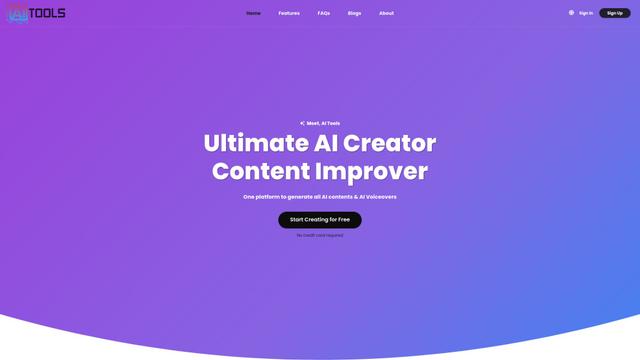
AiTools.Ge is an all-in-one AI content creation platform offering 70+ templates for generating text, images, voiceovers, code and more across multiple languages.
GiGOS
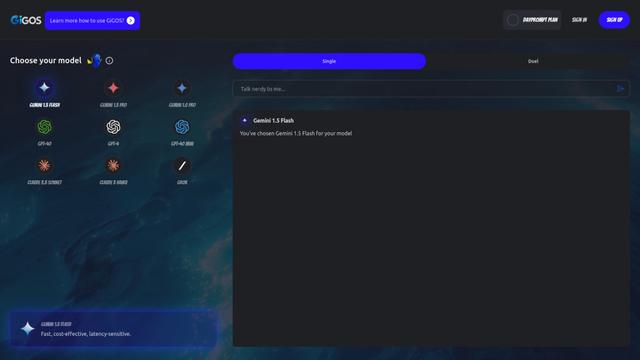
GiGOS is an AI platform that provides access to multiple advanced language models like Gemini, GPT-4, Claude, and Grok with an intuitive interface for users to interact with and compare different AI models.
Lynklet
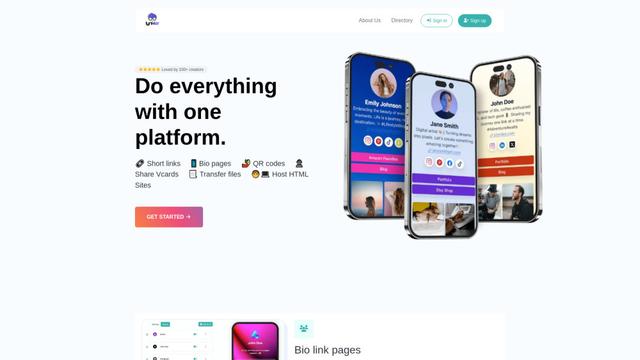
Lynklet is an all-in-one social tool platform that combines bio link pages, URL shortening, QR code generation, digital business cards, and file hosting capabilities in one comprehensive solution.
Popular AI Tools Like Ask Bar: AI Answers on Every Page

Off-grid LLM over Radio
A platform that integrates Large Language Models (LLMs) with Meshtastic mesh communication networks to enable off-grid AI interactions and automated task execution through radio communication.
Pixelagent
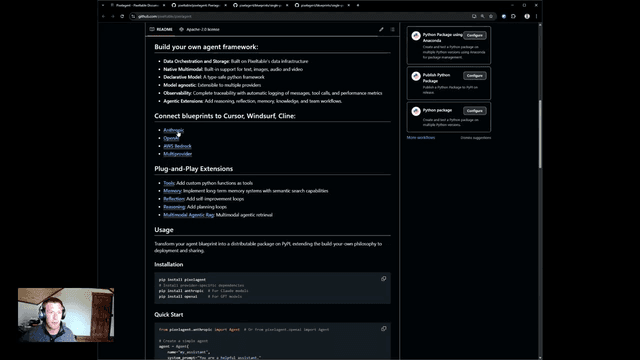
Pixelagent is a declarative Python framework for building custom AI agents that unifies LLM capabilities, storage, and orchestration with build-your-own functionality for memory, tool-calling, and multimodal data handling.

MulmoCast
MulmoCast is an AI-native multi-modal presentation tool that automatically generates videos, podcasts, slides, PDFs, and manga-style content from a single script using various AI technologies.
UTCP
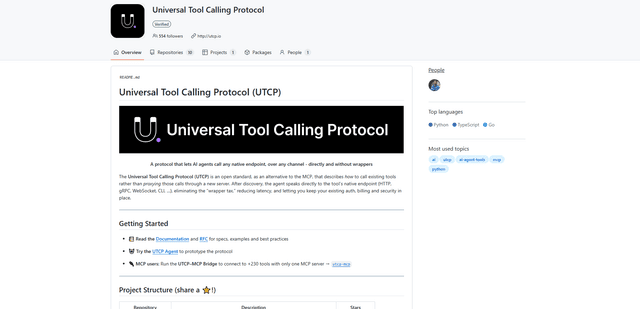
UTCP (Universal Tool Calling Protocol) is an open standard protocol that enables AI agents to directly call any native API endpoint across different communication protocols without requiring middleware or wrapper servers.