Archly
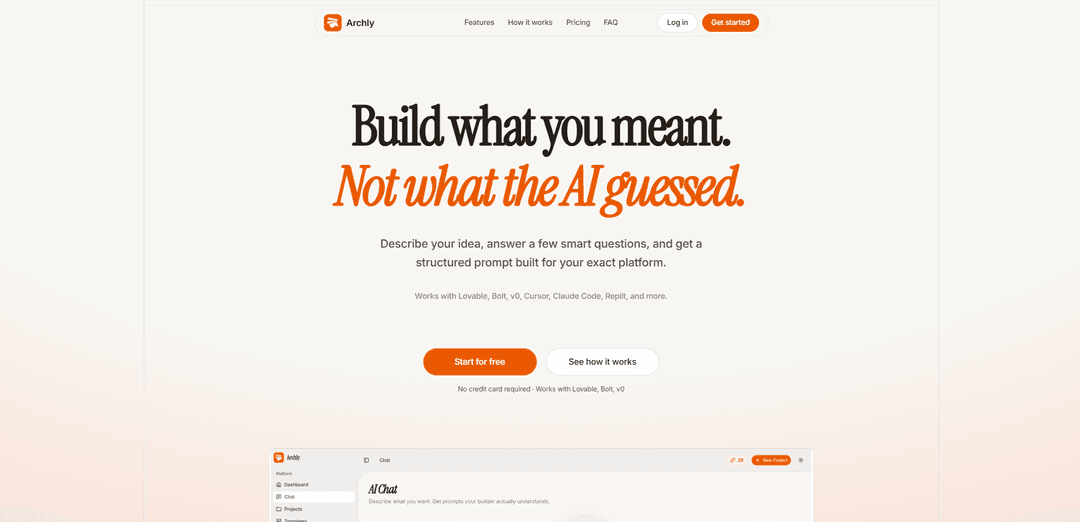
Archly is a prompt-generation workspace that turns your app ideas into structured, platform-specific prompts via a smart 7-step intake, keeping projects, sessions, and refinements organized for tools like Lovable, Bolt, v0, Cursor, Replit, and more.
https://archly.online/?ref=producthunt
Product Information
Updated:Jul 15, 2026
What is Archly
Archly is an AI prompt generator designed for people building apps with modern AI-assisted builders. Instead of repeatedly re-explaining your idea, Archly captures your intent, context, and constraints and converts them into a structured “craft prompt” tailored to the platform you’re using (including Lovable, Bolt.new, v0.dev, Cursor, Replit, and others). It positions itself as a workspace—organizing prompts by project—so you can iterate on the same product concept over time rather than starting from scratch each session.
Key Features of Archly
Archly is a prompt-generation workspace for AI app builders that turns a rough idea into structured, platform-specific “craft prompts” for tools like Lovable, Bolt, v0, Cursor, Replit, and more. It uses an agentic, multi-step intake to capture goals, audience, context, platform profile, and skill level, then organizes prompts and sessions into projects so iterations build on prior context. It also includes an inspiration workflow that pulls trending Product Hunt launches, lets you save them, and converts them into builder-ready prompts—helping teams go from concept to usable AI instructions faster and with less re-explaining.
7-step smart intake flow: Collects key inputs (goal, audience, app context, platform profile, skills, review) and converts them into a structured prompt tailored to the chosen builder.
Platform-specific prompt formatting: Generates “craft prompts” designed for how different AI builders/tools expect instructions (e.g., Lovable, Bolt, v0, Cursor, Replit, Claude Code, etc.).
Project-based prompt organization: Each intake becomes a project linked to a platform profile so sessions and prompts stay connected and easy to refine over time.
Prompt reuse and iteration tracking: Supports refining outputs without restarting from scratch, with dashboard-style tracking of craft activity and prompt versions.
Product Hunt inspiration-to-prompt workflow: Browse trending launches, bookmark ideas, and convert a saved launch (with edited summary/context) into a builder-ready prompt in one flow.
Templates, skills catalog, and custom skills (plan feature): Includes community templates plus a skill catalog (and custom skills) to better match the prompt to the builder’s experience and desired output.
Use Cases of Archly
No-code/MVP building for startups: Founders can turn a product idea into a structured prompt for Lovable/Bolt/v0 to generate landing pages, SaaS prototypes, or early product flows faster.
Product teams standardizing AI instructions: Teams can capture consistent project context and reuse platform profiles so multiple collaborators produce aligned prompts and predictable outputs.
Agencies and freelancers delivering faster drafts: Consultants can convert client briefs into well-scoped prompts for rapid first versions, then iterate with the client using saved sessions and projects.
Developer workflow acceleration in IDE assistants: Engineers using Cursor/Claude Code/Replit can generate clearer implementation prompts (requirements, constraints, skill level) to reduce back-and-forth.
Competitive research and ideation: Use the Product Hunt feed to collect inspiration, then translate patterns from trending tools into actionable build prompts for experiments.
Learning and upskilling prompt-crafting: Individuals can practice turning vague ideas into structured specs by following the guided intake and using templates/skills to improve prompt quality.
Pros
Reduces rework by capturing project context once and supporting iterative refinement across sessions.
Supports multiple popular AI builders with platform-aware prompt structuring, improving output relevance.
Inspiration workflow (Product Hunt → prompt) speeds up ideation and experimentation.
Organized projects/profiles make it easier to manage many prompts compared to ad-hoc chats.
Cons
Effectiveness depends on how well the target builder responds to structured prompts; results can vary by platform/model.
A guided intake may feel slower than freeform prompting for very small or obvious tasks.
Some capabilities appear tied to paid tiers/credits (e.g., project limits, monthly credits), which can constrain heavy users.
How to Use Archly
1) Open Archly: Go to https://archly.online/ and start a new prompt-building session (no credit card required).
2) Start with your idea (Describe your goal): Enter a plain-language description of what you want to build (e.g., a SaaS landing page, an app feature, a workflow). Archly’s purpose is to help you “build what you meant, not what the AI guessed.”
3) Choose your target builder/platform: Select where you plan to use the final prompt (e.g., Lovable, Bolt, v0, Cursor, Replit, Claude Code, or another supported tool). Archly formats the output to match how each builder expects prompts.
4) Complete the smart intake (7-step flow): Answer Archly’s guided questions across its agentic intake flow. The intake collects key details such as your goal, audience, app context, platform profile, and your skills so the resulting prompt is tailored to you and your builder.
5) Review the generated structured prompt (Step 7: Review): At the final review step, confirm the details Archly captured. Archly then outputs a structured “craft prompt” designed for your selected platform.
6) Save the session to your project: Let Archly store the intake as a project linked to your platform profile. This keeps sessions and craft prompts connected so future refinements build on what you already defined.
7) Copy or open the prompt in your builder: Use Archly’s output by copying the craft prompt or opening it directly in your chosen builder (e.g., Lovable/Bolt/v0/Cursor/Replit) to generate the app/code/content.
8) Iterate and refine using your saved context: Return to the same project/session to adjust requirements and regenerate improved craft prompts without re-explaining everything from scratch—Archly “remembers your project and builds on it.”
9) (Optional) Use Product Hunt inspiration → prompt flow: Browse trending launches (live Product Hunt feed), save/bookmark ideas you like, then convert a saved launch into a builder-ready prompt by editing the summary and jumping into AI Chat with context preloaded.
10) (Optional) Manage usage/credits via your plan: If you’re on a paid plan (e.g., Starter), track your monthly credits and project limits (e.g., 150 credits/month and up to 5 projects on Starter) while continuing to generate and refine prompts.
Archly FAQs
Archly is a prompt generation workspace for AI app builders that turns your ideas into structured prompts tailored for specific platforms (e.g., Lovable, Bolt, v0, Cursor, Replit, and more).
Popular Articles

Vosko AI: Localize and Dub Videos for Global Audiences
Oct 15, 2026

Atoms: A Multi-Agent AI Platform That Transforms Ideas into Launch-Ready Products
Oct 13, 2026

Nano Banana SBTI: What It Is, How It Works, and How to Use It in 2026
Apr 15, 2026

Atoms Review — The AI Product Builder Redefining Digital Creation in 2026
Apr 10, 2026
Latest AI Tools Similar to Archly

invoices.dev
invoices.dev is an automated invoicing platform that generates invoices directly from developers' Git commits, with integration capabilities for GitHub, Slack, Linear, and Google services.
Monyble
Monyble is a no-code AI platform that enables users to launch AI tools and projects within 60 seconds without requiring technical expertise.

Devozy.ai
Devozy.ai is an AI-powered developer self-service platform that combines Agile project management, DevSecOps, multi-cloud infrastructure management, and IT service management into a unified solution for accelerating software delivery.
Mediatr
MediatR is a popular open-source .NET library that implements the Mediator pattern to provide simple and flexible request/response handling, command processing, and event notifications while promoting loose coupling between application components.
Popular AI Tools Like Archly
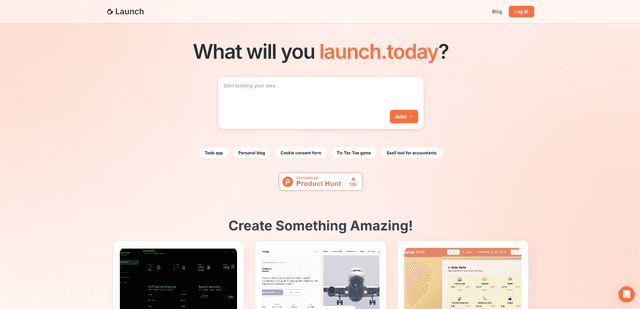
Launch
Launch is an AI-powered platform that enables users to build full-stack applications instantly while providing comprehensive tools for product launches, entrepreneurship programs, and customer acquisition.

GitHub Copilot Chat
GitHub Copilot Chat is an AI-powered coding assistant that provides natural language interactions, real-time code suggestions, and contextual support directly within supported IDEs and GitHub.com.
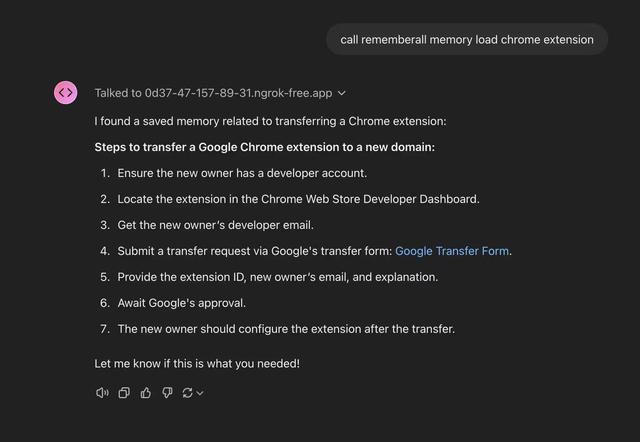
Rememberall
Rememberall is a secure, open-source long-term memory solution that enables AI applications and GPT models to maintain persistent memory across conversations through semantic search and vector storage capabilities.
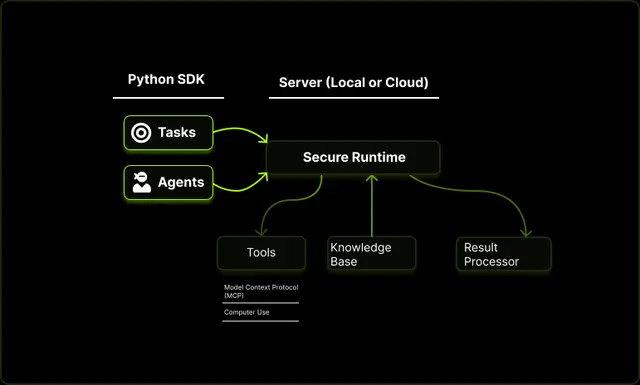
Upsonic
Upsonic is a reliability-focused AI agent framework with dockerized server-client architecture that enables trusted agent workflows through advanced features like verification layers, triangular architecture, and Model Context Protocol (MCP) integration.