
Apoointly
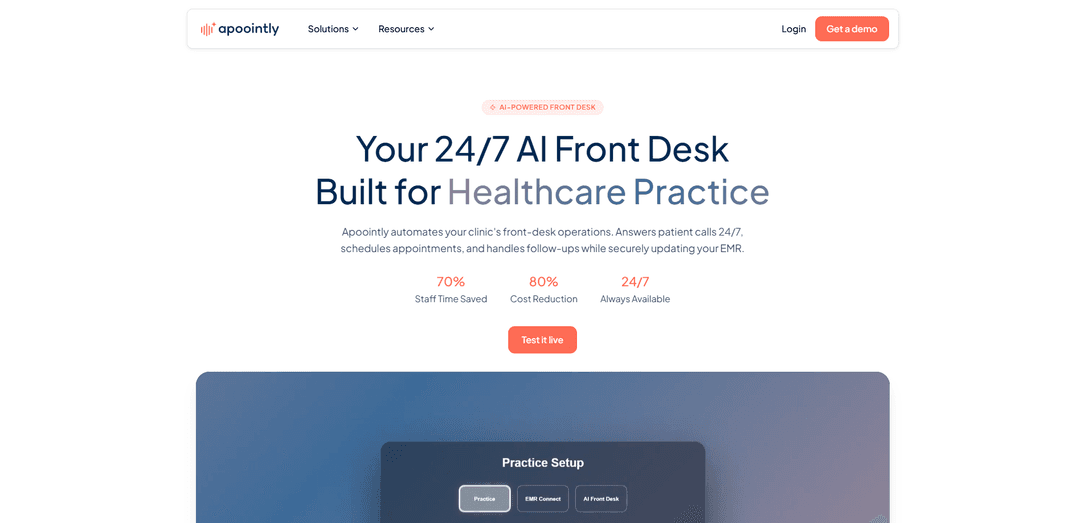
Apoointly is a HIPAA-aligned AI front desk for healthcare clinics that answers patient calls 24/7, books/reschedules appointments, automates follow-ups, and updates your EMR automatically with multilingual voice support.
https://apoointly.com/?ref=producthunt
Product Information
Updated:Aug 8, 2026
What is Apoointly
Apoointly is an AI-powered virtual medical receptionist built specifically for healthcare practices to automate front-desk communication and scheduling. It handles routine patient calls around the clock—during business hours, peak call volume, and after hours—so clinics can reduce missed calls and improve response times without adding headcount. Designed for small to mid-sized practices as well as growing organizations, Apoointly supports healthcare workflows with secure, privacy-first EMR/EHR coordination and front-desk documentation so teams can stay organized while delivering a better patient experience.
Key Features of Apoointly
Apoointly is an AI-powered virtual front desk and medical receptionist built for healthcare clinics and medical practices. It answers patient calls 24/7 (including after hours), handles routine inquiries, books/reschedules/cancels appointments in real time, and automates follow-ups such as confirmations and reminders to reduce no-shows. The platform supports multilingual voice conversations, intelligent call routing for urgent needs, and generates call summaries and insights for staff. It also integrates with major EMRs/EHRs (e.g., Epic, Athena, eClinicalWorks, DrChrono) and calendars, syncing availability and updating patient records with HIPAA-aligned, privacy-first handling (including minimal data retention and optional BAA).
24/7 AI call handling: Answers patient calls instantly at any time, handles common requests in natural conversation, and reduces missed inquiries and hold times.
Real-time appointment scheduling: Books, reschedules, and cancels appointments based on clinic rules and provider availability, with automated confirmations and reminders to reduce no-shows.
EMR/EHR integration & automatic updates: Connects via secure API to major EMRs and syncs appointments, availability, and patient details while logging interactions to reduce manual entry and errors.
Multilingual voice agent support: Handles patient calls across multiple languages to improve access and reduce language-related communication delays.
Intelligent routing for urgent or complex calls: Escalates or routes time-sensitive issues to the right staff automatically, reducing front-desk interruptions while maintaining safety and responsiveness.
Smart documentation & insights dashboard: Creates call summaries and tracks metrics such as calls handled, appointments booked, and inquiries resolved to keep staff informed and improve operations.
Use Cases of Apoointly
After-hours coverage for clinics: Ensures every patient call is answered nights/weekends/holidays, capturing appointments and requests that would otherwise go to voicemail.
High call-volume front desk support: Handles unlimited simultaneous inbound calls during peak hours, reducing busy signals and freeing staff to focus on in-clinic patients.
Appointment lifecycle automation: Automates booking, changes, cancellations, and reminder workflows to reduce scheduling errors and improve attendance.
Patient intake and registration support: Collects and verifies patient details and pre-visit information (e.g., chief complaint, medications) to streamline check-in and reduce staff workload.
Prescription refill and routine inquiry handling: Takes refill requests and answers common administrative questions (hours, directions, insurance acceptance checks), escalating when required.
Multi-location or growing practice standardization: Provides consistent call handling and documentation across providers/locations while integrating with existing EMR workflows and scheduling rules.
Pros
Always-on access: 24/7 call answering reduces missed calls and improves patient responsiveness.
Operational efficiency: automates repetitive front-desk tasks (scheduling, follow-ups, routine questions) without adding headcount.
Healthcare-aligned integrations: secure EMR/EHR syncing and automated record updates reduce manual work and errors.
Privacy-first approach: HIPAA-aligned handling, minimal retention, and an available BAA for covered entities.
Cons
Pricing is not fully transparent: costs vary by practice size, call volume, workflows, and EMR integration needs.
Integration dependency: EMR/EHR functionality and setup may require API access and can influence onboarding complexity.
Not ideal for every request: complex clinical triage or nuanced cases may still require staff escalation and oversight.
How to Use Apoointly
1) Request a demo or open the live test: Go to https://apoointly.com/ and click “Get a demo” to schedule a walkthrough, or click “Test it live” to experience how the AI front desk answers and routes calls.
2) Log in to the admin dashboard: Use the “Login” link on the site (https://app.apoointly.com/admin/login) to access the admin area where you configure clinic settings, call handling, scheduling rules, and integrations.
3) Add your clinic details and operating rules: Enter your clinic information (practice name, location, contact details), working hours, providers/doctors, and appointment rules. The product flow indicates this requires no technical setup or training.
4) Configure how Apoointly greets and verifies patients: Set your preferred greeting and verification workflow (e.g., confirming patient identity/details during calls). This controls how the AI handles patient lookup and routine call responses.
5) Connect your calendar and phone/calling infrastructure (if applicable): Integrate scheduling and communications tools shown on the site (e.g., Google Calendar, Outlook, Twilio) so availability and call handling can run end-to-end.
6) Connect your EMR/EHR: Securely connect your EMR using API access so appointments, follow-ups, and patient updates can sync automatically. The site lists major EMRs such as Epic, AthenaHealth, eClinicalWorks, DrChrono, and Cerner.
7) Enable scheduling automation (book/reschedule/cancel): Turn on the AI Scheduling Assistant capabilities so Apoointly can book, reschedule, and cancel appointments in real time based on provider availability and your clinic rules, and send confirmations/reminders to reduce no-shows.
8) Set up additional call workflows (optional): Enable the call types Apoointly can handle for your clinic, such as prescription refill requests, insurance/eligibility-related questions, patient registration, general clinic information, pre-visit intake, and post-visit follow-ups.
9) Configure after-hours and high-volume coverage: Confirm 24/7 coverage settings so every patient call is answered (even evenings/weekends). Apoointly is described as handling high call volumes with immediate response.
10) Review documentation and summaries in the dashboard: Use the dashboard to review interaction summaries and call-level insights (e.g., calls handled, appointments booked, inquiries resolved) so staff can quickly see what happened on each call.
11) Validate privacy/compliance settings before go-live: Confirm HIPAA-aligned handling, encrypted communication, controlled access, minimal PHI retention, and (if needed) request a BAA. The site states call audio/transcripts are not stored long-term beyond clinical necessity and clinic data is not used for AI training.
12) Go live and monitor performance: After test calls and verification that EMR sync and scheduling rules work correctly, activate go-live. Continue monitoring weekly summaries and operational metrics to ensure the AI front desk is meeting your clinic’s needs.
Apoointly FAQs
Apoointly is an AI front desk and virtual medical receptionist built for healthcare clinics and medical practices. It answers patient calls 24/7, schedules appointments, handles follow-ups, and can update your EMR/EHR automatically.
Apoointly Video
Popular Articles

Vosko AI: Localize and Dub Videos for Global Audiences
Oct 15, 2026

Atoms: A Multi-Agent AI Platform That Transforms Ideas into Launch-Ready Products
Oct 13, 2026

Nano Banana SBTI: What It Is, How It Works, and How to Use It in 2026
Apr 15, 2026

Atoms Review — The AI Product Builder Redefining Digital Creation in 2026
Apr 10, 2026
Latest AI Tools Similar to Apoointly
Advanced Voice
Advanced Voice is ChatGPT's cutting-edge voice interaction feature that enables real-time, natural voice conversations with custom instructions, multiple voice options, and improved accents for seamless human-AI communication.
Vagent
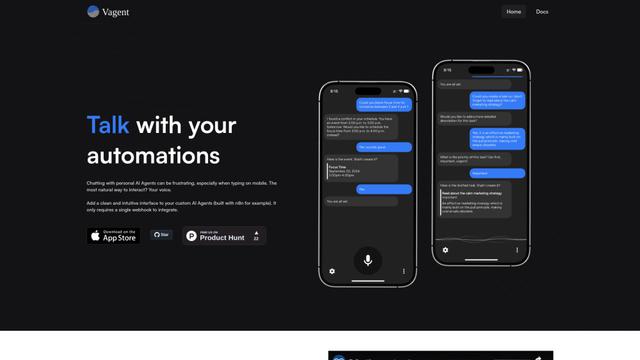
Vagent is a lightweight voice interface that enables users to interact with custom AI agents through voice commands, providing a natural and intuitive way to control automations with support for 60+ languages.

Vapify
Vapify is a white-label platform that enables agencies to offer Vapi.ai's voice AI solutions under their own brand while maintaining control over client relationships and maximizing revenue.

Wedding Speech Genie
Wedding Speech Genie is an AI-powered platform that crafts personalized wedding speeches in minutes by generating 3 custom versions based on your input, helping speakers deliver memorable toasts for any wedding role.
Popular AI Tools Like Apoointly
Microsoft Dragon Copilot
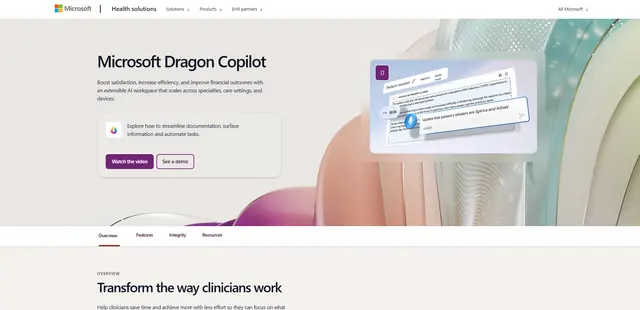
Microsoft Dragon Copilot is an AI-powered clinical workflow assistant that combines natural language voice dictation, ambient listening capabilities, and generative AI to streamline documentation, surface information, and automate tasks across healthcare settings.
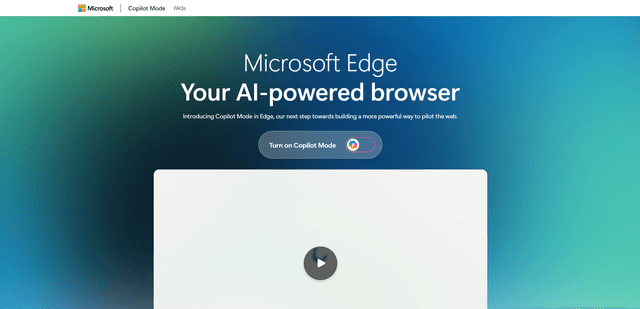
Edge Copilot Mode
Edge Copilot Mode is Microsoft's experimental AI-powered browser feature that combines search, chat, and web navigation into a single interface, enabling users to browse smarter with AI assistance while maintaining privacy and control.
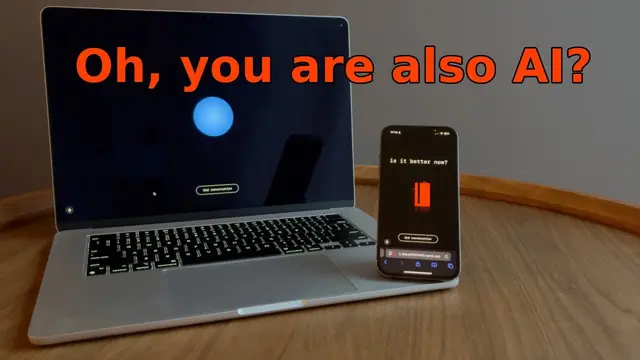
GibberLink
GibberLink is an open-source project that enables two AI agents to efficiently communicate by switching from human language to a sound-level protocol after recognizing each other, powered by ggwave technology.
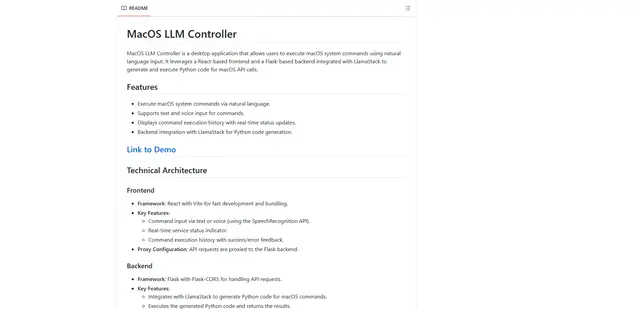
Llama MacOS Desktop Controller
Llama MacOS Desktop Controller is a React and Flask-based application that enables users to control macOS system actions through natural language commands using LLM-generated Python code.