AI Studio - Model Photoshoots, No Studio
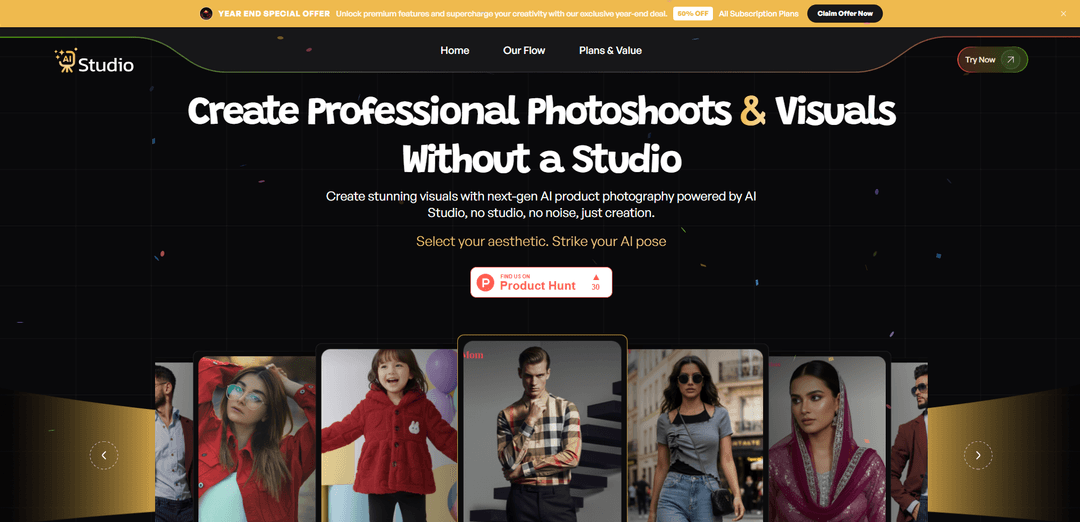
AI Studio is an advanced AI-powered platform that transforms single product images into professional photoshoots and marketing visuals without the need for physical studios, photographers, or models.
https://ai-studio.aiwalla.in/?ref=producthunt
Product Information
Updated:Jan 8, 2026
What is AI Studio - Model Photoshoots, No Studio
AI Studio is a comprehensive AI toolkit designed for fashion brands, e-commerce businesses, and marketers to create professional-grade visual content. The platform leverages artificial intelligence to generate high-quality product photography, fashion shoots, and marketing materials from simple uploads. It serves as a complete solution for creating studio-quality visuals, offering everything from clean product shots to lifestyle imagery, fashion editorials, and campaign content - all without the traditional requirements of physical studios, professional photographers, or models.
Key Features of AI Studio - Model Photoshoots, No Studio
AI Studio is a comprehensive AI-powered photography platform that transforms ordinary photos into professional-quality photoshoots without the need for physical studios, photographers, or models. It allows users to create high-quality fashion photos, product images, marketing visuals, and professional portraits by simply uploading reference images or using text prompts. The platform offers various styles, backgrounds, and customization options while maintaining natural-looking results through advanced AI technology.
AI Model Generation: Creates virtual models and generates realistic photoshoots from a single reference photo or text description, allowing for diverse model representation without hiring real models
Multi-Style Photography: Offers various photography styles from clean studio shots to lifestyle images, with customizable lighting, backgrounds, and poses for different marketing needs
Batch Processing: Enables mass production of product photos and marketing materials, allowing brands to generate thousands of images quickly for multiple products or campaigns
Cross-Platform Output: Automatically generates content optimized for different platforms and formats, including social media, e-commerce sites, and marketing materials
Use Cases of AI Studio - Model Photoshoots, No Studio
E-commerce Product Photography: Online retailers can create professional product photos with various angles and styles without investing in expensive photo shoots
Fashion Marketing: Fashion brands can showcase their clothing lines on diverse AI models in different settings and styles for marketing campaigns
Professional Headshots: Individuals and businesses can generate professional headshots for LinkedIn, resumes, and corporate profiles without booking a photographer
Social Media Content Creation: Content creators and brands can quickly generate varied visual content for social media platforms with consistent brand styling
Pros
Cost-effective compared to traditional photoshoots
Quick turnaround time for generating images
Scalable solution for large volume of content needs
No physical studio or equipment required
Cons
AI-generated images may occasionally have inconsistencies or artifacts
Limited customization compared to real photoshoots
May not fully replace the need for professional photography in all scenarios
How to Use AI Studio - Model Photoshoots, No Studio
Upload Photos: Upload a few selfies or photos of yourself (or the model) to create your AI model. The system will analyze facial features and characteristics.
Create AI Model: Press 'Create new AI model' and wait for the system to generate your personalized AI model. This typically takes about 1 minute to process.
Choose Style: Select from various photoshoot styles including fashion photography, accessories, product shots, or marketing visuals. Options include studio lighting, creative looks, and different environments.
Customize Settings: Specify details like pose, background, camera angle, and other elements using text-to-image prompts. You can also select hair color, outfits, and other visual attributes.
Generate Photos: Click 'Generate' to create the AI photoshoot based on your selected parameters. The system will produce high-quality, professional-looking images.
Download Results: Once generated, download the photos in your preferred file format and resolution. Images can be used for social media, portfolios, marketing materials etc.
Optional: Batch Processing: For bulk needs, use the Batch feature to generate thousands of photos across multiple models quickly.
AI Studio - Model Photoshoots, No Studio FAQs
Creating your AI model takes about 1 minute, and you only need to do it once.
Popular Articles

Vosko AI: Localize and Dub Videos for Global Audiences
Oct 15, 2026

Atoms: A Multi-Agent AI Platform That Transforms Ideas into Launch-Ready Products
Oct 13, 2026

Nano Banana SBTI: What It Is, How It Works, and How to Use It in 2026
Apr 15, 2026

Atoms Review — The AI Product Builder Redefining Digital Creation in 2026
Apr 10, 2026
Latest AI Tools Similar to AI Studio - Model Photoshoots, No Studio
FASHN
FASHN is a self-funded, AI-first company that develops cutting-edge virtual try-on technology and image-based generative models tailored specifically for the fashion industry.
AI Image Upscaler Pro
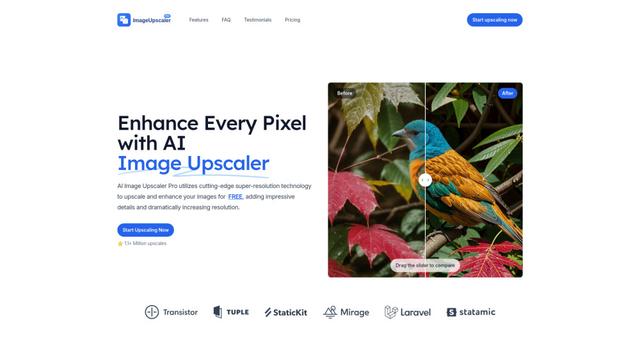
AI Image Upscaler Pro is a cutting-edge online platform that uses advanced artificial intelligence to enhance and upscale images up to 400% while maintaining quality, supporting multiple formats like PNG, JPG, JPEG, WEBP, and HEIC for free.
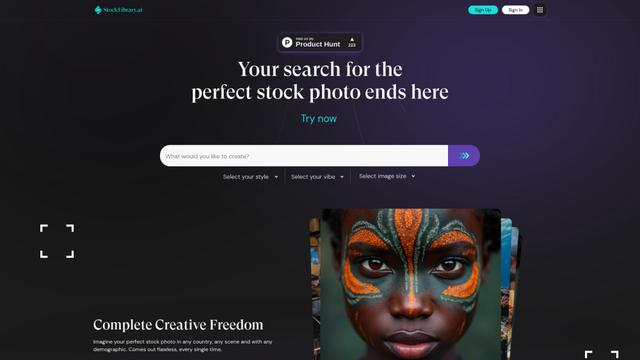
StockLibrary
StockLibrary is an AI-powered stock image platform specializing in generating diverse and culturally authentic Asian photos with full commercial licensing rights.
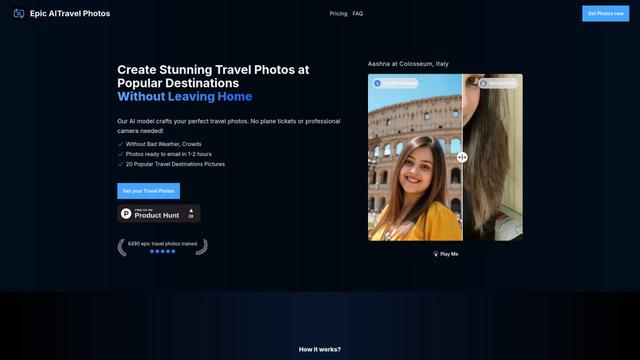
EpicAI Travel Photos
EpicAI Travel Photos is an AI-powered service that generates professional-quality travel photos of you at famous destinations worldwide without actually traveling, dealing with crowds, or bad weather.
Popular AI Tools Like AI Studio - Model Photoshoots, No Studio
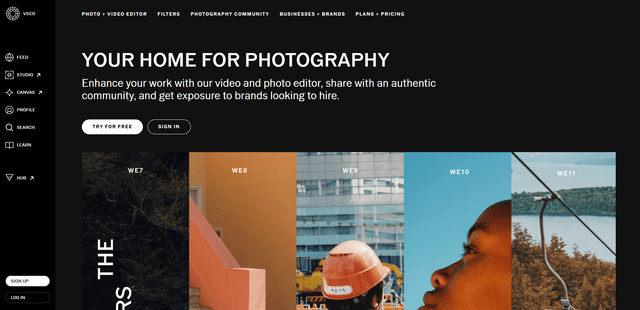
VSCO
VSCO is a comprehensive photography platform that combines professional photo/video editing tools, an authentic creative community, and business opportunities for photographers to showcase and monetize their work.
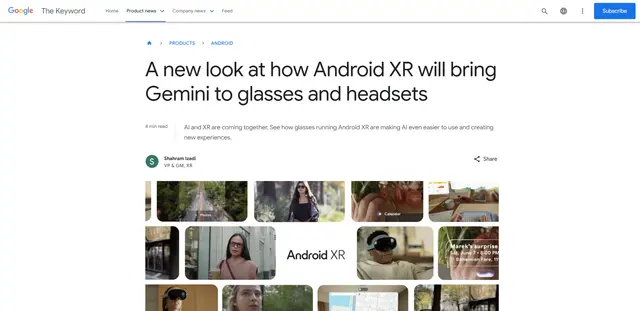
Android XR
Android XR is Google's new extended reality platform that integrates Gemini AI into wearable devices like smart glasses and headsets, enabling hands-free access to apps, real-time translations, navigation, and contextual assistance.
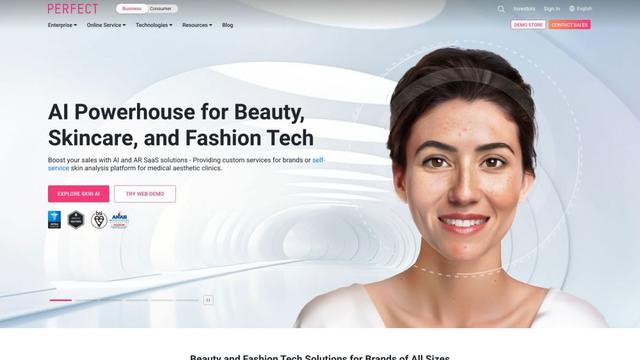
YouCam AI & AR Business Solutions
YouCam AI & AR Business Solutions is a suite of AI and AR-powered beauty tech tools that enable brands and retailers to offer virtual try-on experiences and personalized product recommendations.
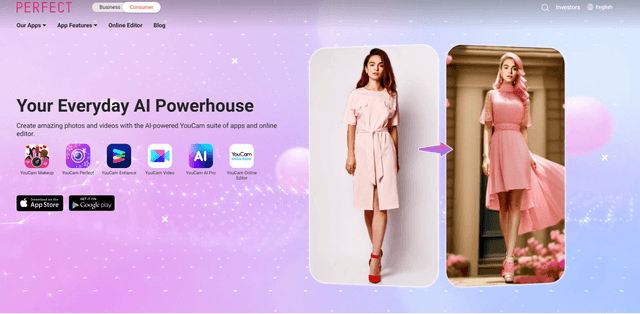
Perfectcorp
Perfect Corp. (NYSE: PERF) is a leading global SaaS company specializing in AI and AR-powered beauty and fashion tech solutions that transforms how consumers, brands, and retailers interact through digital beauty and fashion experiences.