
Agent Monitor
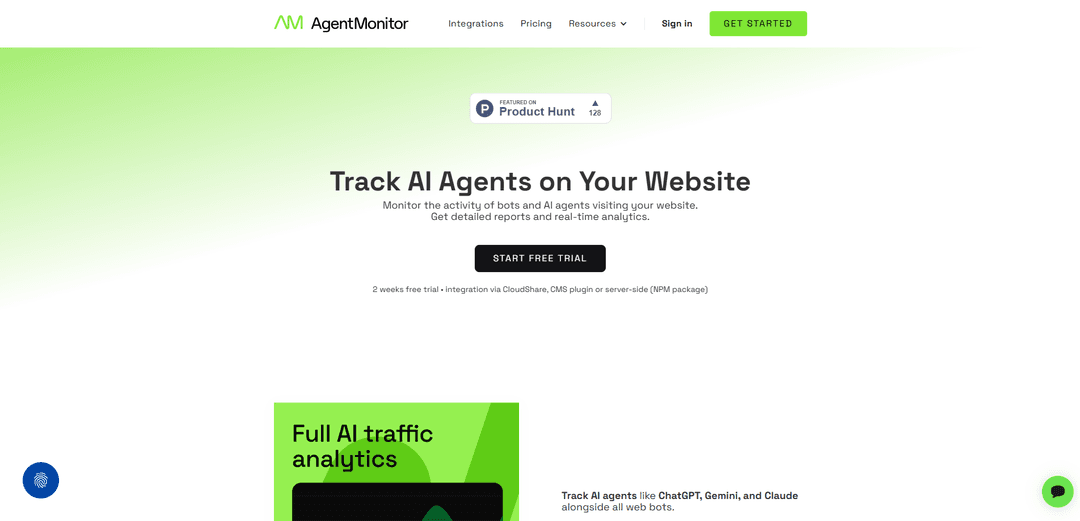
O Agent Monitor é uma plataforma de análise e monitoramento em tempo real que rastreia agentes de IA, bots e tráfego automatizado que visitam sites por meio da integração do lado do servidor, fornecendo visibilidade e insights detalhados que as ferramentas de análise tradicionais perdem.
https://agentmonitor.io/?ref=producthunt&utm_source=aipure
Informações do Produto
Atualizado:Mar 8, 2026
O que é Agent Monitor
O Agent Monitor é uma ferramenta de monitoramento especializada desenvolvida pela Top Online, projetada para enfrentar o crescente desafio de rastrear e analisar o tráfego de IA e bots em sites. Ao contrário das plataformas de análise tradicionais que se concentram principalmente no tráfego humano, o Agent Monitor oferece análises abrangentes do lado do servidor, especificamente adaptadas para detectar e classificar agentes de IA, bots e sistemas automatizados. A plataforma nasceu da necessidade prática de entender o impacto crescente do tráfego de IA em sites, principalmente quando as ferramentas de análise tradicionais não conseguiam fornecer informações precisas sobre esse segmento crescente do tráfego da web.
Principais Recursos do Agent Monitor
O Agent Monitor é uma plataforma de análise em tempo real projetada especificamente para rastrear e analisar o tráfego de agentes de IA e bots em sites. Ele fornece recursos de monitoramento do lado do servidor para detectar, classificar e analisar o tráfego de vários bots de IA, como ChatGPT, Gemini e Claude, oferecendo relatórios detalhados e insights que as ferramentas de análise tradicionais não oferecem. A plataforma apresenta coleta de dados sem cookies, classificação abrangente de bots e amplos recursos de relatório, exigindo configuração mínima.
Classificação e Detecção de Bots de IA: Usa algoritmos proprietários para identificar e classificar com precisão diferentes tipos de bots de IA e tráfego automatizado, fornecendo visibilidade do tráfego que as ferramentas de análise tradicionais não conseguem detectar
Painel de Análise em Tempo Real: Oferece relatórios abrangentes com perfis detalhados de bots, padrões de tráfego e classificações de visitas de página, permitindo acesso instantâneo a insights de tráfego de IA
Integração do Lado do Servidor: Suporta várias opções de integração, incluindo plugins do WordPress, Cloudflare Workers e pacotes NPM, garantindo coleta de dados confiável sem dependências do lado do cliente
Retenção de Dados Estendida: Fornece 8 a 56 semanas de janela de exploração de dados com armazenamento de dados ilimitado, permitindo análise de tráfego de longo prazo e reconhecimento de padrões
Casos de Uso do Agent Monitor
Monitoramento de Sites de E-commerce: Ajuda as lojas online a rastrear e analisar as interações de bots de IA para entender como os assistentes de IA estão acessando e recomendando seus produtos
Análise de Desempenho de SEO: Permite que as agências de SEO meçam e atribuam com precisão as fontes de tráfego, distinguindo entre visitantes humanos e rastreadores de IA
Proteção de Sites de Conteúdo: Permite que os editores de conteúdo monitorem e controlem como os sistemas de IA acessam e extraem seu conteúdo, garantindo o uso e a atribuição adequados
Análise de Negócios Multi-Site: Fornece às empresas que gerenciam vários sites insights consolidados sobre os padrões de tráfego de IA em toda a sua presença na web
Vantagens
Nenhuma configuração necessária - funciona imediatamente com insights imediatos
Detecção de tráfego de IA mais precisa em comparação com as ferramentas de análise tradicionais
Várias opções de integração para diferentes configurações técnicas
O rastreamento sem cookies do lado do servidor garante a coleta de dados confiável
Desvantagens
Requer integração do lado do servidor, o que pode ser tecnicamente desafiador para alguns usuários
Limitado a plataformas CMS específicas para integração baseada em plugin
Os limites de eventos mensais podem exigir upgrades de plano para sites de alto tráfego
Como Usar o Agent Monitor
Inscreva-se para uma conta: Acesse app.agentmonitor.io e inscreva-se para um teste gratuito ou escolha um plano pago com base no volume de tráfego esperado (Individual, Pequena Empresa ou Start-up)
Escolha o método de integração: Selecione o método de integração apropriado para seu site: plugin WordPress, plugin PrestaShop, Cloudflare Worker (se estiver usando Cloudflare) ou pacote NPM (para sites Node.js)
Instale e configure a integração: Siga as instruções de integração para o método escolhido para conectar o Agent Monitor ao seu site. Isso permite a coleta de dados no lado do servidor
Aguarde a coleta de dados: Uma vez integrado, o Agent Monitor começará automaticamente a coletar dados sobre agentes de IA e bots que visitam seu site. Nenhuma configuração adicional é necessária
Acesse o painel de análise: Faça login no painel do Agent Monitor para visualizar análises e relatórios em tempo real sobre o tráfego de IA e bots
Monitore as principais métricas: Rastreie dados importantes como divisão de tráfego humano vs IA, principais bots de IA, classificação de operadores de IA e páginas mais visitadas por agentes de IA
Analise os padrões de tráfego: Use a janela de exploração de dados (8 a 56 semanas, dependendo do plano) para comparar padrões de tráfego em diferentes períodos
Revise os perfis detalhados de bots: Examine perfis detalhados para bots individuais, incluindo informações do operador, gráficos, páginas visitadas e listas de user-agent
Monitore o uso de eventos: Acompanhe o uso mensal de eventos para garantir que você permaneça dentro dos limites do seu plano e atualize se necessário
Perguntas Frequentes do Agent Monitor
Um evento de tráfego é uma requisição HTTP GET válida de criaturas biológicas, bots automatizados ou agentes de IA visitando seu site. Apenas eventos válidos que correspondem ao domínio do seu site são contados para o uso mensal. Requisições de recursos de mídia não são contadas como eventos.
Artigos Populares

Atoms: Uma Plataforma de IA Multiagente Que Transforma Ideias em Produtos Prontos para Lançamento
May 22, 2026

Nano Banana SBTI: O Que É, Como Funciona e Como Usá-lo em 2026
Apr 15, 2026

Análise do Atoms — O Construtor de Produtos de IA Redefinindo a Criação Digital em 2026
Apr 10, 2026

Kilo Claw: Como Implementar e Usar um Verdadeiro Agente de IA "Faça Você Mesmo" (Atualização de 2026)
Apr 3, 2026
Ferramentas de IA Mais Recentes Semelhantes a Agent Monitor
Itswrittenbyai
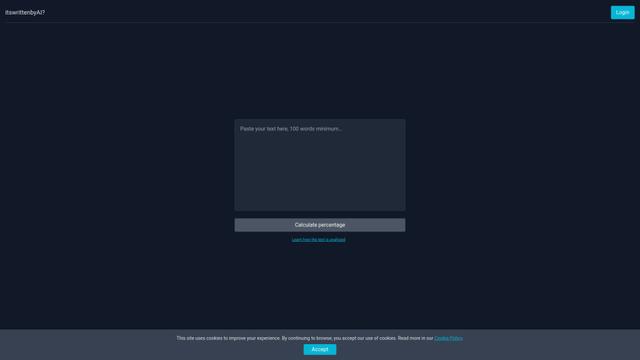
Itswrittenbyai é uma ferramenta de detecção de IA que ajuda a identificar conteúdo gerado por modelos populares de IA como ChatGPT, Claude e Gemini.
Uncheck AI
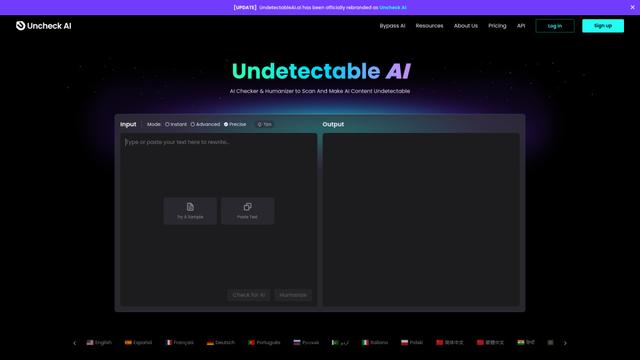
O Uncheck AI é uma ferramenta avançada de detecção e humanização de IA que pode identificar com precisão conteúdo gerado por IA e reescrevê-lo para ser indetectável por detectores de IA populares.

HighlightFactCheck.com
HighlightFactCheck.com é um companheiro inteligente para verificar informações online, oferecendo verificações de fatos instantâneas baseadas em IA através de um site, extensão do Chrome e API em mais de 90 idiomas.
Rash Detector
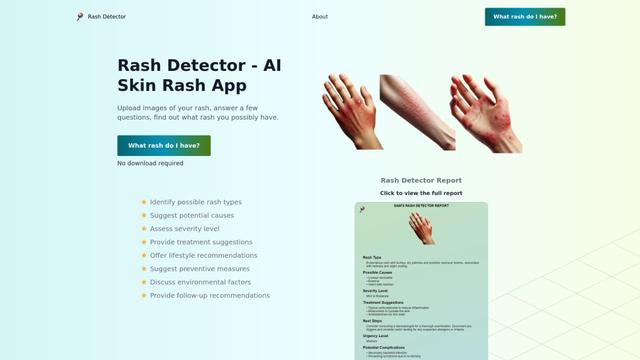
O Rash Detector é um aplicativo web impulsionado por IA que analisa imagens de erupções cutâneas para fornecer insights sobre possíveis tipos de erupções, causas, gravidade e sugestões de tratamento.
Ferramentas de IA Populares Como Agent Monitor
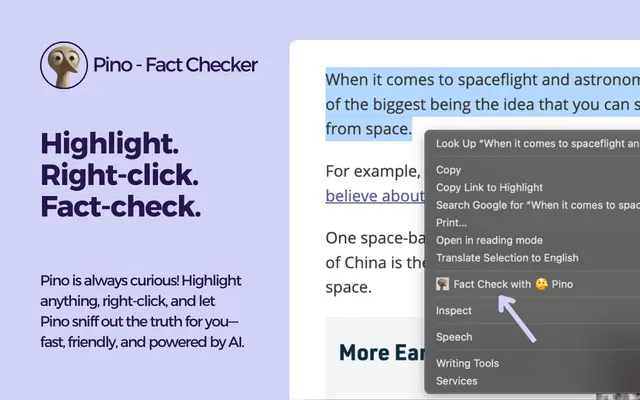
Pino - Fact Checker
Pino é uma extensão do Chrome com tecnologia de IA que permite a verificação instantânea de fatos de qualquer texto com pontuações de veracidade, análise detalhada e fontes confiáveis por meio de uma interface simples de destacar e clicar.
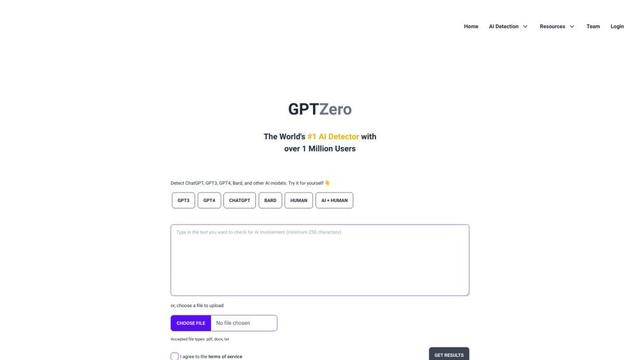
GPTZero
GPTZero é uma ferramenta líder de detecção de IA que identifica com precisão texto gerado por IA de vários modelos de linguagem em níveis de frase, parágrafo e documento.
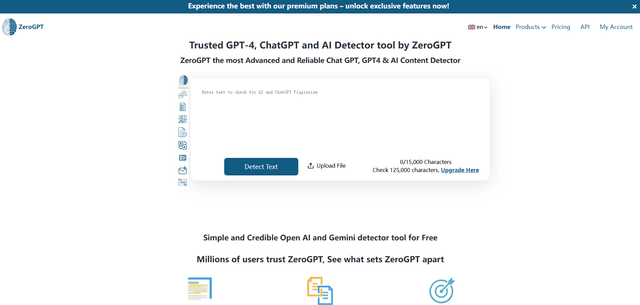
ZeroGPT
ZeroGPT é um conjunto abrangente de conteúdo de IA com uma ferramenta de detecção de IA altamente precisa que analisa texto para determinar se foi escrito por IA (como ChatGPT, GPT-4, Gemini) ou humanos, juntamente com recursos adicionais como sumarização, paráfrase, tradução e capacidades de verificação gramatical.
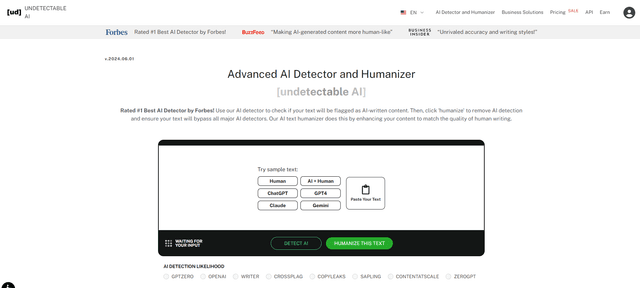
Undetectable AI
UndetectableAI.ai é uma ferramenta de detecção e humanização de conteúdo de IA que escaneia texto gerado por IA e o reescreve para ser indetectável por detectores de IA, mantendo qualidade e significado.