
Aera Browser
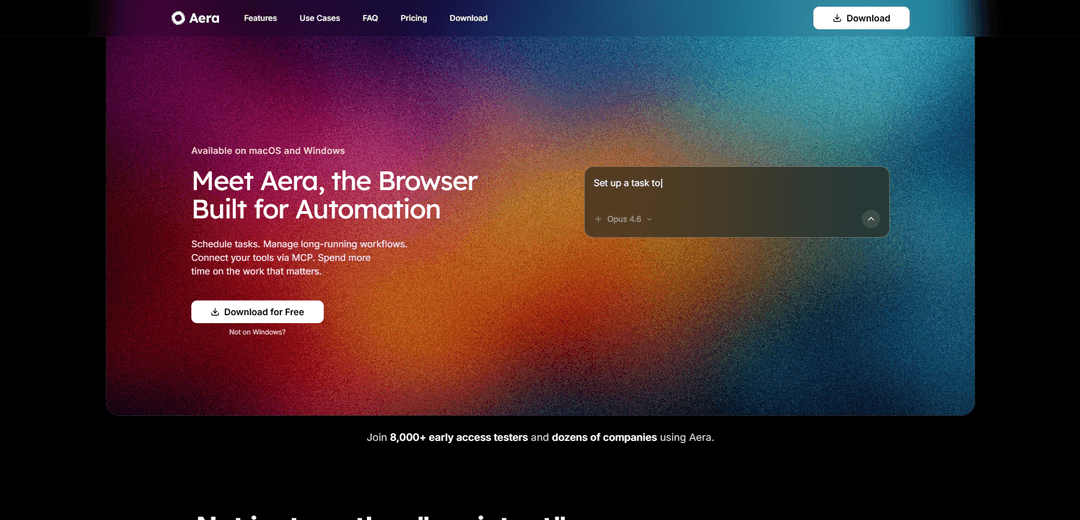
Aera Browser is an AI-powered automation browser that turns your web browsing into a programmable workspace by handling repetitive tasks, multi-step workflows, and browser automation.
https://getaera.app/?ref=producthunt
Product Information
Updated:Apr 8, 2026
What is Aera Browser
Aera Browser represents the next evolution in web browsing, designed specifically for developers, creators, and power users who want to automate their repetitive browser work. Unlike traditional browsers that simply display web pages, Aera transforms the browsing experience by incorporating AI-driven automation capabilities. Currently in Early Access with over 8,000 testers and multiple companies using it, Aera Browser focuses on turning the web into an automated, intelligent workspace rather than just emphasizing speed, privacy, or UI improvements.
Key Features of Aera Browser
Aera Browser is an AI-driven browser built for automation that allows users to define, schedule, and execute repetitive web tasks. It enables users to set up multi-step workflows that can run in the background, integrates with existing tools through MCP (Model Control Protocol), and provides notifications when tasks are completed, all while allowing flexibility in choosing AI models for different workflows.
Automated Task Scheduling: Users can define outcomes and schedule repetitive tasks to run automatically on daily, weekly or custom intervals without manual intervention
Background Workflow Management: Handles long-running, multi-step tasks in the background while maintaining progress between sessions
MCP Integration: Connects with existing tools through Model Control Protocol, allowing direct triggering of browser work from other applications
Model Flexibility: Allows users to choose and switch between different AI models for various workflows as needed
Use Cases of Aera Browser
Data Collection & Analytics: Automates checking analytics dashboards and compiling reports by gathering data from multiple sources
Lead Generation: Automatically scrapes and collects leads from platforms like LinkedIn and other websites
QA Automation: Helps developers automate testing workflows and quality assurance processes
Form Management: Handles repetitive form filling across multiple websites and platforms
Pros
Saves significant time on repetitive tasks
Flexible integration with existing tools
No need for constant monitoring of automated tasks
Cons
Currently limited to Windows and macOS platforms
Requires initial setup and workflow definition
How to Use Aera Browser
Download and Install: Go to getaera.app and download Aera Browser for your operating system (currently available for macOS and Windows)
Set Up Initial Task: Define the outcome of what you want to automate and save it as a task in Aera. The browser allows you to specify the repetitive steps you want automated
Configure Schedule: Set up when you want the task to run - can be daily, weekly or on your preferred schedule. Tasks will run automatically in the background
Connect Tools via MCP: If needed, connect Aera to your existing development tools using the Model Control Protocol (MCP) to trigger browser workflows directly from your tools
Select AI Model: Choose which AI model you want to use for running your workflows. Aera allows flexibility to switch between different models
Monitor Results: Track completed runs and follow-ups through notifications. Aera will alert you when tasks are finished instead of requiring manual monitoring
Access Live Context: For developers, use Aera to pull current documentation and site state directly from the web when working with changing APIs
Manage Workflows: Use the Aera interface to manage your automated tasks, adjust schedules, and monitor long-running workflows that continue where they left off
Aera Browser FAQs
Aera Browser is an AI-driven browser built for automation, designed for developers, creators, and power users who want to automate repetitive web tasks. Unlike traditional browsers that simply display web pages, Aera turns your browser into an AI agent environment.
Aera Browser Video
Popular Articles

Vosko AI: Localize and Dub Videos for Global Audiences
Oct 15, 2026

Atoms: A Multi-Agent AI Platform That Transforms Ideas into Launch-Ready Products
Oct 13, 2026

Nano Banana SBTI: What It Is, How It Works, and How to Use It in 2026
Apr 15, 2026

Atoms Review — The AI Product Builder Redefining Digital Creation in 2026
Apr 10, 2026
Latest AI Tools Similar to Aera Browser

Cursor Search
Cursor Search is an AI-powered browser extension that provides instant access to world knowledge and information retrieval directly from your cursor.
PixieBrix
PixieBrix is a low-code browser extension platform that allows users to customize, automate, and enhance web applications with AI, integrations, and collaboration features.
AI Form Fill
AI Form Fill is an AI-powered browser extension that automatically completes online forms with a single click, saving time and boosting productivity.
Duang AI Tab
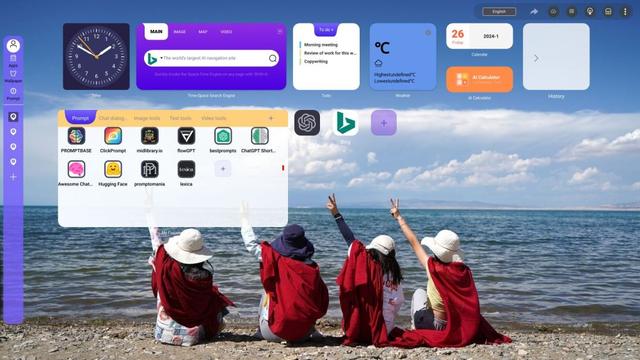
Duang AI Tab is a popular browser extension that beautifies your homepage, improves productivity, and provides one-click access to AI tools anywhere.
Popular AI Tools Like Aera Browser
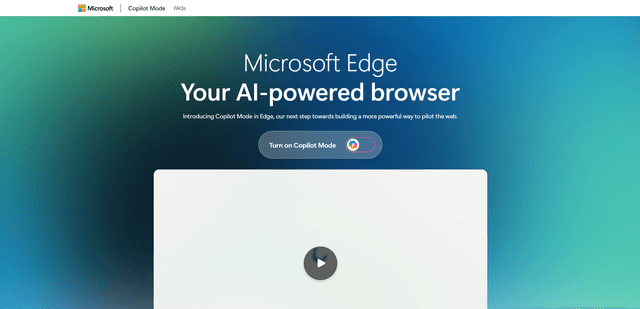
Edge Copilot Mode
Edge Copilot Mode is Microsoft's experimental AI-powered browser feature that combines search, chat, and web navigation into a single interface, enabling users to browse smarter with AI assistance while maintaining privacy and control.

BrowserAI
BrowserAI is an open-source library that enables running local Large Language Models (LLMs) directly in web browsers with WebGPU acceleration, offering privacy-focused AI capabilities without requiring server infrastructure.

iBrowsy
iBrowsy is a modern, AI-powered web browser for macOS that combines intelligent features, privacy-first design, and seamless user experience with built-in GPT-4 assistance.
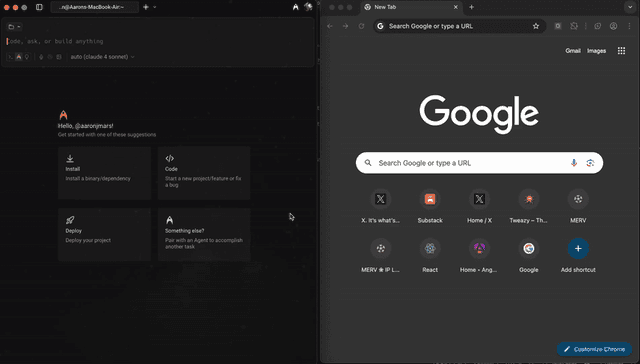
OpenDia
OpenDia is an open-source browser automation tool that enables AI models to control your browser seamlessly while leveraging your existing digital assets like logged-in accounts, cookies, and browsing history.