
1Click Report
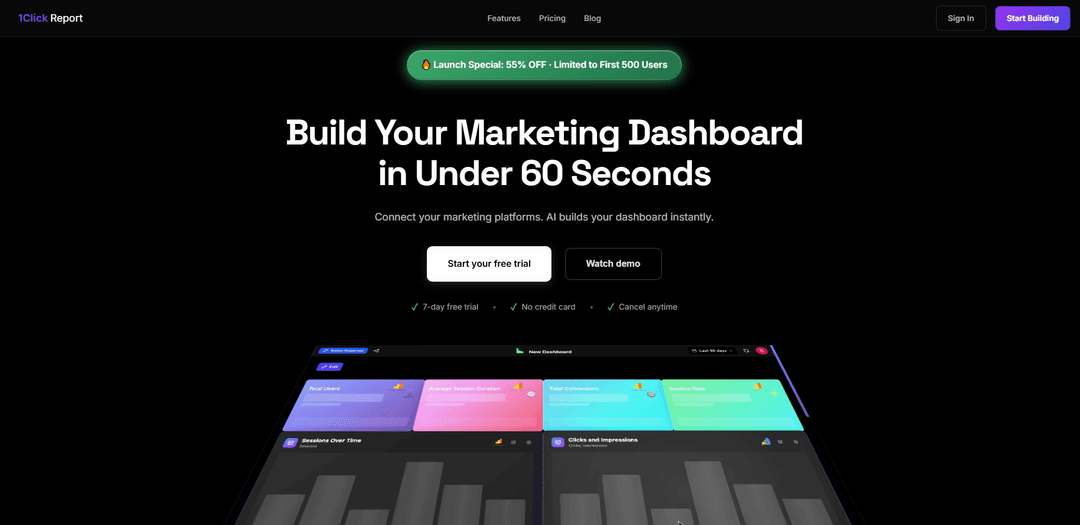
1ClickReport is a unified marketing analytics platform that eliminates manual data aggregation by automatically connecting multiple marketing channels and generating AI-powered insights through customizable dashboards.
https://www.1clickreport.com/?ref=producthunt
Product Information
Updated:Dec 15, 2025
What is 1Click Report
1ClickReport is an innovative marketing analytics solution designed to streamline the process of gathering, analyzing, and reporting marketing data. It serves as a centralized platform where marketing teams, agencies, and businesses can connect various marketing channels like Google Analytics 4, Meta Ads, Google Ads, and Search Console into one unified dashboard. The platform offers both AI-powered and drag-and-drop dashboard building capabilities, making it accessible for users regardless of their technical expertise.
Key Features of 1Click Report
1ClickReport is a unified marketing analytics platform that allows users to connect multiple marketing platforms (GA4, Meta Ads, Google Ads, Search Console) and create automated dashboards with AI-powered insights. It offers features like instant dashboard creation, white-label sharing, and AI analysis capabilities through integration with language models like Claude, helping marketing teams streamline their reporting process and focus more on strategy.
Instant Dashboard Creation: Connect multiple marketing platforms and create custom dashboards in minutes using AI templates or drag-and-drop builder, without requiring technical setup or API keys
AI-Powered Analytics: Automatically analyzes marketing data to identify trends, patterns, and actionable opportunities, providing intelligent recommendations instead of just raw numbers
White-Label Sharing: Generate secure, shareable links for any dashboard that recipients can view instantly without logging in, with customizable branding and logos
MCP Server Integration: Connect advanced language models like Claude to analyze marketing data and answer specific questions, functioning like a virtual senior analyst
Use Cases of 1Click Report
Agency Client Reporting: Marketing agencies can instantly generate branded, live dashboards that automatically update for multiple clients, saving time on manual monthly reporting
Marketing Team Analytics: In-house marketing teams can monitor crucial KPIs like net profit, ROAS, and MER in real-time to make data-driven decisions quickly
Executive Reporting: Create professional, automated reports for leadership teams with key metrics and insights, eliminating manual data aggregation and formatting
Pros
Quick setup time (60 seconds) compared to competitors
Cost-effective pricing ($9-$25/month) versus alternative solutions
Comprehensive feature set including AI insights and white-label sharing
Cons
Limited platform integrations currently available
No automated report sending feature
Newer product with potential stability issues
How to Use 1Click Report
Sign up for an account: Sign in with Google or create a new account. You can start with a 7-day free trial without a credit card.
Connect marketing platforms: Link your marketing channels like GA4, Meta Ads, Google Ads, and Search Console. No API keys or technical setup required.
Create dashboard: Use one of three methods: AI dashboard builder, pre-built templates, or drag-and-drop dashboard builder to create custom dashboards in minutes.
Customize reports: Add your desired metrics, adjust layouts, and organize data visualization according to your needs using the drag-and-drop builder.
Review AI insights: Let the AI analyze your data to highlight trends and surface actionable opportunities automatically.
Share dashboard: Generate a branded link that can be shared with clients and team members who can view the dashboard without logging in. Add your logo for white-label reporting (Pro plan).
Monitor and update: Track live metrics, monitor KPIs, and make data-driven decisions. Dashboard updates automatically for all shared links.
1Click Report FAQs
Sign in with Google and get instant access to all Pro features for 7 days. No credit card required. After 7 days, you need to choose a plan to continue or simply let the trial expire. There is no auto-charge.
Popular Articles

Vosko AI: Localize and Dub Videos for Global Audiences
Oct 15, 2026

Atoms: A Multi-Agent AI Platform That Transforms Ideas into Launch-Ready Products
Oct 13, 2026

Nano Banana SBTI: What It Is, How It Works, and How to Use It in 2026
Apr 15, 2026

Atoms Review — The AI Product Builder Redefining Digital Creation in 2026
Apr 10, 2026
Latest AI Tools Similar to 1Click Report
TubeVoice
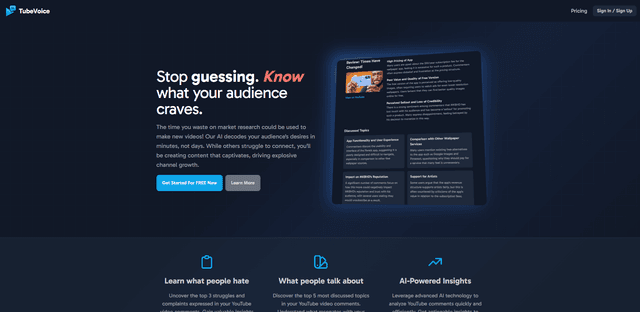
TubeVoice is an AI-powered YouTube comment analyzer that helps content creators understand their audience by providing insights from video comments through automated analysis.
ReviewPower
ReviewPower is an all-in-one platform that aggregates and analyzes trusted reviews from G2 and Capterra to help businesses gain valuable insights from customer feedback.
Insightfull
Insightfull is an AI-powered health tracking platform that helps users monitor symptoms, analyze health data, and receive personalized insights through symptom tracking, food logging, and medication management features.
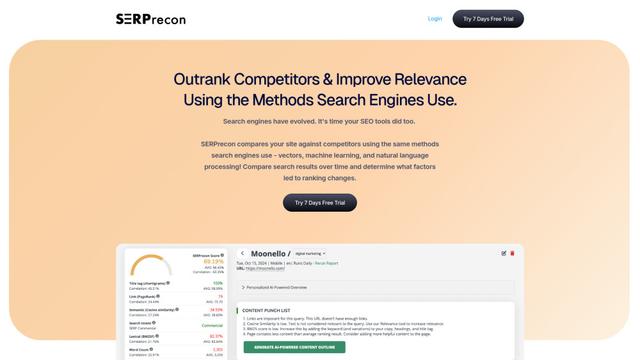
SERPrecon
SERPrecon is an advanced SEO tool that leverages vectors, machine learning, and natural language processing to help users analyze and outrank competitors by using the same methods as modern search engines.
Popular AI Tools Like 1Click Report
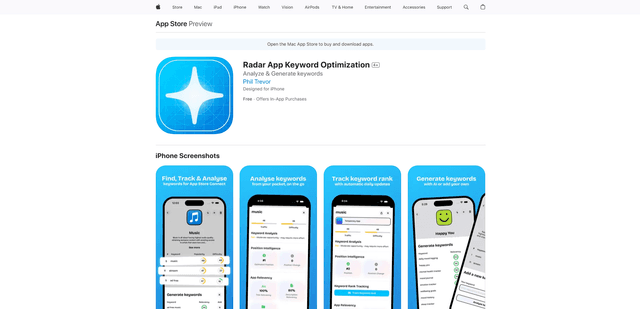
Radar
App Radar is a comprehensive app store optimization (ASO) tool that leverages AI-powered keyword research, competitor analysis, and automated tools to help improve app visibility and rankings across the Apple App Store and Google Play Store.
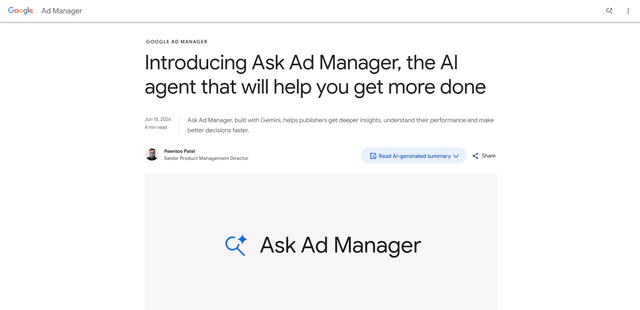
Ask Ad Manager by Google Ads
Ask Ad Manager is a Gemini-powered conversational agent inside Google Ad Manager that helps publishers troubleshoot issues in real time, generate custom performance reports from prompts, and navigate directly to the right settings using their own Ad Manager data.
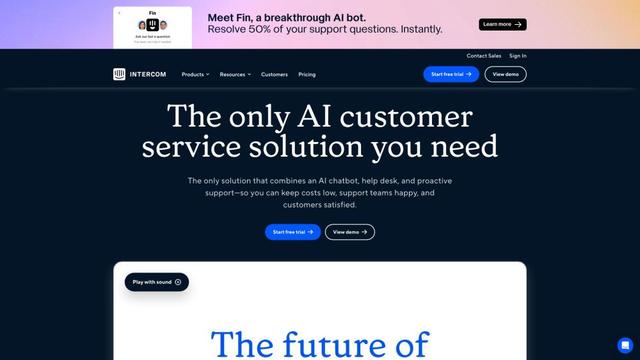
Intercom
Intercom is an AI-powered customer service platform that provides instant support, enhances agent productivity, and delivers insights to support leaders.
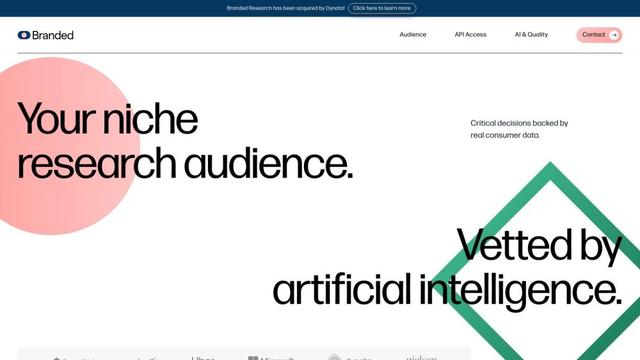
Branded
Branded is a market research company that uses AI and advanced sampling techniques to provide high-quality consumer insights and data.