
Google Gemini Memory Import
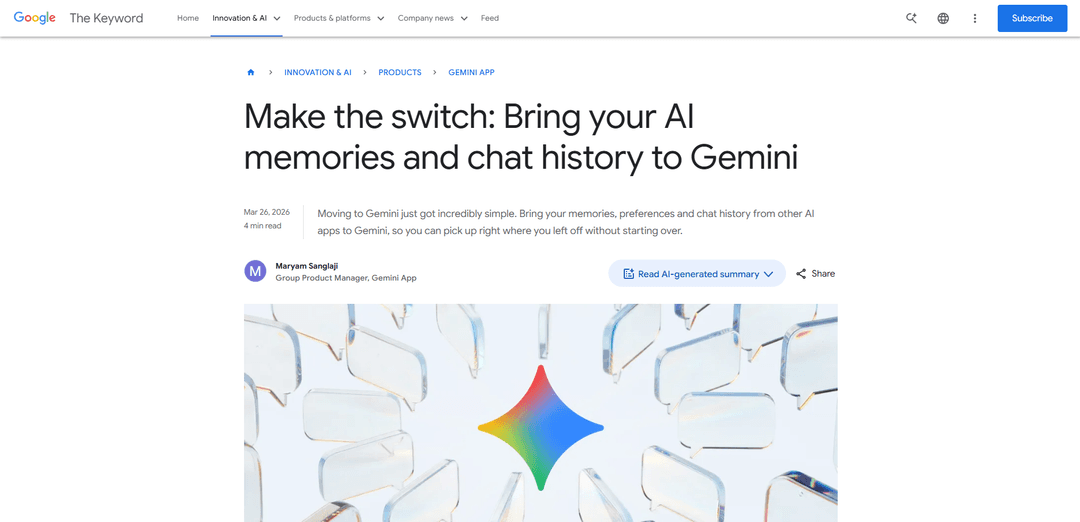
Google Gemini Memory Import is a new feature that allows users to seamlessly transfer their memories, preferences, and chat histories from other AI assistants to Gemini without starting from scratch.
https://blog.google/innovation-and-ai/products/gemini-app/switch-to-gemini-app?ref=producthunt
Informações do Produto
Atualizado:Apr 8, 2026
Tendências de Tráfego Mensal do Google Gemini Memory Import
Google Gemini Memory Import recebeu 8.5m visitas no mês passado, demonstrando um Leve Declínio de -12.1%. Com base em nossa análise, essa tendência está alinhada com a dinâmica típica do mercado no setor de ferramentas de IA.
Ver histórico de tráfegoO que é Google Gemini Memory Import
Google Gemini Memory Import is a revolutionary switching tool introduced by Google that enables users to transition smoothly from other AI chatbots to Gemini. Launched in March 2026, this feature addresses the common challenge of starting over when switching AI assistants by allowing users to import their existing AI relationships, preferences, and conversation histories. The tool is available for all consumer accounts (except Business, Enterprise, and U18 accounts) and represents a significant step forward in making AI assistants more personalized and user-friendly.
Principais Recursos do Google Gemini Memory Import
Google Gemini Memory Import is a new feature that allows users to seamlessly transfer their AI preferences, relationships, personal context, and chat history from other AI platforms to Gemini. Users can either copy-paste a prompt to import key memories or upload a ZIP file containing their complete chat history, enabling them to continue their AI interactions without starting from scratch when switching to Gemini.
Memory Import via Prompt: Users can copy a suggested prompt into their current AI app and paste the response back into Gemini to transfer key preferences, relationships, and personal context
Chat History Upload: Support for uploading ZIP files (up to 5GB) containing complete chat history from other AI providers to maintain conversation continuity
Personal Intelligence Integration: Integration with Gmail, Photos, Search history, and past Gemini chats for enhanced personalized responses when access is granted
Secure Memory Storage: Secure analysis and storage of imported information in Gemini's context for future interactions
Casos de Uso do Google Gemini Memory Import
Travel Planning Continuity: Users can transfer their travel planning conversations and preferences from other AI platforms to continue trip planning seamlessly in Gemini
Personal Context Transfer: Transfer important personal information like family relationships, interests, and background to maintain personalized interactions
Professional Project Migration: Move ongoing project discussions and context from other AI platforms to continue work-related conversations in Gemini
Vantagens
Eliminates the need to start over when switching AI platforms
Maintains conversation continuity and context
Integrates with other Google services for enhanced personalization
Desvantagens
Not available for Business, Enterprise, and U18 accounts
Not yet available for EEA/UK/CH users
Requires manual export and import process
Como Usar o Google Gemini Memory Import
Open Gemini Settings: Navigate to the Settings page in your Gemini app by opening 'Settings and help'
Select Import Option: Find and select the 'Import memory to Gemini' option in Settings
Copy Suggested Prompt: Copy the suggested prompt that Gemini provides for memory import
Paste to Other AI: Go to your current AI chatbot and paste the copied prompt to generate a summary of your preferences
Copy AI Response: Copy the response/summary generated by your current AI chatbot
Import to Gemini: Return to Gemini, paste the copied response into the designated text field, and click 'Add memory'
Import Chat History (Optional): To import full chat history, export your data as a ZIP file (up to 5GB) from your current AI provider and upload it to gemini.google.com/import
Verify Import: Gemini will analyze and securely save the imported information, creating a new chat thread with your imported context
Perguntas Frequentes do Google Gemini Memory Import
Go to Settings in Gemini, select the import option. You'll get a suggested prompt to copy and paste into your current AI app. Copy the response from your current AI app and paste it back into Gemini. Gemini will analyze and save those details to your context.
Artigos Populares

Vosko AI: Localize e Duble Vídeos para Públicos Globais
Oct 15, 2026

Atoms: Uma Plataforma de IA Multiagente Que Transforma Ideias em Produtos Prontos para Lançamento
May 22, 2026

Nano Banana SBTI: O Que É, Como Funciona e Como Usá-lo em 2026
Apr 15, 2026

Análise do Atoms — O Construtor de Produtos de IA Redefinindo a Criação Digital em 2026
Apr 10, 2026
Análises do Site Google Gemini Memory Import
Tráfego e Classificações do Google Gemini Memory Import
8.5M
Visitas Mensais
#8357
Classificação Global
#353
Classificação por Categoria
Tendências de Tráfego: Nov 2024-Jun 2025
Insights dos Usuários do Google Gemini Memory Import
00:00:53
Duração Média da Visita
1.93
Páginas por Visita
55.03%
Taxa de Rejeição dos Usuários
Principais Regiões do Google Gemini Memory Import
US: 26.94%
IN: 8.76%
GB: 5.14%
JP: 4.24%
DE: 3.01%
Others: 51.91%
Ferramentas de IA Mais Recentes Semelhantes a Google Gemini Memory Import

Folderr
Folderr é uma plataforma abrangente de IA que permite aos usuários criar assistentes de IA personalizados carregando arquivos ilimitados, integrando-se a vários modelos de linguagem e automatizando fluxos de trabalho através de uma interface amigável.

Peache.ai
Peache.ai é um playground de chat com personagens de IA que permite aos usuários participar de conversas flertantes, espirituosas e ousadas com diversas personalidades de IA através de interações em tempo real.

TalkPersona
TalkPersona é um chatbot de vídeo alimentado por IA que fornece conversa em tempo real semelhante à humana por meio de um rosto falante virtual com voz natural e capacidades de sincronização labial.

Thaly AI
Thaly AI é um assistente de vendas impulsionado por IA que automatiza conversas com clientes e qualificação de leads para ajudar as empresas a escalar suas operações de vendas enquanto economizam tempo.
Ferramentas de IA Populares Como Google Gemini Memory Import

GPT‑5.5 | ChatGPT Official
O GPT-5.5 no ChatGPT é o modelo mais recente da OpenAI focado no trabalho, projetado para entender objetivos complexos, usar ferramentas de forma eficaz, verificar seu trabalho e realizar tarefas de várias etapas (codificação, pesquisa, documentos, planilhas) até a conclusão com salvaguardas mais fortes.

DuckDuckGo AI Chat
DuckDuckGo AI Chat é uma maneira gratuita e anônima de acessar chatbots de IA populares como GPT-3.5, Claude e outros, enquanto preserva a privacidade do usuário.

Arch
Arch é um gateway inteligente de Camada 7 construído sobre o Envoy Proxy que fornece manuseio seguro, observabilidade robusta e integração perfeita de prompts com APIs para construir agentes de IA rápidos, robustos e personalizados.

Off-grid LLM over Radio
Uma plataforma que integra Modelos de Linguagem Grande (LLMs) com redes de comunicação mesh Meshtastic para permitir interações de IA fora da rede e execução automatizada de tarefas através da comunicação por rádio.