
Knowns CLI
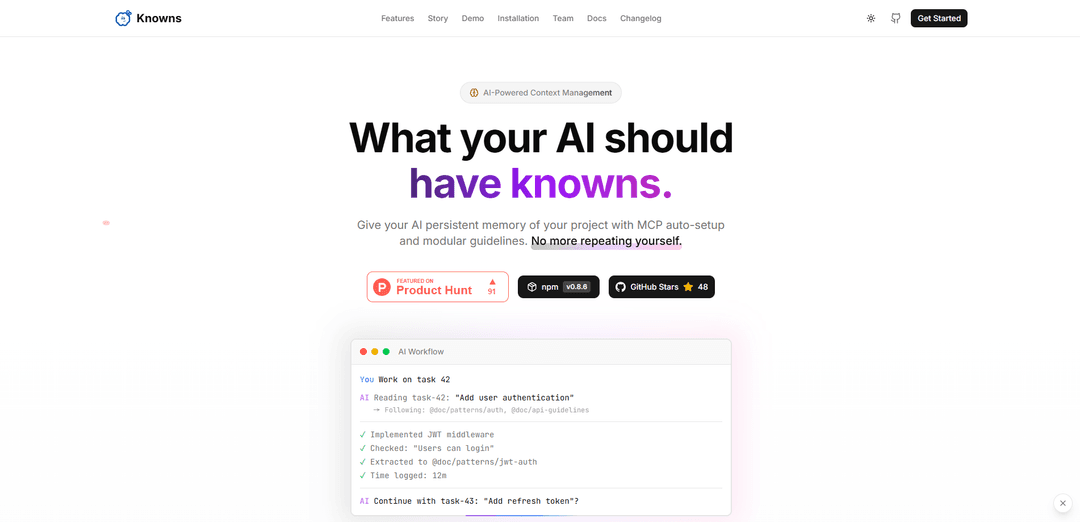
Knowns CLI is an AI-first command-line interface tool that provides persistent memory management for AI assistants by automatically handling project context, documentation, and task management through MCP integration.
https://cli.knowns.dev/?ref=producthunt
Product Information
Updated:Jan 15, 2026
What is Knowns CLI
Knowns CLI is a developer-focused knowledge management tool that bridges the gap between AI assistants and project context. It serves as a comprehensive CLI toolkit that combines task management, documentation handling, and time tracking capabilities. Built with AI optimization in mind, it addresses the common challenge of repeatedly providing context to AI assistants during development by creating a persistent memory system that automatically maintains and provides relevant project information to AI tools.
Key Features of Knowns CLI
Knowns CLI is an AI-first command line tool designed to give AI assistants persistent memory of project context through task management and documentation. It allows developers to create tasks with acceptance criteria, automatically resolves document and task references, integrates with AI tools through MCP auto-setup, and includes built-in time tracking - all while maintaining project knowledge in a git-friendly format.
Automatic AI Context Management: Auto-resolves @doc/@task references so AI assistants can access project context without manual copying and pasting of documentation
Integrated Task Management: Create and track tasks with acceptance criteria, manage backlogs, and monitor progress directly from the terminal
MCP Integration: One-command setup to generate MCP configuration and register with AI tools like Claude Code, ensuring seamless AI assistant integration
Built-in Time Tracking: Start, stop, and pause timers while generating reports by label, date range, or task without requiring additional tools
Use Cases of Knowns CLI
AI-Assisted Development: Developers can maintain consistent project context across AI interactions, reducing errors and repetitive explanations when working with AI coding assistants
Project Documentation Management: Teams can maintain living documentation that automatically updates as AI solves problems, creating a knowledge base that grows with the project
Development Workflow Optimization: Streamline the development process by combining task management, time tracking, and AI assistance in a single CLI tool
Pros
Eliminates repetitive context-sharing with AI assistants
Git-friendly documentation storage in Markdown format
Integrates multiple development tools (task management, time tracking, AI assistance) in one CLI
Cons
Requires Node.js 18+ or Bun 1.0+ as prerequisites
Learning curve for developers new to CLI tools
Limited to text-based interaction compared to GUI alternatives
How to Use Knowns CLI
Install Knowns CLI: Install globally using npm: 'npm install -g knowns' or use alternative package managers like bun/yarn/pnpm. Requires Node.js 18+ or Bun 1.0+
Initialize Knowns in your project: Run 'knowns init' in your project directory to set up the initial configuration and create necessary files
Set up MCP integration: Run 'knowns mcp setup' to generate .mcp.json and automatically register the server in Claude Code for AI integration
Create tasks: Use the CLI to create tasks with acceptance criteria and track progress. Tasks can be referenced using @task notation
Add documentation: Add project documentation that can be referenced using @doc notation, allowing AI to automatically access relevant context
Start time tracking: Use built-in time tracking features to start/stop/pause timers and generate reports by label, date range, or task
Launch web interface: Run 'knowns browser' to start the web UI which provides a Kanban board and documentation browser backed by Markdown files
Work with AI: When working with AI tools, simply reference tasks using their ID (e.g., 'work on task 42') and the AI will automatically load relevant context and documentation
Use AI guidelines: Generate stage-specific rules using 'knowns agents guideline --stage execution' or sync files with 'knowns agents sync --full'
Verify installation: Run 'knowns --version' to verify the installation was successful and check your current version
Knowns CLI FAQs
Knowns CLI is an AI-first command-line interface tool for task management and documentation that gives AI persistent memory of your project context. It allows AI to automatically read project documentation and task states without manual copy-pasting.
Knowns CLI Video
Popular Articles

Vosko AI: Localize and Dub Videos for Global Audiences
Oct 15, 2026

Atoms: A Multi-Agent AI Platform That Transforms Ideas into Launch-Ready Products
Oct 13, 2026

Nano Banana SBTI: What It Is, How It Works, and How to Use It in 2026
Apr 15, 2026

Atoms Review — The AI Product Builder Redefining Digital Creation in 2026
Apr 10, 2026
Latest AI Tools Similar to Knowns CLI
Snapmark
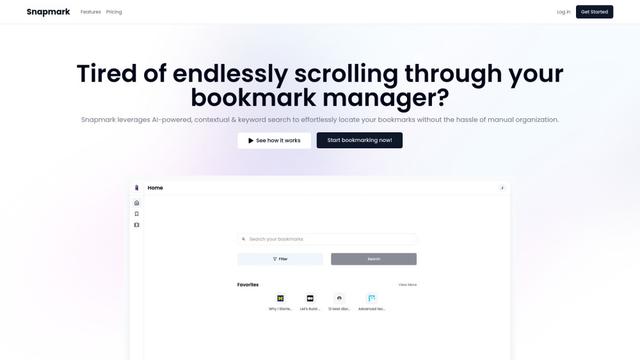
Snapmark is an AI-powered search engine for bookmarks that allows users to save, search, and organize websites, images, and text without manual tagging or categorization.
Uměl.cz
Uměl.cz is a Czech AI-powered search engine that provides intelligent and contextual answers to user queries.
想读 (WantRead)
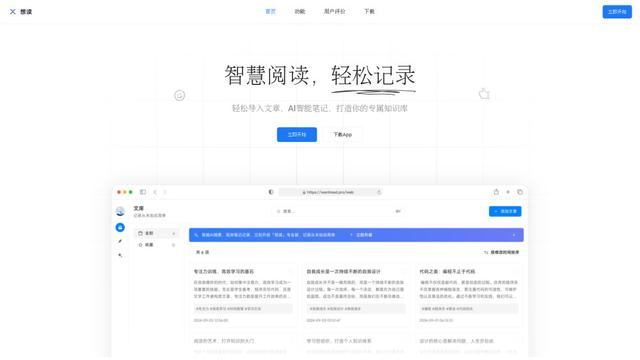
想读(WantRead) is an AI-powered reading and note-taking platform that helps users easily import, read, annotate and build their personal knowledge base.

PodExtra AI
PodExtra AI is an advanced AI-powered podcast tool that transforms podcast content into digestible formats through transcripts, summaries, mind maps, outlines, highlights and takeaways.
Popular AI Tools Like Knowns CLI

Rememberall
Rememberall is a secure, open-source long-term memory solution that enables AI applications and GPT models to maintain persistent memory across conversations through semantic search and vector storage capabilities.
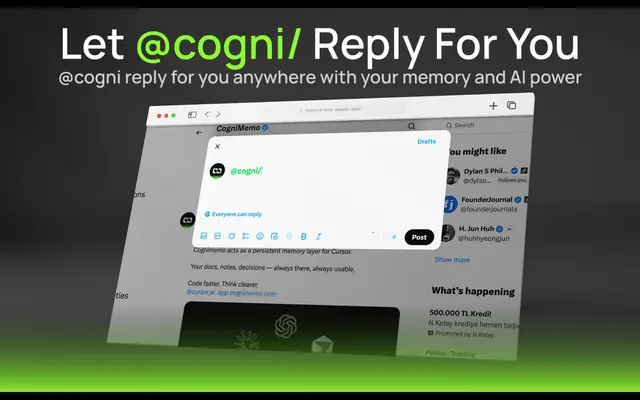
CogniMemo Extension
CogniMemo is a browser extension that adds long-term memory capabilities to AI tools like ChatGPT, Claude, Gemini, and DeepSeek by enabling context-aware conversations and knowledge management through saved notes and past chats.
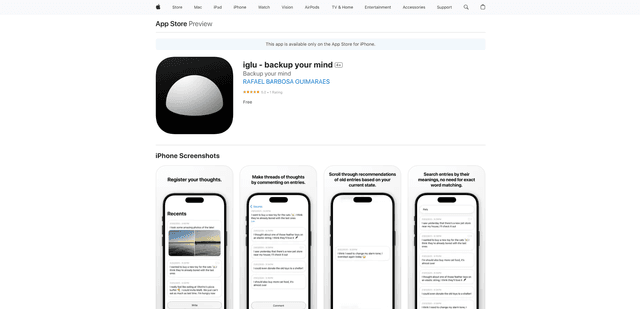
iglu
Iglu is a private, AI-powered micro-journaling app that helps users record, organize, and revisit their thoughts, memories, and ideas through text and media entries with intelligent search and recommendation features.
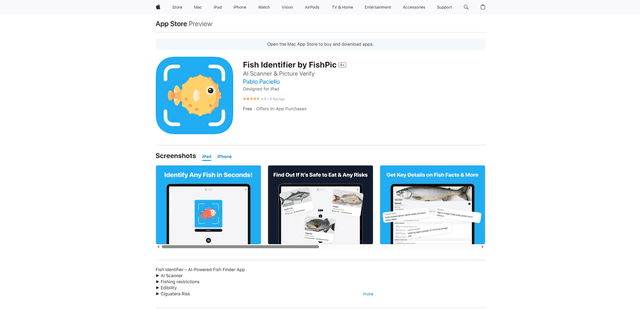
FishPic
FishPic is an AI-powered fish identification app that instantly recognizes fish species from photos while providing comprehensive information about edibility, regulations, and recipes.