Pixel Dojo
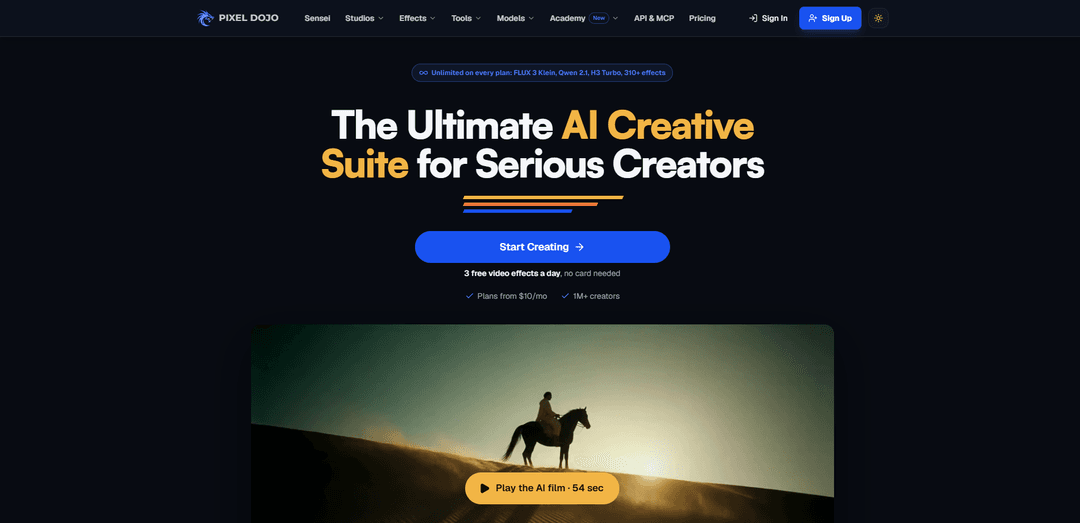
Pixel Dojo is an all-in-one AI creative suite that provides 90+ image models, 70+ video models, editing and upscaling tools, and automated studios for creating images, ads, consistent characters, and finished videos.
https://pixeldojo.ai/?utm_source=aipure
Product Information
Updated:Nov 6, 2026
Pixel Dojo Monthly Traffic Trends
PixelDojo achieved 99.4K visits with a 76.2% growth in June. The integration of HiDream's advanced AI models—Fast, Full, and Dev—enhanced image and video generation capabilities, attracting more users. Additionally, new features like the Flux LoRA Training Wizard further improved the platform's appeal.
What is Pixel Dojo
Pixel Dojo is a web-based generative AI platform for creators, marketers, agencies, e-commerce teams, and developers who need to produce visual content without moving between multiple specialized tools. It combines AI image generation, text-to-video and image-to-video generation, photo and video editing, upscaling, LoRA training, character consistency, and one-click effects in a single workspace. Its offering includes studios for films, marketing ads, characters, video editing, faceless content, and prompt development, as well as Sensei, an AI creative director that can plan and produce multi-shot projects from a plain-language brief. Pixel Dojo also offers commercial-use rights, an API, and an MCP server for use inside compatible AI assistants and coding environments.
Key Features of Pixel Dojo
Pixel Dojo is an all-in-one AI creative suite for generating, editing, enhancing, and producing images, videos, ads, and short films. It combines 90+ image models, 70+ video models, one-click effects, photo and video editing, upscaling, character consistency tools, LoRA training, and workflow-focused studios in one subscription. Its Sensei AI creative director can turn a plain-language brief into a planned, generated, reviewed, and assembled creative project, while API and MCP support let users access its tools from environments such as ChatGPT, Claude, Cursor, Codex, and Grok.
Multi-model image and video generation: Provides access to 90+ image models and 70+ video models for text-to-image, image-to-image, text-to-video, and image-to-video workflows, including models such as FLUX, Ideogram, Veo, Kling, Seedance, WAN, and Nano Banana.
Sensei AI creative director: Users can describe an ad, photoshoot, or short film in plain language, and Sensei plans shots, selects suitable models, evaluates takes, and assembles a final edit while allowing approval before larger credit spend.
End-to-end creative studios: Dedicated Film, Marketing, Character, Video, Faceless, and Prompt Studios streamline common production workflows, such as turning a product URL into an ad or an idea into a finished short film.
Consistent characters and custom training: Character Studio helps maintain the same character across images and video scenes, while LoRA training enables users to train custom models from photos of a person, product, or visual style.
Editing, restoration, and upscaling: Includes inpainting, background replacement, relighting, object removal, portrait retouching, old-photo restoration, virtual try-on, and AI upscaling tools that can enlarge images up to 16x.
Developer and AI-agent access: Offers a REST API, webhooks, SDK resources, and an MCP server, allowing creators and developers to use Pixel Dojo through tools such as ChatGPT, Claude, Cursor, Codex, and Grok.
Use Cases of Pixel Dojo
E-commerce product marketing: Retailers and sellers can generate product staging images, clean product photos, 360-degree spins, virtual try-on content, and vertical video ads from product photos or a product-page URL.
Social media and performance advertising: Marketing teams can create ad variations, UGC-style videos, short-form clips, thumbnails, posters, and social assets for platforms such as TikTok, Reels, Shorts, and paid campaigns.
Film, music video, and storytelling production: Filmmakers and independent creators can turn a concept into shot lists, cinematic clips, recurring characters, dialogue-enabled scenes, and edited short films without conventional cameras or crews.
Branding and design assets: Designers and startups can produce logos, packaging concepts, posters, book covers, pitch-deck visuals, website imagery, and consistent brand-style creative assets.
Photo restoration and professional portraits: Individuals, photographers, and service providers can restore old or damaged photos, colorize black-and-white images, remove unwanted objects, create professional headshots, and retouch portraits.
Developer-integrated AI creative workflows: Software teams can integrate image, video, and audio generation into their products through the API, or enable AI agents to create visual assets directly from conversational workflows.
Pros
Broad all-in-one offering that combines image generation, video generation, editing, upscaling, training, and workflow studios in one platform.
Strong workflow automation through Sensei and purpose-built studios for ads, films, characters, and faceless content.
Large model selection gives users flexibility to choose different tools for different visual styles and production needs.
Commercial-use positioning, API access, and MCP connectivity support both business use and developer workflows.
Cons
Credit-based usage means high-resolution, longer-duration, or premium-model generations can consume monthly credits quickly.
The extensive number of models and tools may create a learning curve for users who want precise control rather than guided workflows.
Output quality, consistency, native audio, and editing capabilities can vary by the specific third-party model selected.
Users still need to verify model-specific restrictions, applicable laws, and rights for uploaded materials and commercial deployment.
How to Use Pixel Dojo
1. Create an account: Go to https://pixeldojo.ai and select “Sign Up.” A free account can try selected photo/video effects, while paid plans provide monthly credits for broader access to models, studios, and tools.
2. Choose the type of project: From the main menu, choose an AI Image, AI Video, Effect, Tool, or Studio workflow. Use image generation for still visuals, video generation for clips, Effects for one-click transformations, and Studios for guided end-to-end projects.
3. Pick a suitable workflow or tool: Choose a workflow based on your goal. For example: use Character Studio for consistent characters, Marketing Studio to make an ad from a product URL, Film Studio for a multi-shot short film, Video Studio to edit or extend video, and photo tools for restoration, retouching, object removal, background changes, or upscaling.
4. Add your input: Enter a plain-language text prompt, upload a reference image, upload a video, paste a product-page URL, or select a saved character. Describe the subject, setting, style, lighting, composition, camera angle, motion, and desired aspect ratio when relevant.
5. Select a model or ask Sensei: Choose an AI model appropriate to the job, such as FLUX 3 Image for photorealistic images, Ideogram for text-heavy designs, Nano Banana for natural-language image edits, or video models such as Veo, Kling, Seedance, and WAN. Alternatively, open Sensei and describe your desired result; it can plan shots, select tools/models, generate assets, assess takes, and assemble a final video.
6. Configure generation settings: Set available options such as image/video dimensions, aspect ratio, duration, resolution, reference strength, number of outputs, camera movement, or audio/dialogue settings. Pixel Dojo shows the credit cost before running credit-based generations.
7. Generate the first result: Select Generate. Pixel Dojo creates the image, video, edit, or effect and saves the result in your library. Free accounts can use selected effects up to the stated daily allowance, usually with a small watermark.
8. Refine the result: Iterate by editing the prompt, changing the model, uploading a better reference, or generating new variations. Use Image-to-Image, inpainting, relighting, background replacement, virtual try-on, or change-camera-angle tools for image adjustments. Use Video Studio to modify, replace elements in, or extend a video clip.
9. Enhance quality if needed: Use Magnific, Clarity Pro, Portrait Upscaler, or related enhancement tools to sharpen or upscale images, restore old photos, improve facial detail, colorize black-and-white photos, or remove blur. Select the enhancement strength carefully, since aggressive upscaling can introduce invented detail.
10. Create consistent characters when needed: Open Character Studio and build a character from a description, selected traits, or photos. Save the character, then tag or select it in later image and video prompts to keep the same face across scenes, outfits, and styles. For stronger consistency, train a LoRA using a curated set of photos or character shots.
11. Use one-click effects for fast content: Open Video Effects or Photo Effects, choose an effect such as AI Hug, Earth Zoom In, Product 360, old-photo animation, action-figure restyle, or dance animation, upload the requested photo(s), and select Generate. These workflows generally require little or no prompt writing.
12. Build ads or films with a Studio: For ads, open Marketing Studio, paste a product URL or upload product imagery, choose an ad format/style, review the script or hook, and generate the vertical ad. For films, open Film Studio, describe the story or concept, review the planned shots, generate them, and let the workflow assemble a final cut.
13. Review and save your work: Review the output for visual errors, spelling, identity consistency, unwanted artifacts, and rights-sensitive material. Keep preferred results in your Pixel Dojo library and optionally share selected work to the community gallery; generations remain private unless you choose to publish them.
14. Download and use the final asset: Download the completed image or video in the available resolution. Pixel Dojo states that paid-plan creations include commercial-use rights, but you should still ensure that your prompts, uploads, brands, people, and final use comply with applicable laws and any model-specific restrictions.
15. Optionally use Pixel Dojo through an AI assistant or API: For chat-based workflows, connect the Pixel Dojo MCP server at https://pixeldojo.ai/mcp in supported clients such as Claude, ChatGPT, Cursor, Codex, or Grok. Developers can also use the REST API, API keys, asynchronous jobs, webhooks, and SDK/documentation through Pixel Dojo’s API platform.
Pixel Dojo FAQs
Pixel Dojo is an AI creative platform for generating and editing images and videos. It combines 90+ image models, 70+ video models, AI effects, enhancement tools, and studios for workflows such as film creation, ads, consistent characters, and faceless videos.
Related Articles

Popular Articles

Proferex: A Cloud-Based Ad Tracking and Campaign Optimization Platform
Nov 4, 2026

How to Create Viral Talking Baby Podcast Videos with AI: Step-by-Step Guide
Nov 2, 2026
Vosko AI: Localize and Dub Videos for Global Audiences
Oct 15, 2026
Atoms: A Multi-Agent AI Platform That Transforms Ideas into Launch-Ready Products
Oct 13, 2026
Analytics of Pixel Dojo Website
Pixel Dojo Traffic & Rankings
99.4K
Monthly Visits
#222754
Global Rank
#196
Category Rank
Traffic Trends: Jul 2024-Jun 2025
Pixel Dojo User Insights
00:01:29
Avg. Visit Duration
6.79
Pages Per Visit
35.36%
User Bounce Rate
Top Regions of Pixel Dojo
US: 30.56%
DE: 8.62%
FR: 6.16%
IN: 3.7%
NL: 3.52%
Others: 47.44%
Latest AI Tools Similar to Pixel Dojo

AiSource
AiSource is a unified platform that allows users to generate and compare images using multiple leading AI text-to-image generators in one place without requiring separate subscriptions.
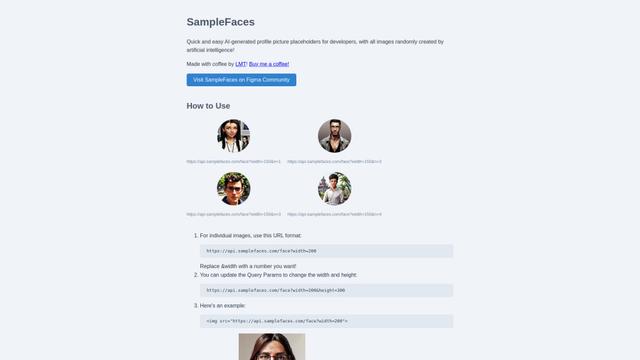
SampleFaces
SampleFaces is a free web service that provides AI-generated profile pictures for developers and designers to use as placeholders in their projects.
ImageKit.io
ImageKit.io is a comprehensive media management and delivery platform that provides real-time image and video optimization, processing APIs, and Digital Asset Management (DAM) solutions for delivering high-quality visual experiences on websites and apps.
FASHN
FASHN is a self-funded, AI-first company that develops cutting-edge virtual try-on technology and image-based generative models tailored specifically for the fashion industry.
Popular AI Tools Like Pixel Dojo
ChatGPT Images(GPT Image 1.5)
FreemiumAI Photo & Image Generator
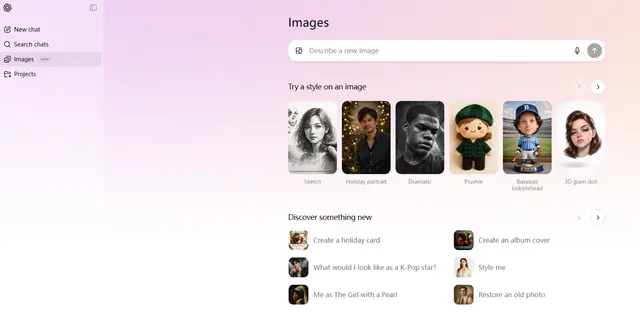
ChatGPT Images, powered by GPT Image 1.5, is OpenAI's flagship image generation model that offers 4x faster processing, stronger instruction following, precise editing capabilities, and enhanced detail preservation for creating and editing high-quality AI-generated images.
Nano Banana 2 (Gemini 3.1 Flash Image) - Official
FreemiumAI Photo & Image Generator
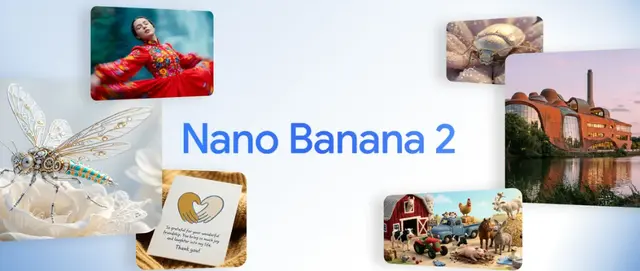
Nano Banana 2 (Gemini 3.1 Flash Image) is Google's latest state-of-the-art image generation model that combines Pro-level quality with Flash-speed performance, offering enhanced visual fidelity, real-world knowledge integration, and advanced editing capabilities.
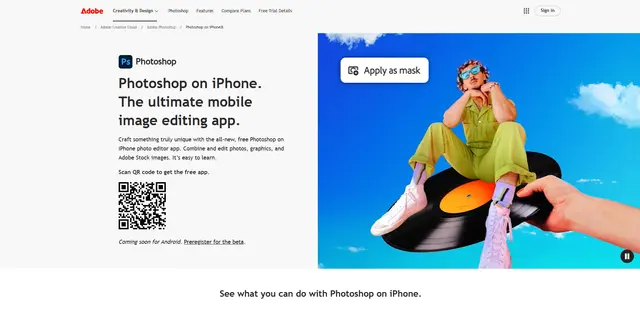
Adobe Photoshop App
Adobe Photoshop App is a free, powerful mobile photo editor that allows users to combine and edit photos, graphics, and Adobe Stock images with professional-grade tools and AI features optimized for touch devices.
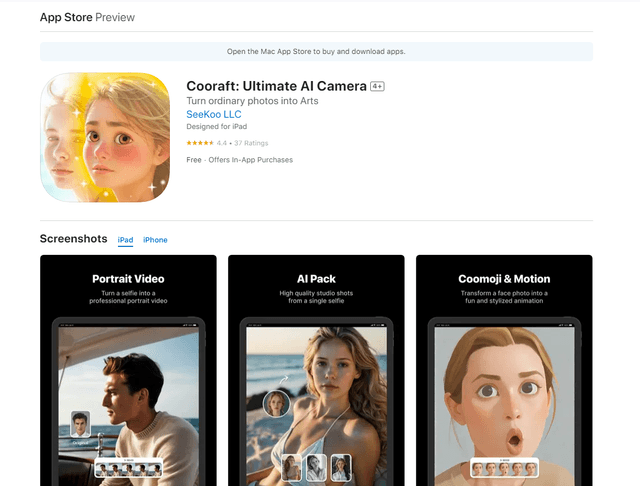
Cooraft: Ultimate AI Camera
Cooraft is an AI-powered camera app that transforms selfies and photos into stunning studio-quality videos, animations, and artistic renderings with just one tap.