
Little Answers
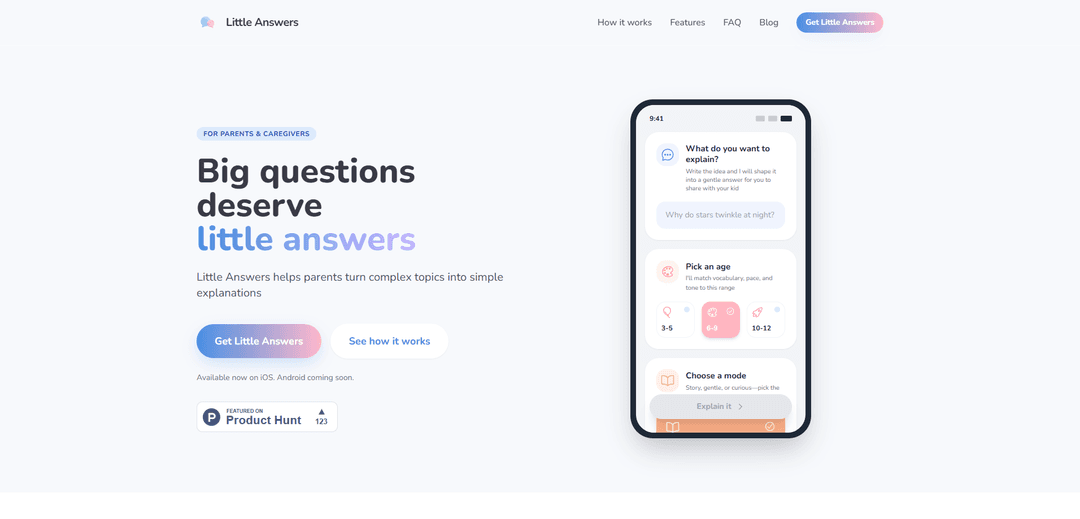
Little Answers is a mobile app that helps parents and caregivers transform complex topics into age-appropriate, warm explanations for children aged 3-12 in multiple languages.
https://www.littleanswers.space/?ref=producthunt
Product Information
Updated:Dec 16, 2025
What is Little Answers
Little Answers is an innovative educational tool designed to assist parents, teachers, and caregivers in explaining difficult concepts to children. The app specializes in converting complicated topics into simple, understandable explanations that are tailored to specific age groups ranging from toddlers (3-5) to pre-teens (10-12). Available on iOS with Android version in development, Little Answers serves as a bridge between complex knowledge and children's understanding, ensuring that young minds receive accurate information in a format they can grasp.
Key Features of Little Answers
Little Answers is a mobile app designed to help parents and caregivers provide age-appropriate explanations of complex topics to children aged 3-12. The app offers multiple explanation modes, supports multiple languages, and maintains user privacy by storing data locally. It transforms difficult concepts into simple, understandable content while maintaining scientific accuracy and adjusting the complexity based on the child's age group.
Age-Specific Content: Optimized for three age ranges (Toddlers 3-5, Early Elementary 6-9, and Pre-Teens 10-12) with adjusted vocabulary, sentence length, and conceptual depth
Multiple Explanation Modes: Offers Story Mode for warm, narrative explanations and Curious Mode for more detailed, scientific context
Multilingual Support: Automatically detects input language and provides answers in the same language, making it perfect for bilingual families
Privacy-Focused Design: Stores all question history locally on device with no account required and no sharing of personal conversations
Use Cases of Little Answers
Parental Guidance: Parents can quickly respond to children's complex questions with age-appropriate explanations
Classroom Teaching: Teachers can break down complex concepts into simpler explanations for different grade levels
Multilingual Family Communication: Bilingual families can get explanations in their preferred language to better communicate with children
Bedtime Learning: Parents can use Story Mode to combine education with bedtime storytelling
Pros
Scientifically accurate while maintaining simplicity
Privacy-focused with local data storage
Flexible explanation modes for different situations
Supports multiple languages automatically
Cons
Currently only available on iOS
Requires device dependency for accessing explanations
How to Use Little Answers
Download the app: Download Little Answers from the iOS App Store. Android version is not yet available but you can join the waitlist.
Ask your question: Type or speak any question you want answered in your preferred language. The app will automatically detect the language.
Select age range: Choose the appropriate age range for your child: Toddlers (3-5), Early Elementary (6-9), or Pre-Teens (10-12). This helps adjust vocabulary and complexity level.
Choose explanation mode: Select between Story Mode (warm, narrative style perfect for bedtime) or Curious Mode (more detailed scientific explanations) depending on your needs.
Get your answer: Receive an age-appropriate, structured explanation that you can share with your child. The app provides parent notes to help you understand the scientific background.
Have the conversation: Use the provided explanation as a foundation to have a meaningful discussion with your child. The app is meant to facilitate conversation, not replace it.
Little Answers FAQs
Little Answers is optimized for three specific age ranges: Toddlers (3-5), Early Elementary (6-9), and Pre-Teens (10-12). Each setting adjusts the vocabulary, sentence length, and conceptual depth.
Little Answers Video
Popular Articles

Vosko AI: Localize and Dub Videos for Global Audiences
Oct 15, 2026

Atoms: A Multi-Agent AI Platform That Transforms Ideas into Launch-Ready Products
Oct 13, 2026

Nano Banana SBTI: What It Is, How It Works, and How to Use It in 2026
Apr 15, 2026

Atoms Review — The AI Product Builder Redefining Digital Creation in 2026
Apr 10, 2026
Latest AI Tools Similar to Little Answers
Lingogo
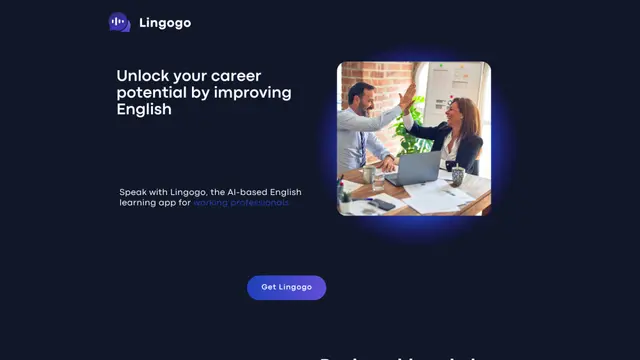
Lingogo is an AI-powered English learning app designed specifically for working professionals that offers real-world workplace scenario practice through conversational AI tutoring.
Quizzr.AI
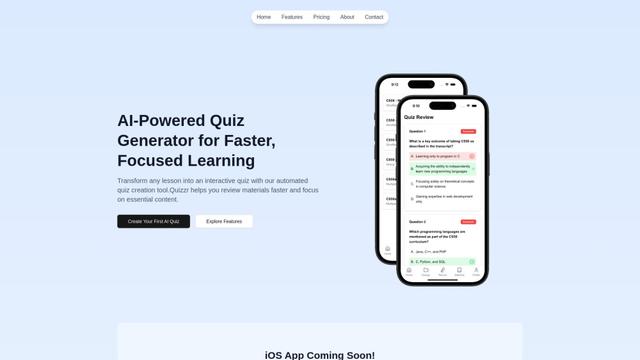
Quizzr.AI is a next-generation AI-powered quiz generation platform that transforms any learning content into interactive quizzes with verified questions, answers, and engaging features for enhanced learning efficiency.
Sai
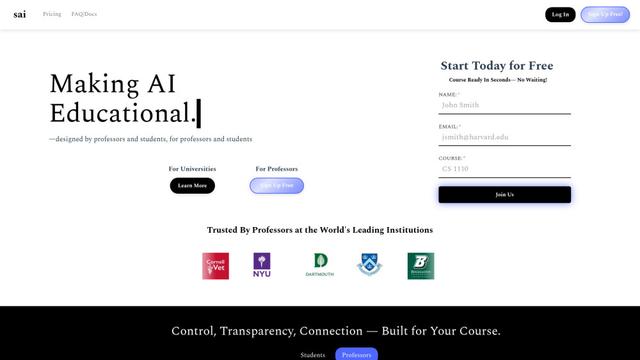
Sai is a specialized AI platform designed by and for professors and students that provides controlled, transparent, and educational AI capabilities for academic courses.
SeekhoAI
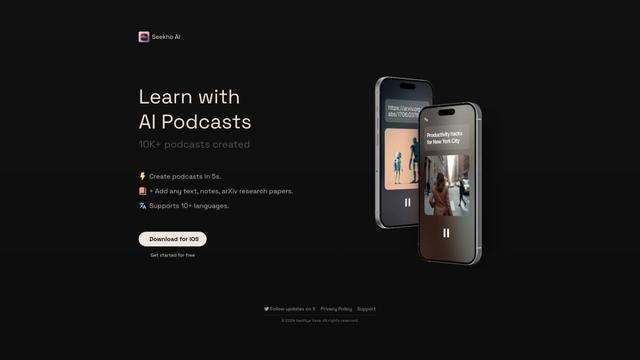
SeekhoAI is an AI-driven upskilling and learning platform that transforms text content into podcasts in multiple languages while personalizing the learning experience.
Popular AI Tools Like Little Answers

NextGenAI by OpenAI
NextGenAI is a first-of-its-kind consortium launched by OpenAI that unites 15 leading research institutions with $50M in funding and tools to advance AI research and education.
ChatGPT Interactive Learning
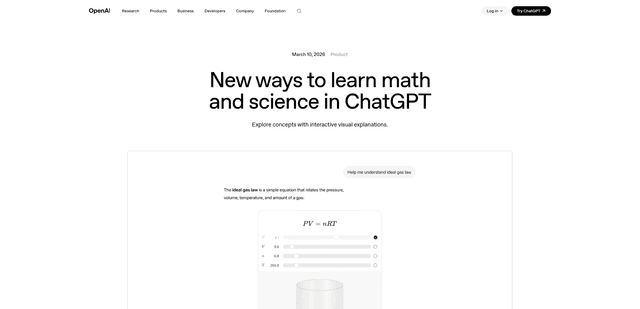
ChatGPT Interactive Learning is a new feature that provides dynamic visual explanations and interactive modules for over 70 math and science concepts, allowing users to manipulate variables and see real-time changes to better understand complex topics.
AI for Math
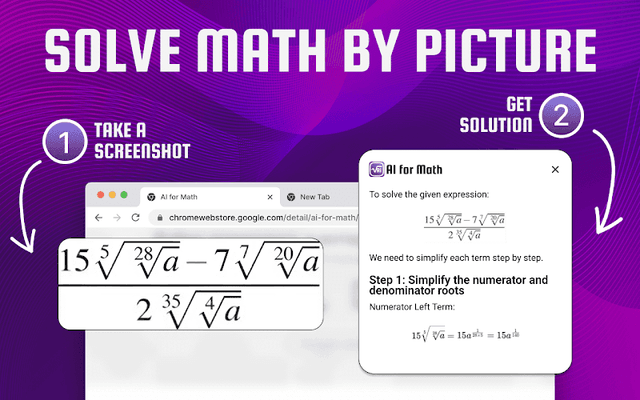
AI for Math is a Chrome extension that provides instant, step-by-step math solutions through AI-powered technology, allowing users to solve problems by typing equations or uploading pictures.
Dr. Read - Ai Reading Tutor
FreemiumAI Education Assistant
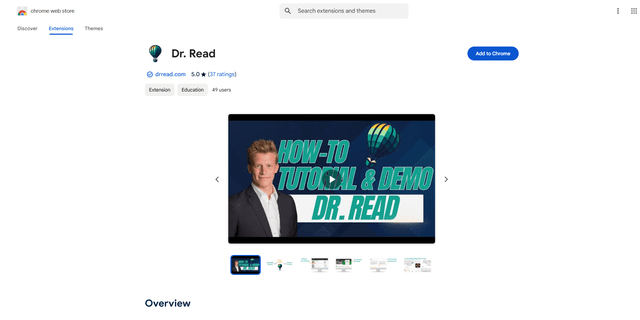
Dr. Read is an AI-powered Chrome extension that serves as a personalized reading assistant, offering features like pronunciation evaluation, context explanations, and text-to-speech to help improve reading skills.