Magic Hour
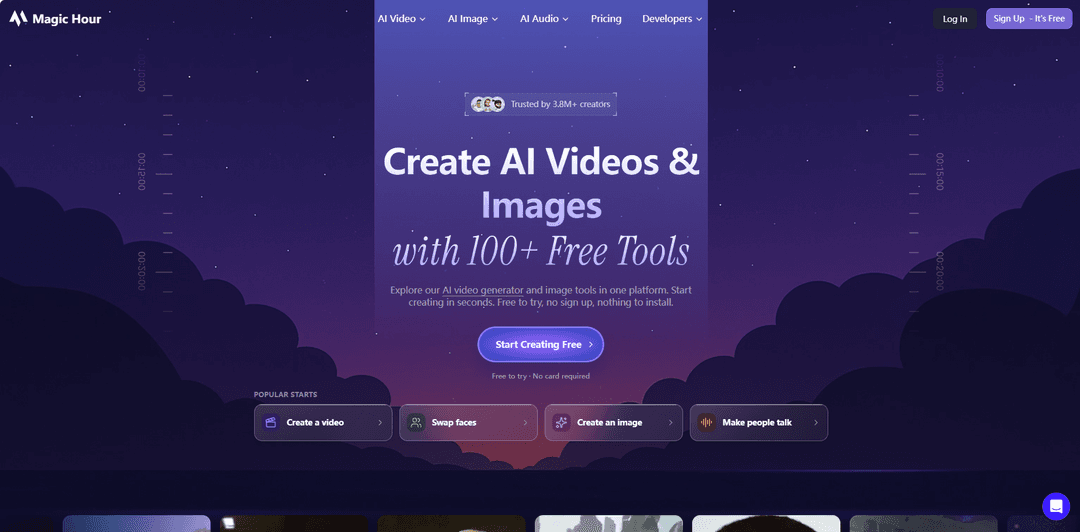
Magic Hour is a browser-based AI creative studio and developer API that unifies 100+ tools for generating and editing video, images, and audio—covering workflows like text-to-video, image-to-video, face swap, lip sync, and style transfer—with web, SDK, and REST support.
https://magichour.ai/
Product Information
Updated:Oct 10, 2026
Magic Hour Monthly Traffic Trends
Magic Hour experienced a 4.9% decline in traffic, with 1.4M visits in the latest month. Despite launching significant updates, including Adaptive Suggestions and Pro Mode in AI image generation, the decline suggests that these updates may not have been enough to drive user engagement. The market might be facing increased competition or user fatigue.
What is Magic Hour
Magic Hour is an all-in-one AI media creation platform that helps creators, teams, and developers generate and edit videos, images, and audio from prompts or existing media. Available via a web studio (including mobile browsers) and supported by a single account and credit balance, it offers a broad catalog of tools—such as text-to-video, image generation and editing, video-to-video style transformation, face swap, talking photos/lip sync, templates, and more—so users can move from an initial idea to exportable assets without juggling multiple specialized apps. It also provides production-ready options for marketers and teams, plus an API offering for integration into products and internal workflows.
Key Features of Magic Hour
Magic Hour is a browser-based creative studio plus developer API for generating and editing videos, images, GIFs, and audio with 100+ AI tools in one workflow. It supports creation from text prompts or uploaded media (images, video, audio), offers template-driven production, and includes popular capabilities like face swap, lip sync/talking photos, image-to-video, video-to-video styling, and AI image generation/editing. For teams and developers, it provides a single REST API with SDKs (Python, Node, Go, Rust) and async job workflows (polling/webhooks), enabling scalable, repeatable personalization and content pipelines, with a credit-based system and free-to-try core tools.
100+ AI tools in one studio: A broad catalog for video, image, GIF, and audio creation/editing (e.g., face swap, lip sync, text-to-video, image-to-video, video-to-video, upscaling, background removal, subtitles), reducing the need to jump between separate apps.
Multiple input modes: text, image, video, and audio: Start from a text prompt (text-to-video / text-to-image), upload images for animation (image-to-video), transform existing clips (video-to-video), or add speech to portraits (talking photo/lip sync).
Templates for fast, channel-ready outputs: 10,000+ templates help creators and marketers produce correctly sized assets quickly for different platforms without starting from a blank canvas.
Magic Hour API + SDKs for automation: A single REST API with official SDKs (Python, Node.js, Go, Rust) supports programmatic generation and editing, plus async workflows with polling or webhooks for scalable integrations.
Personalization workflows (face swap & virtual try-on): Designed for repeatable personalization use cases—such as swapping faces or trying on clothing—useful for campaigns and individualized creative at scale.
Credit-based plans with free-to-try core tools: Core tools can be tried free (often without signup), with subscription tiers/credit packs for higher volume, higher resolution, priority processing, and watermark-free/commercial usage options.
Use Cases of Magic Hour
Marketing and UGC ad production: Generate short promo videos from text or existing footage, create many style variations quickly, and personalize creatives for different audiences using templates and face swap workflows.
E-commerce product visualization and virtual try-on: Create product visuals and run virtual try-on/clothes-changing style workflows to preview looks and produce quick product creatives for listings and ads.
Social media content and meme/GIF creation: Turn images into animated clips, generate GIFs, apply filters/styles, and produce platform-ready posts rapidly using templates and lightweight editing tools.
Creator and entertainment edits: Apply video-to-video style transformations, face/head/body swap effects, and quick cinematic looks for fan edits, music visualizers, and short-form entertainment.
Localization and accessibility: Add captions/subtitles and use audio/video tools (e.g., translation/dubbing-related features where available in the toolset) to adapt content for different audiences and improve accessibility.
Developer integrations for scalable media workflows: Embed AI generation/editing into apps via the API, automate batch jobs, and manage outputs in a shared dashboard—useful for SaaS products, agencies, and internal creative pipelines.
Pros
All-in-one breadth: many video/image/audio tools and templates in a single web studio plus API/SDKs.
Fast to start: core tools are free to try (often before signup) and workflows are designed to be simple and quick.
Automation-ready: REST API with async job handling (polling/webhooks) supports scalable, repeatable production.
Cons
Free-tier limitations: watermarks, slower rendering, and feature/quality restrictions are commonly noted constraints.
Not a full timeline editor: may require other tools for advanced, polished, end-to-end post-production.
Potential misuse concerns: face swap capabilities can raise ethical/safety concerns and require careful governance.
How to Use Magic Hour
1) Open Magic Hour in your browser: Go to https://magichour.ai/ on desktop or mobile. No app installation is required, and core tools can be tried for free before signing up.
2) Choose what you want to make (pick a focused workflow): From the homepage or the tools catalog, select the workflow that matches your goal (e.g., Text-to-Video, Image-to-Video, Face Swap, Lip Sync/Talking Photo, AI Image Generator, etc.). You can also browse the full catalog at https://magichour.ai/tools.
3) Start with the right input type: Provide the input required by the tool you chose: text prompts for text-based generation, an image for image-based workflows, a video for video-based workflows, and/or audio or text-to-speech for speaking/lip-sync workflows.
4) Upload your assets (when needed): Upload the required files (photo, video, audio) or use supported sample assets if available in the workflow. For best results, use clear, high-quality source media (e.g., well-lit portraits for face/talking tools).
5) Configure the generation settings: Set the options offered by the workflow (examples mentioned in sources include selecting a model by task, choosing resolution, and setting clip timing such as start/end seconds for video-based tools).
6) Generate and review results: Run the generation, then review the output. If needed, iterate by adjusting inputs/settings and generating additional versions until you get an acceptable result.
7) Finish and export: Download/export the final output file (e.g., MP4 for video). Magic Hour is positioned as a studio for generating and finishing assets, and templates can be used to publish perfectly sized outputs for channels.
8) Use templates when you want fast, channel-ready outputs: If your goal is quick publishing rather than custom setup, choose from Magic Hour’s templates (10,000+ templates are highlighted) and generate/publish from the template workflow.
9) (Optional) Scale production with the Magic Hour API: If you need repeatable workflows (e.g., personalization, face swap, virtual try-on), use the REST API and SDKs (Python, Node, Go, Rust). Create an API key, then submit a generation job, wait for rendering, and download the result.
10) (Optional) Run API jobs synchronously or asynchronously: For simple scripts, you can wait for completion and download outputs directly. For higher scale, set up webhooks to handle results asynchronously and avoid polling.
Magic Hour FAQs
Yes. Magic Hour lets you try supported core tools for free (often without signing up). Free usage varies by tool, and upgrading adds more credits/capacity and paid features.
Official Posts
Loading...Popular Articles

Vosko AI: Localize and Dub Videos for Global Audiences
Oct 15, 2026

Atoms: A Multi-Agent AI Platform That Transforms Ideas into Launch-Ready Products
Oct 13, 2026

Nano Banana SBTI: What It Is, How It Works, and How to Use It in 2026
Apr 15, 2026

Atoms Review — The AI Product Builder Redefining Digital Creation in 2026
Apr 10, 2026
Analytics of Magic Hour Website
Magic Hour Traffic & Rankings
1.4M
Monthly Visits
#31944
Global Rank
#141
Category Rank
Traffic Trends: Nov 2024-Oct 2025
Magic Hour User Insights
00:02:55
Avg. Visit Duration
4.92
Pages Per Visit
44.49%
User Bounce Rate
Top Regions of Magic Hour
US: 17.53%
IN: 12.04%
GB: 5.97%
RU: 5.33%
PK: 5.33%
Others: 53.79%
Latest AI Tools Similar to Magic Hour

Loud Fame
Loud Fame is an AI-powered video transformation tool that allows users to convert regular videos into anime-style animations and create AI-generated celebrity talking videos.
BizBoom.ai
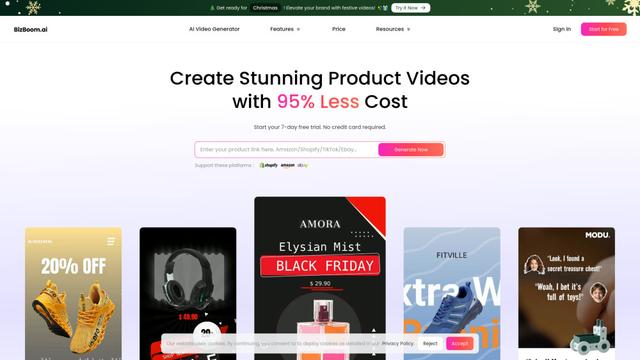
BizBoom.ai is an AI-powered platform that automatically generates professional product videos from product links and images with 95% less cost.

EzVideos
EzVideos is an all-in-one video creation tool that helps users generate viral videos for social media platforms like Instagram, TikTok, and YouTube with automated editing features and built-in resources.
Illuminix
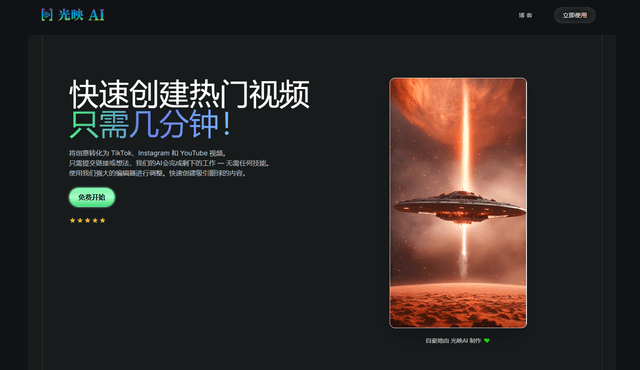
Illuminix is an AI-powered platform that empowers businesses with autonomous hyper-experts and specialized tools for automated business processes, data management, and video content creation.
Popular AI Tools Like Magic Hour
HunyuanVideo-I2V
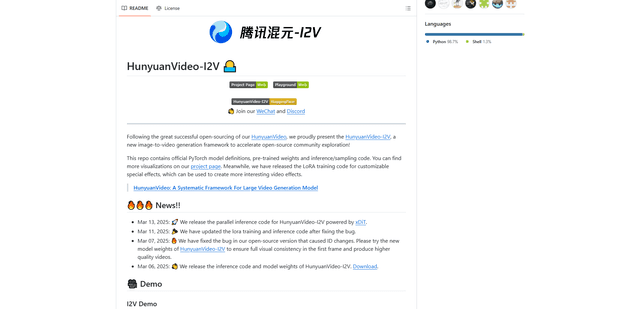
HunyuanVideo-I2V is an open-source AI framework developed by Tencent that transforms static images into high-quality, dynamic videos with customizable motion effects and exceptional visual consistency.
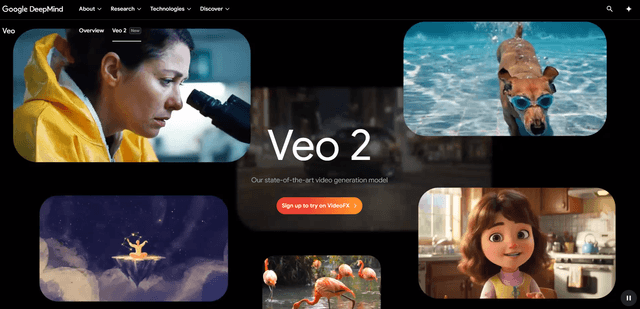
Google Veo 2
Veo 2 is Google DeepMind's state-of-the-art AI video generation model that can create high-quality videos up to 4K resolution with realistic motion, extensive camera controls, and improved physics simulation from text prompts.

Vibing
Vibing is an AI-powered dating app that helps users share authentic moments through video stories and make genuine connections based on personality matching and interactive features.
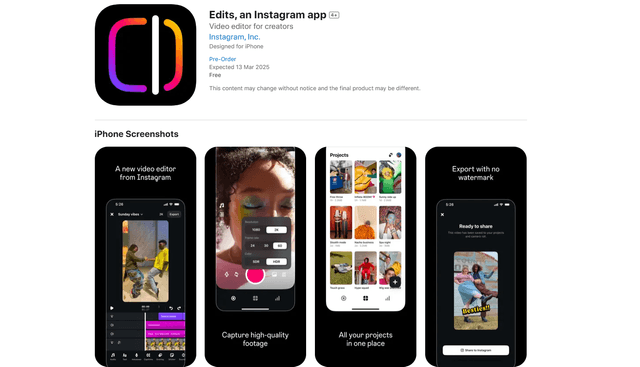
Edits, an Instagram app
Edits is Instagram's free video creation app that provides creators with professional editing tools, AI features, and analytics capabilities to create high-quality videos directly from their phones.