Face AI
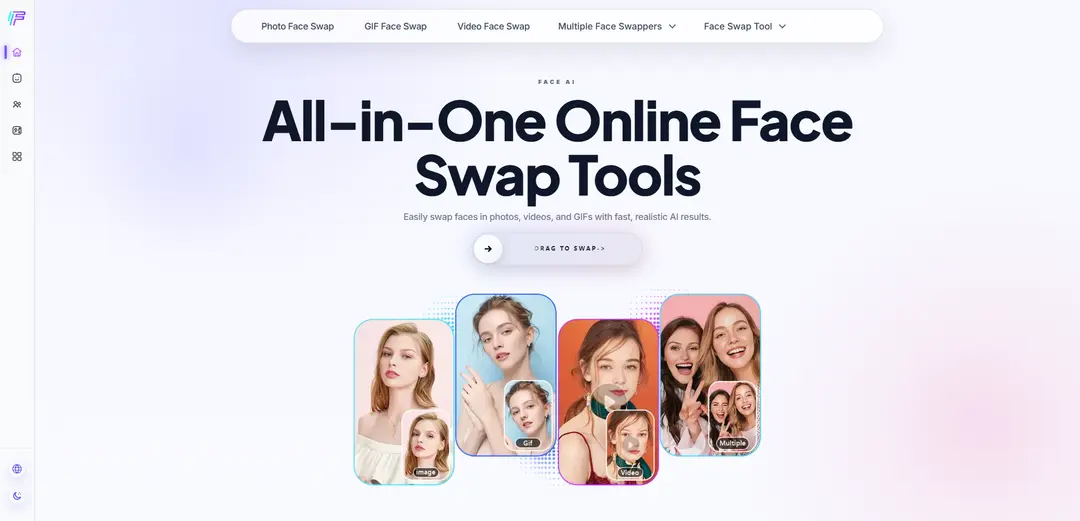
Face AI is an all-in-one online face swap toolkit that lets you swap faces in photos, videos, and GIFs with fast, realistic AI results. It also supports multiple face swaps and offers a simple step-by-step workflow with templates—no editing skills needed.
https://faceai.art/?utm_source=aipure
Product Information
Updated:Jun 1, 2026
What is Face AI
Face AI is an online AI-powered face swapping platform designed to help anyone replace faces in photos, videos, and GIFs quickly and realistically. Built for both beginners and creators, it focuses on ease of use—upload your content (or start from templates), choose the tool you need, and generate high-quality results in seconds without requiring editing skills. It also supports group images with multi-face swapping, aiming to keep swaps natural and consistent across the entire image or clip.
Key Features of Face AI
Face AI is a free, all-in-one online face swap toolkit for photos, videos, and GIFs that produces fast, realistic results with a beginner-friendly workflow. Users can upload their own content or use templates, perform single or multiple face swaps (including group photos), and get outputs in seconds without needing editing skills. The platform emphasizes privacy by automatically deleting uploads and results within 24 hours and stating it does not store, back up, or use content for third-party AI training.
Photo Face Swap: One-click face swapping for selfies, portraits, and group shots, designed to keep results natural and high-quality with minimal effort.
Video Face Swap (Frame-by-frame): Swaps faces in videos with smooth, consistent results across frames, suitable for short clips and social content without requiring video editing skills.
GIF Face Swap: Replaces faces in animated GIFs to create reaction content and memes quickly for sharing online.
Multiple Face Swap for Group Photos: Swap several faces in a single image at the same time, aiming for consistent lighting and a cohesive look across all swaps.
Template-based Creation: Provides ready-made photo/video templates so users can start quickly by uploading content and generating swaps in minutes.
Free, No-Registration Workflow + Privacy Deletion: Main features are available for free without registration, and uploaded/generated content is automatically deleted within 24 hours per the site’s privacy statement.
Use Cases of Face AI
Social media content & short-form video: Creators can produce realistic face swap reels, skits, and viral edits for platforms like TikTok/Instagram with fast turnaround.
Meme and community engagement: Generate funny GIF swaps and reaction content for group chats, fan communities, and brand community pages.
Group photo fixes and playful edits: Use multi-face swap to remix party/family/team photos, swap multiple people at once, and keep a consistent look across the image.
Creative storytelling & prototyping: Quickly visualize character variations in photos/videos/GIFs for concepting, comedic sketches, or lightweight creative experiments.
Template-driven marketing creatives: Leverage templates to rapidly generate eye-catching variations of visual content for campaigns, posts, and promotional experiments.
Pros
All-in-one support for photo, video, GIF, and multi-face swapping in a single toolset
Fast, beginner-friendly process (upload/template → generate results in seconds)
Free to use with no registration required for main features
Privacy-forward claim: automatic deletion within 24 hours and no third-party training use
Cons
Template library is indicated as “Coming Soon,” which may limit template variety today
Quality can vary depending on input (e.g., unclear faces, poor lighting, extreme angles) typical of face-swap workflows
Privacy and performance claims rely on the provider’s stated policies and may require user trust
How to Use Face AI
1) Open Face AI: Go to https://faceai.art/ in your browser (no app download required).
2) Choose the face swap feature you need: Select the tool you want to use: Photo Face Swap, Video Face Swap, GIF Face Swap, or Multiple Face Swap.
3) Start with a template or upload your own content: Pick a ready-made template from Face AI’s template options, or upload your own photo/video/GIF where you want the face replaced.
4) Upload the face you want to insert: Upload a selfie or portrait photo of the new face you want to swap into the target content.
5) (If available) Select the face(s) to replace: For group photos or multi-face workflows, choose which face(s) in the target image/video/GIF should be replaced.
6) Generate the face swap: Run the swap and wait while Face AI processes your file. The site generates a realistic result automatically (typically in seconds).
7) Preview the result: Review the output to ensure the swap looks natural and consistent (especially for video/GIF where results are processed frame-by-frame).
8) Download or share: Download the finished face swap and use it or share it as needed.
Face AI FAQs
Face AI is an all-in-one online face swap toolkit that lets you swap faces in photos, videos, and GIFs using AI for fast, realistic results.
Popular Articles

Atoms: A Multi-Agent AI Platform That Transforms Ideas into Launch-Ready Products
May 22, 2026

Nano Banana SBTI: What It Is, How It Works, and How to Use It in 2026
Apr 15, 2026

Atoms Review — The AI Product Builder Redefining Digital Creation in 2026
Apr 10, 2026

Kilo Claw: How to Deploy and Use a True "Do‑It‑For‑You" AI Agent(2026 Update)
Apr 3, 2026
Analytics of Face AI Website
Face AI Traffic & Rankings
0
Monthly Visits
-
Global Rank
-
Category Rank
Traffic Trends: Aug 2024-Jun 2025
Face AI User Insights
-
Avg. Visit Duration
0
Pages Per Visit
0%
User Bounce Rate
Top Regions of Face AI
Others: 100%
Latest AI Tools Similar to Face AI

AiSource
AiSource is a unified platform that allows users to generate and compare images using multiple leading AI text-to-image generators in one place without requiring separate subscriptions.
SampleFaces
SampleFaces is a free web service that provides AI-generated profile pictures for developers and designers to use as placeholders in their projects.
ImageKit.io
ImageKit.io is a comprehensive media management and delivery platform that provides real-time image and video optimization, processing APIs, and Digital Asset Management (DAM) solutions for delivering high-quality visual experiences on websites and apps.
FASHN
FASHN is a self-funded, AI-first company that develops cutting-edge virtual try-on technology and image-based generative models tailored specifically for the fashion industry.
Popular AI Tools Like Face AI
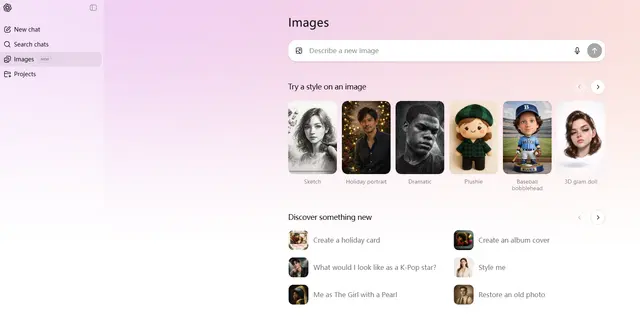
ChatGPT Images(GPT Image 1.5)
FreemiumAI Photo & Image Generator
ChatGPT Images, powered by GPT Image 1.5, is OpenAI's flagship image generation model that offers 4x faster processing, stronger instruction following, precise editing capabilities, and enhanced detail preservation for creating and editing high-quality AI-generated images.
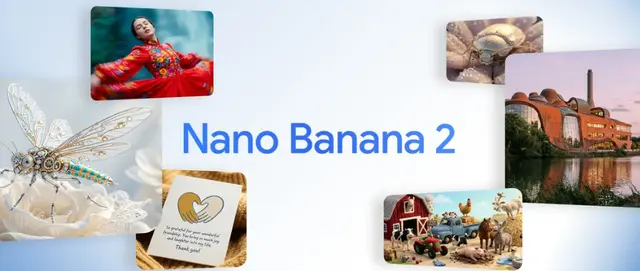
Nano Banana 2 (Gemini 3.1 Flash Image) - Official
FreemiumAI Photo & Image Generator
Nano Banana 2 (Gemini 3.1 Flash Image) is Google's latest state-of-the-art image generation model that combines Pro-level quality with Flash-speed performance, offering enhanced visual fidelity, real-world knowledge integration, and advanced editing capabilities.
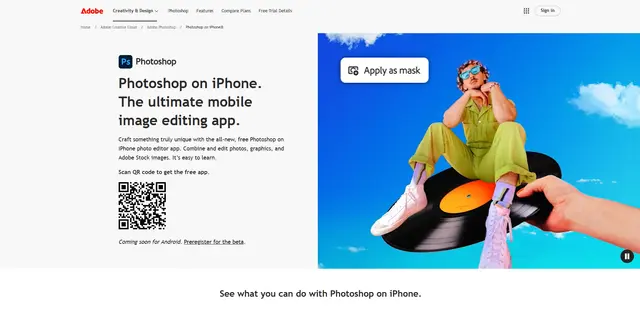
Adobe Photoshop App
Adobe Photoshop App is a free, powerful mobile photo editor that allows users to combine and edit photos, graphics, and Adobe Stock images with professional-grade tools and AI features optimized for touch devices.
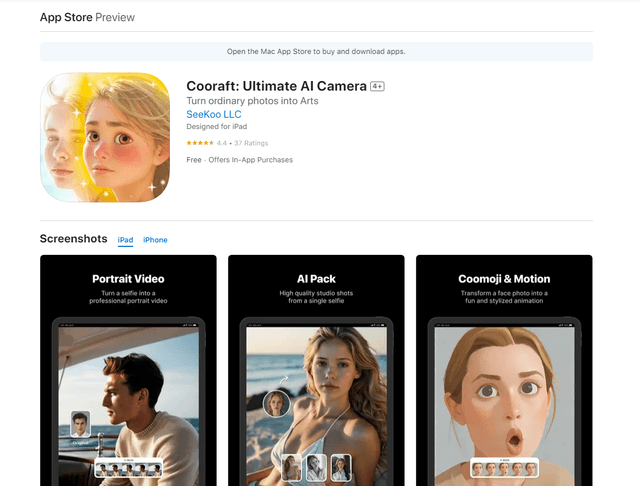
Cooraft: Ultimate AI Camera
Cooraft is an AI-powered camera app that transforms selfies and photos into stunning studio-quality videos, animations, and artistic renderings with just one tap.